Free design tools
Face reshape & retouch online — free
Open a portrait in the Photo Studio, find the face, then pick a look — Natural, Beauty or Sculpt — and set its strength. Every slider stays editable.The face is found on your device; your photo is never uploaded. Shape changes are capped so faces stay natural.
What you get — free
Face shape
Slim face, slim jaw and chin length.
Eyes & brows
Eye size, eye distance, brow lift, brighter whites and dark circles.
Nose
Slimmer or wider, shorter or longer.
Mouth
Fuller lips, mouth width, smile lift, lip colour and teeth whitening.
One-tap looks
12 presets with a single strength slider — then fine-tune.
Private
Runs in your browser; the photo stays on your device.
Free portrait templates
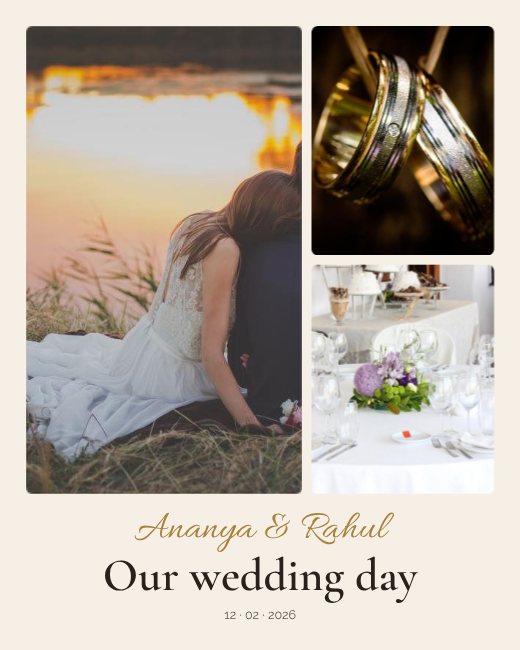
Wedding Collage Collage
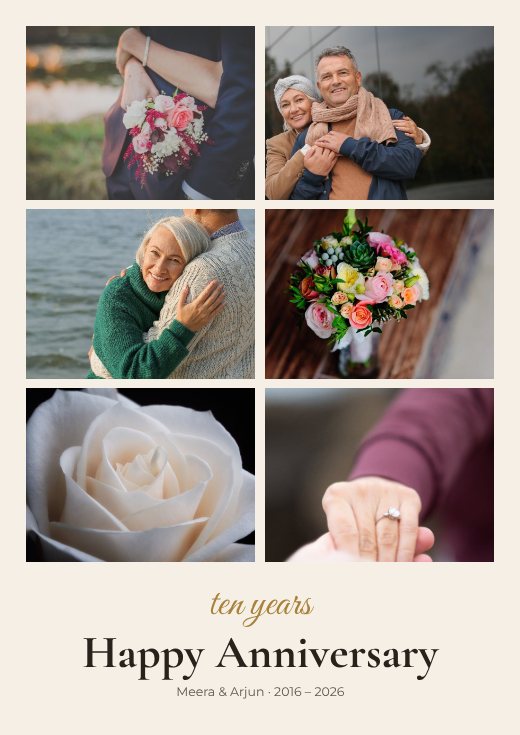
A4 Photo Collage Print
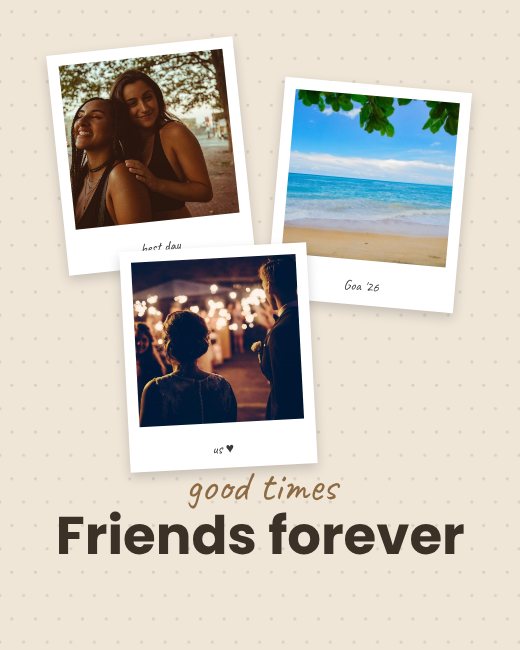
Polaroid Memories Frame
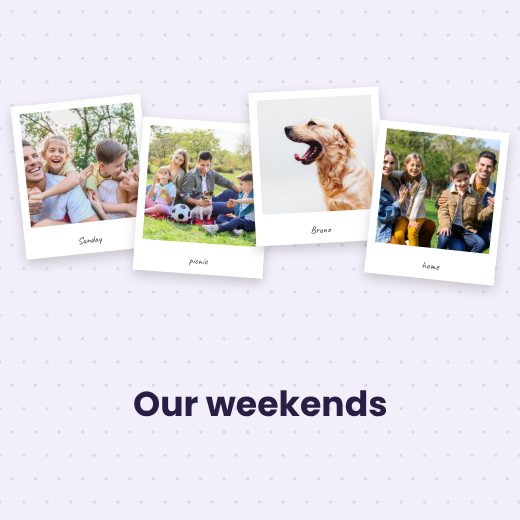
Polaroid Family Album Page
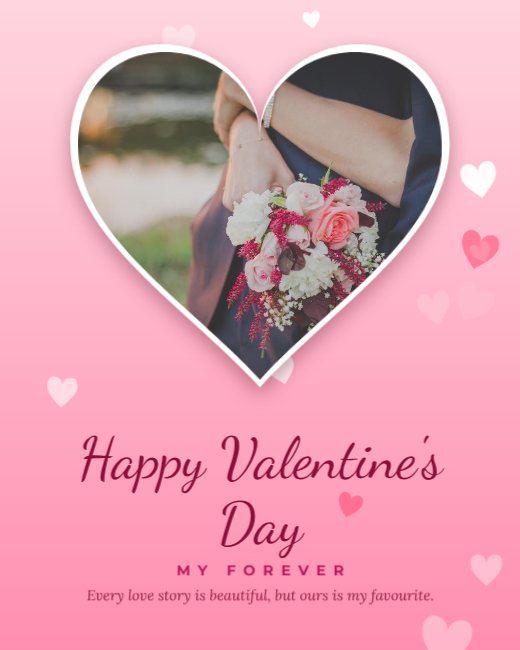
Pink Heart Photo Valentine Post
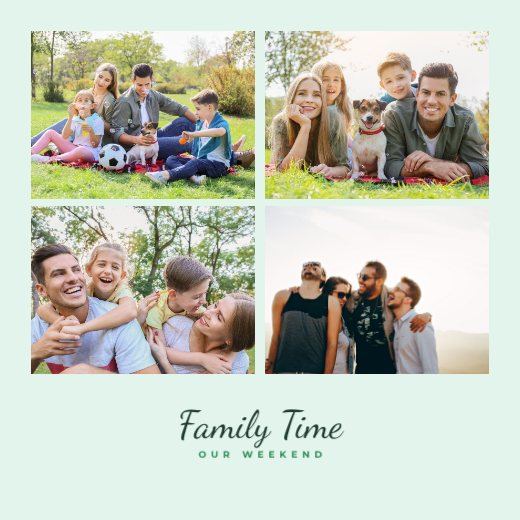
Instagram Post
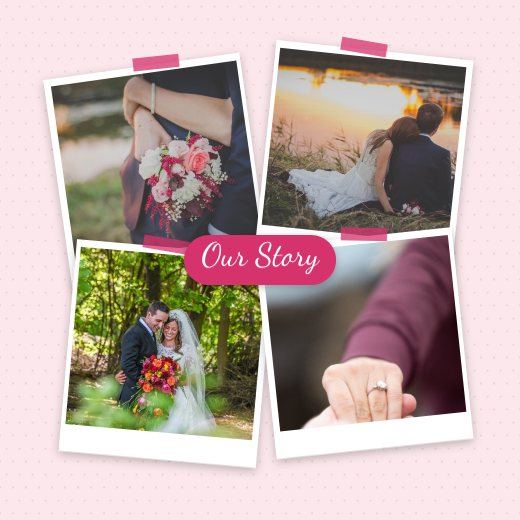
Collage
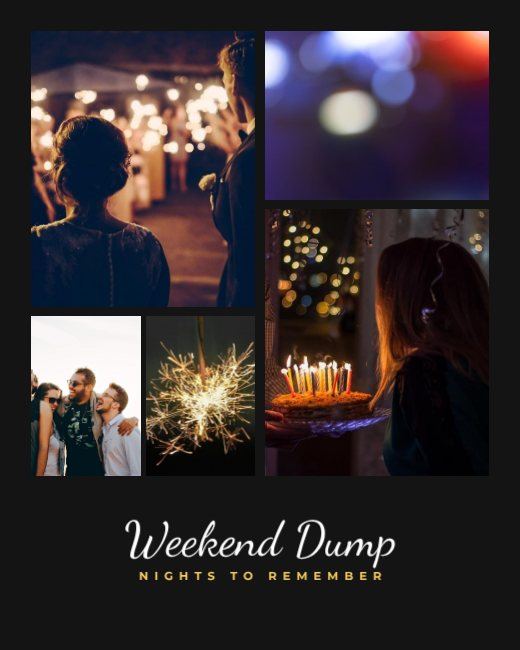
Portrait Post

Collage
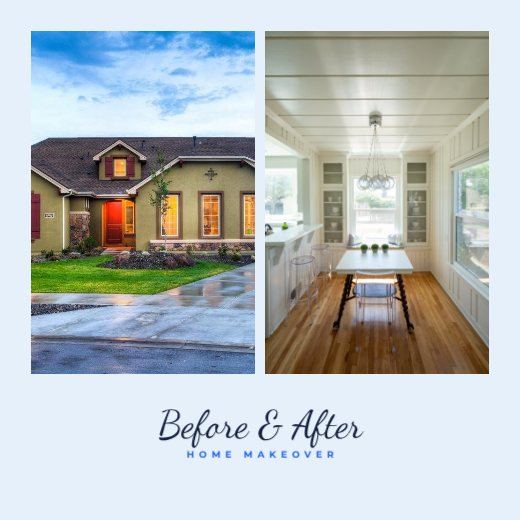
Collage
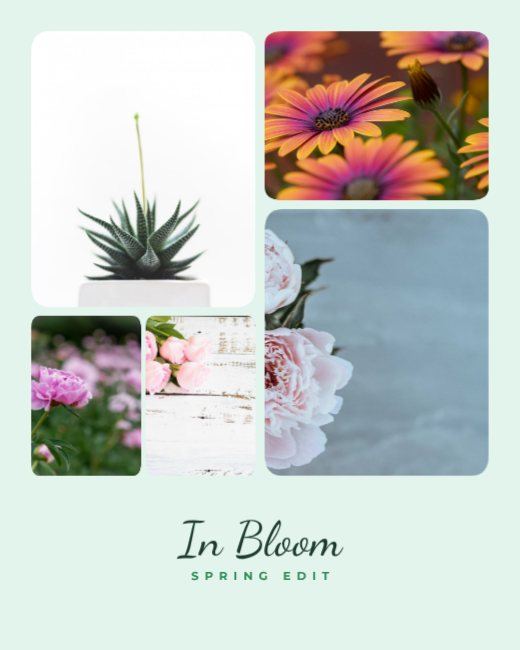
Portrait Post
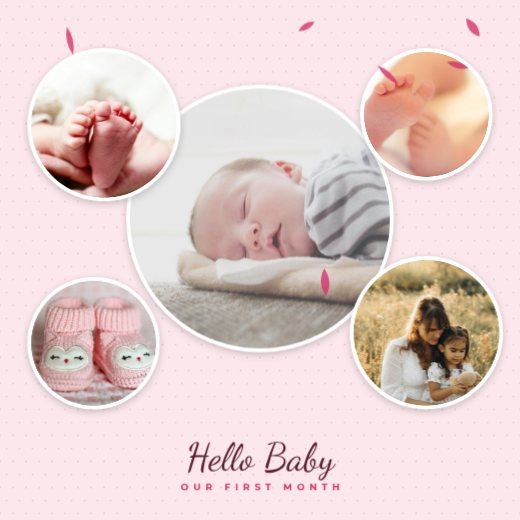
Baby Shower Collage Collage
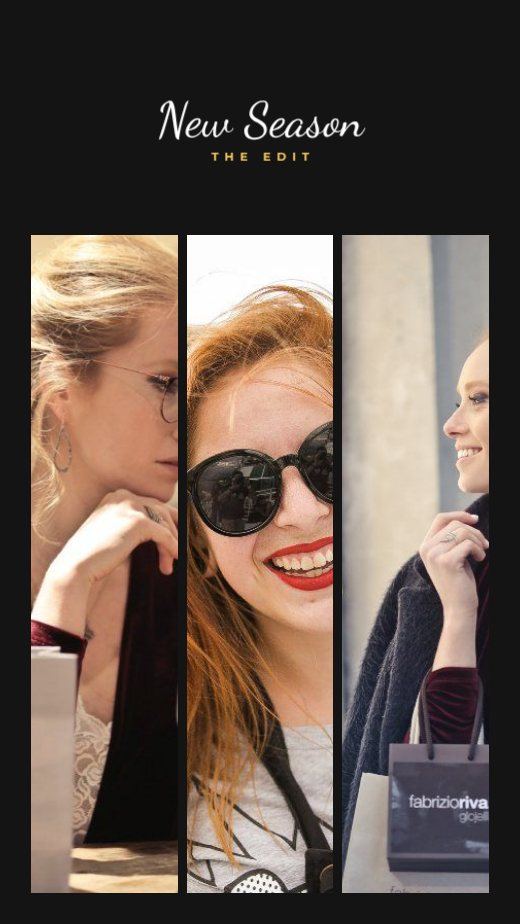
Collage
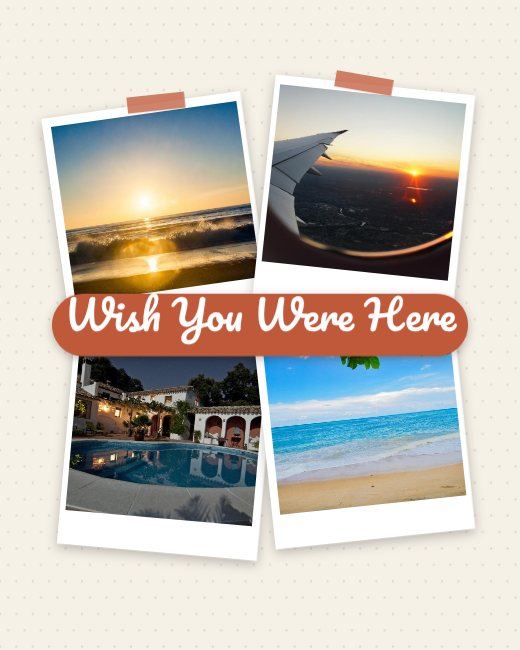
Collage

Red Photo Merry Christmas Post

Green Photo Christmas Greeting
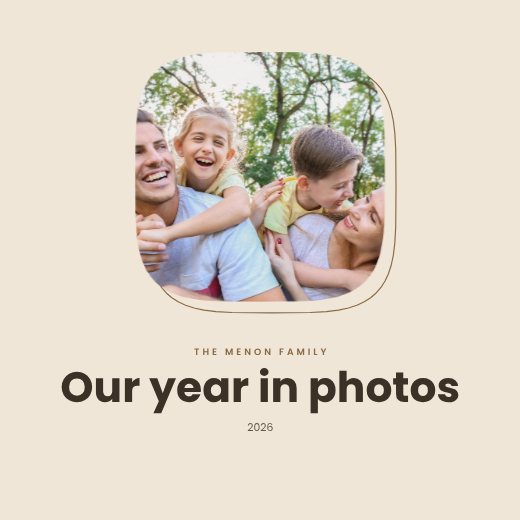
Love & Family Collage Collage
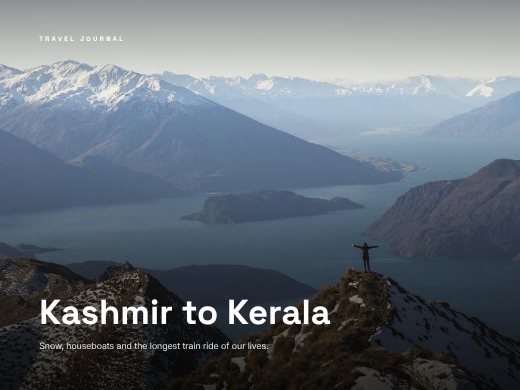
Travel Photo Album 4 Pages
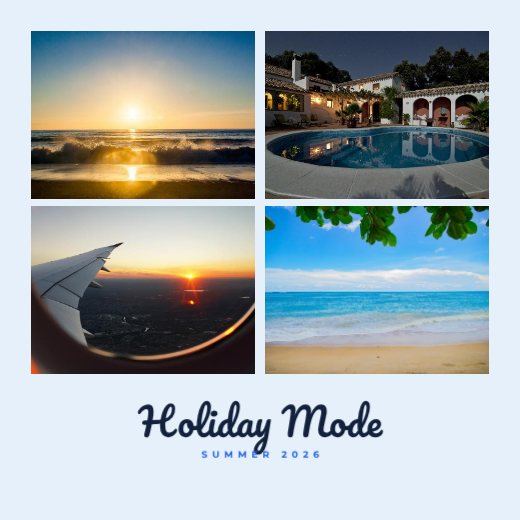
Instagram Post
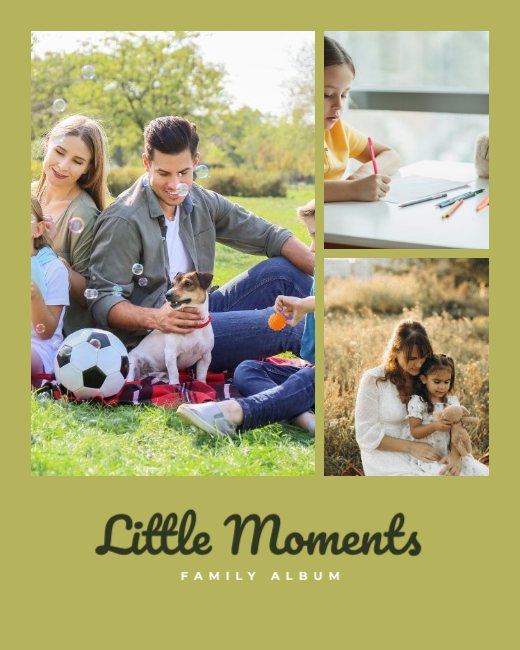
Collage
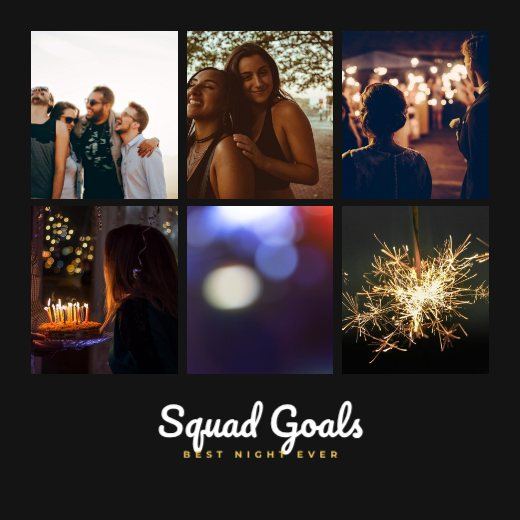
Instagram Post

Navy Photo New Year Wishes Post

Birthday Invitation Invitation
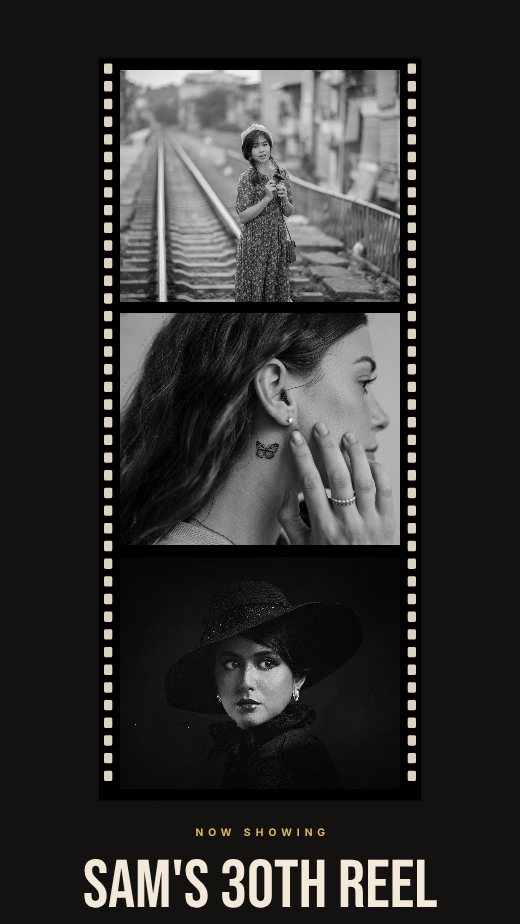
Birthday Story Story
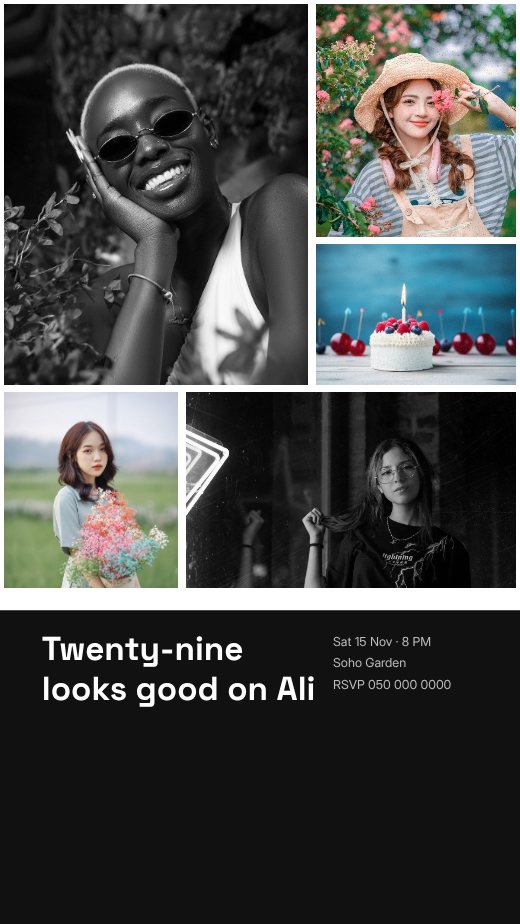
Birthday Story Story

Event Portrait Post Portrait Post

Portrait Post
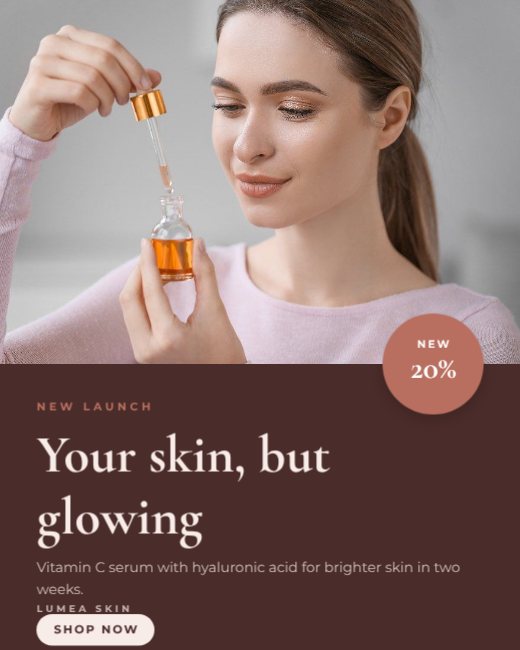
Event Portrait Post Portrait Post
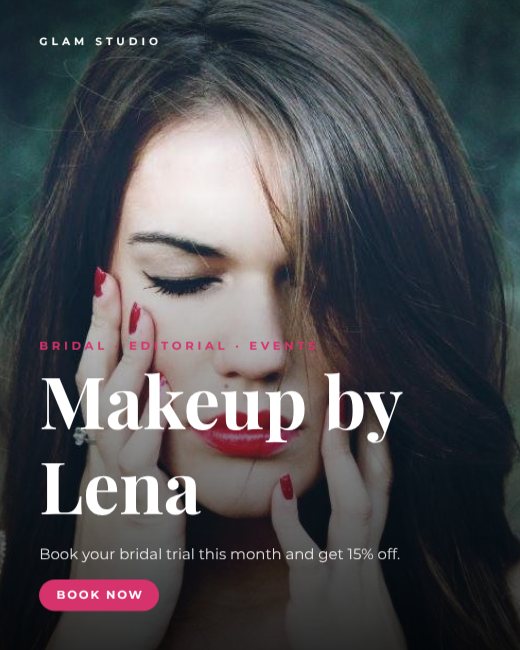
Portrait Post

Portrait Post
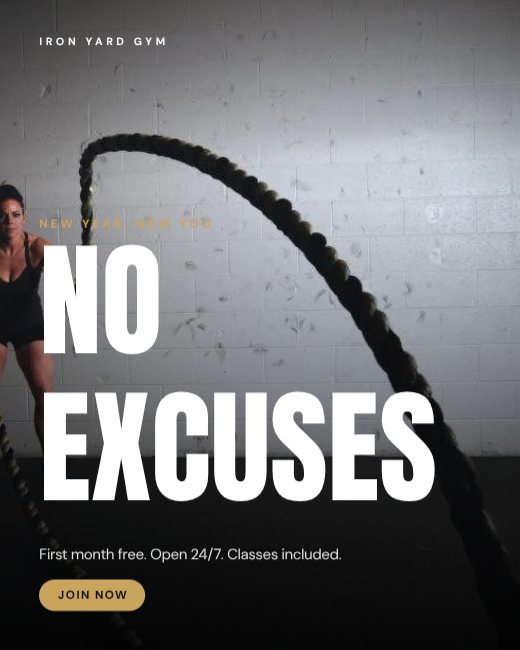
Portrait Post

Portrait Post

Portrait Post
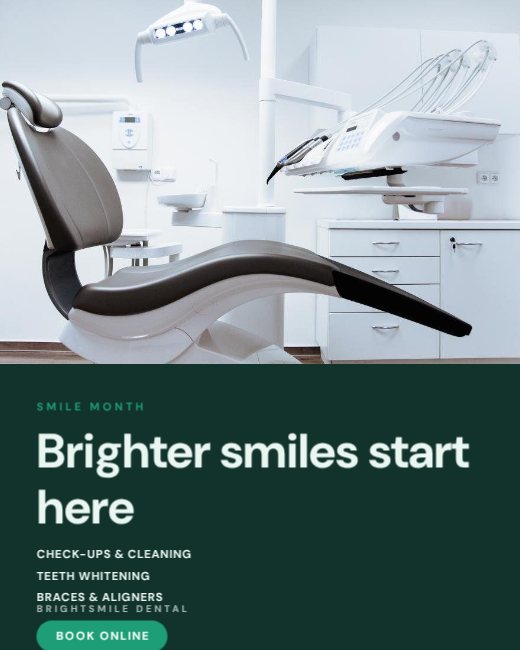
Portrait Post
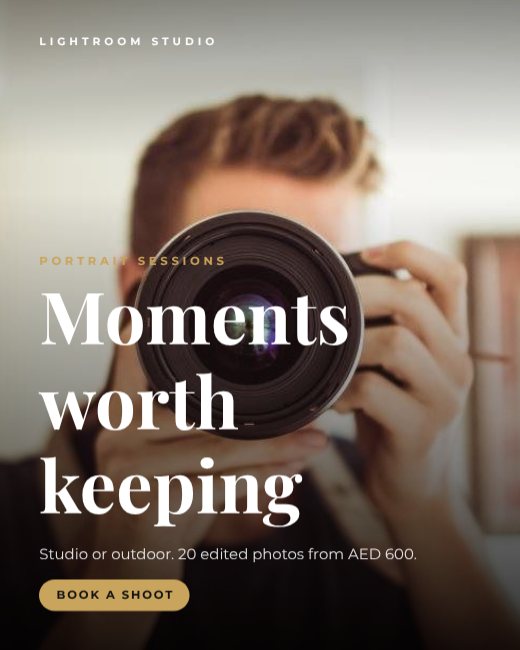
Photography Studio Post

Team Photo We're Hiring Post

Event Portrait Post Portrait Post

Portrait Post
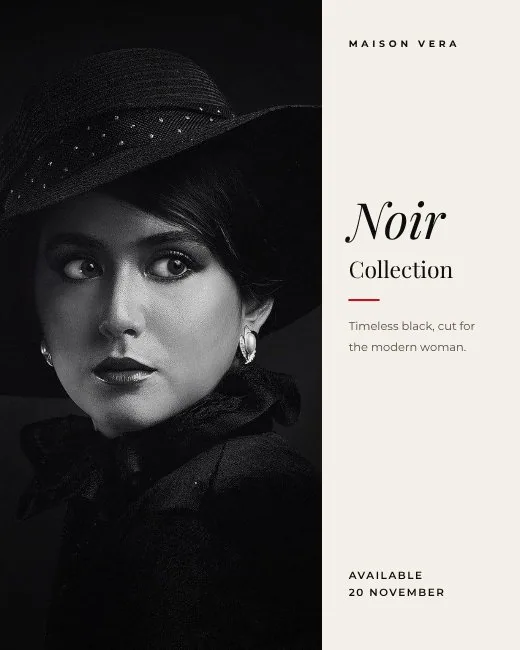
Portrait Post
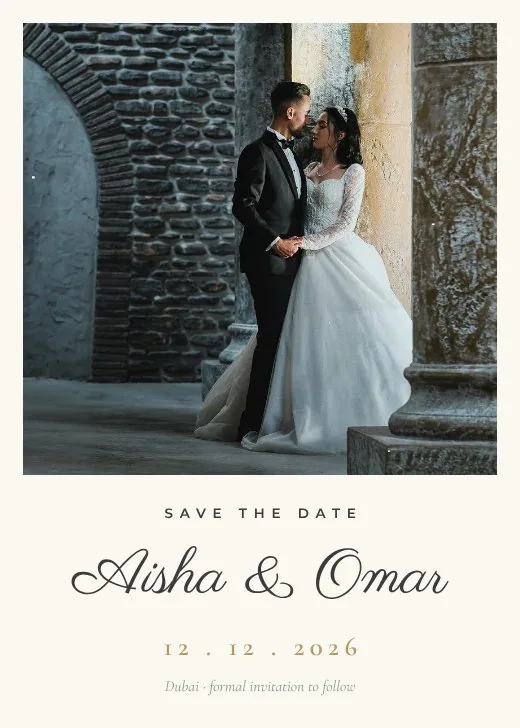
Sage Garden Save the Date
How to make a portrait for free
- 1
Pick a template
Browse the portrait designs below and open the one you like.
- 2
Make it yours
Click any text to change it, swap the photos for your own, and adjust colours and fonts.
- 3
Download or share
Download a print-ready PDF, or a PNG / JPG for WhatsApp, Instagram and email.
Popular uses
- Profile pictures
- Portraits and headshots
- Wedding photos
- Social posts
Frequently asked questions
Is my photo uploaded?+
No. The face finder is downloaded once and runs in your browser; the photo never leaves your device.
Will it look fake?+
Every shape change is capped to a few per cent, and Hold to compare shows the original at any time.
Is it really free?+
Yes — free with no watermark, no trial and no paid tier.