Creative tools
Every tool a designer needs
Professional vector, photo, pattern and colour tools — free, in your browser, and connected to the same editor.
Recommended
All tools
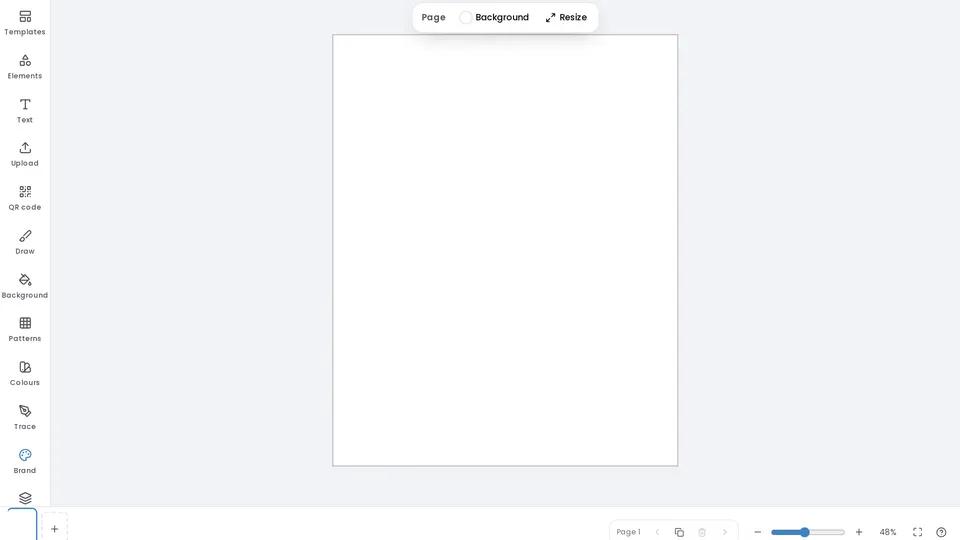
Design Editor
Pages, layers, text effects, shapes, photos, brand kit and print-ready export for print and digital.
Open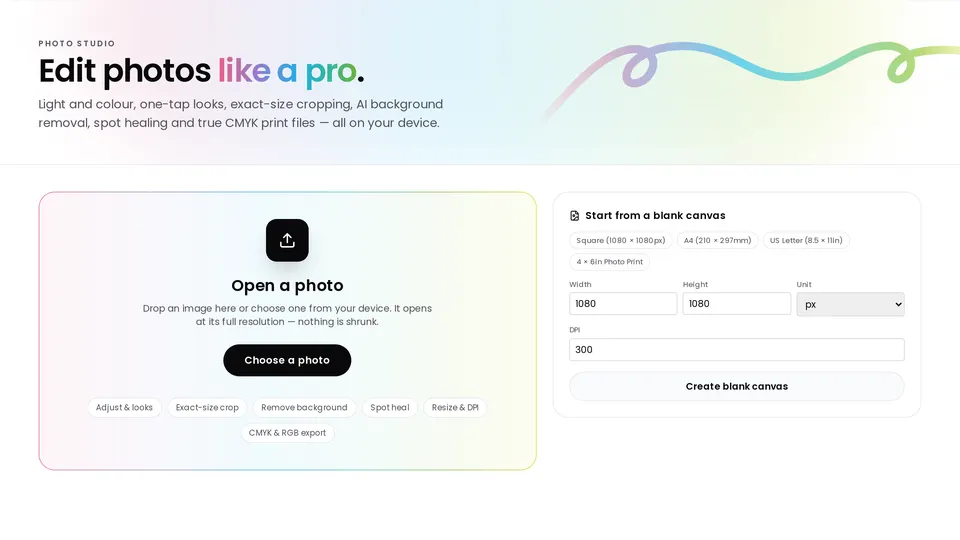
Photo Studio
Adjust, retouch, selections, layers, live text effects, looks, filters, crop and export.
Open Also inside the editor → Edit photo on any picture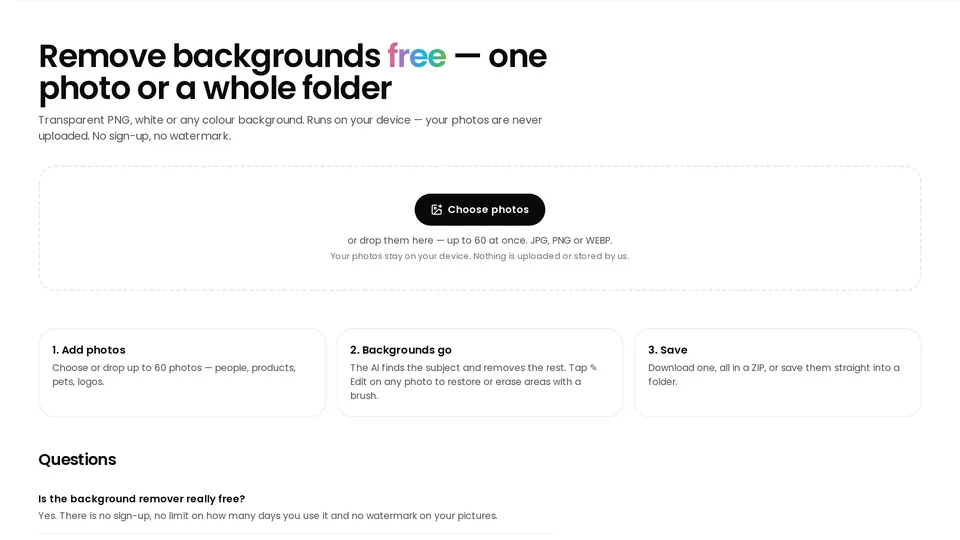
Background Remover
Remove the background from one photo or many at once, with Restore and Erase brushes. Runs on your device.
Open Also inside the editor → Remove BG on any photo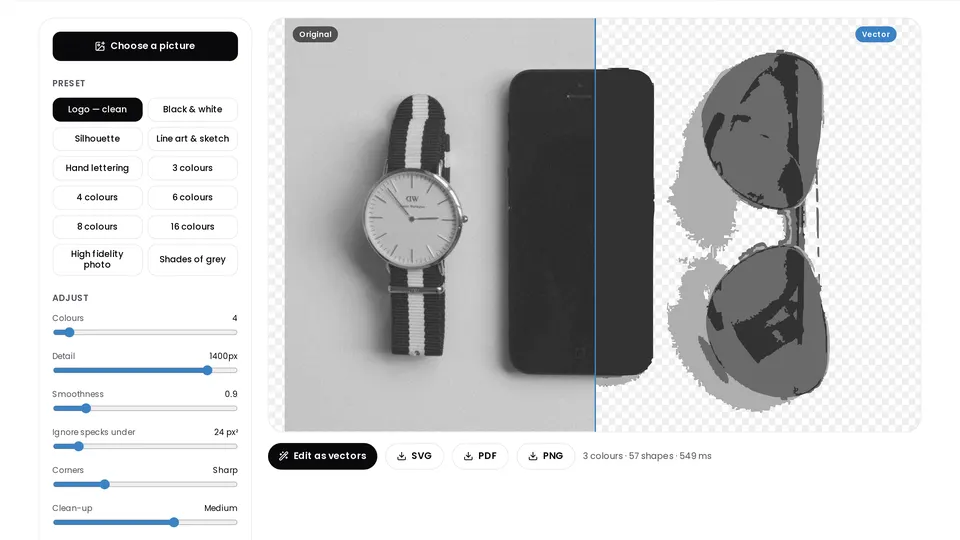 New
Image Trace
Photos, sketches and logos into vectors: black & white, line drawing or 3–32 colours, as editable SVG or vector PDF.
Open Also inside the editor → Trace panel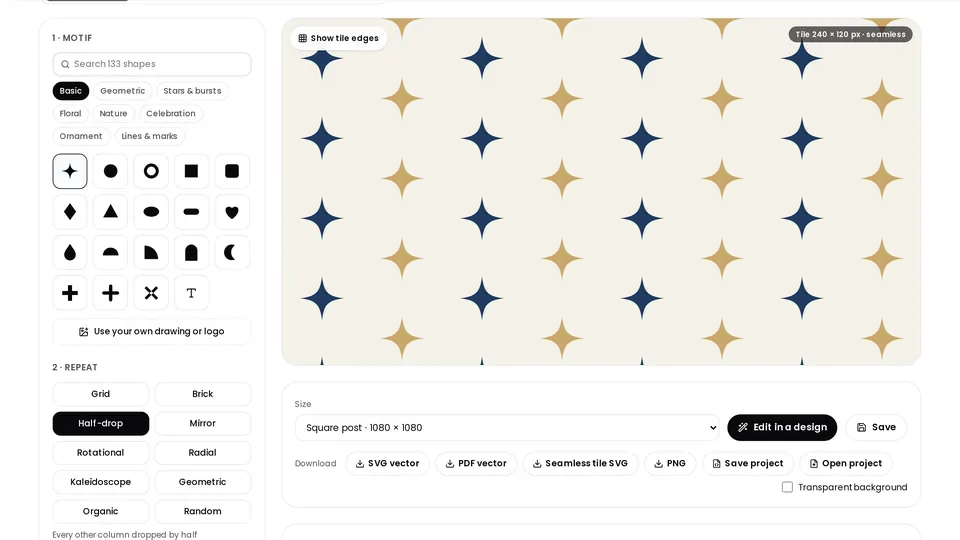
Pattern Design
Seamless repeats — grid, brick, half-drop, mirror, radial, kaleidoscope — from 130+ vector shapes, your letters or your own image. Vector SVG, PDF or PNG.
Open Also inside the editor → Patterns panel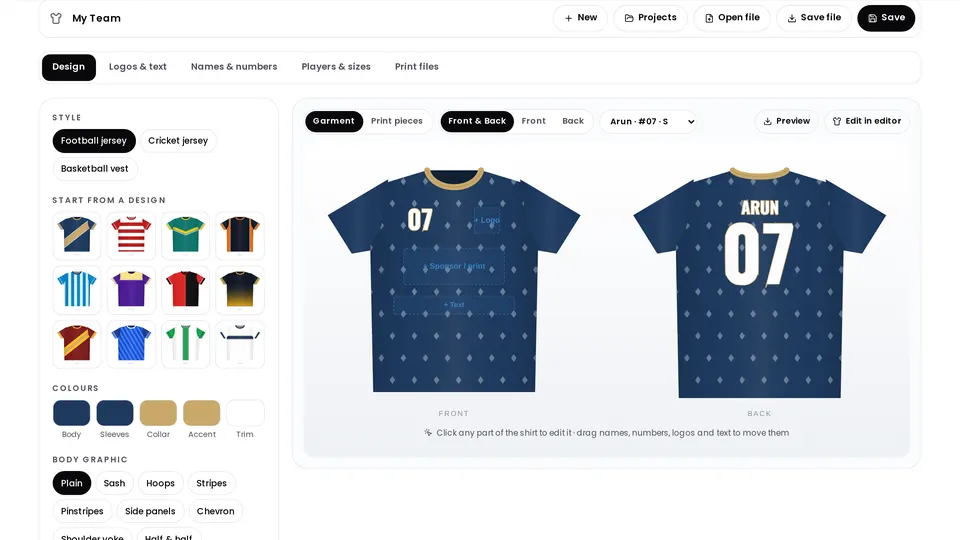 New
Jersey Designer
Football, cricket and basketball jerseys: colours, sash, hoops or stripes, logos, every player’s name, number and size — and one print-ready PDF for the whole team.
Open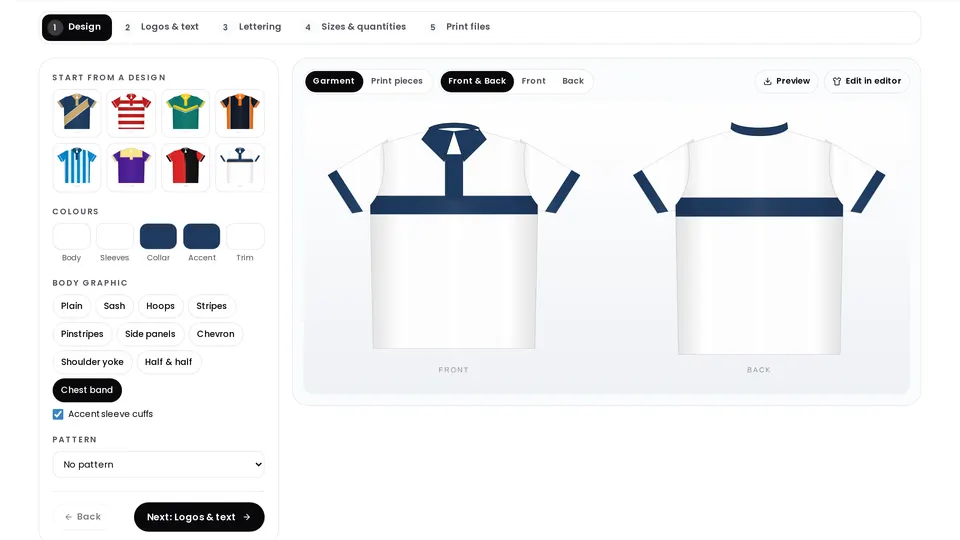 New
Polo T-shirt Designer
Branded polo T-shirts for staff, schools and teams: collar and trim colours, chest band, logos, sizes and quantities, one print-ready PDF.
Open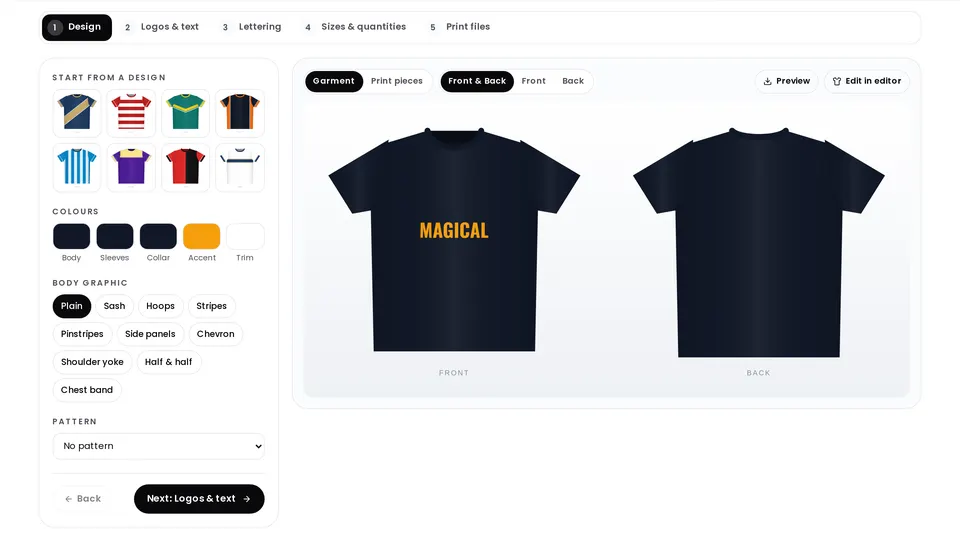 New
T-shirt Designer
Custom round-neck T-shirts with colours, graphics, patterns, front text and logos, in every size — laid out as one print-ready PDF.
Open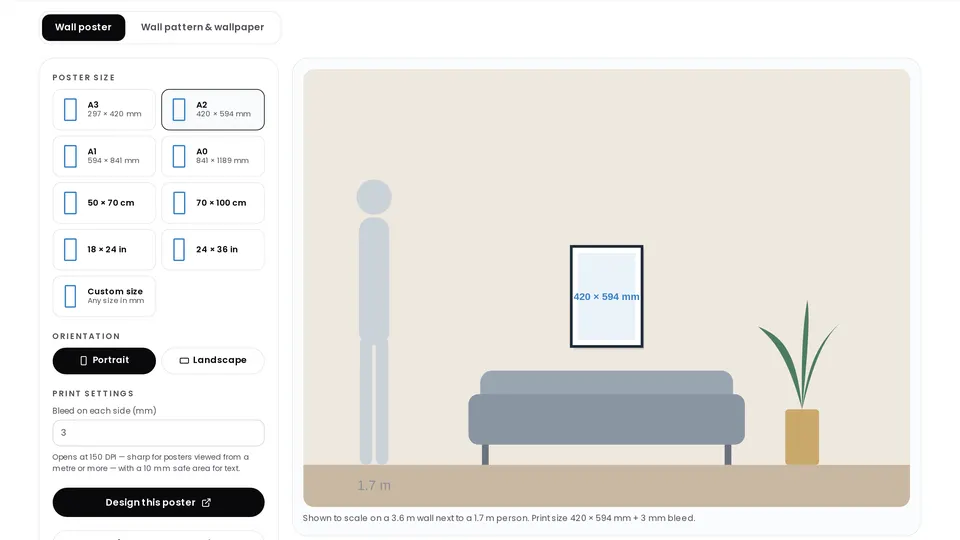 New
Wall Poster & Wallpaper
Wall posters in A3–A0 and frame sizes, shown to scale on a wall, or wallpaper patterns of any size split into numbered print strips.
Open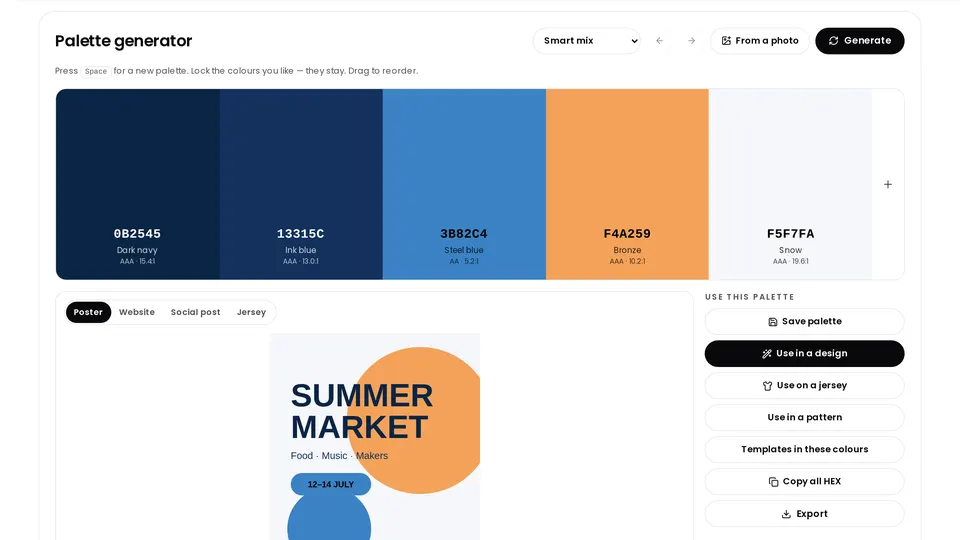 New
Colour Explorer
Colour harmonies with HEX, RGB and CMYK, contrast checks, mood palettes, gradients and templates by colour.
Open Also inside the editor → Colours panel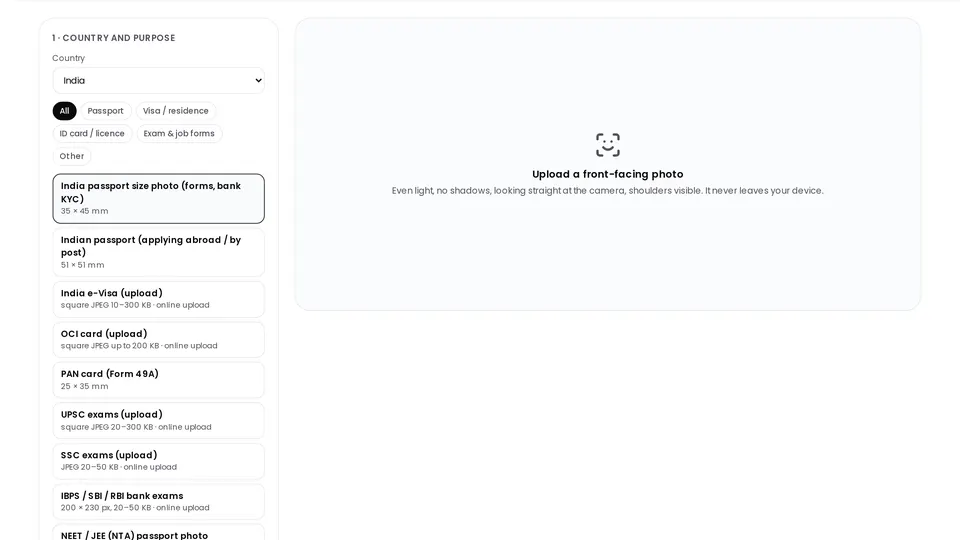 New
Passport Photo Maker
Passport, visa and exam photos for 40+ countries: white background, head sized to the rules, upload files at the exact KB and print sheets.
Open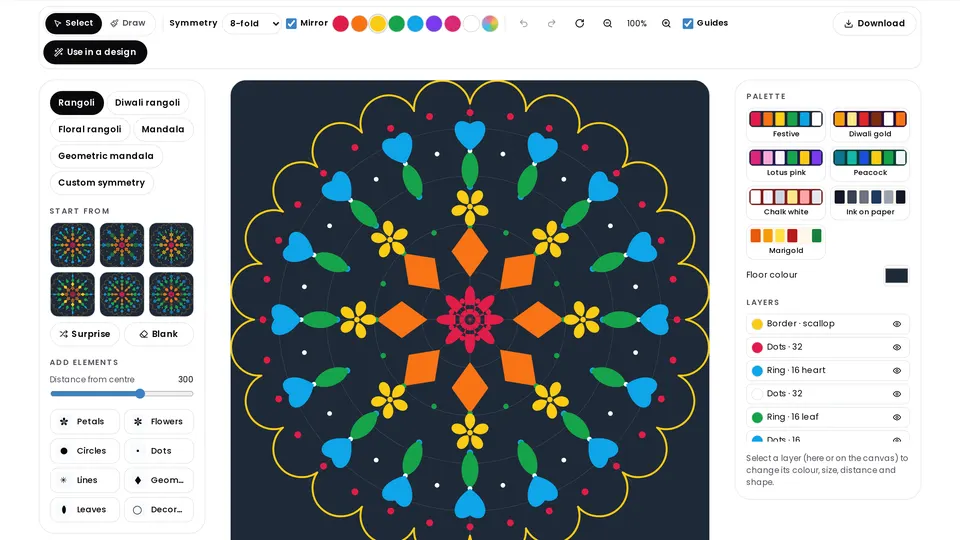 New
Rangoli & Mandala Maker
Draw once and it repeats around the centre. Rings of petals and dots, or a ready Diwali rangoli.
Open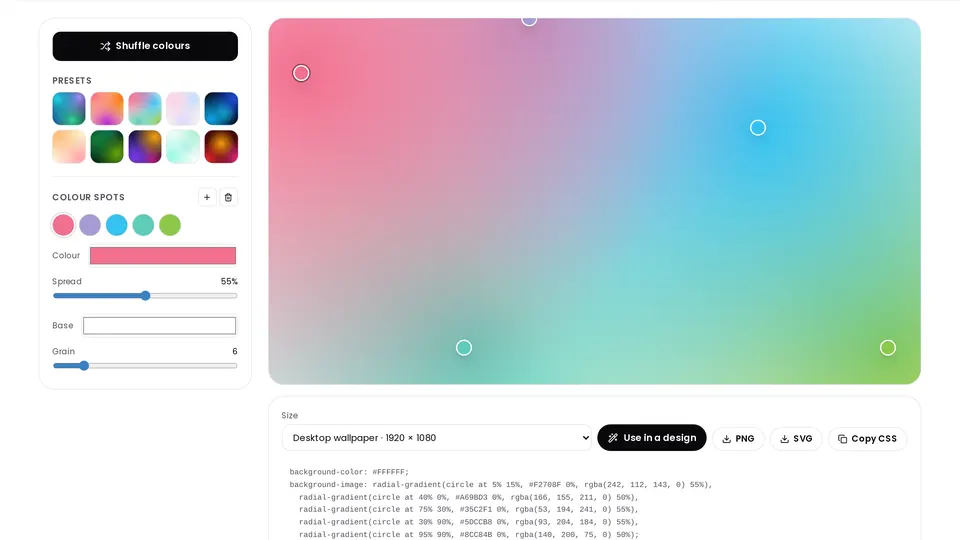 New
Gradient Backgrounds
Mesh gradients with grain — 4K wallpapers, social posts and slide backgrounds, as PNG, SVG or CSS.
Open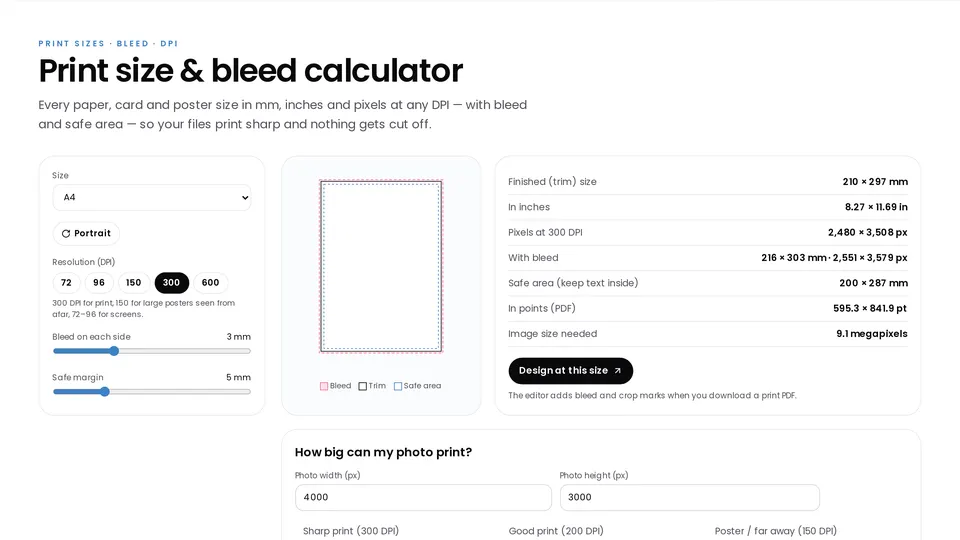 New
Print Size Calculator
Any paper or card size in pixels, inches, millimetres and centimetres at any DPI, with bleed and safe area.
Open New
Print Layout
Put business cards, stickers, labels or photos many-up on A4, A3 or SRA3 with bleed, crop marks and a lined-up back side — or turn a PDF into a saddle-stitch booklet. Your vectors stay vectors.
Open
AI Studio
Paste a design you like or describe one; a free AI of your choice writes it, and it opens as a fully editable design — every word, colour, font and photo.
Open
Inside the editor
Professional features, ready in every design
Pen & edit points
Draw Bézier paths, then move anchors and handles.
Pathfinder & shape builder
Unite, subtract, intersect and exclude shapes.
Brushes & freehand
Pressure-style strokes that stay vector.
Layers & clipping masks
Group, lock, reorder and clip photos into shapes.
Typography
Fonts, spacing, curved text, outlines, shadows and effects.
Brand kit
Your logo, colours and fonts on every design.
Translate designs
Translate the words of a design into 37 languages.
Magic resize
Turn one design into a post, story, flyer or banner.
QR codes
Branded QR codes for menus, flyers and cards.
Print-ready export
CMYK PDF with bleed and crop marks, PNG, JPG, WebP, SVG, MP4.
Animation
Animate pages and export short MP4 videos.
Self-opening files
Save a design file; double-click it to reopen in the editor.
Looking for a ready-made starting point? See the flyer, poster, invitation and resume makers or browse all templates.