Free save the date maker
A save the date gives guests time to plan travel and leave. It only needs your names, the date and the city — so the design can be simple, elegant and very you.
Choose a style that matches your wedding colours, add a photo if you like, and send it on WhatsApp or print it as a card. Later, use the same design for the full invitation set.
Free save the date templates
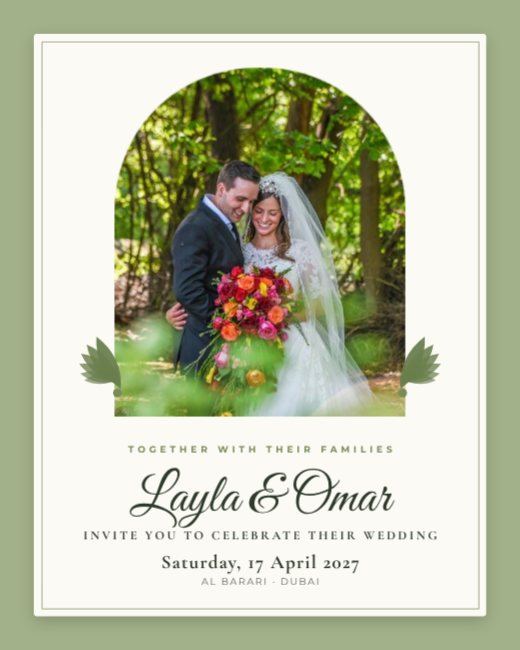
Sage Arch Wedding Invitation
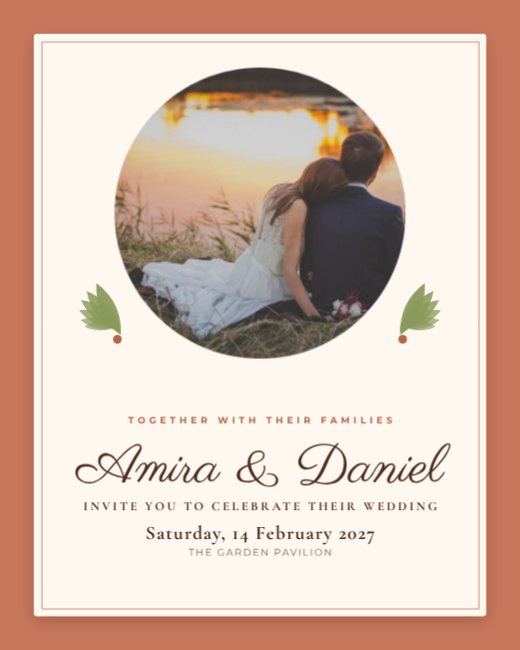
Terracotta Circle Wedding Invitation
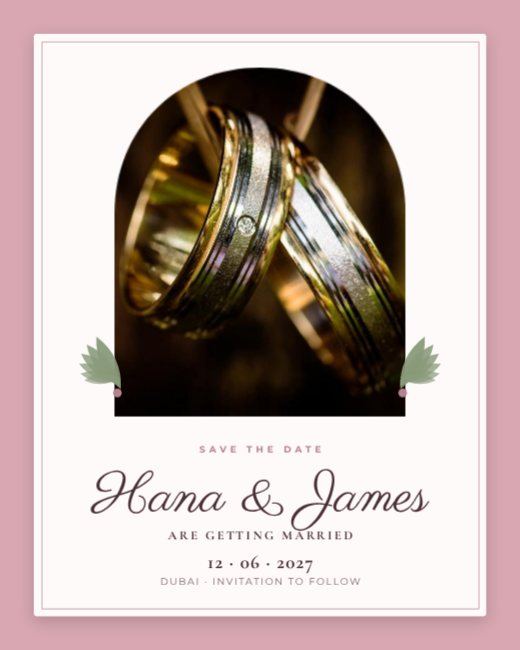
Rose Arch Save the Date
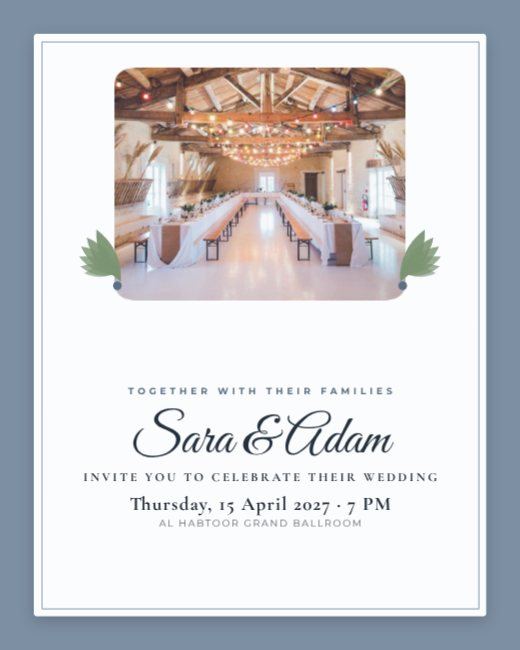
Slate Rounded Wedding Invitation
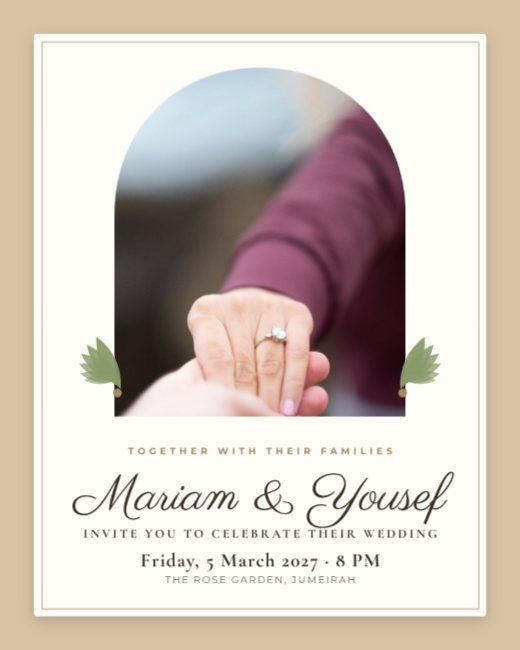
Sand Arch Engagement Invitation
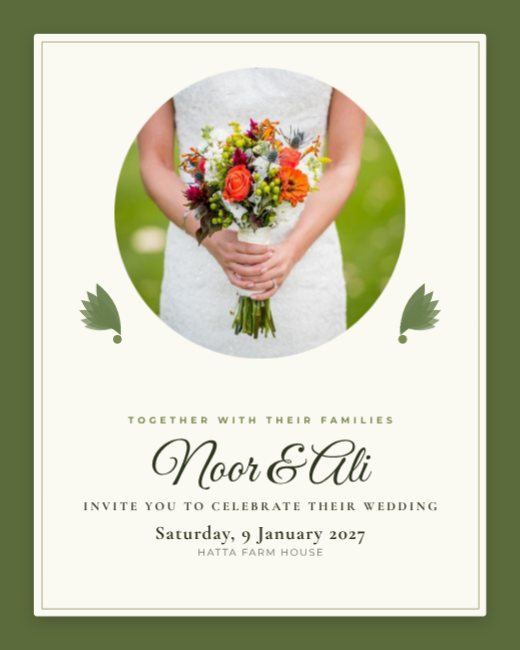
Olive Circle Wedding Invitation
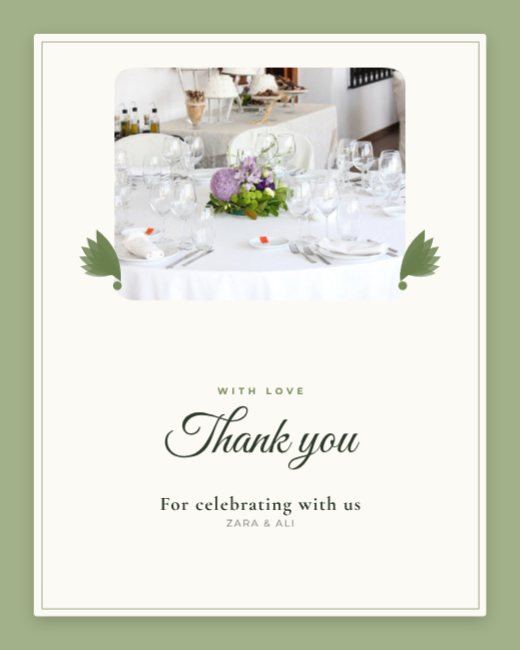
Sage Rounded Thank You Card
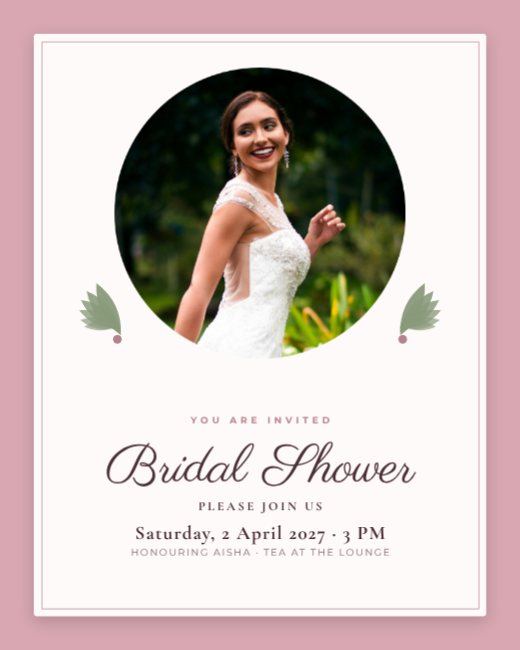
Rose Circle Bridal Shower Invitation

Rings Save the Date Post
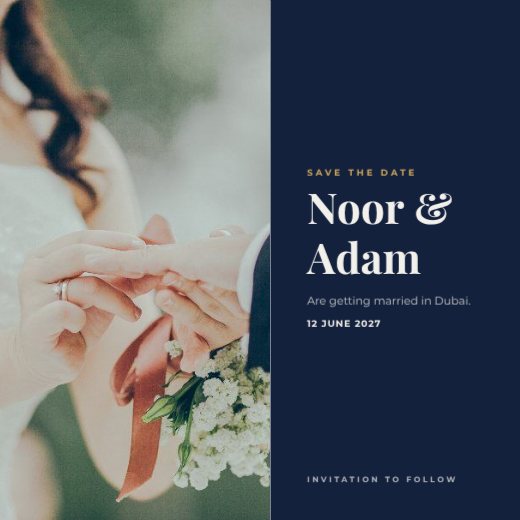
Modern Wedding Save the Date Square
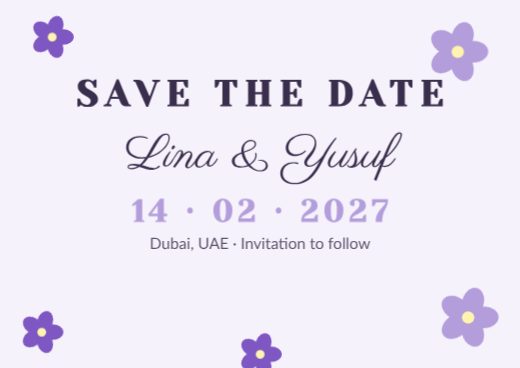
Lavender Garden Save the Date

Photo Story Save the Date
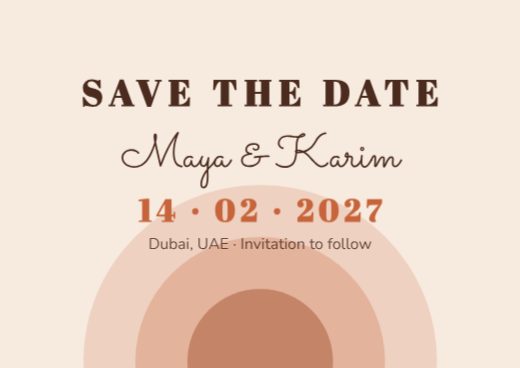
Desert Terracotta Save the Date

Navy & Blush Save the Date
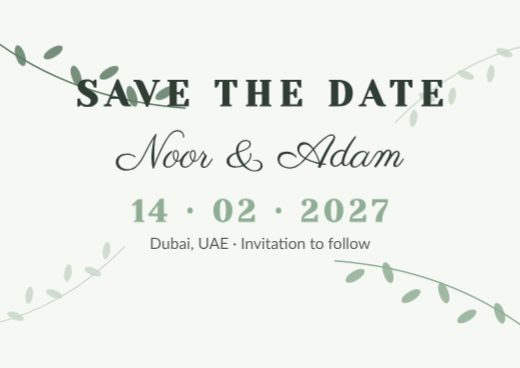
Eucalyptus Save the Date
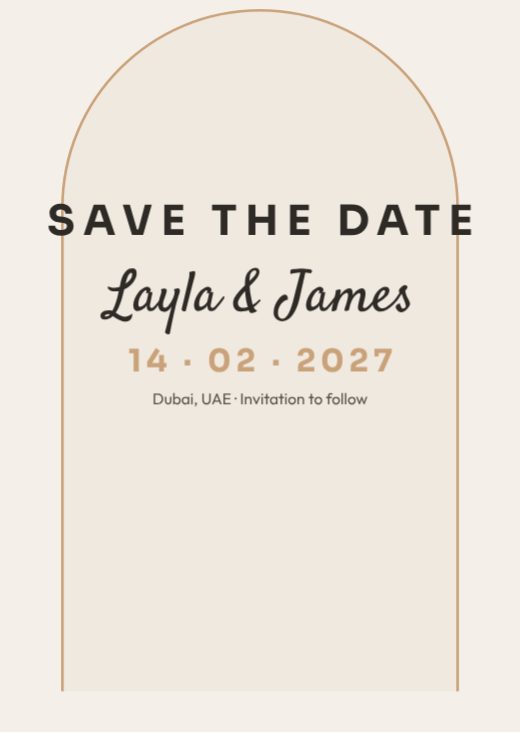
Minimal Arch Save the Date

Emerald & Gold Save the Date

Blush Rose Save the Date
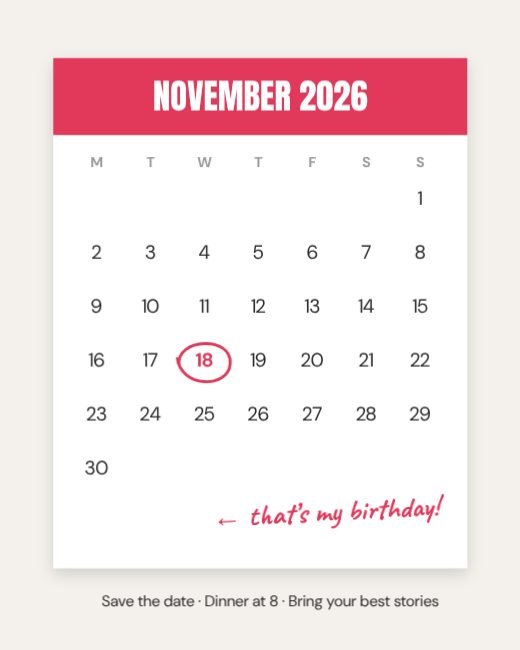
Calendar Page Circled Date Birthday
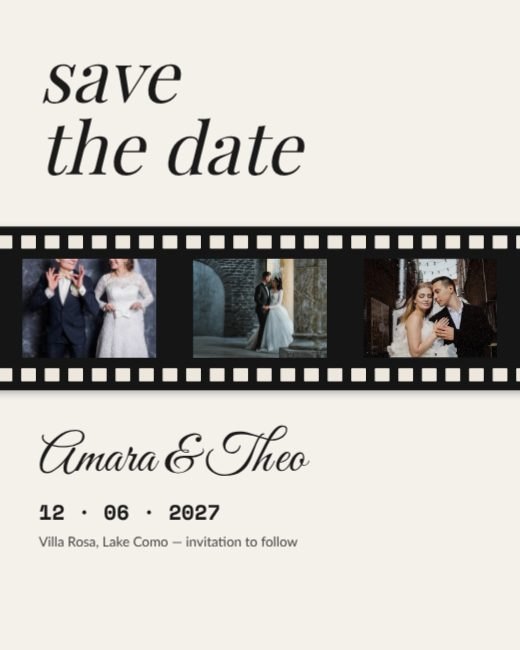
Film Strip Save The Date
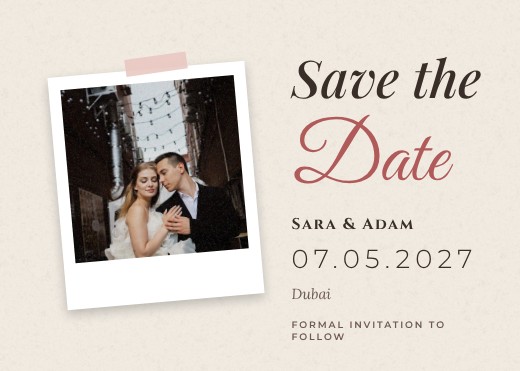
Polaroid Save the Date Card
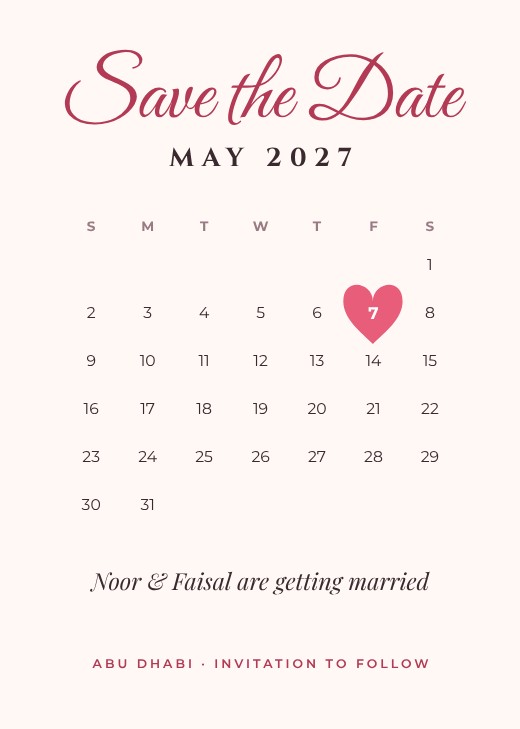
Calendar Heart Save the Date

Big Date Typography Save the Date Poster
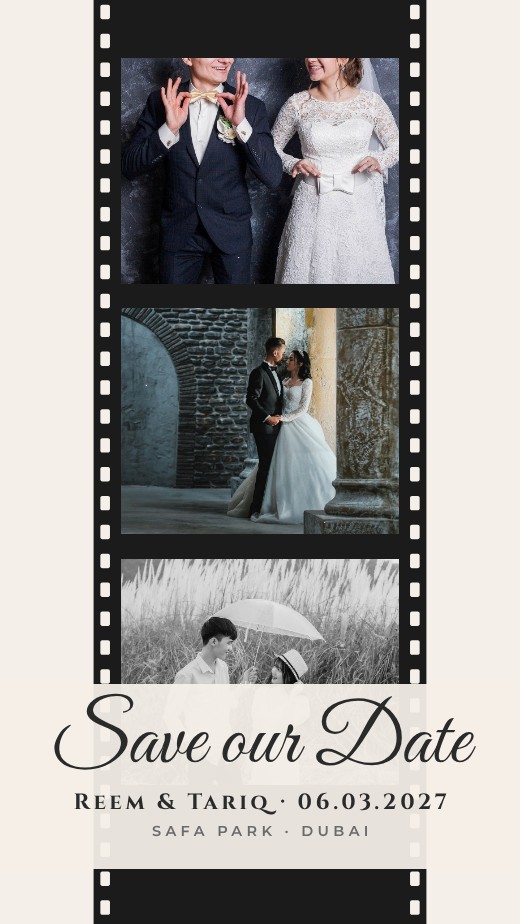
Film Strip Save the Date Story
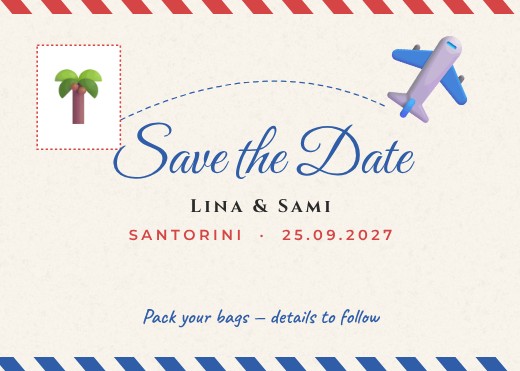
Airmail Destination Save the Date
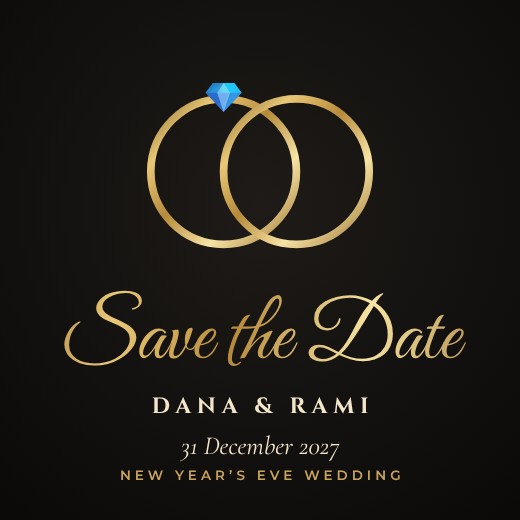
Gold Rings Save the Date Post
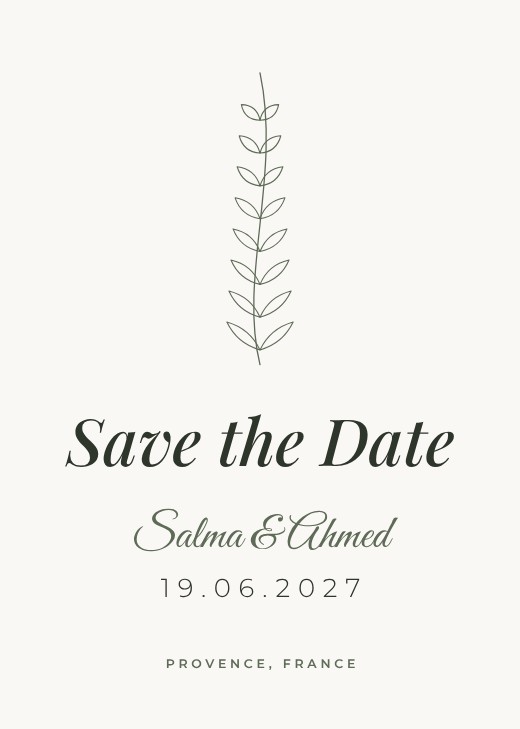
Botanical Line Save the Date
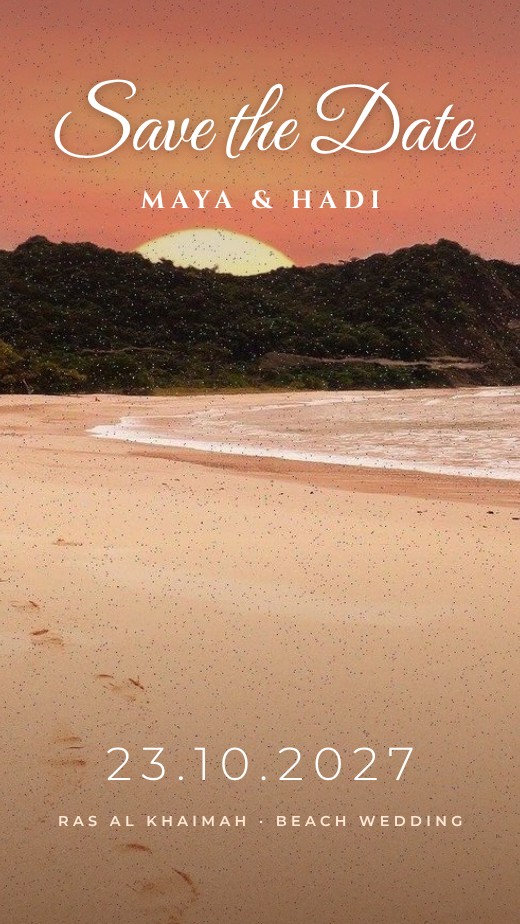
Sunset Beach Save the Date Story
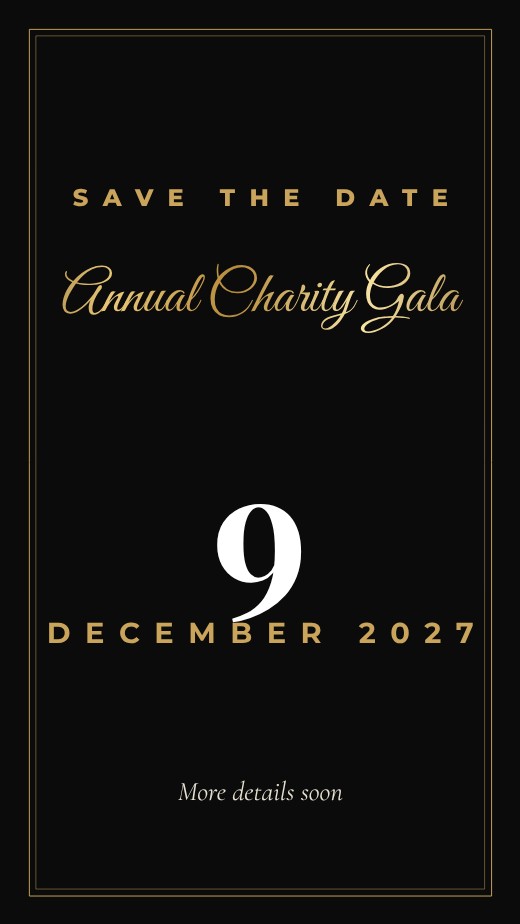
Save Our Event Story
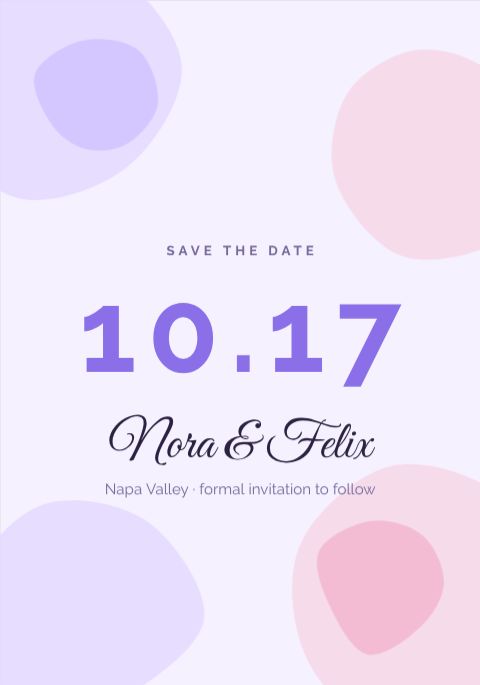
Watercolor Save the Date
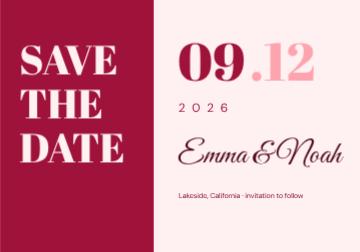
Bold Save the Date
How to make a save the date for free
- 1
Pick a template
Browse the save the date designs below and open the one you like.
- 2
Make it yours
Click any text to change it, swap the photos for your own, and adjust colours and fonts.
- 3
Download or share
Download a print-ready PDF, or a PNG / JPG for WhatsApp, Instagram and email.
Popular uses
- Wedding save the dates
- Engagement announcements
- Destination weddings
- Anniversary celebrations
Tips for a great save the date
- 1
Follow your wedding colours
Use the same two or three colours as your flowers and décor, so the invitation feels like the first part of the day.
- 2
Pair a script with a clean font
Script fonts look beautiful for names, but are hard to read in long lines. Use them only for the names and a simple serif or sans for details.
- 3
Make a full set
Save-the-date, invitation, RSVP card, menu and thank-you cards look best when they share the same design. Duplicate your invitation and change the words.
- 4
Bilingual is easy
Add an Arabic, Hindi or other language version on a second page — the editor supports right-to-left text and dozens of language fonts.
- 5
Order a proof first
Print one copy at home or at the print shop before ordering hundreds, and check colours on real paper.
What to put on your save the date
- The couple’s names, and the hosts’ names if traditional
- Ceremony and reception times and venues
- Dress code
- RSVP details and wedding website or QR code
Before you download
- Check names, dates and venue spellings with both families.
- Print one proof copy before the full order.
- Download “PDF (print)” with bleed and crop marks for a print shop, or PNG for screens.
- Check photos look sharp at 100% zoom; blurry images look worse on paper.
Common save the date sizes
| Format | Size | Best for |
|---|---|---|
| 5 × 7 in | 127 × 178 mm | Standard invitation |
| A5 | 148 × 210 mm | Printed invitation |
| Square | 1080 × 1080 px | Digital invitations |
| Story | 1080 × 1920 px | WhatsApp status |
Popular save the date styles
Frequently asked questions
Is it really free?+
Yes. Every template, the editor and every download format are free, with no watermark. A free account lets you save designs and come back to them.
When should I send a save the date?+
Usually 6–8 months before the wedding, or 8–12 months for a destination wedding.
Can I print it?+
Yes. Download “PDF (print)” with 3 mm bleed and crop marks — CMYK is available too, which is what print shops ask for. Or download PNG / JPG for WhatsApp and social media.