Free salon & spa flyer maker
Beauty is visual, so your flyer should be too. These templates show your services, prices and offers in an elegant layout with space for your best photos.
Make a price list, a new-client offer or a grand-opening flyer, then download it for print or as an Instagram post and story.
Free salon flyer templates
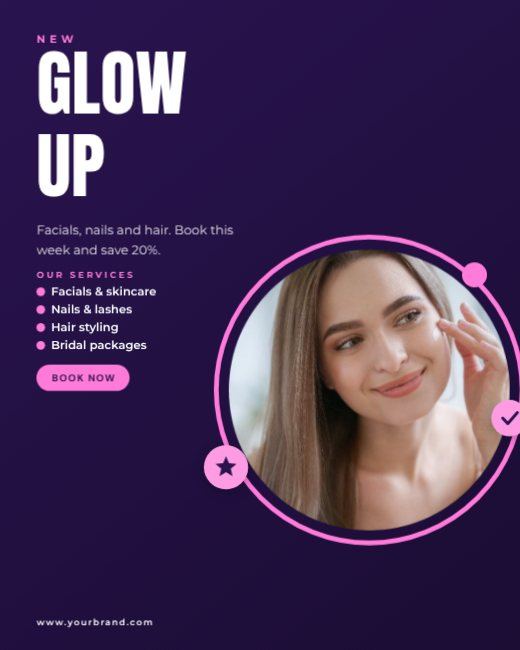
Purple Beauty Salon Post
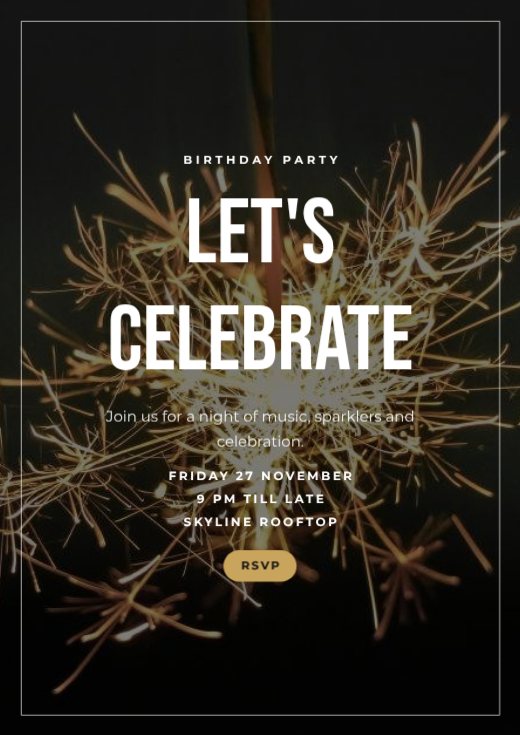
Sparkler Birthday Party Poster
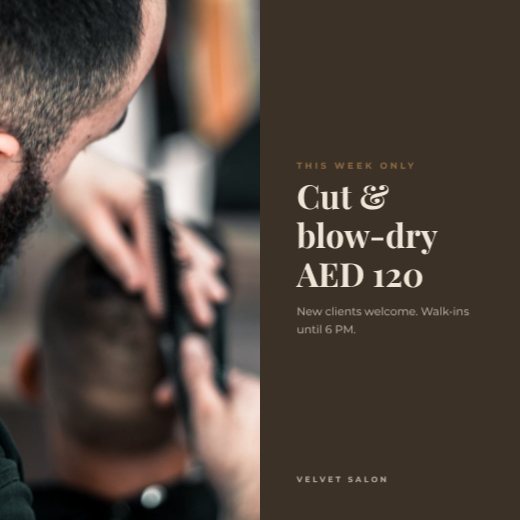
Hair Salon Offer
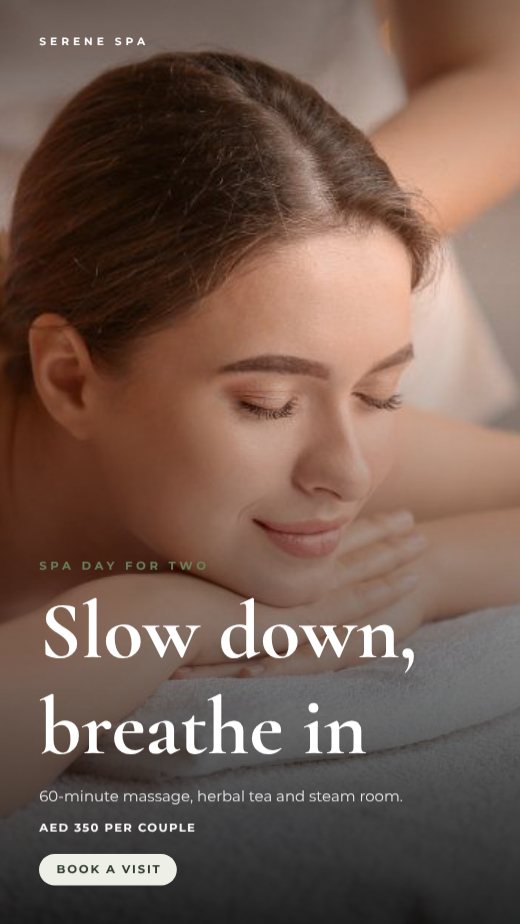
Spa Day Promo Story
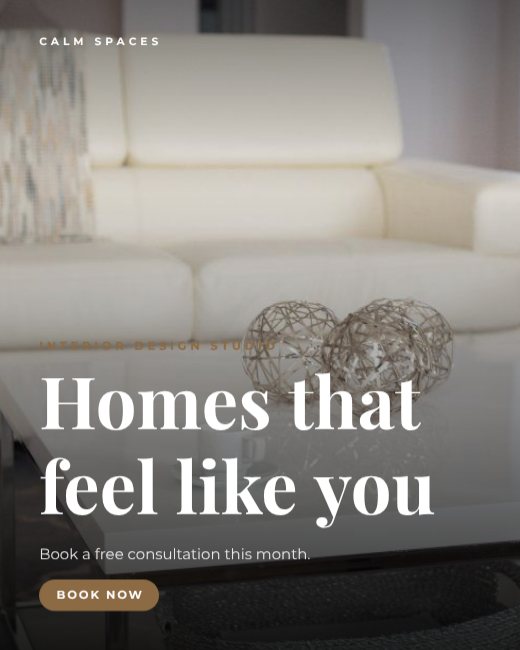
Calm Spaces Interior Design Post
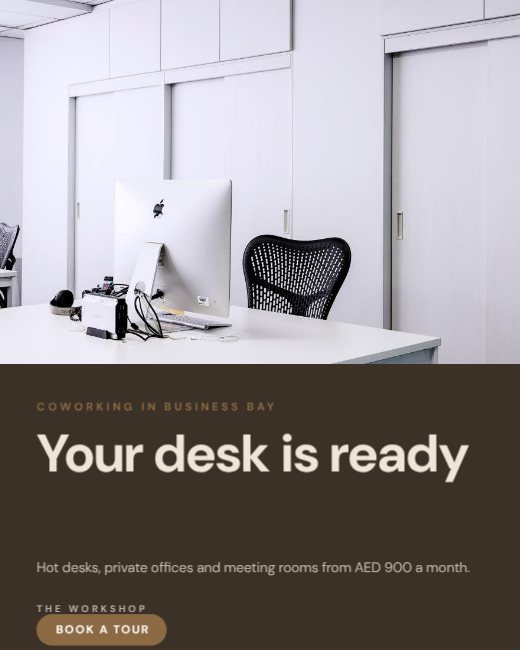
Coworking Space Promo
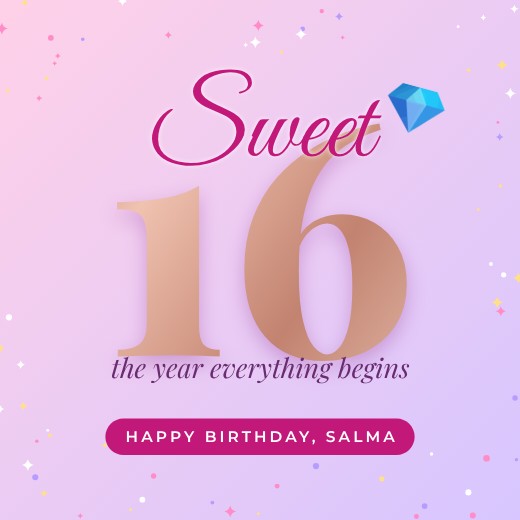
Sweet Sixteen Sparkle Post
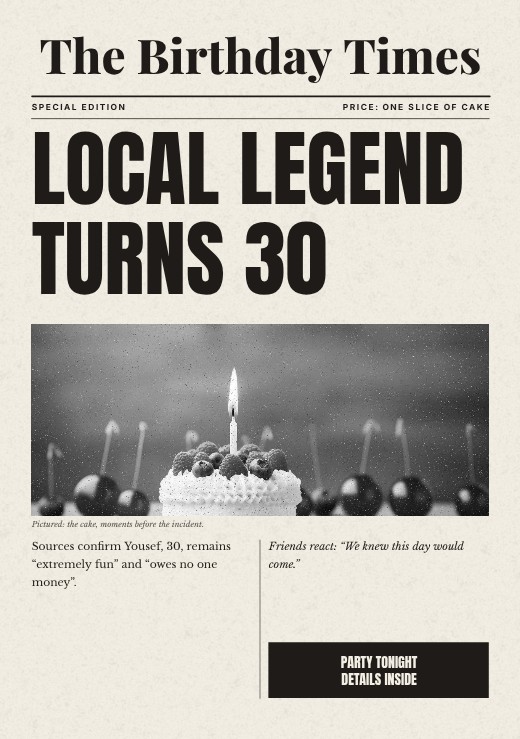
Birthday Times Newspaper Print
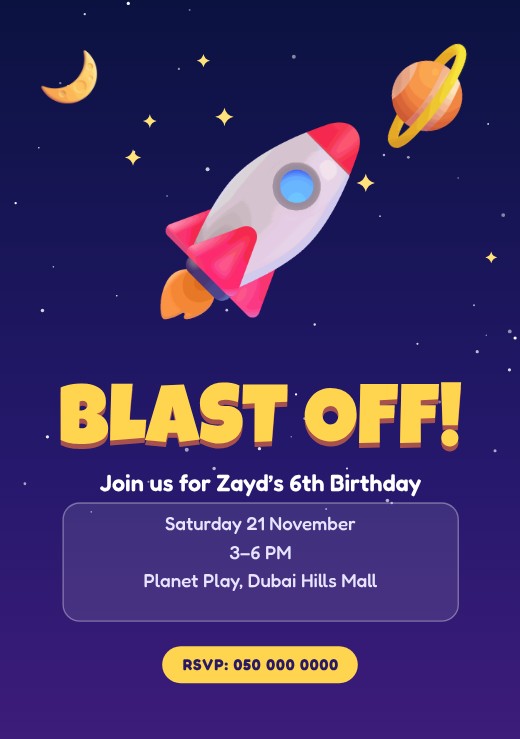
Rocket Blast Off Space Invitation
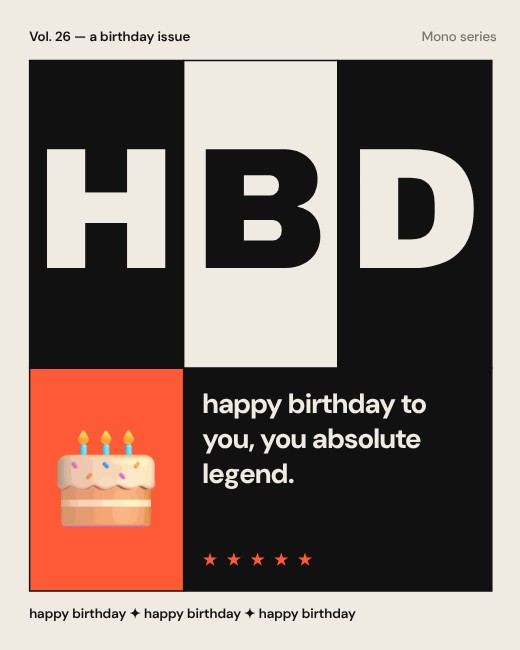
HBD Grid Mono Poster
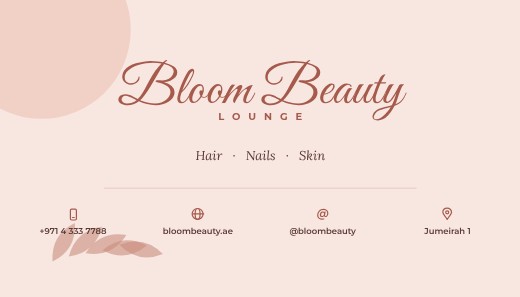
Beauty Salon Business Card
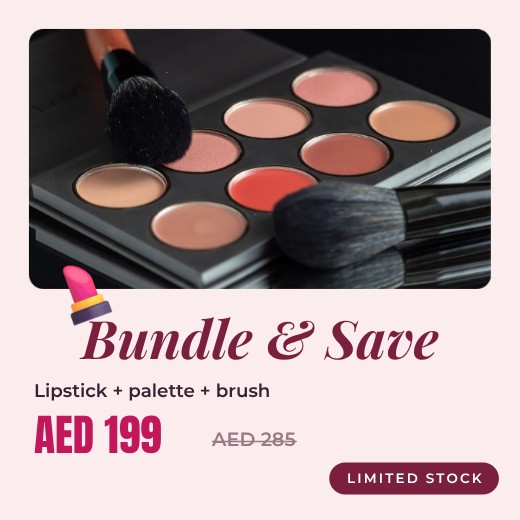
Bundle Offer Post
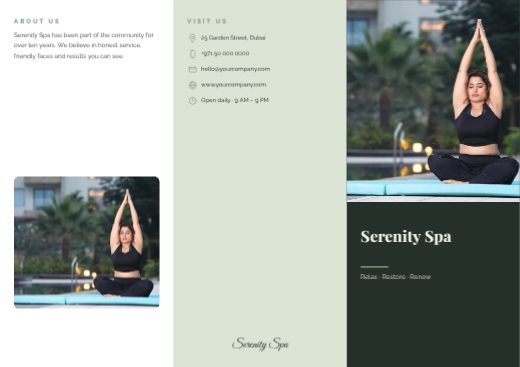
Serenity Spa Tri-fold Brochure
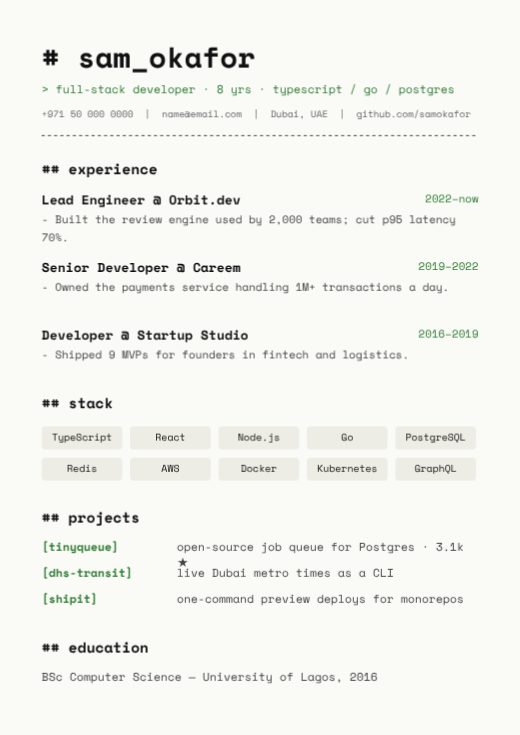
Developer Code Resume
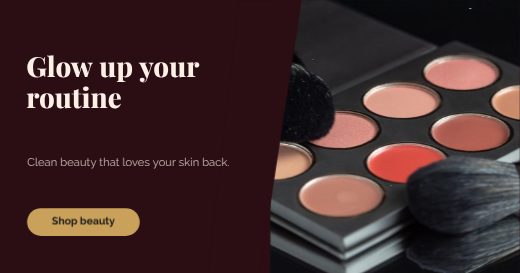
Beauty Facebook Banner
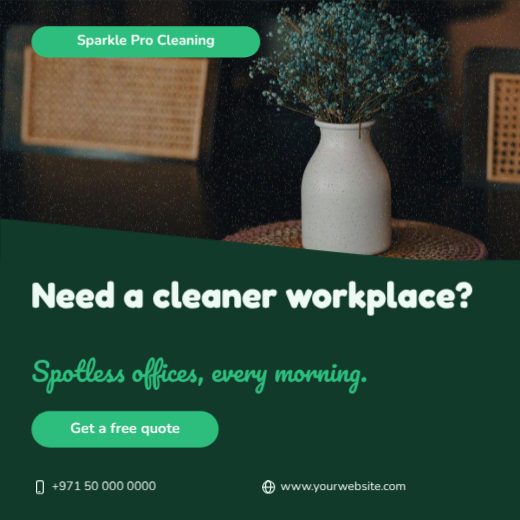
Sparkle Pro Cleaning Question Post
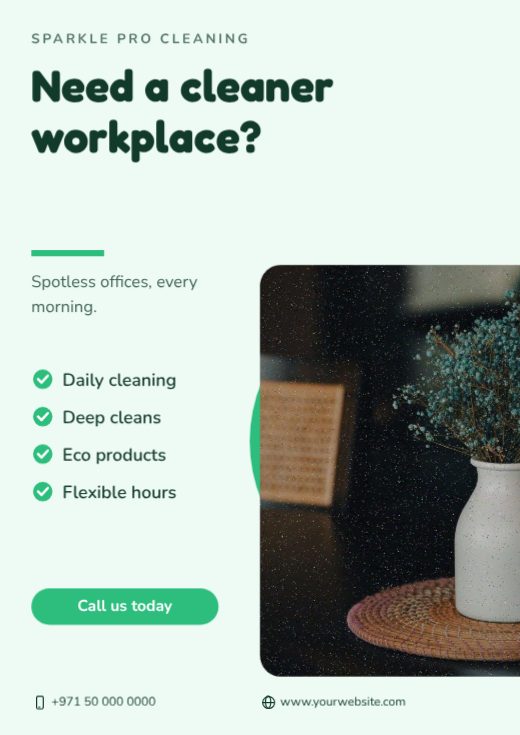
Sparkle Pro Cleaning Question Flyer
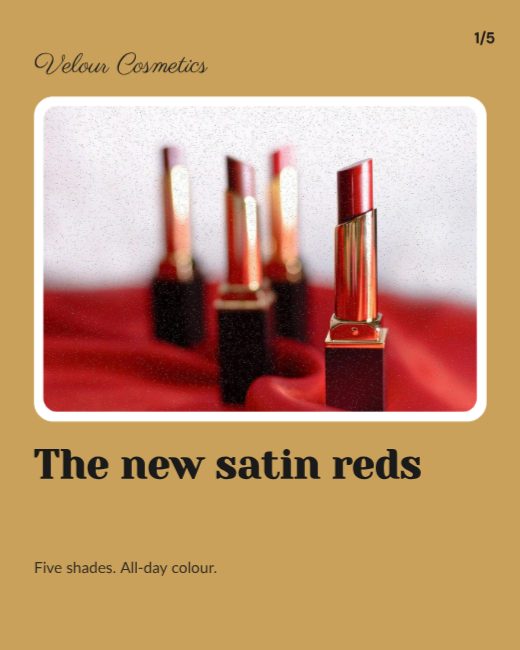
Beauty Launch Instagram Carousel
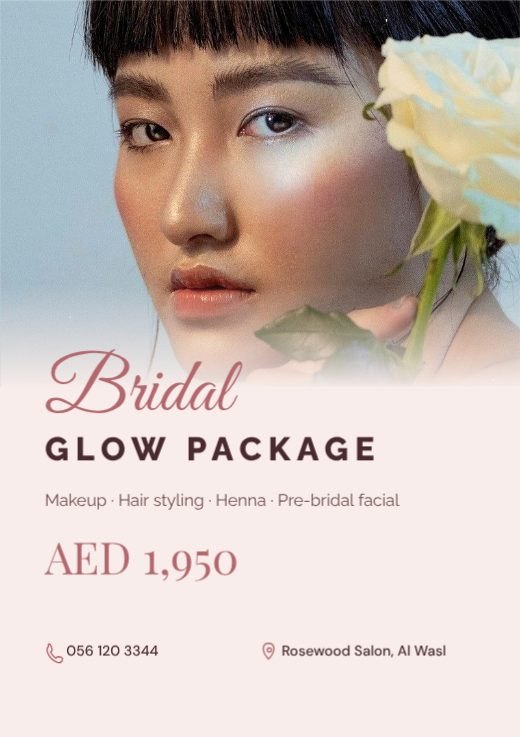
Beauty Salon Bridal Package Flyer
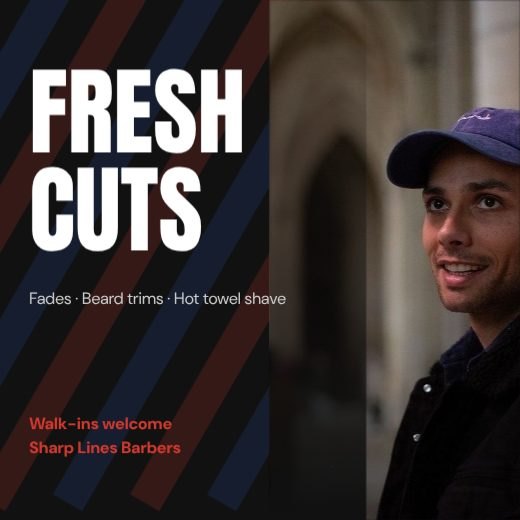
Barber Shop Fresh Cuts Post
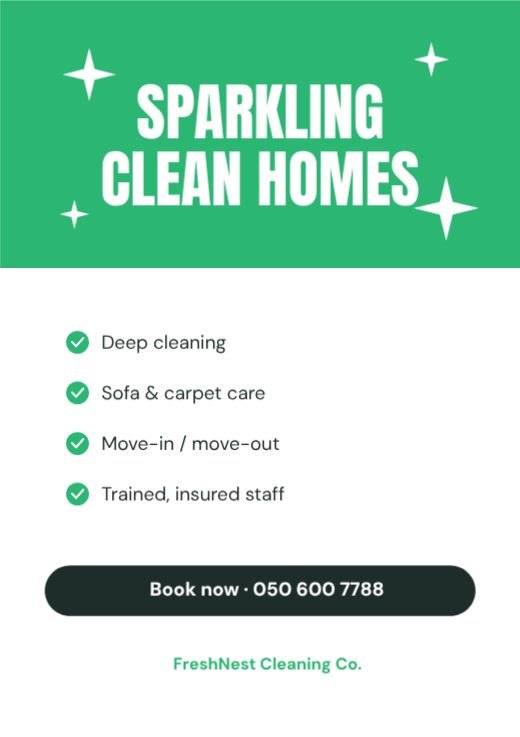
Home Cleaning Service Flyer
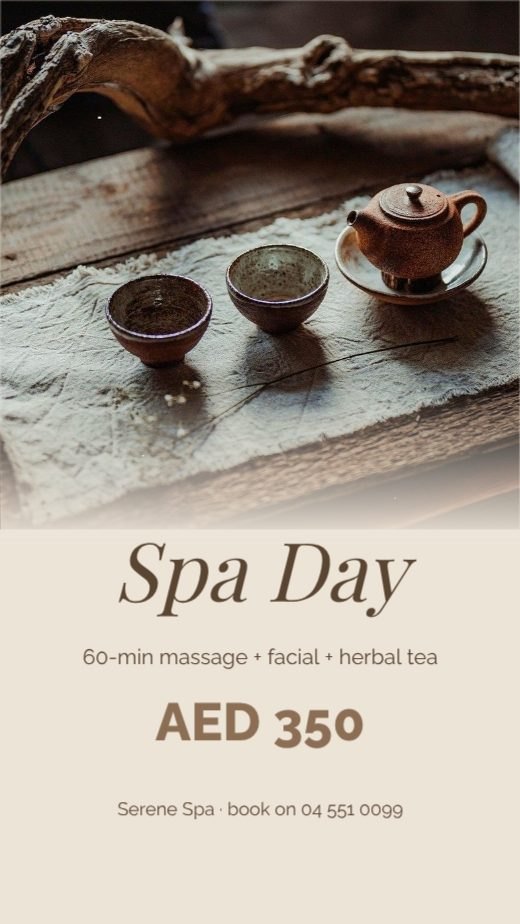
Spa Day Relaxation Offer Story
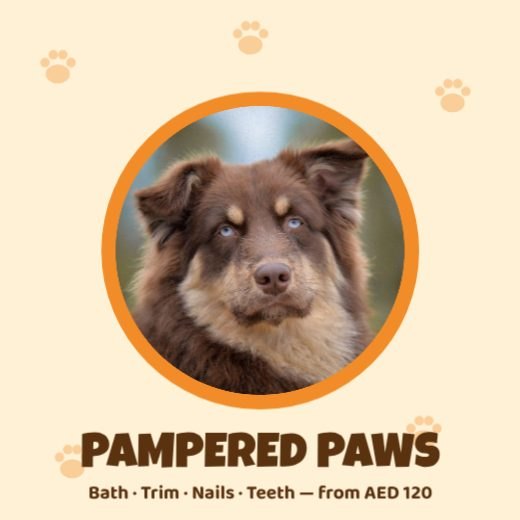
Pet Grooming Spa Post
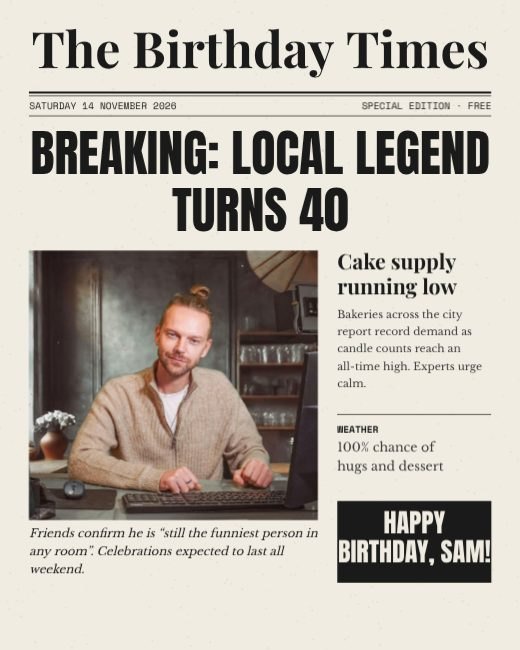
Breaking News Birthday Newspaper

Space Mission Kids Birthday Invitation
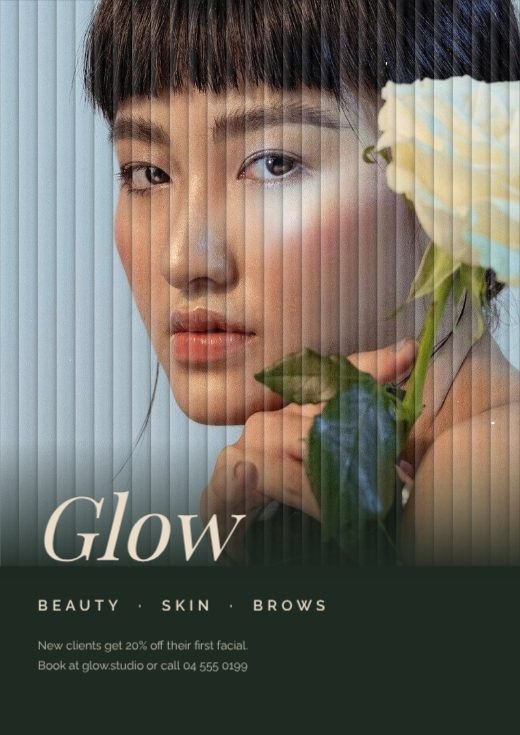
Reeded Glass Beauty Studio Poster
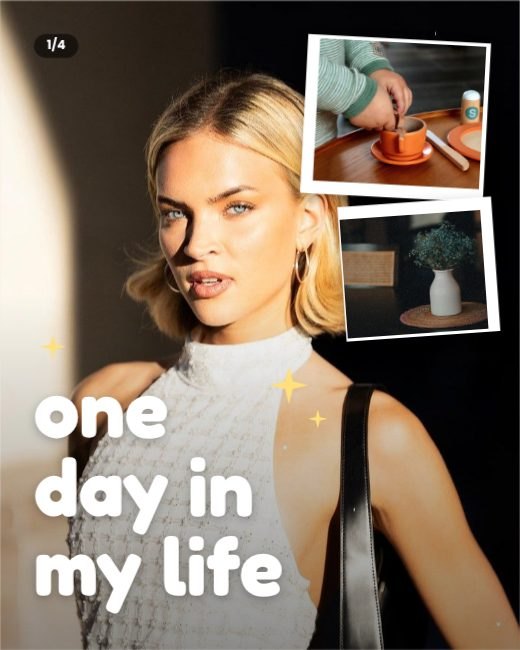
A Day In My Life Journal Post
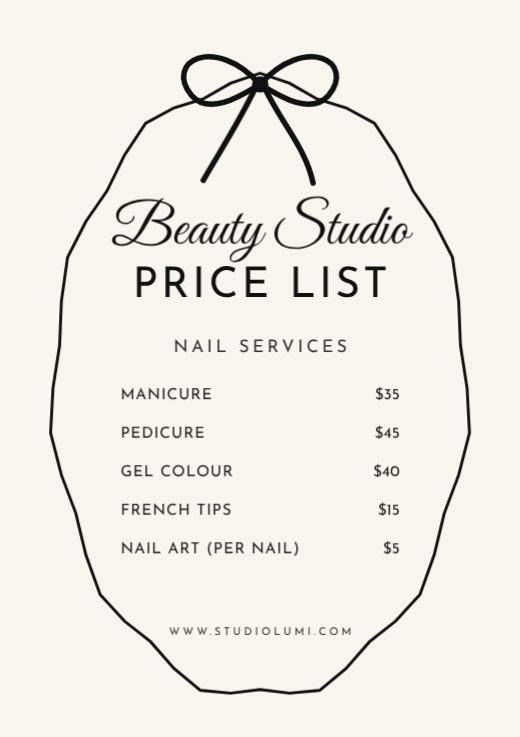
Bow Wavy Frame Price List
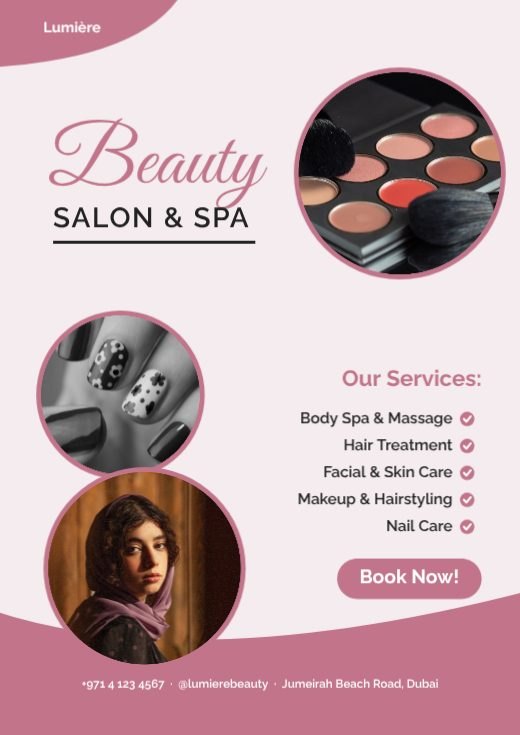
Rose Salon And Spa Flyer
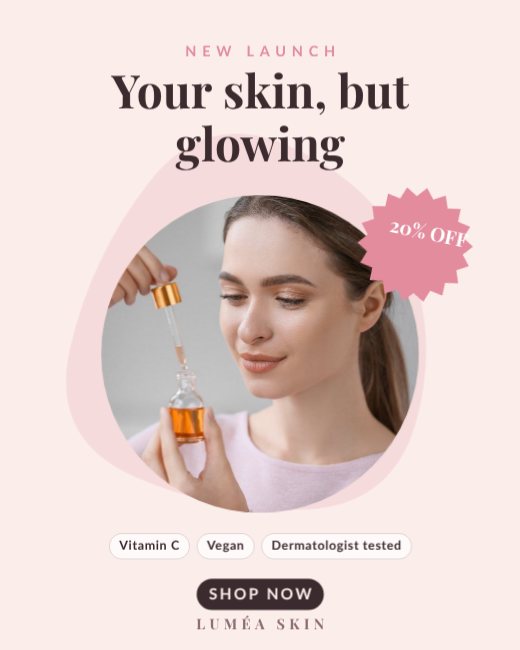
Serum Glow Podium Ad
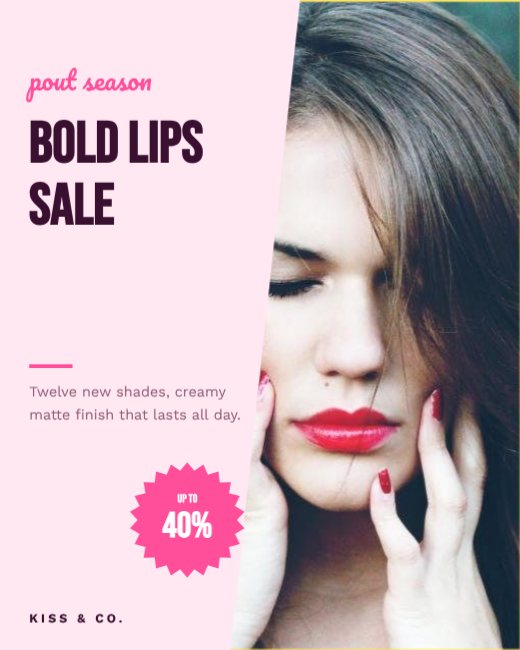
Lipstick Split Sale Ad
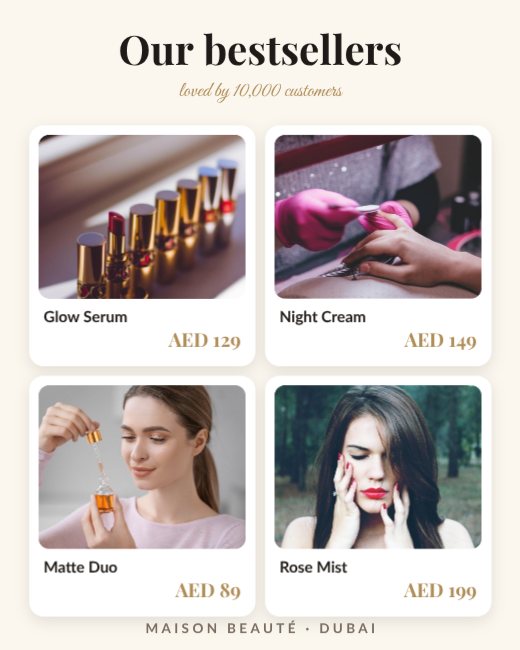
Beauty Bestsellers Product Grid
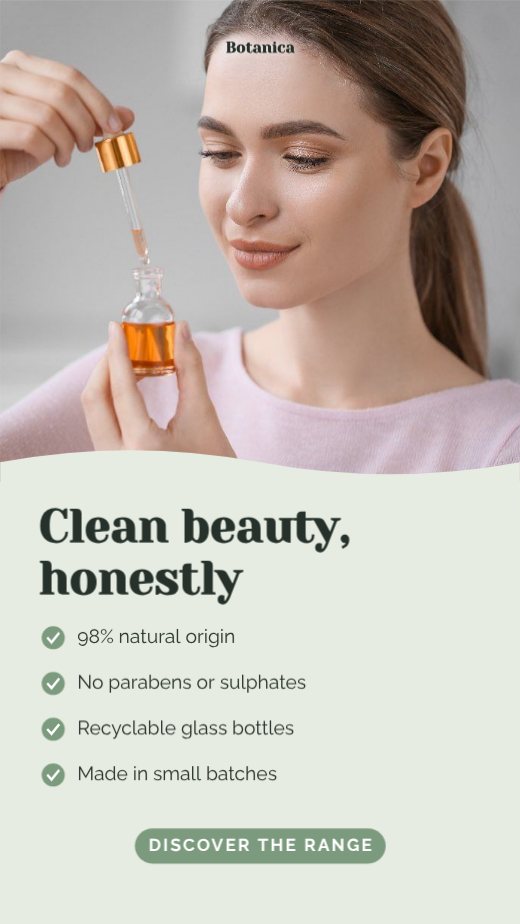
Clean Beauty Ingredient Story
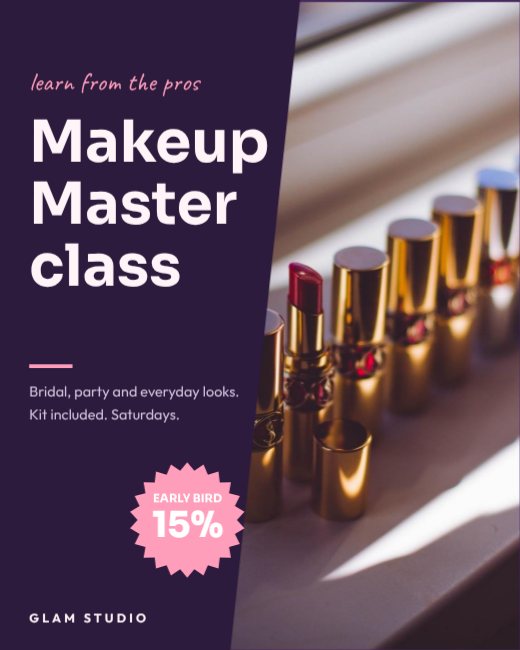
Makeup Masterclass Split Ad
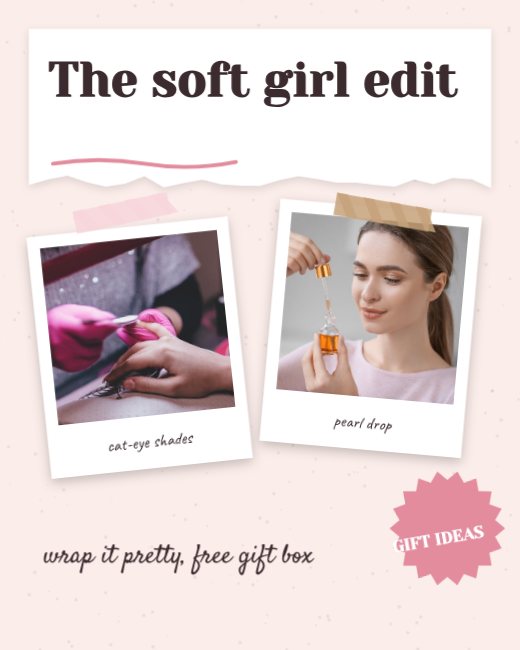
Pastel Scrapbook Beauty Edit
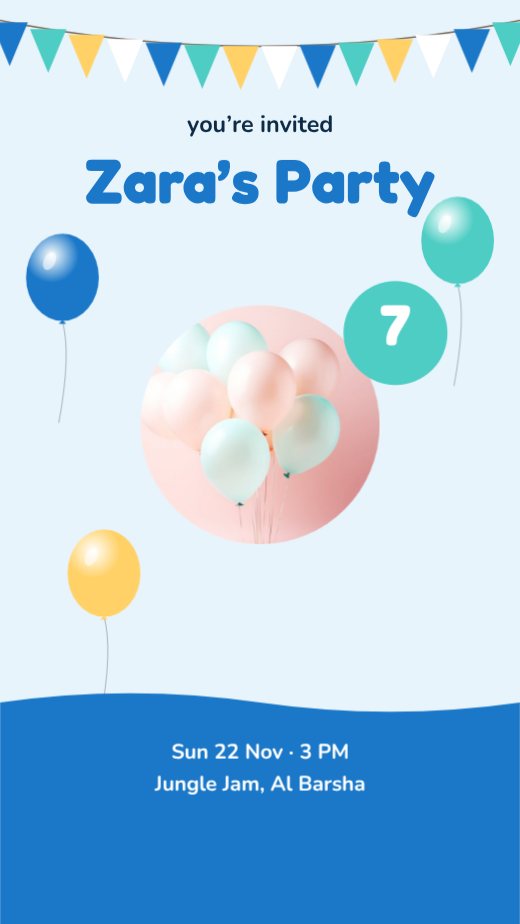
Kids Space Party Story
Salon Circle Card
Makeup Artist Portrait Card
Spa Botanical Card
Barbershop Retro Card
How to make a salon flyer for free
- 1
Pick a template
Browse the salon flyer designs below and open the one you like.
- 2
Make it yours
Click any text to change it, swap the photos for your own, and adjust colours and fonts.
- 3
Download or share
Download a print-ready PDF, or a PNG / JPG for WhatsApp, Instagram and email.
Popular uses
- Price lists
- New-client offers
- Grand openings
- Bridal packages
Tips for a great salon flyer
- 1
One message, not five
People decide in about three seconds whether a flyer is for them. Lead with the single most important thing — the discount, the event, the opening — and let everything else support it.
- 2
Big, then medium, then small
Use three text sizes at most: a large headline, a medium sub-line and small details. When everything is the same size, nothing stands out.
- 3
Leave breathing room
Empty space is not wasted space. Margins and gaps between blocks make a flyer look professional and easier to read from a distance.
- 4
Add a QR code
A QR code that opens your menu, map or booking page turns a piece of paper into a visit. Keep it at least 2 cm wide so phones can scan it.
- 5
Match the photo to the audience
A real photo of your shop, food or team usually works better than a generic stock image, because people recognise you when they arrive.
What to put on your salon flyer
- A headline that says the offer or event in under eight words
- The date, time and place — or the opening hours
- One clear next step: call, scan, visit or book
- Your logo and contact details at the bottom
Before you download
- Read every word aloud once — names, dates, phone numbers and prices are where typos hide.
- Keep text at least 3 mm inside the edge so nothing is cut off when it is trimmed.
- Download “PDF (print)” with bleed and crop marks for a print shop, or PNG for screens.
- Check photos look sharp at 100% zoom; blurry images look worse on paper.
Common salon flyer sizes
| Format | Size | Best for |
|---|---|---|
| A5 | 148 × 210 mm | Hand-outs, counters, door drops |
| A4 | 210 × 297 mm | Notice boards and windows |
| US Letter | 8.5 × 11 in | North America |
| Instagram post | 1080 × 1350 px | Sharing the flyer online |
Popular salon flyer styles
Frequently asked questions
Is it really free?+
Yes. Every template, the editor and every download format are free, with no watermark. A free account lets you save designs and come back to them.
Can I print it?+
Yes. Download “PDF (print)” with 3 mm bleed and crop marks — CMYK is available too, which is what print shops ask for. Or download PNG / JPG for WhatsApp and social media.
Can I change the size?+
Yes. Resize any design to A4, A5, US Letter, Instagram post, story or a custom size in one click.