Free Instagram story templates
Stories are where followers check in every day. Our story templates are built at 1080 × 1920 px with text kept clear of the app buttons at the top and bottom, so nothing important gets covered.
Pick a design for a sale, a new product, an event countdown, a quote or a “link in bio” reminder, change the words and photos, and download a crisp PNG ready to post — or share the same design as a WhatsApp status.
Free Instagram story templates
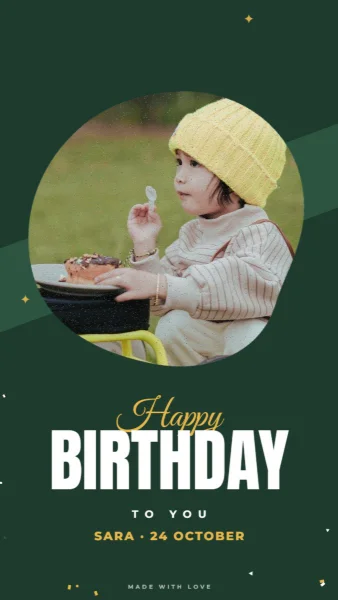
Forest Arch Birthday Story
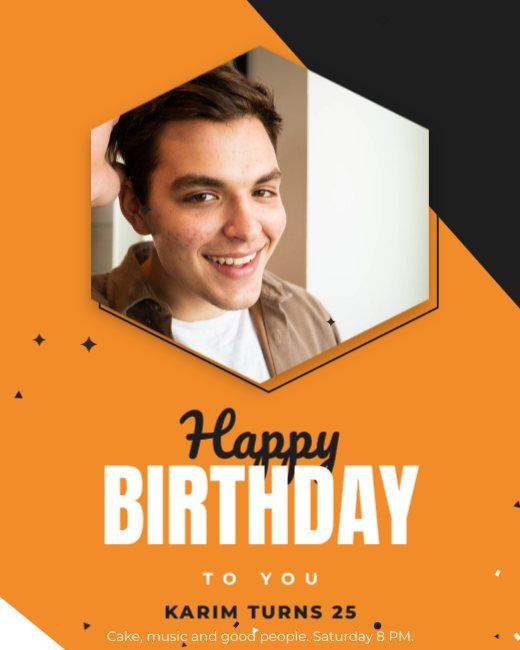
Orange Hexagon Birthday Post
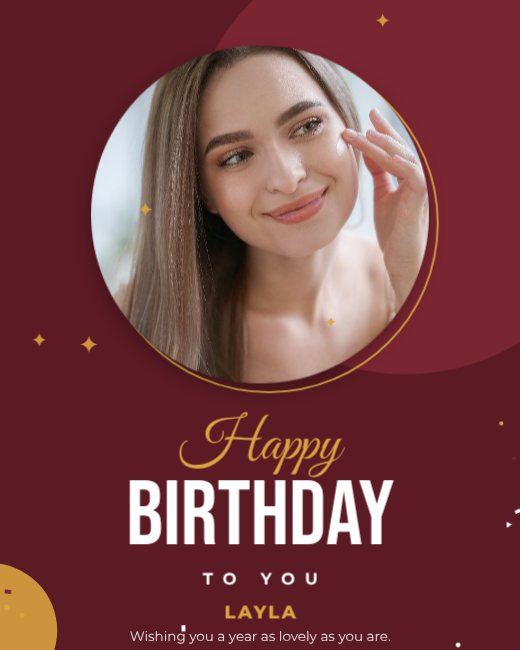
Maroon Gold Birthday Post
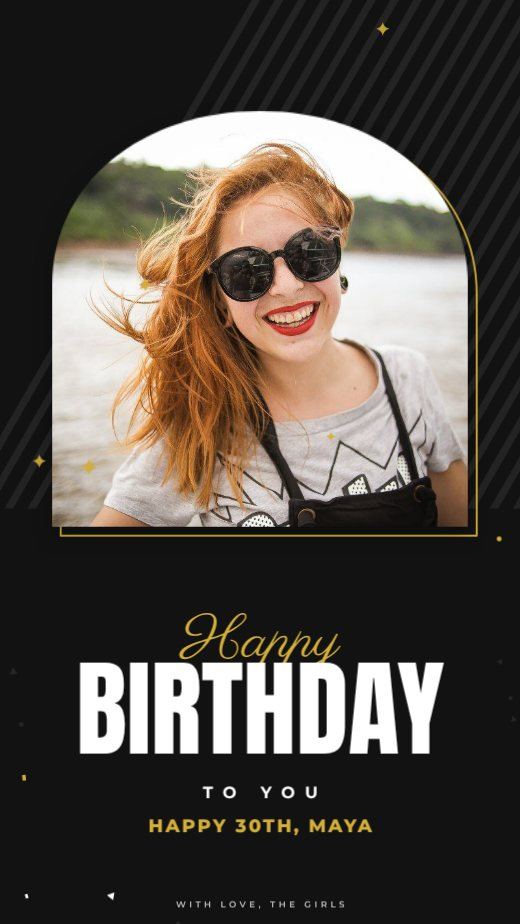
Black Gold Birthday Story
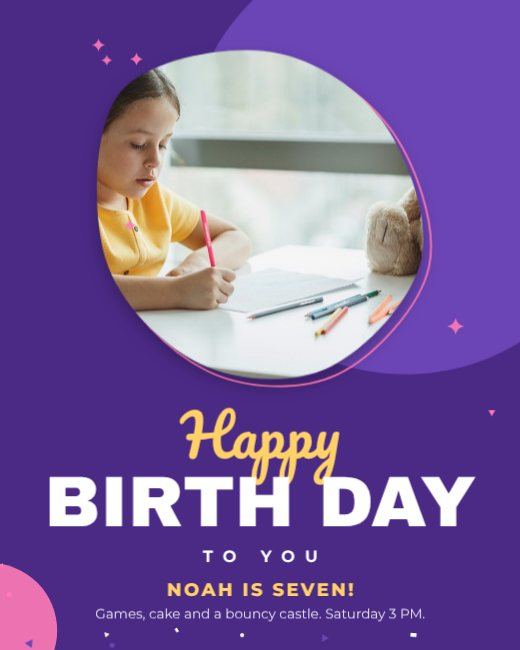
Purple Blob Birthday Post
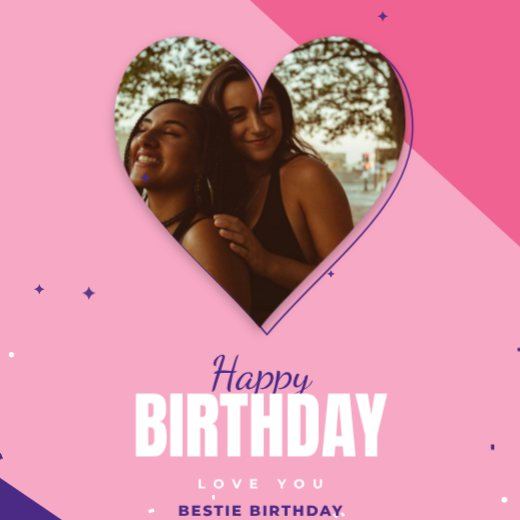
Pink Heart Birthday Post
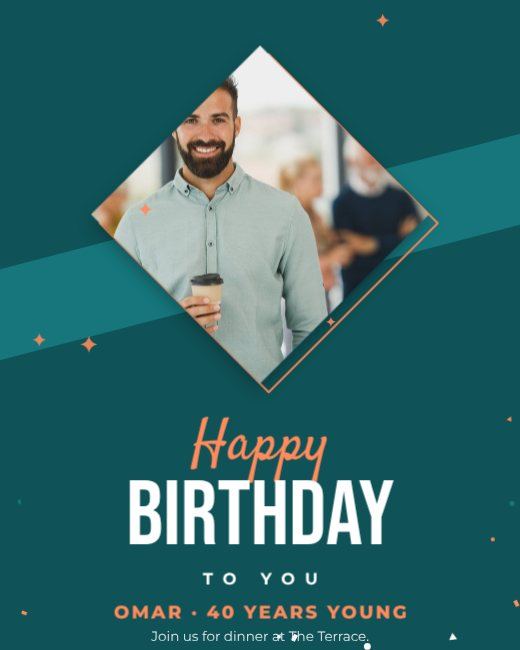
Teal Diamond Birthday Post
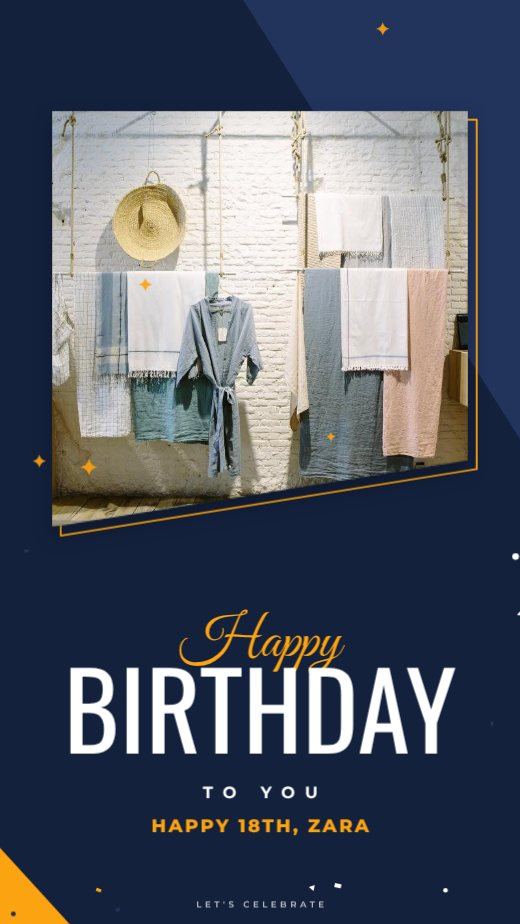
Navy Slant Birthday Story
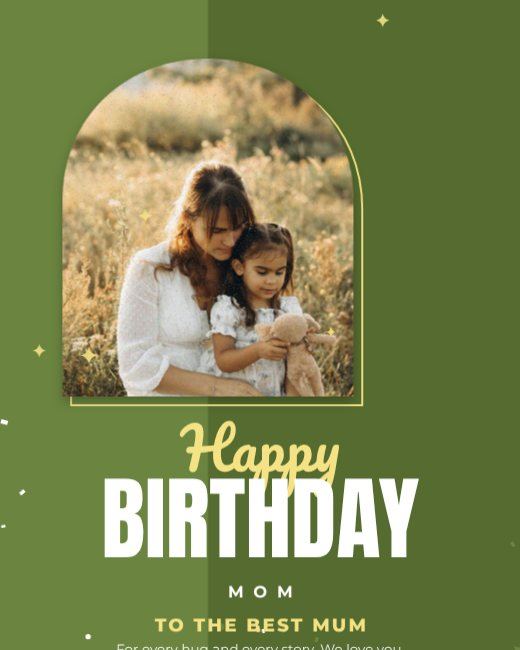
Olive Arch Birthday Post
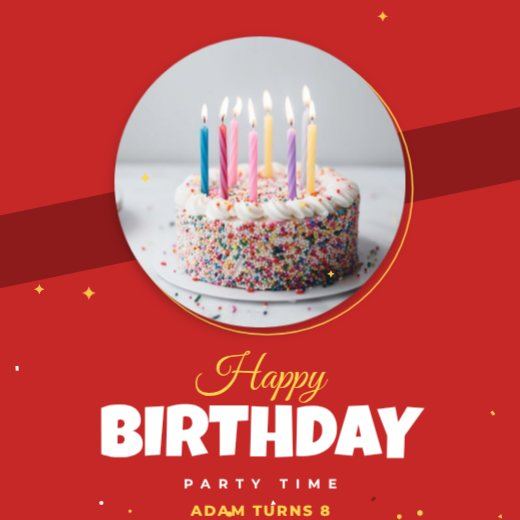
Red Circle Birthday Post
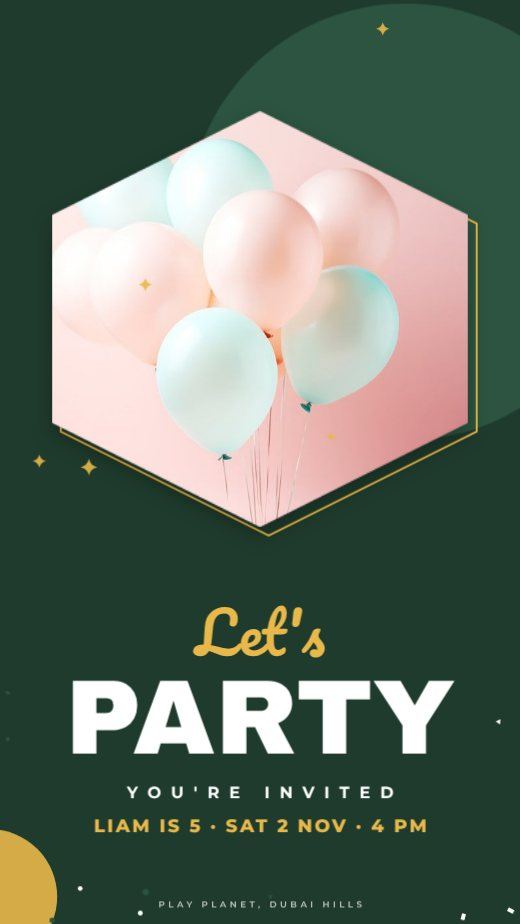
Forest Hexagon Kids Party Story

Noir Circle 50th Birthday Post
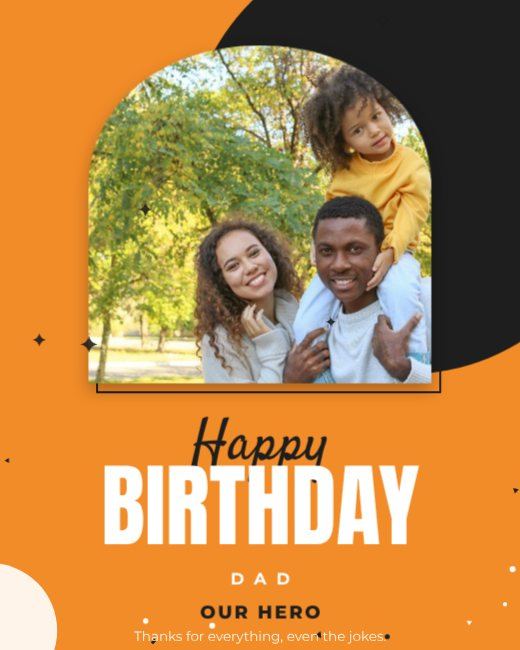
Orange Arch Dad Birthday Post
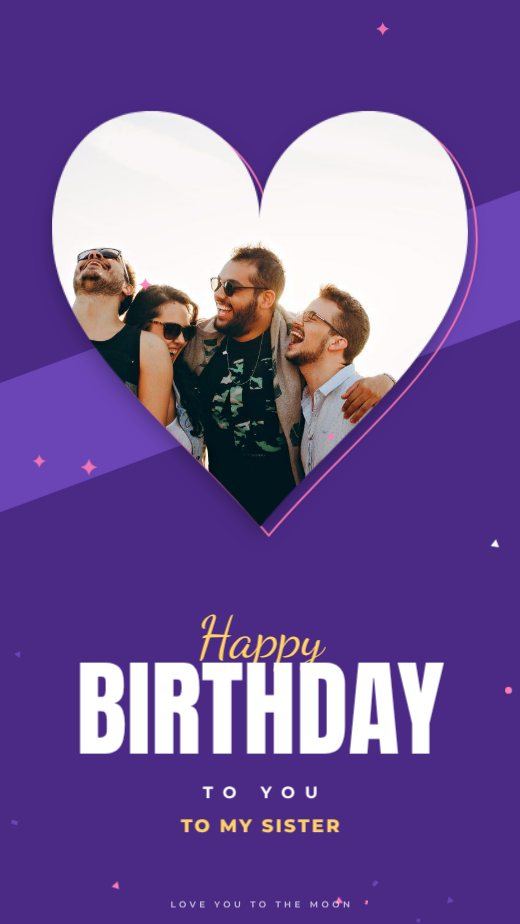
Purple Heart Sister Birthday Story
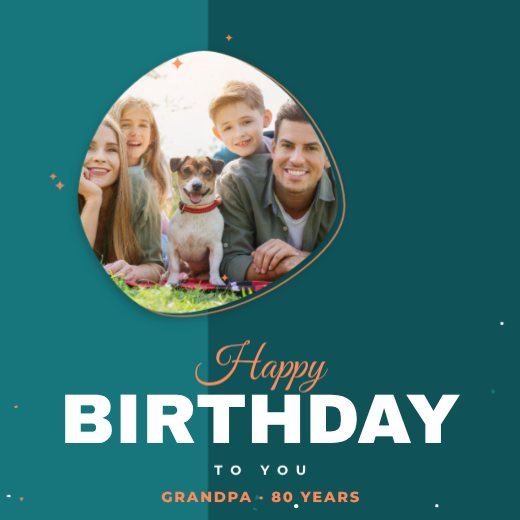
Teal Blob Birthday Square
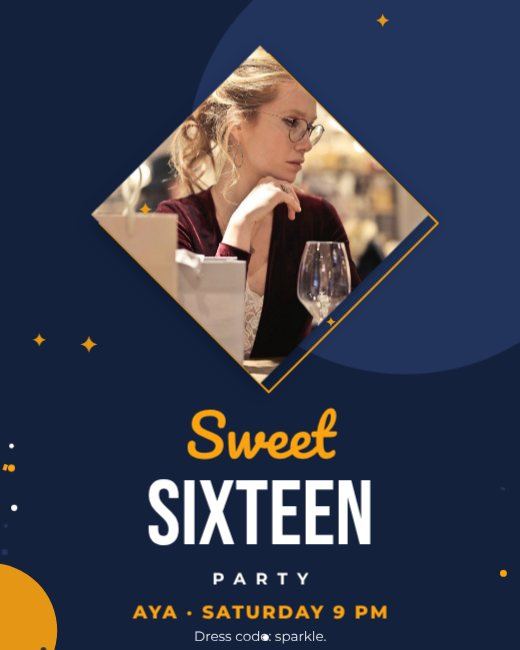
Navy Diamond Sweet 16 Post
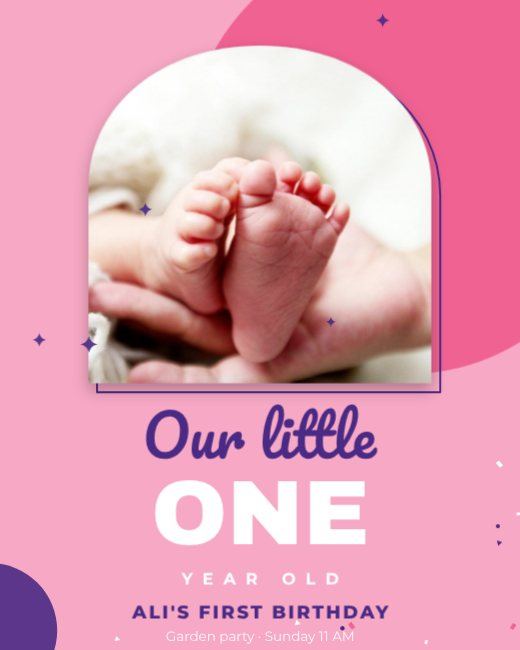
Pink Arch First Birthday Post
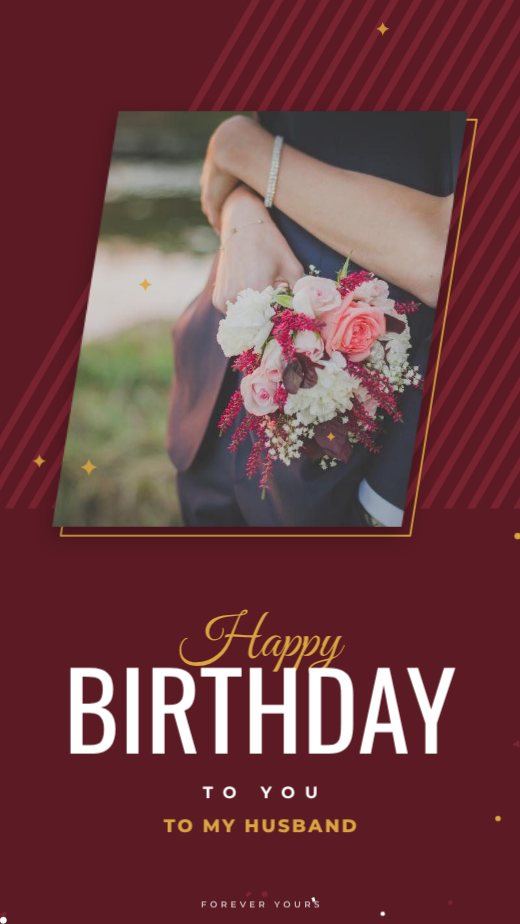
Maroon Slant Husband Birthday Story
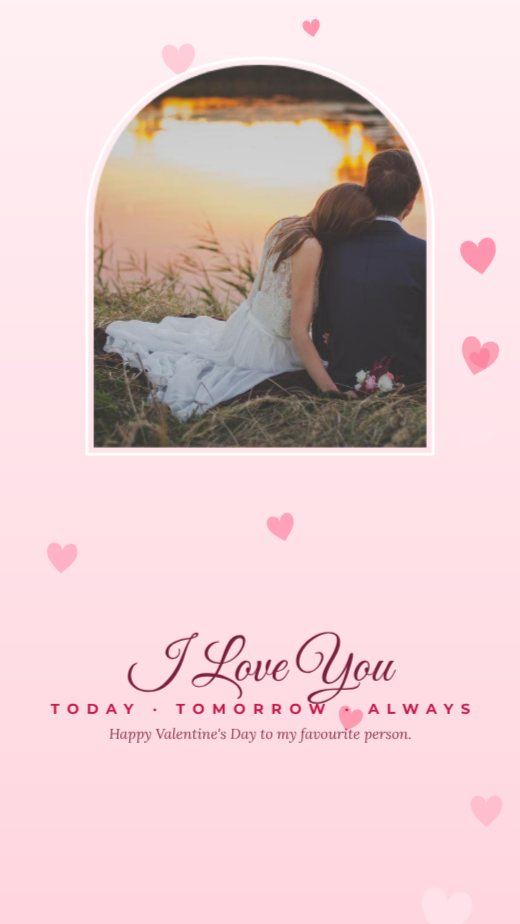
Blush Arch Valentine Story
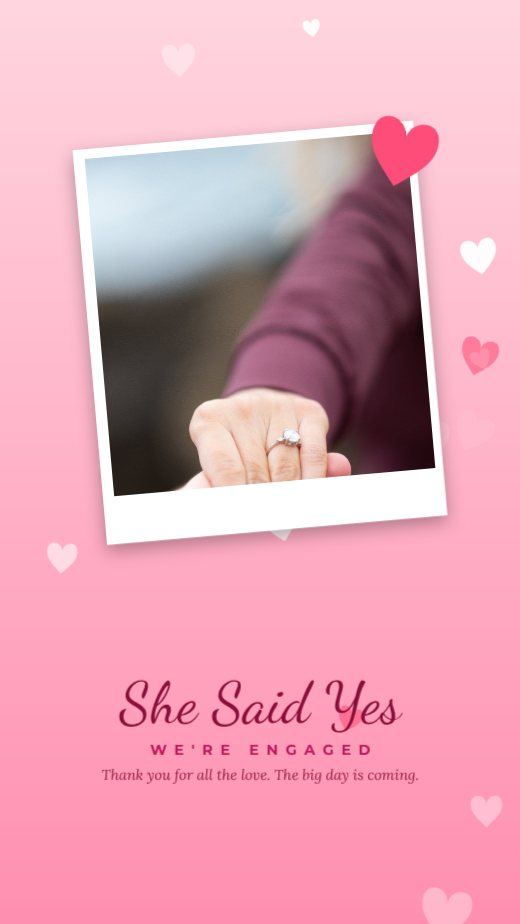
Pink Polaroid Love Story
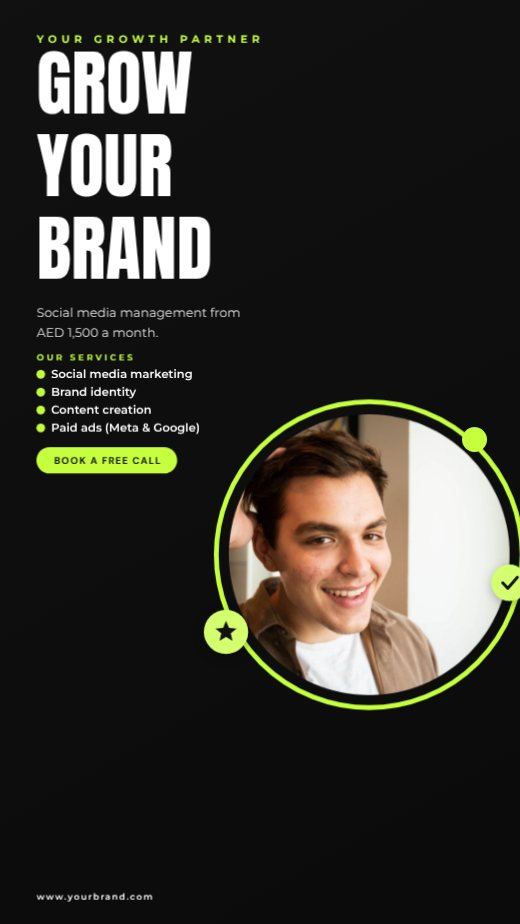
Black Neon Agency Story
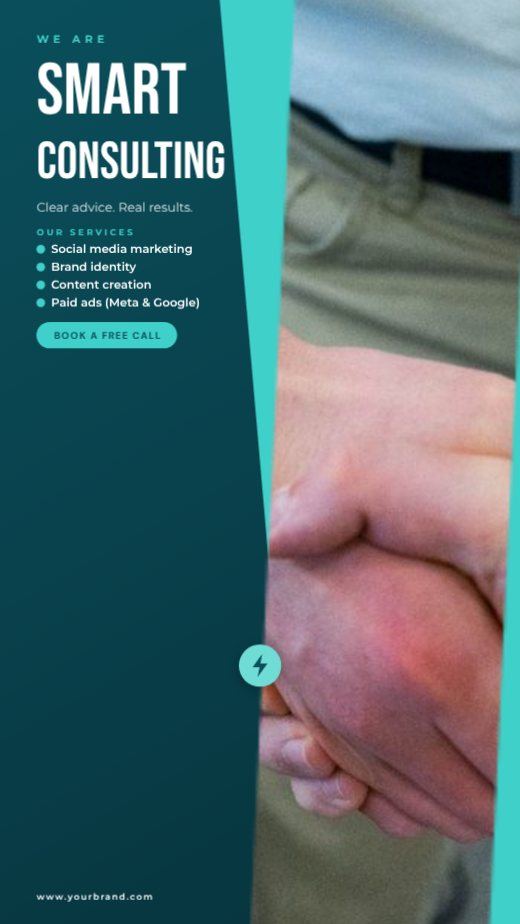
Teal Consulting Agency Story

Red Christmas Sale Story

Navy Photo Happy Holidays Story
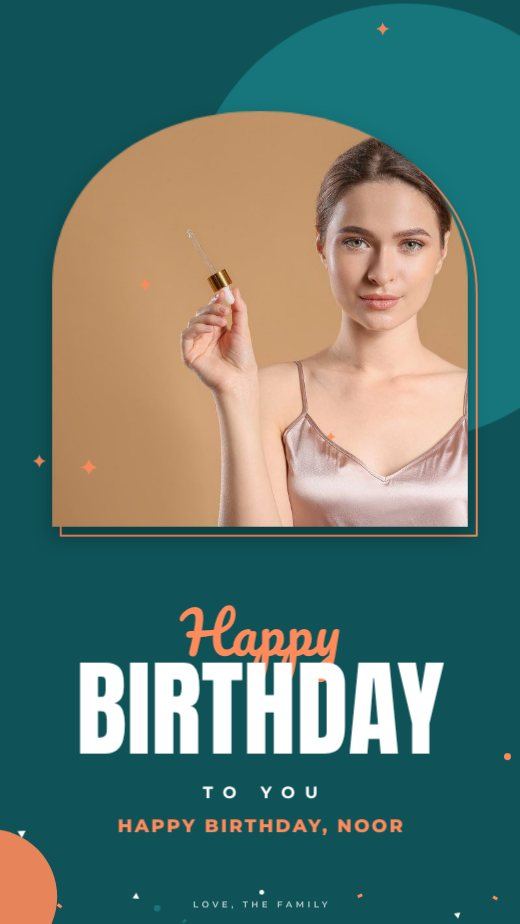
Teal Arch Birthday Story
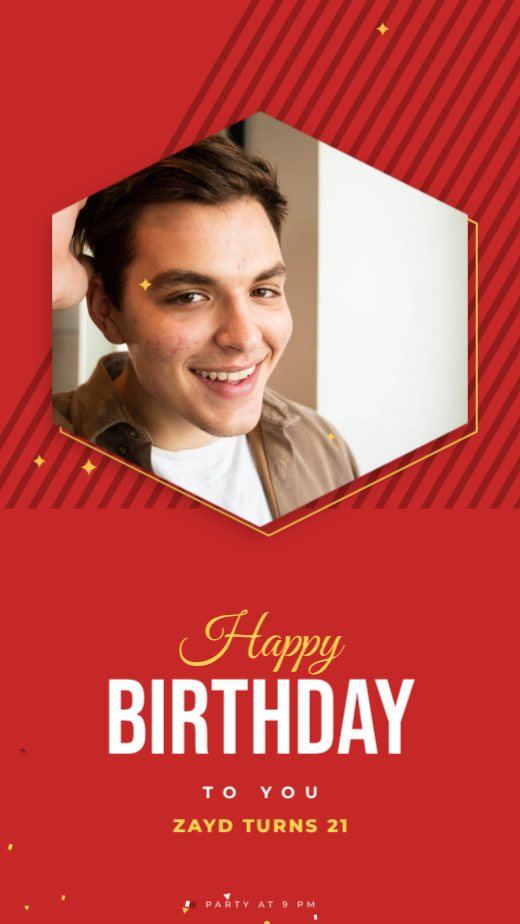
Red Hexagon Birthday Story
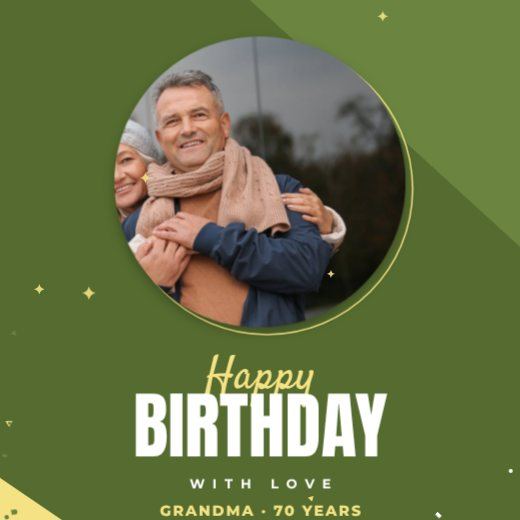
Olive Circle Birthday Square
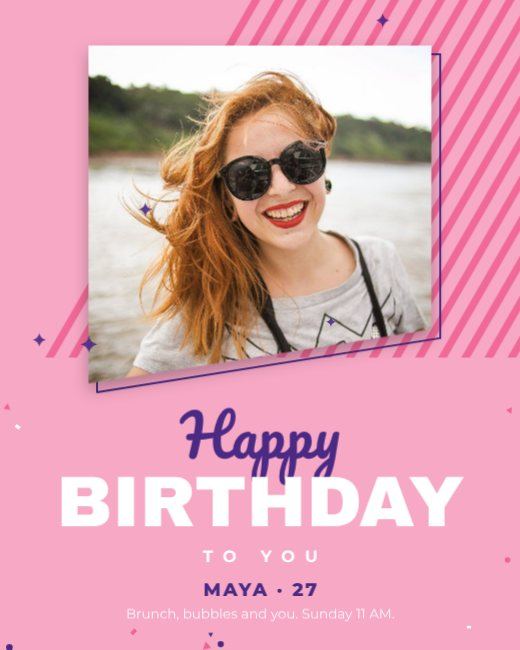
Pink Slant Birthday Post
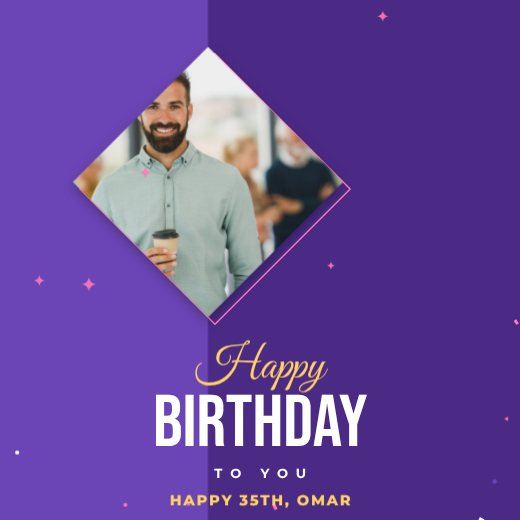
Purple Diamond Birthday Square
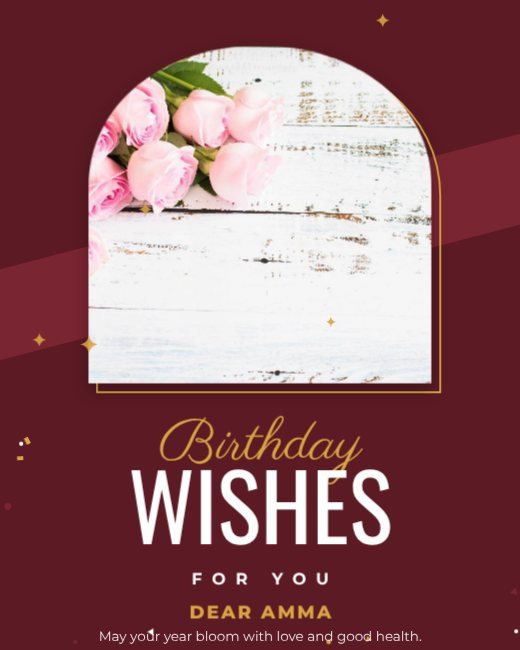
Maroon Arch Birthday Wishes Post
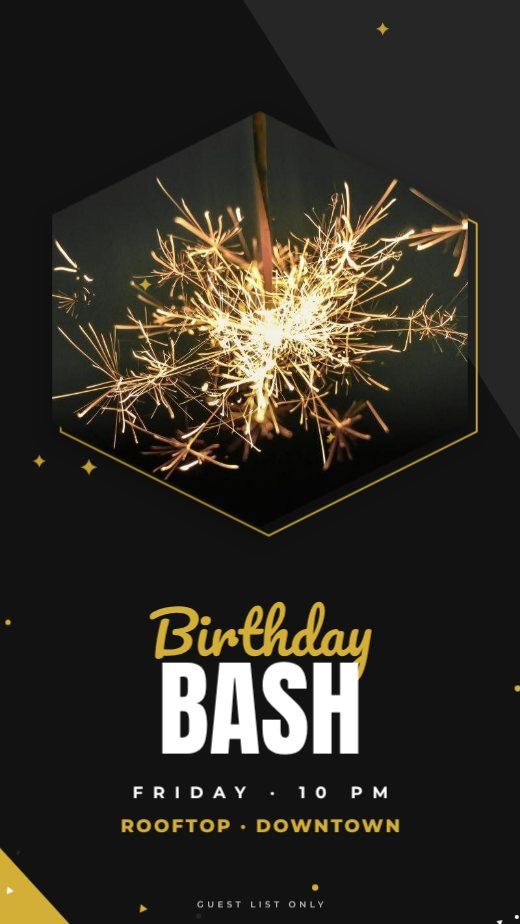
Noir Hexagon Birthday Party Story
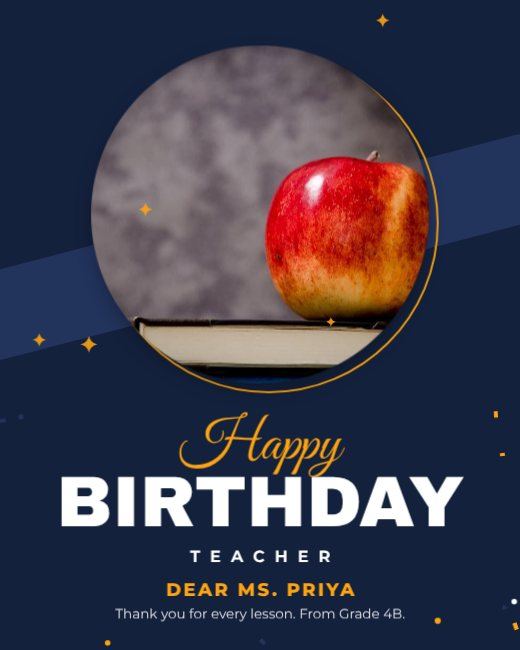
Navy Circle Birthday Post
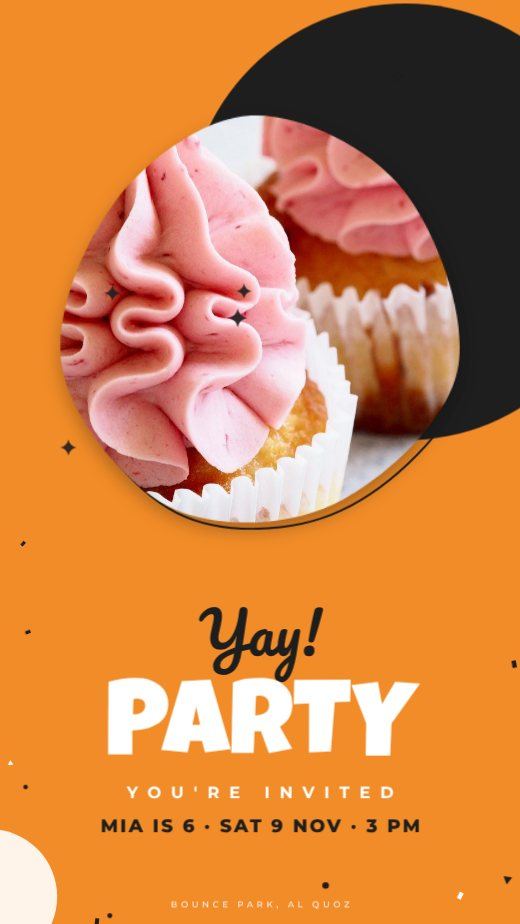
Orange Blob Kids Birthday Story
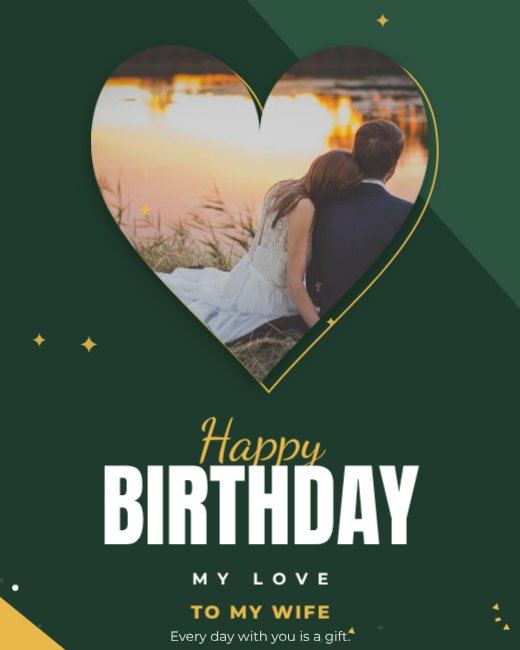
Forest Heart Birthday Post

Navy Business Growth Story
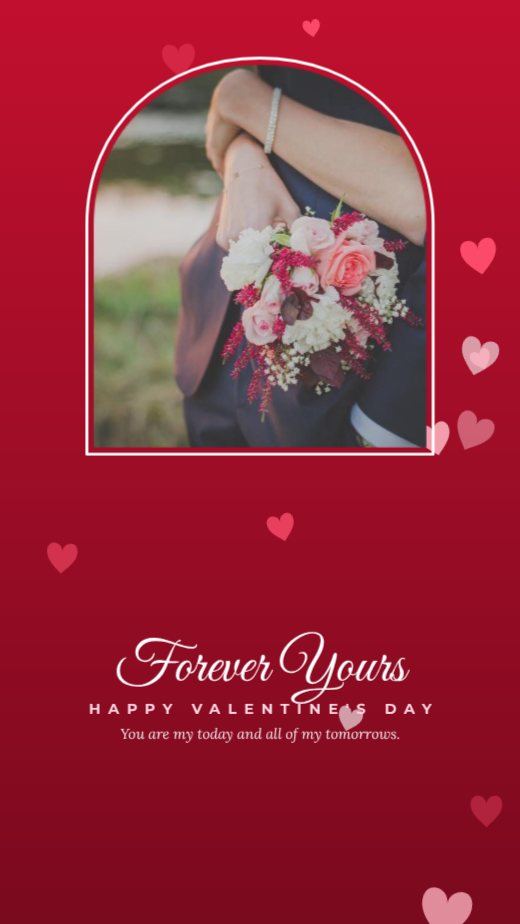
Red Arch Valentine Story
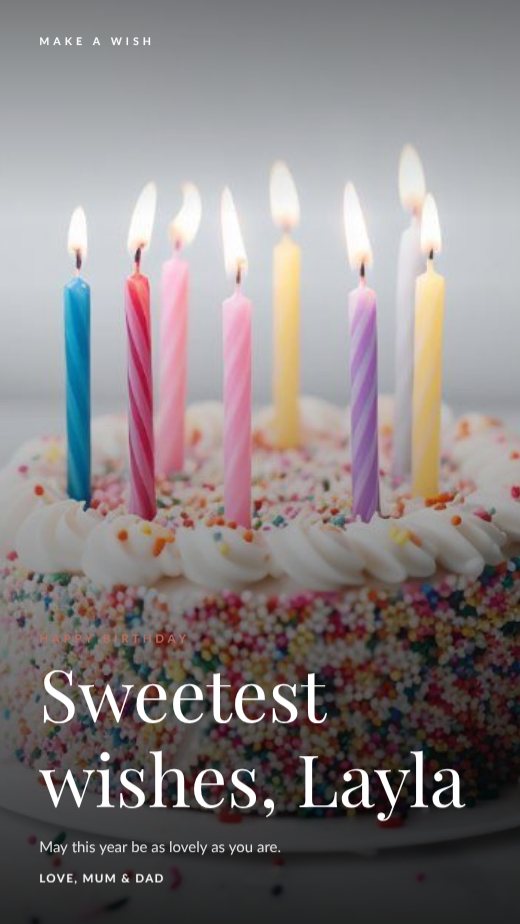
Birthday Cake Wish Story

Birthday Party Story Countdown
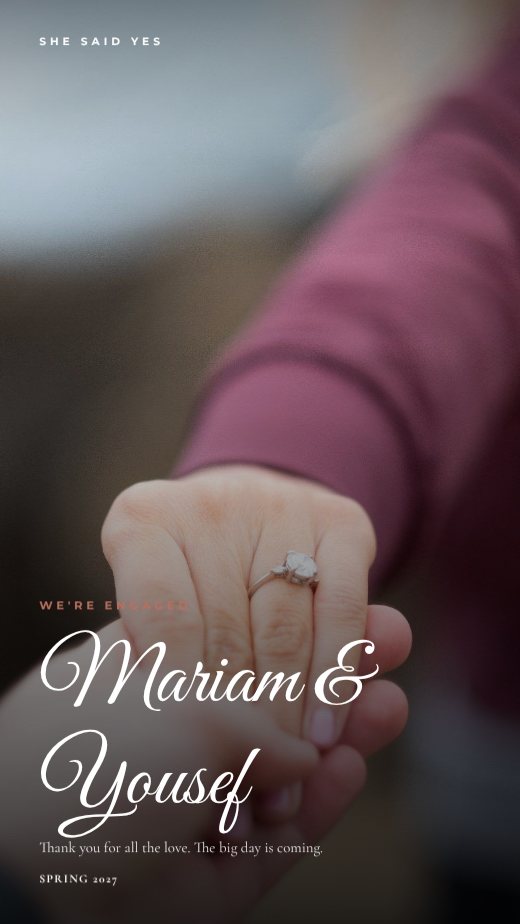
Engagement Announcement Story
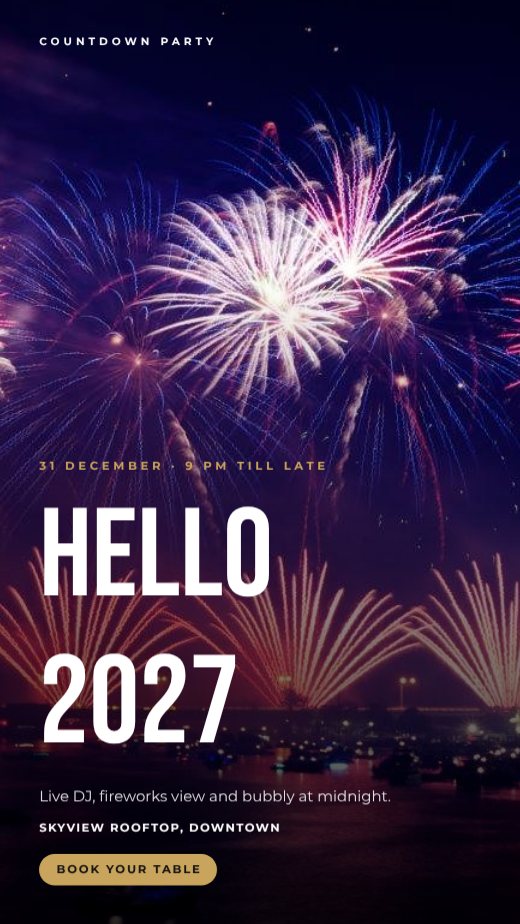
Fireworks New Year's Eve Party Story
How to make a Instagram story for free
- 1
Pick a template
Browse the Instagram story designs below and open the one you like.
- 2
Make it yours
Click any text to change it, swap the photos for your own, and adjust colours and fonts.
- 3
Download or share
Download a print-ready PDF, or a PNG / JPG for WhatsApp, Instagram and email.
Popular uses
- Sale and discount stories
- New product launches
- Event countdowns
- Quotes and tips
- WhatsApp status updates
Tips for a great Instagram story
- 1
Stop the scroll
You have about a second. Bold colour, a face, or a surprising headline makes people pause.
- 2
Design for the 4:5 crop
Instagram shows 4:5 portrait posts largest in the feed. Use 1080 × 1350 px for more screen space than a square.
- 3
Keep a consistent look
Use the same two fonts and colour palette every time so followers recognise your posts. Save them in a brand kit.
- 4
Turn one post into a set
Resize a post into a story and a LinkedIn image in one click, so one idea works on every channel.
- 5
Carousels get saved
Tips, steps and before/after carousels are saved and shared more than single images — and saves help reach.
What to put on your Instagram story
- A hook in the first line of the design
- One idea per post — or one per slide in a carousel
- Your handle or logo, small
- A call to action in the caption: save, share, comment or visit
Before you download
- Look at it at phone size — if you can’t read the headline at a glance, make it bigger.
- Keep important text away from the very top and bottom of stories, where app buttons sit.
- Download PNG for crisp text, JPG for photo-heavy posts.
- Write the caption and add the link before you post, so the design and caption work together.
Common Instagram story sizes
| Format | Size | Best for |
|---|---|---|
| Instagram portrait | 1080 × 1350 px | Feed posts |
| Square | 1080 × 1080 px | Instagram, Facebook |
| Story / Reel cover | 1080 × 1920 px | Stories, WhatsApp status |
| LinkedIn / Facebook | 1200 × 627 px | Link posts |
Frequently asked questions
Is it really free?+
Yes. Every template, the editor and every download format are free, with no watermark. A free account lets you save designs and come back to them.
What size is an Instagram story?+
1080 × 1920 pixels, a 9:16 ratio. Every story template here is already that size.
Can I turn a post into a story?+
Yes — open any post template and use Resize to change it to a story in one click.