Business Social Media Posts — free & editable
Find the right business social media post in minutes. Every design here is free and fully editable: swap the text, colours, fonts and photos in your browser — no software to install.
When you're done, download a print-ready PDF for printing or a high-quality PNG/JPG for WhatsApp, Instagram and email. Save your design to your account and come back to change it any time.
Free social media post templates
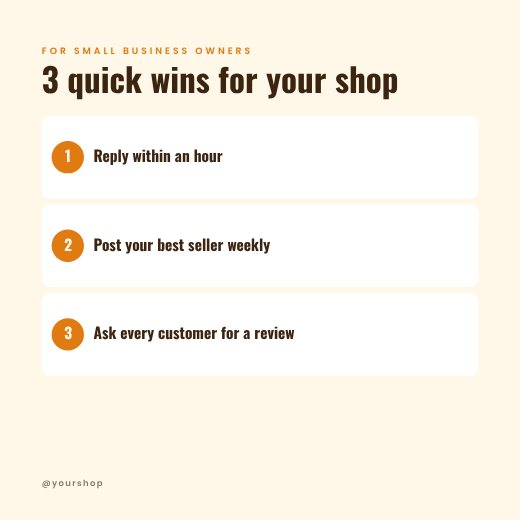
Small Business Tips Post

Business Workshop Poster
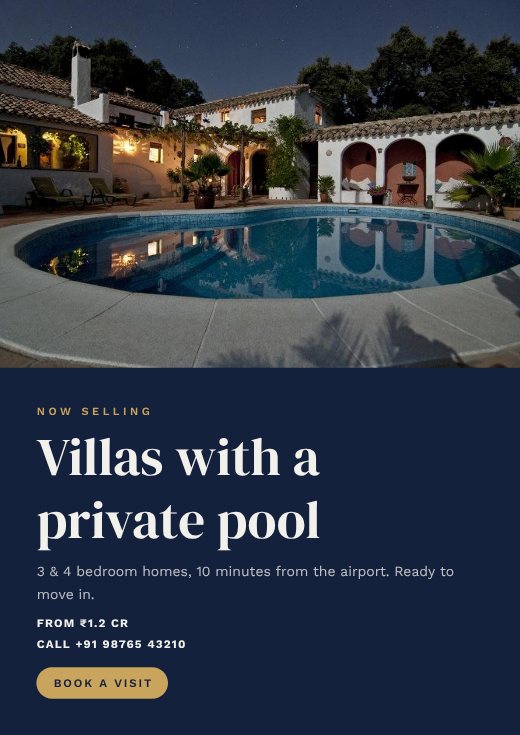
Real Estate Business Poster
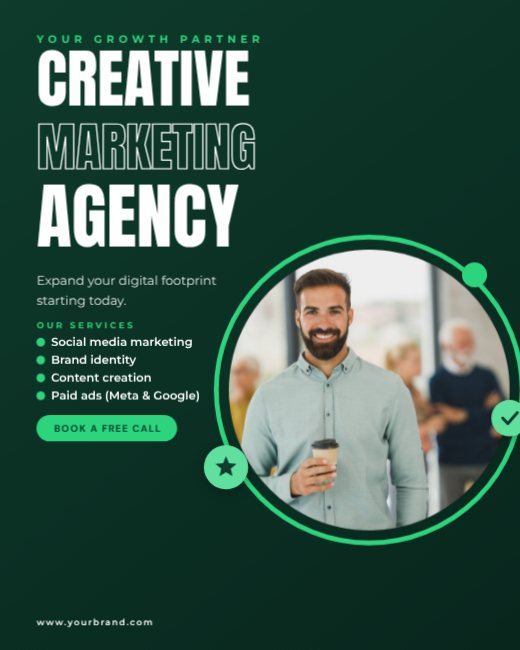
Green Creative Marketing Agency Post
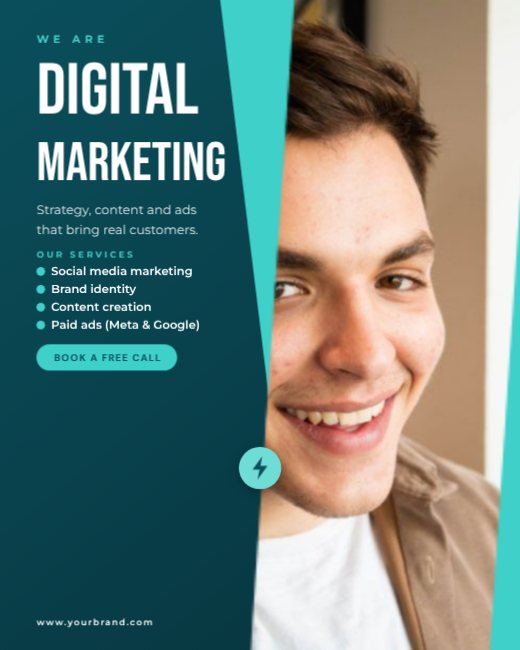
Teal Digital Agency Post
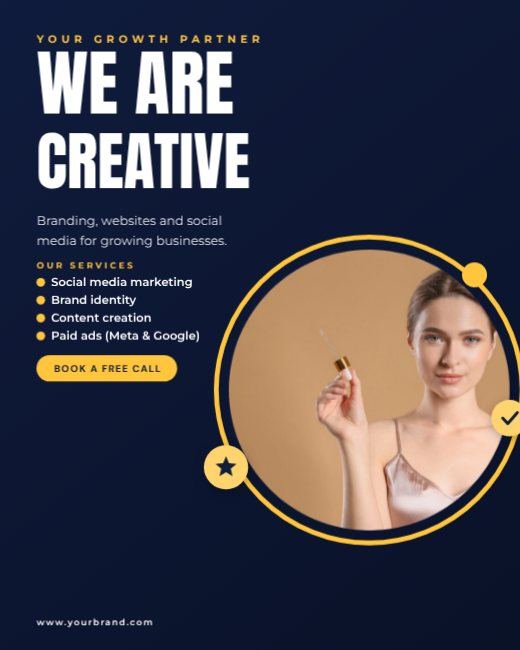
Navy We Are Creative Post

Red Marketing Expert Post

Purple Social Media Agency Post
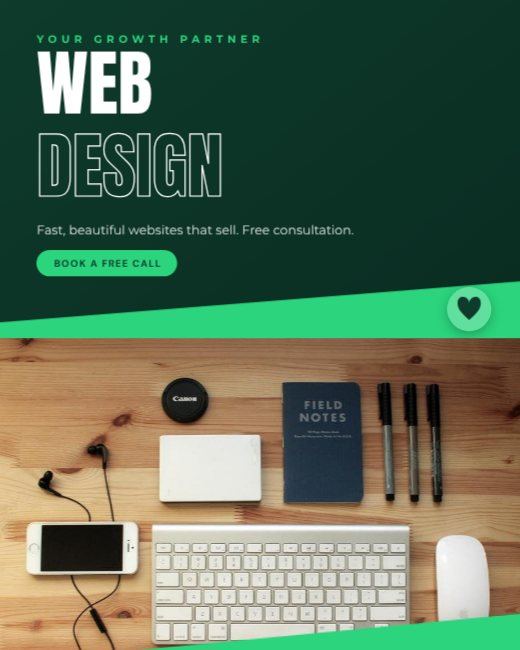
Green Web Design Agency Post
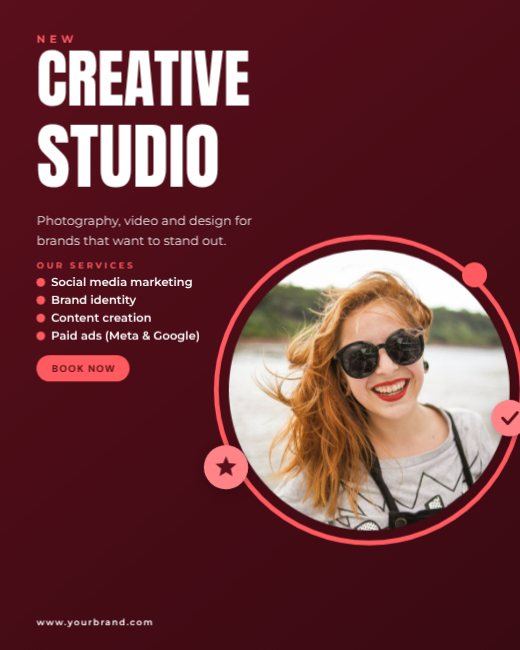
Red Creative Studio Post
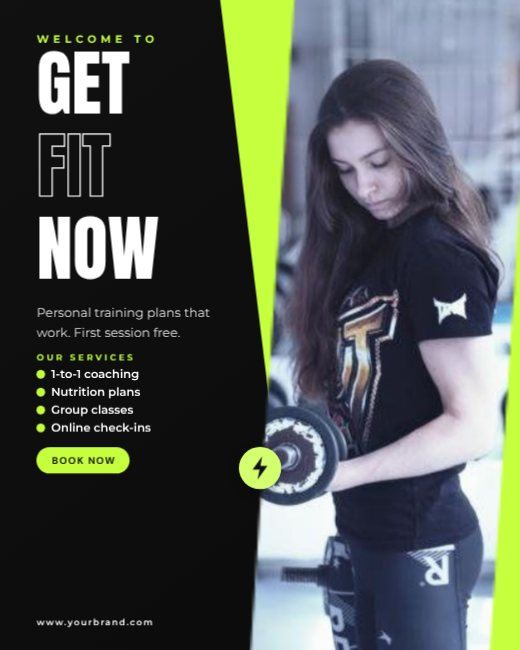
Black Fitness Coach Post
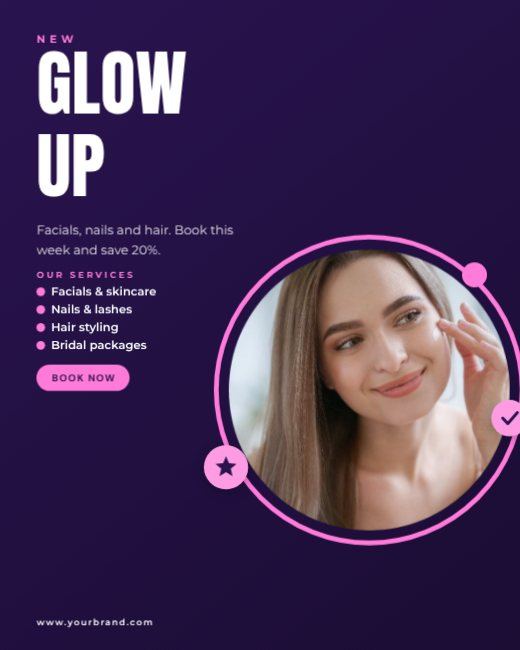
Purple Beauty Salon Post

Business Networking Night Portrait Post

Team Photo We're Hiring Post
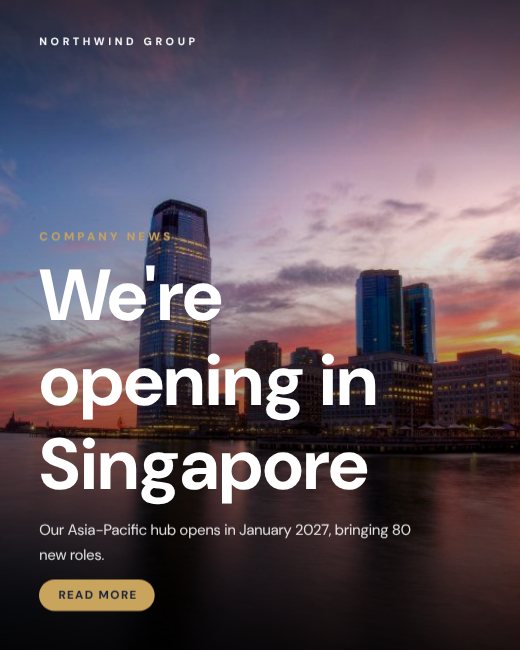
Company Announcement Post

Real Estate Agent Business Post
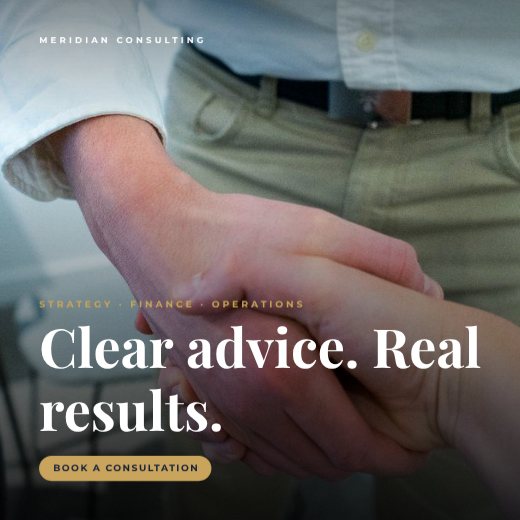
Consulting Firm Post

Startup Pitch Event Portrait Post
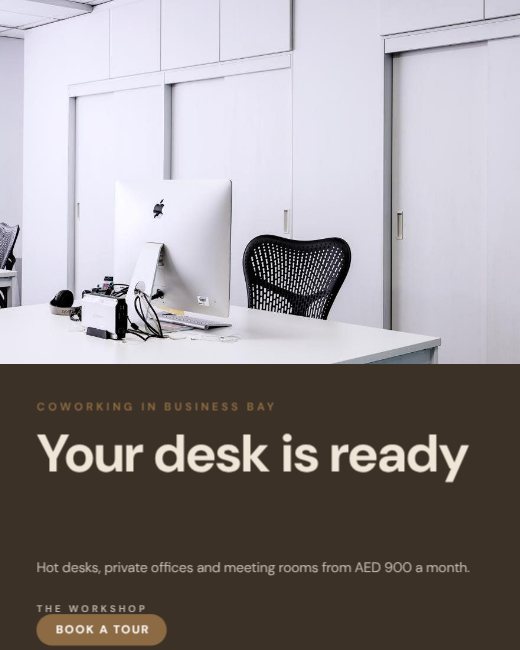
Coworking Space Promo Portrait Post
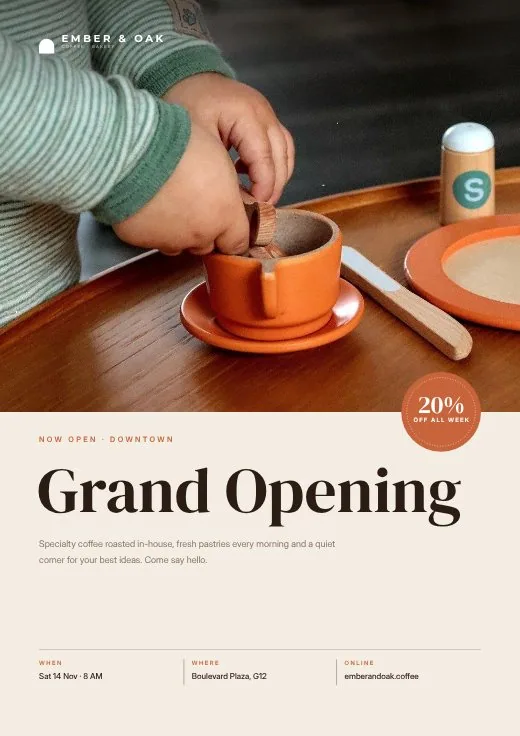
Ember & Oak Café Grand Opening Flyer
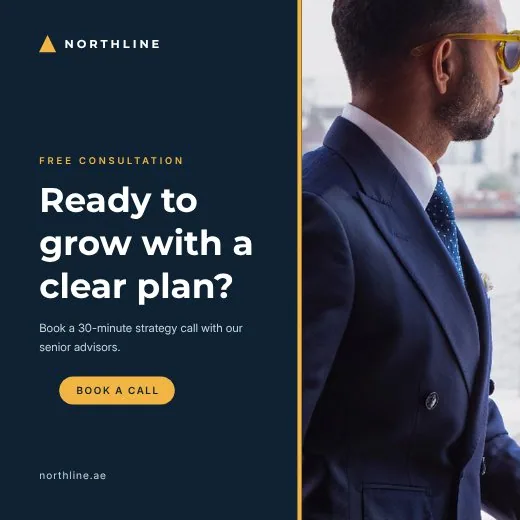
Northline Consulting Free Consultation Post
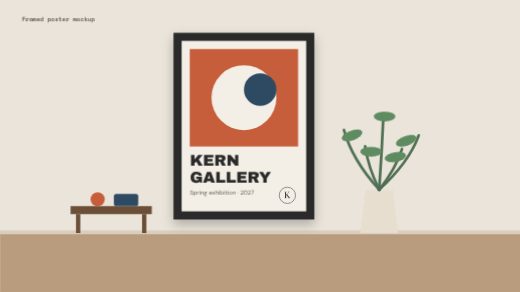
Framed Poster Wall Mockup
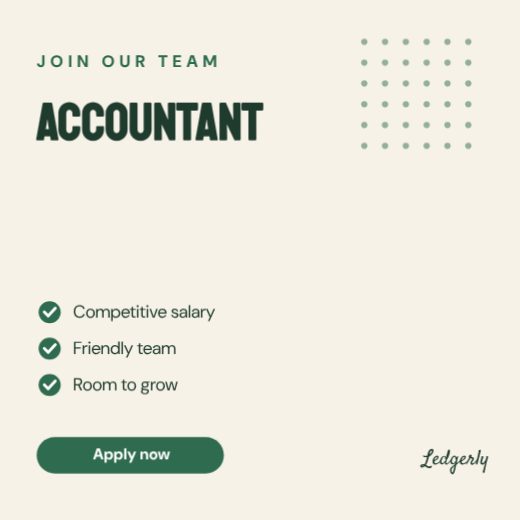
Hiring Accountant Post
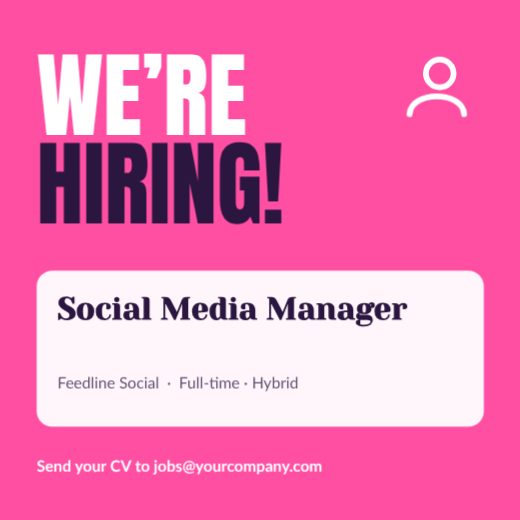
Hiring Social Media Manager Post

Hiring Fitness Coach Post
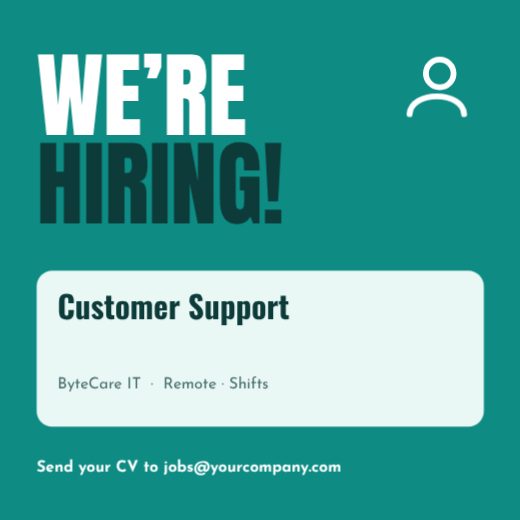
Hiring Customer Support Post

Hiring Nursery Teacher Post

Hiring Chef De Partie Post

Hiring Front-End Developer Post

Hiring Sales Executive Post
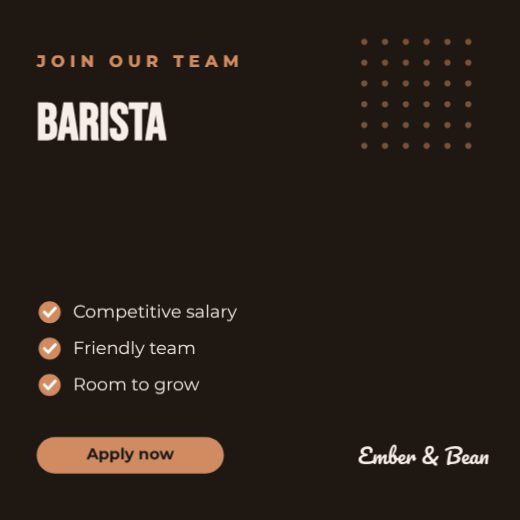
Hiring Barista Post

Hiring Graphic Designer Post
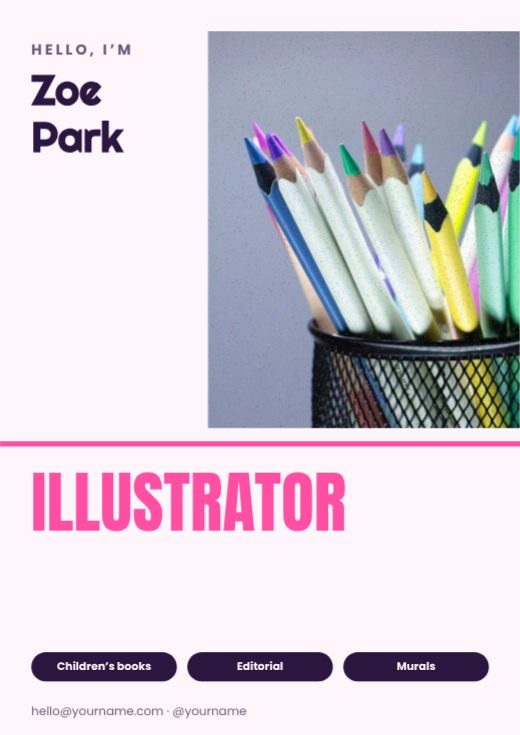
Illustrator Personal Brand Poster
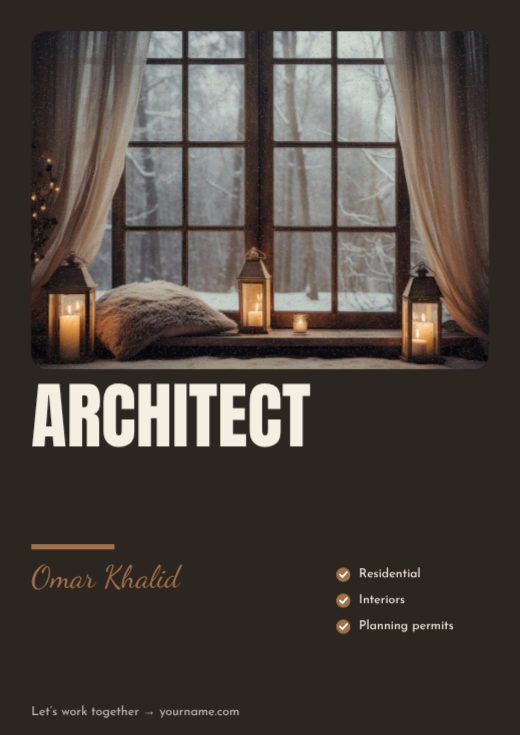
Architect Personal Brand Poster
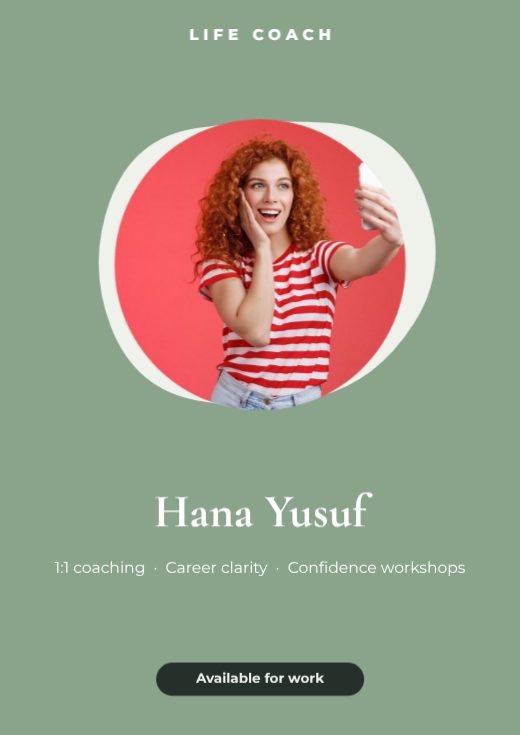
Life Coach Personal Brand Poster
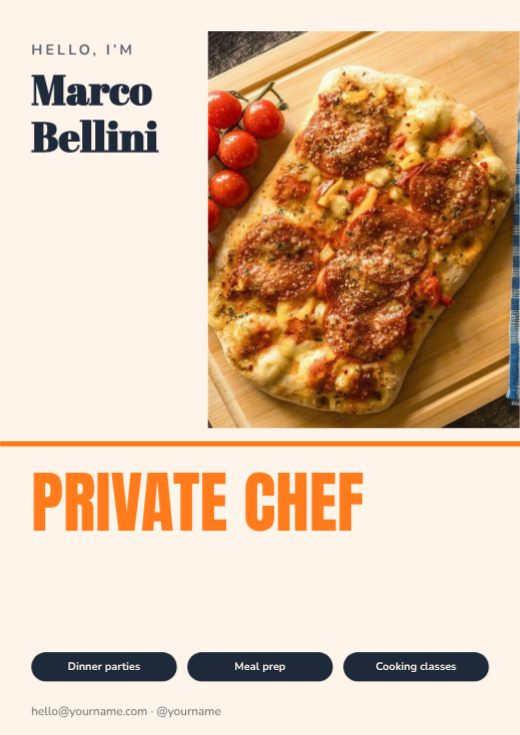
Private Chef Personal Brand Poster
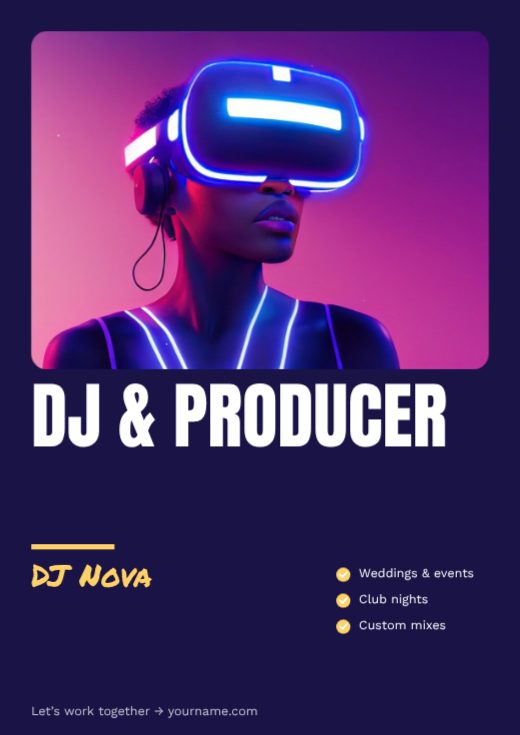
DJ & Producer Personal Brand Poster
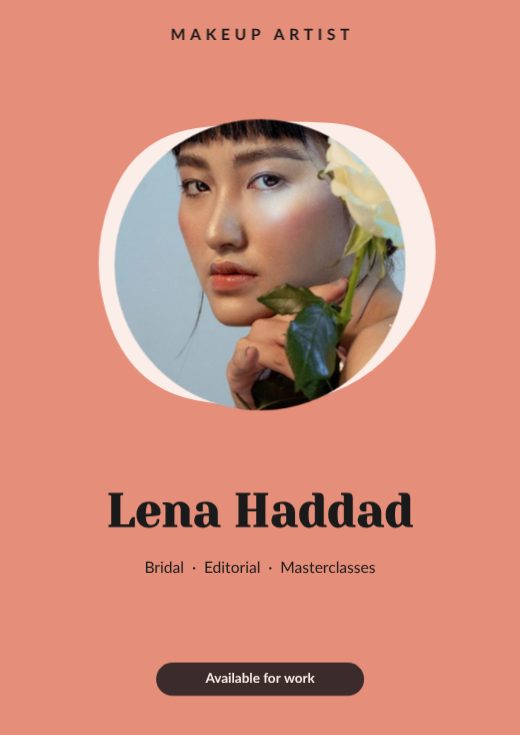
Makeup Artist Personal Brand Poster
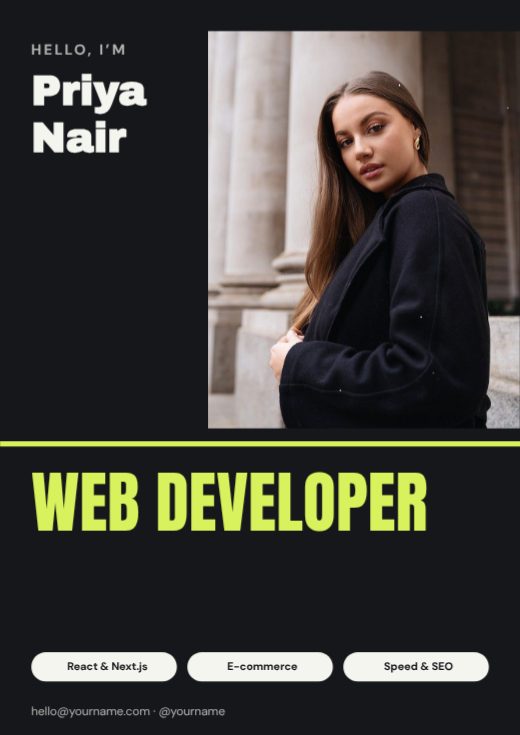
Web Developer Personal Brand Poster

UI / UX Designer Personal Brand Poster
How to make a social media post for free
- 1
Pick a template
Browse the social media post designs below and open the one you like.
- 2
Make it yours
Click any text to change it, swap the photos for your own, and adjust colours and fonts.
- 3
Download or share
Download a print-ready PDF, or a PNG / JPG for WhatsApp, Instagram and email.
Tips for a great social media post
- 1
Start from a template
A professional layout already has the spacing, hierarchy and font pairing worked out — you just change the words and photos.
- 2
Two fonts, three colours
One font for headings, one for text, and a small colour palette keeps any design clean.
- 3
Align everything
Line up text and images on the same edges. Alignment is the quickest way to make a design look professional.
- 4
Use your brand kit
Save your logo, colours and fonts once and apply them to any template in one click.
- 5
Export for where it goes
PDF with bleed for printing, PNG for sharp text on screens, JPG for photos.
What to put on your social media post
- A clear headline
- The key details people need
- One call to action
- Your logo and contact details
Before you download
- Read every word aloud once — names, dates, phone numbers and prices are where typos hide.
- Keep text at least 3 mm inside the edge so nothing is cut off when it is trimmed.
- Download “PDF (print)” with bleed and crop marks for a print shop, or PNG for screens.
- Check photos look sharp at 100% zoom; blurry images look worse on paper.
Common social media post sizes
| Format | Size | Best for |
|---|---|---|
| A4 | 210 × 297 mm | |
| Instagram portrait | 1080 × 1350 px | Social |
| Story | 1080 × 1920 px | Stories and status |
| Presentation | 1920 × 1080 px | Screens |
Frequently asked questions
Are these business social media post templates free?+
Yes. Every business social media post template is free to edit and download, with no watermark.
Can I add my own photos and text?+
Yes. Click any text to type your own words, and tap a photo to replace it with yours.
What size is a social media post?+
Each template is already the right size for where it's used. You can also resize it in the editor.