Free resume site maker
Looking for a resume site that looks professionally designed? Start from one of our 130+ free resume site templates. Each one is laid out by a designer, so the spacing, fonts and colours already work together — you only change what matters to you.
Everything happens in your browser on a computer, tablet or phone. Click any text to edit it, upload your own photos and logo, and try different colours in one click. Nothing to install and no design experience needed.
When it’s ready, download a print-ready PDF with bleed for a print shop, or a PNG / JPG to share on WhatsApp, Instagram, Facebook and LinkedIn. Every template and every download is free, with no watermark.
Free resume site templates
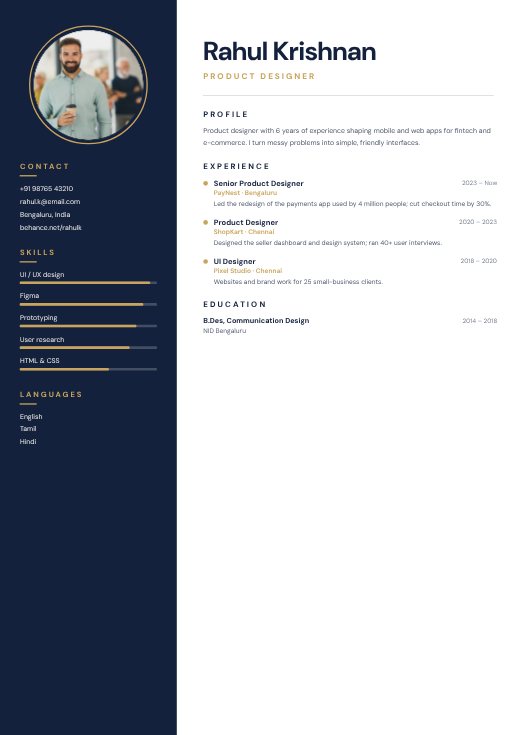
Navy Sidebar Designer Resume
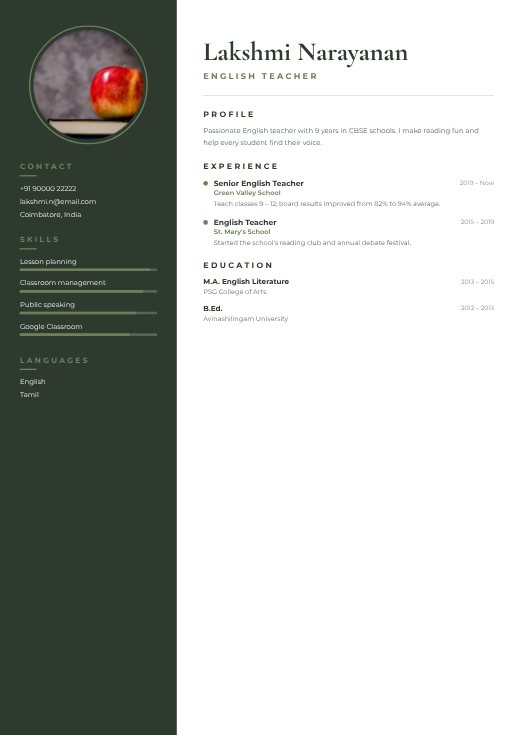
Elegant Teacher Resume
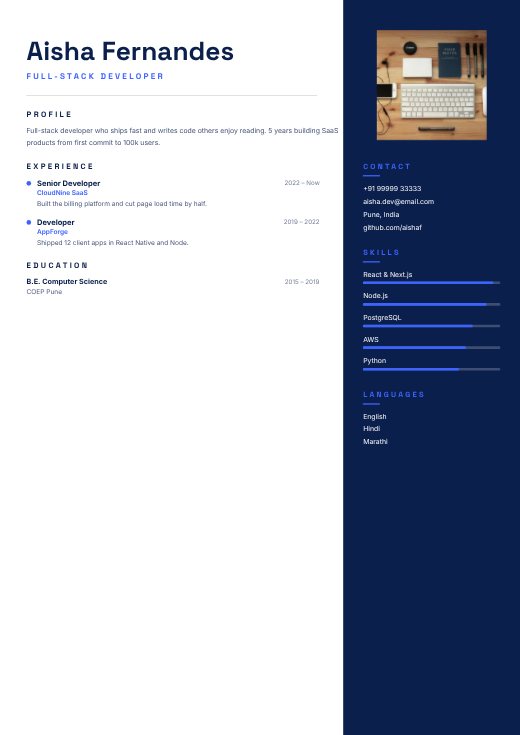
Bold Developer Resume
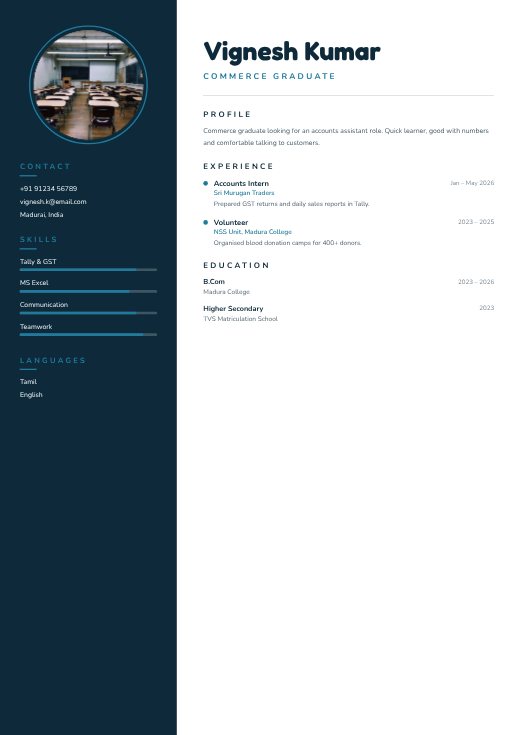
Fresher Simple Resume
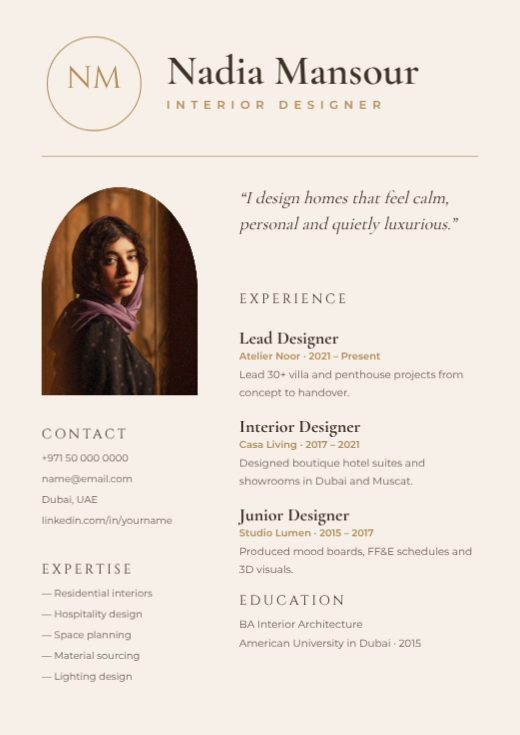
Elegant Monogram Resume
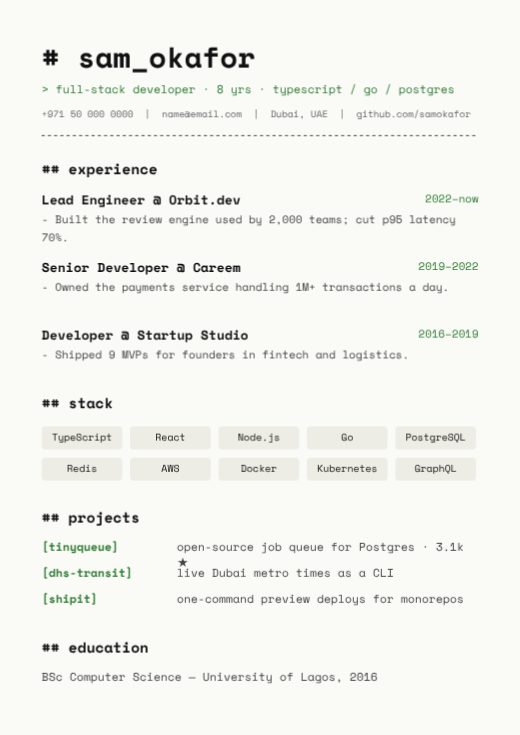
Developer Code Resume
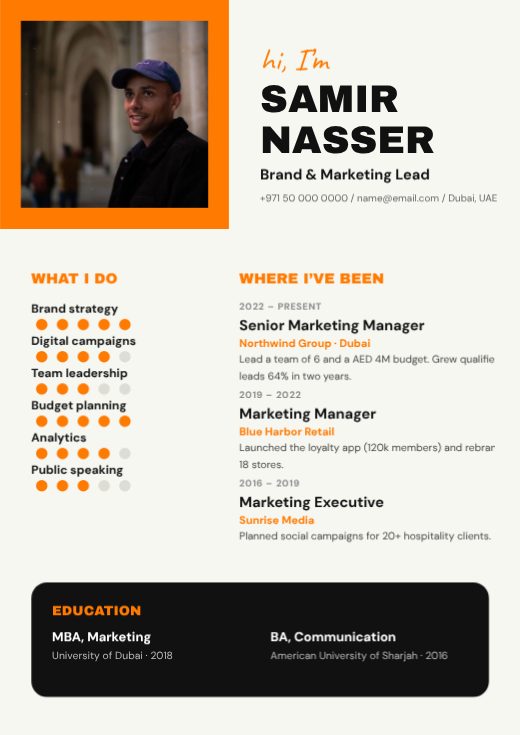
Bold Creative Resume
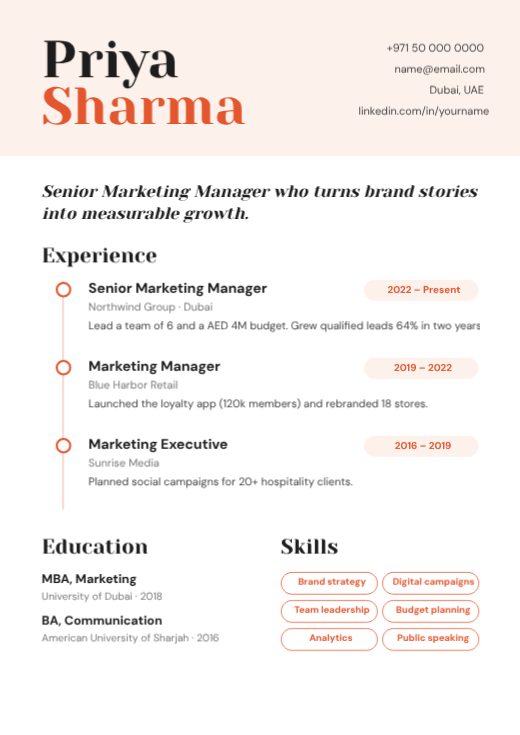
Coral Timeline Resume
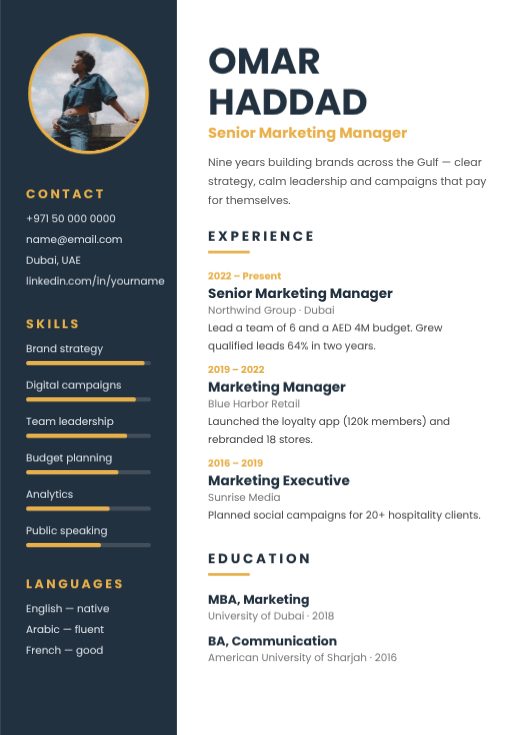
Navy Sidebar Photo Resume
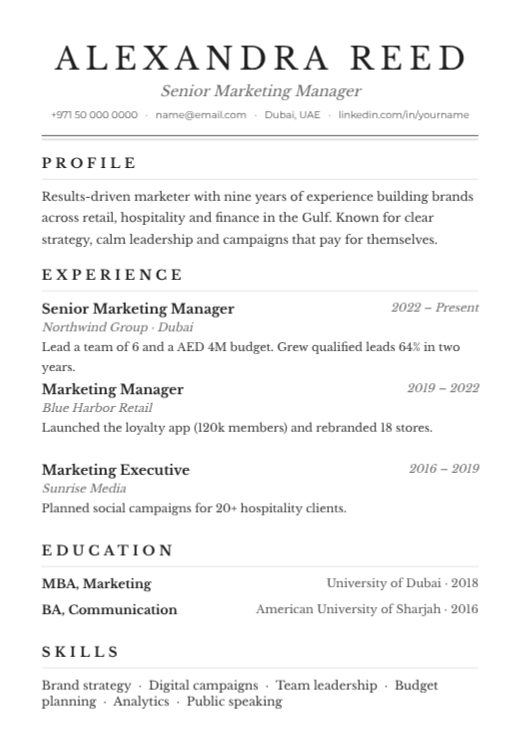
Classic Serif Resume
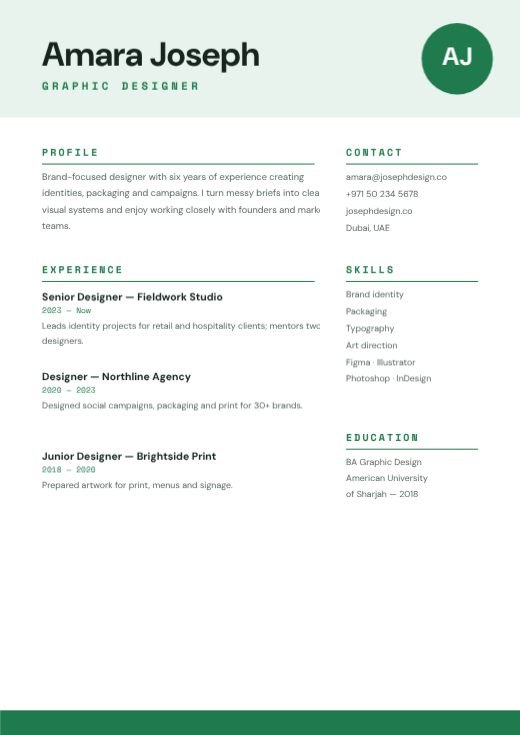
Green Simple Graphic Designer Resume
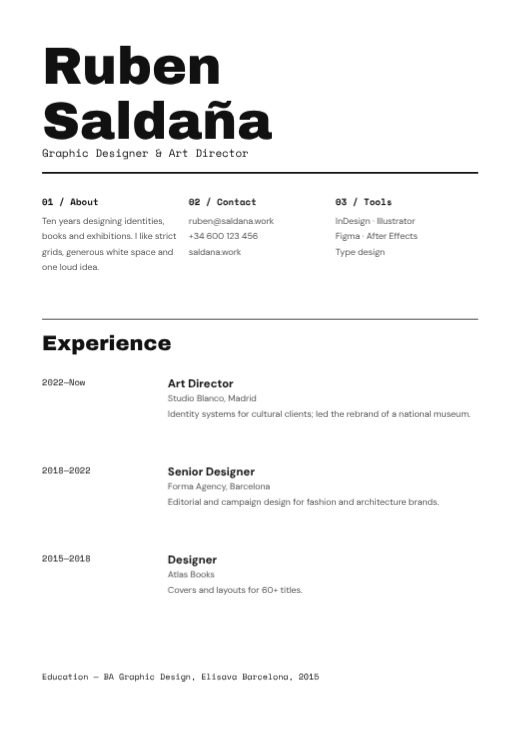
Monochrome Minimal Designer CV
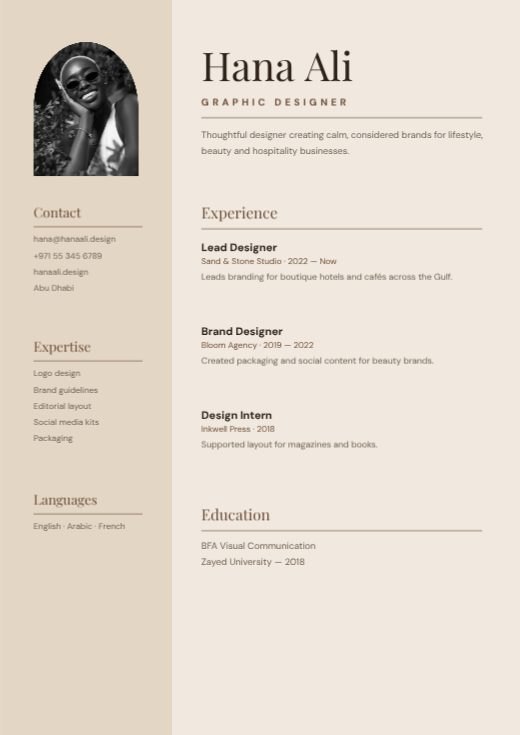
Beige Clean Lines Designer Resume
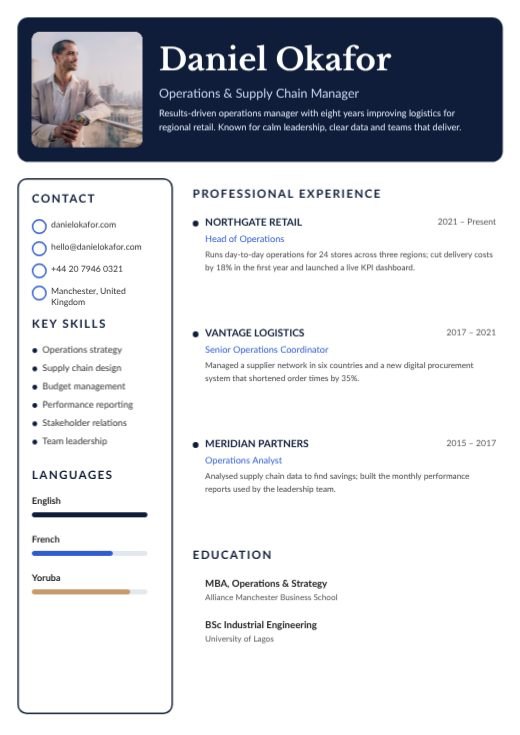
Navy Professional Photo Resume
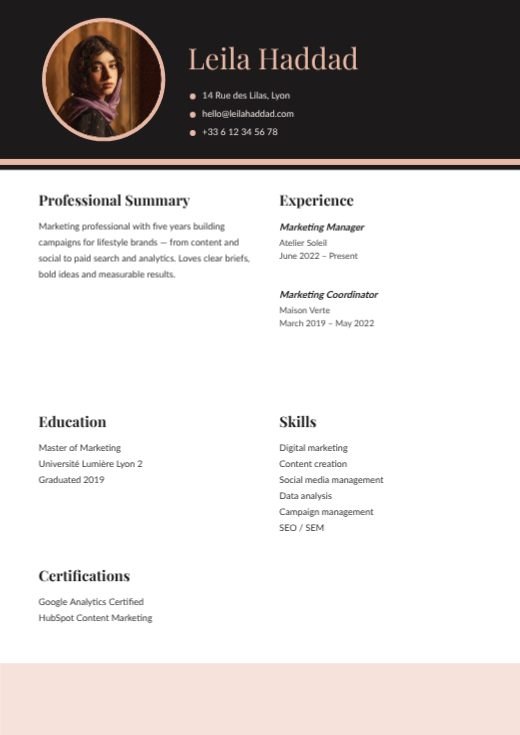
Charcoal And Blush Photo Resume
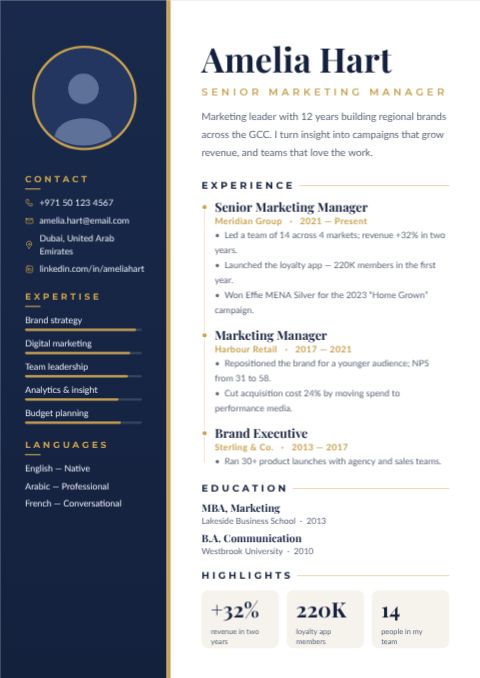
Aurora Executive Resume
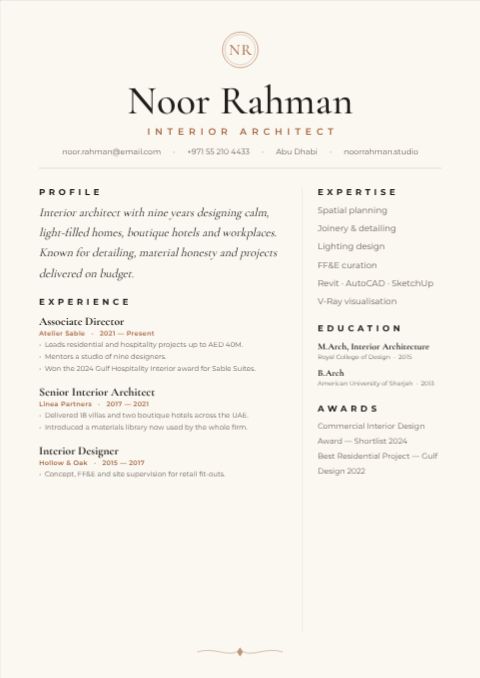
Ivory Minimal Resume
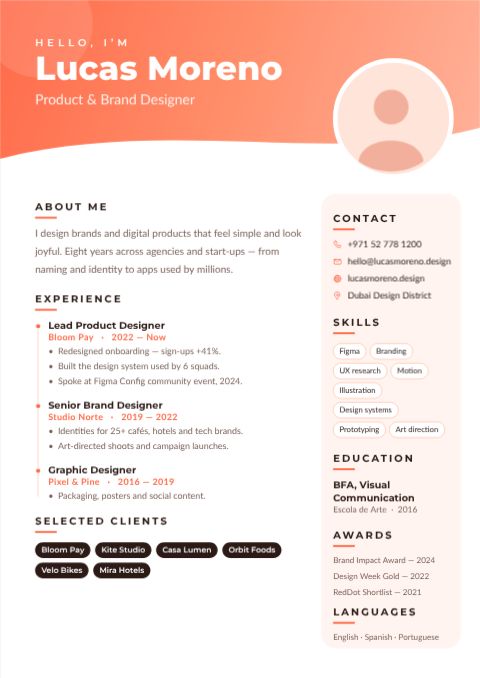
Coral Creative Resume
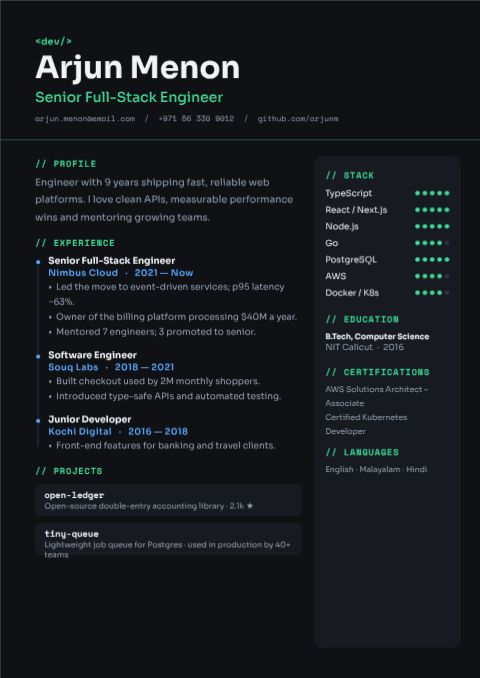
Graphite Developer Resume
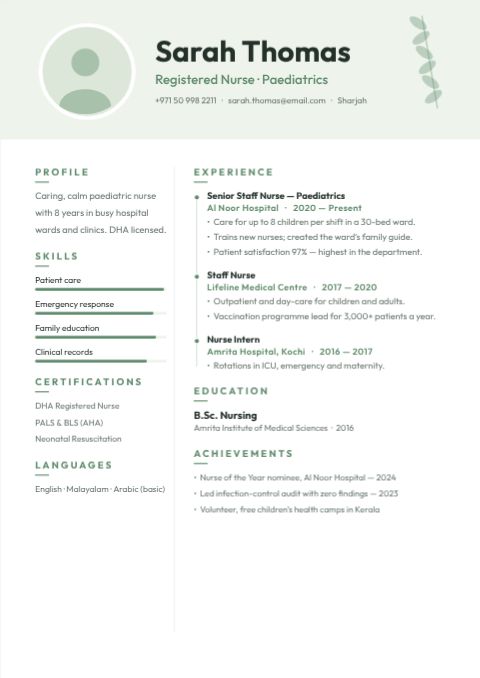
Sage Timeline Resume
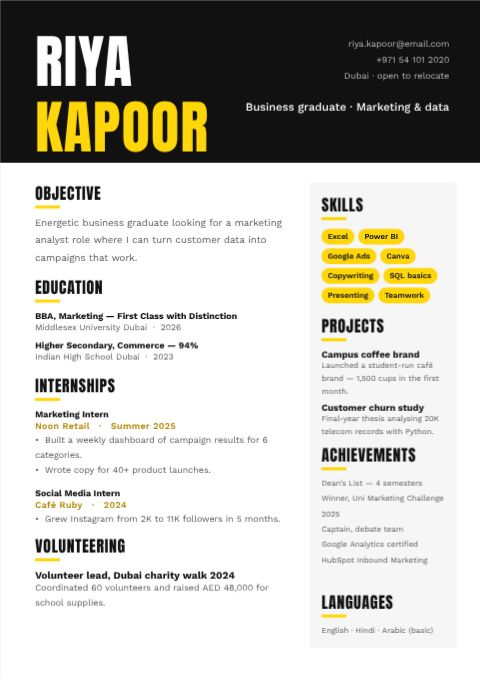
Bold Fresher Resume
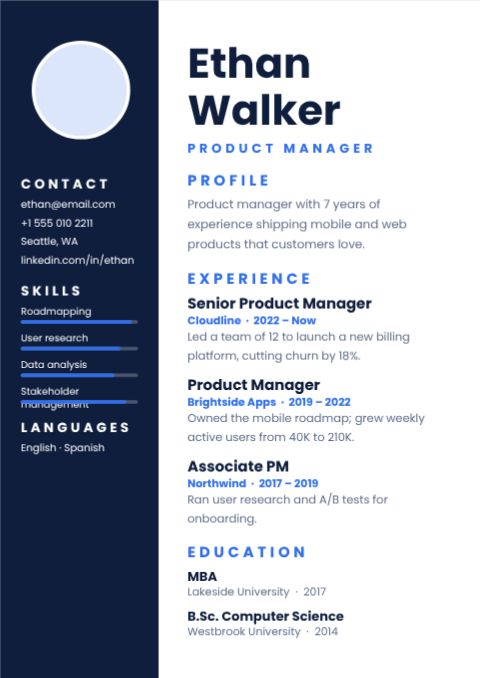
Modern Sidebar Resume
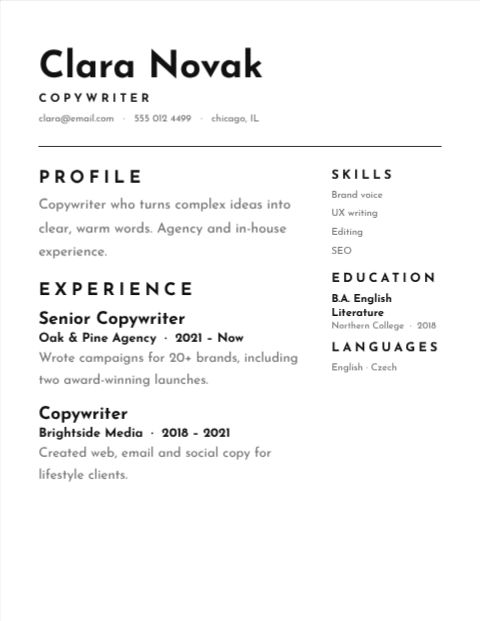
Minimal Black Resume
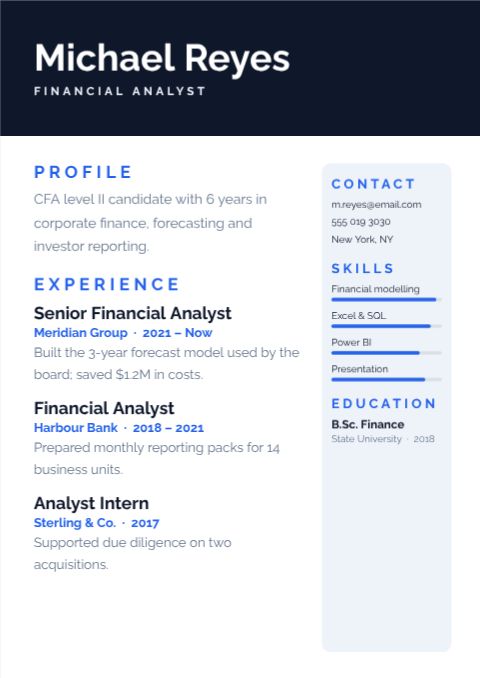
Corporate Header Resume
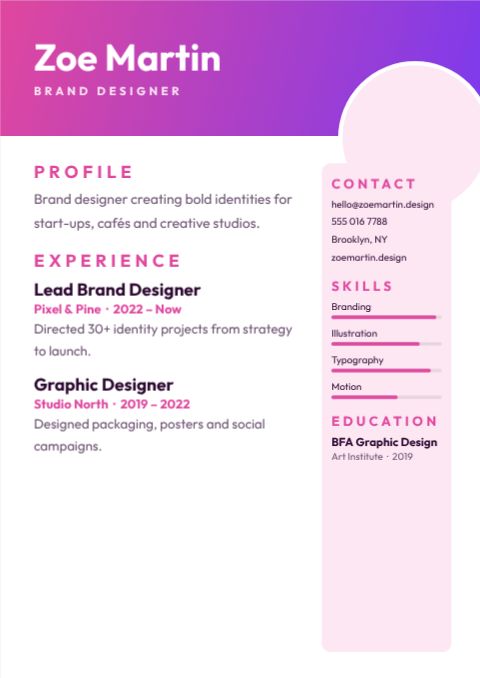
Creative Gradient Resume
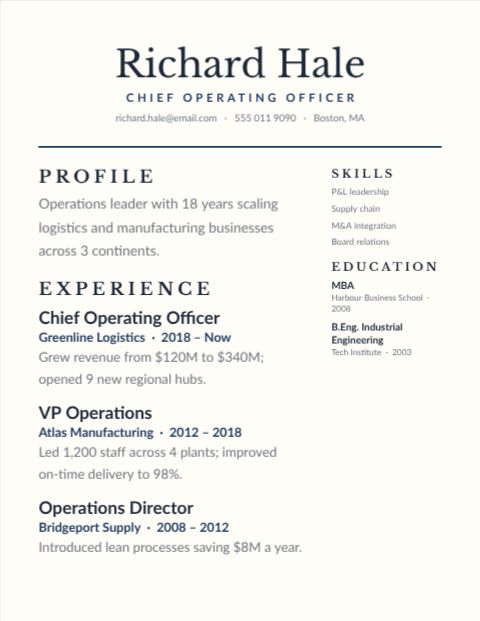
Executive Classic Resume
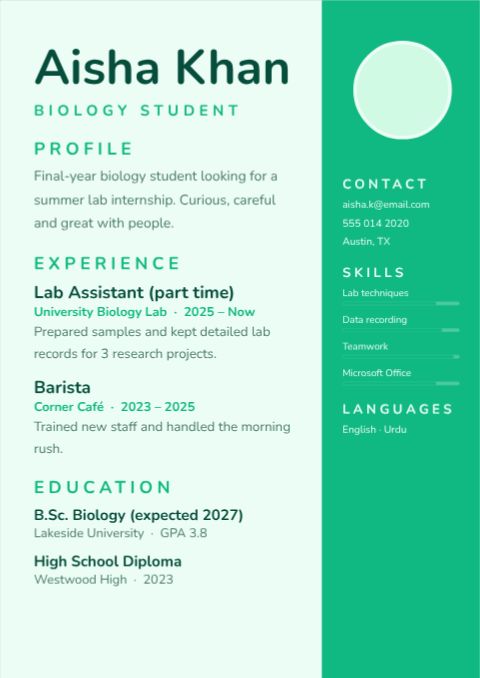
Student First Resume
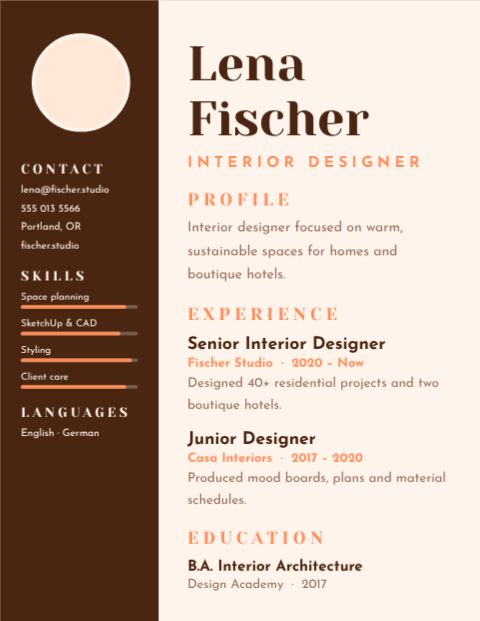
Designer Portfolio Resume
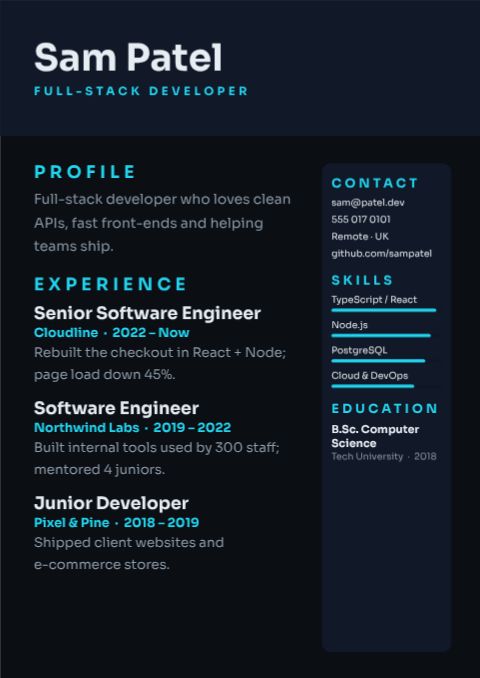
Developer Tech Resume
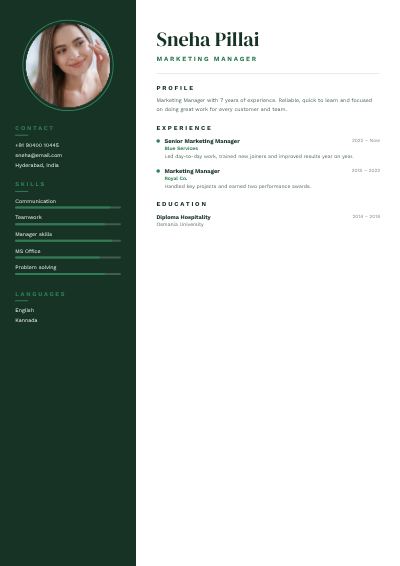
Forest Sneha Pillai Marketing Manager Resume
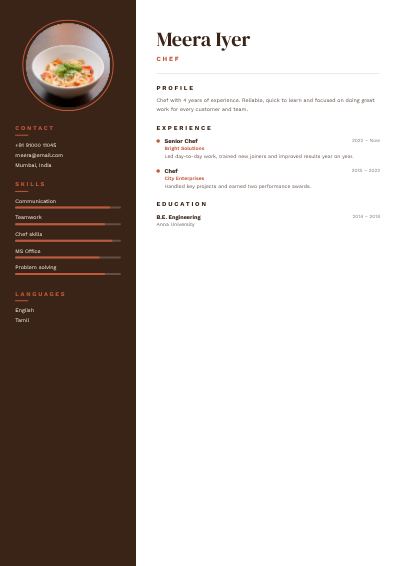
Terracotta Meera Iyer Chef Resume
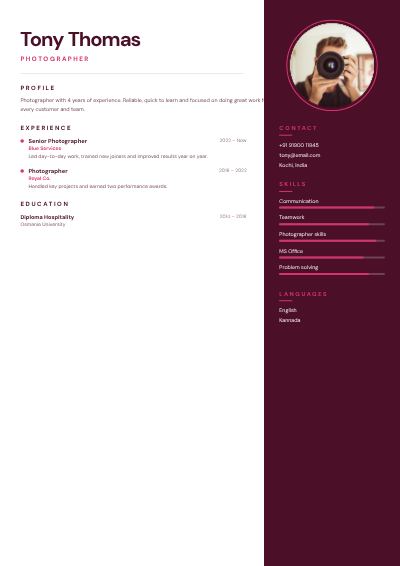
Berry Tony Thomas Photographer Resume
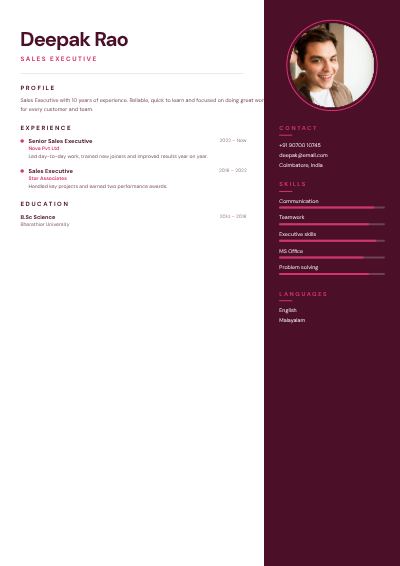
Berry Deepak Rao Sales Executive Resume
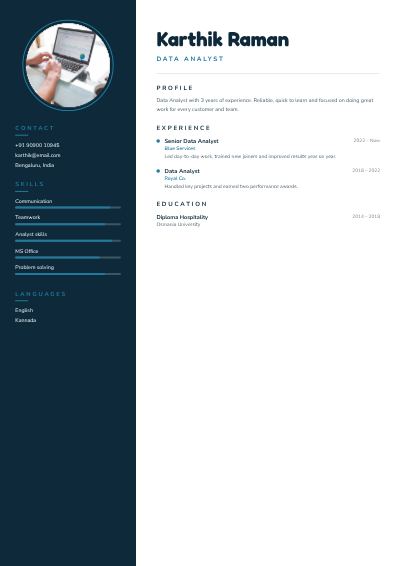
Ocean Karthik Raman Data Analyst Resume
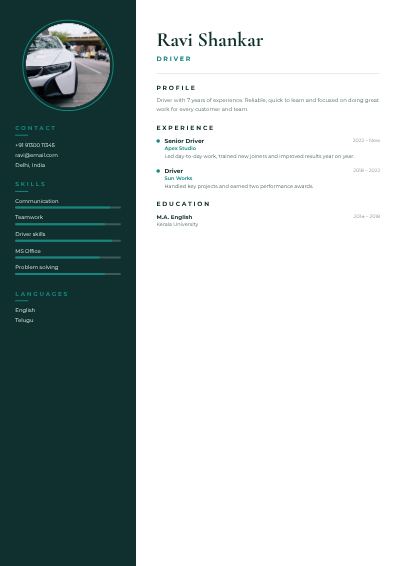
Teal Ravi Shankar Driver Resume
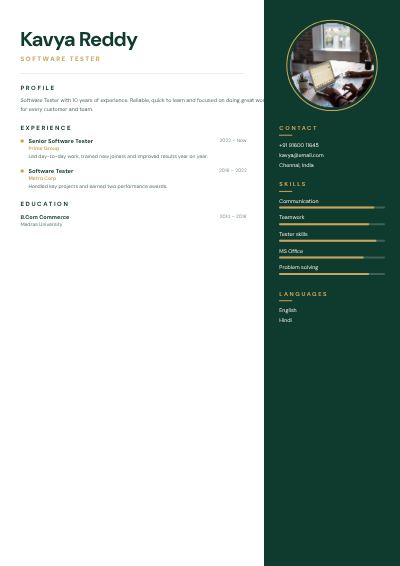
Emerald Kavya Reddy Software Tester Resume
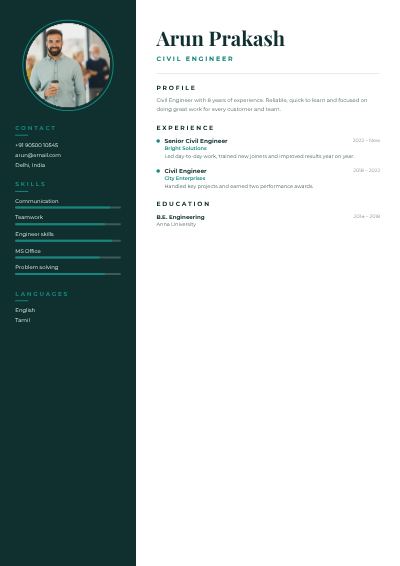
Teal Arun Prakash Civil Engineer Resume
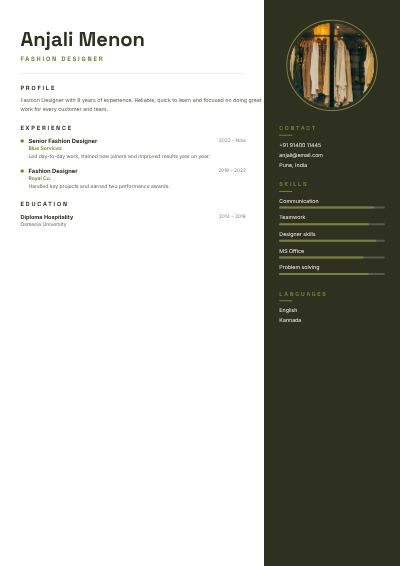
Olive Anjali Menon Fashion Designer Resume
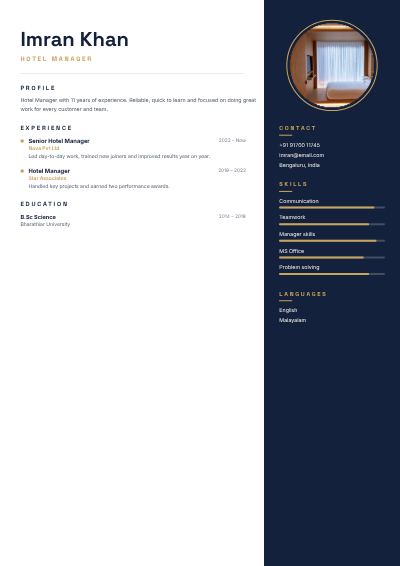
Navy Imran Khan Hotel Manager Resume
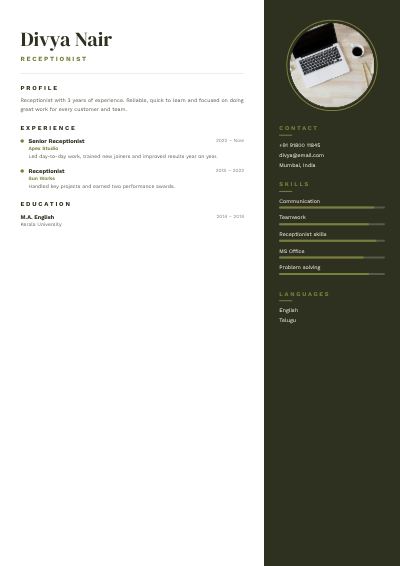
Olive Divya Nair Receptionist Resume
How to make a resume site for free
- 1
Pick a template
Browse the resume site designs below and open the one you like.
- 2
Make it yours
Click any text to change it, swap the photos for your own, and adjust colours and fonts.
- 3
Download or share
Download a print-ready PDF, or a PNG / JPG for WhatsApp, Instagram and email.
Tips for a great resume site
- 1
Lead with results
Instead of listing duties, write what changed because of you: “cut delivery time by 20%” beats “responsible for logistics”.
- 2
One page if you can
Recruiters scan a CV in seconds. Keep it to one page for under ten years’ experience and two pages at most otherwise.
- 3
Readable for robots too
Many companies use software to read CVs. Use clear headings like “Experience” and “Education”, and download a PDF so the text stays selectable.
- 4
Photo depends on the country
Photos are common in the UAE, Gulf, Europe and Asia, but usually left off in the US, UK and Canada. Our templates work either way.
- 5
Tailor it every time
Duplicate your CV for each application and move the most relevant experience and skills to the top.
What to put on your resume site
- Your name, job title and contact details at the top
- A 2–3 line summary of what you do best
- Experience with achievements, newest first
- Skills, education, languages and certificates
Before you download
- Check your phone number and email work.
- Spell-check company names and job titles.
- Download as PDF and open it once to check it looks right.
- Name the file “FirstName-LastName-CV.pdf”.
Common resume site sizes
| Format | Size | Best for |
|---|---|---|
| A4 | 210 × 297 mm | UAE, UK, Europe, Asia |
| US Letter | 8.5 × 11 in | USA and Canada |
| Selectable text | Email and job portals | |
| LinkedIn banner | 1584 × 396 px | Matching profile header |
Popular resume site styles
Frequently asked questions
Is the resume site maker really free?+
Yes. Every template, the editor and all download formats are free, with no watermark. A free account lets you save your designs and come back later.
Can I print my resume site?+
Yes. Download “PDF (print)” — it includes 3 mm bleed and crop marks and can be exported in CMYK, which is what print shops ask for.
Can I add my own photos and logo?+
Yes. Upload them from your computer or phone and drop them into any photo frame, or place them anywhere on the design.
Can I change the size?+
Yes. Use Resize to switch between A4, A5, US Letter, Instagram post, story and custom sizes in one click.