Free birthday wish poster templates
Looking for a birthday wish poster that looks professionally designed? Start from one of our 60+ free birthday wish poster templates. Each one is laid out by a designer, so the spacing, fonts and colours already work together — you only change what matters to you.
Everything happens in your browser on a computer, tablet or phone. Click any text to edit it, upload your own photos and logo, and try different colours in one click. Nothing to install and no design experience needed.
When it’s ready, download a print-ready PDF with bleed for a print shop, or a PNG / JPG to share on WhatsApp, Instagram, Facebook and LinkedIn. Every template and every download is free, with no watermark.
Free birthday wish poster templates
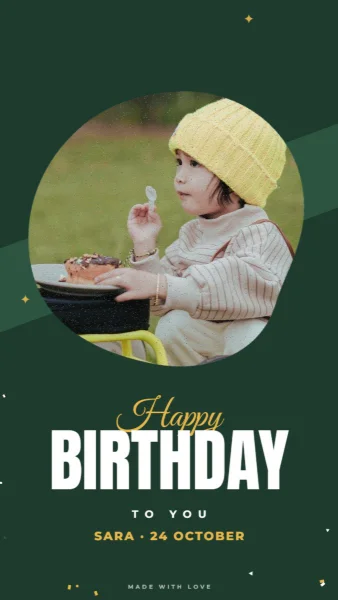
Forest Arch Birthday Story
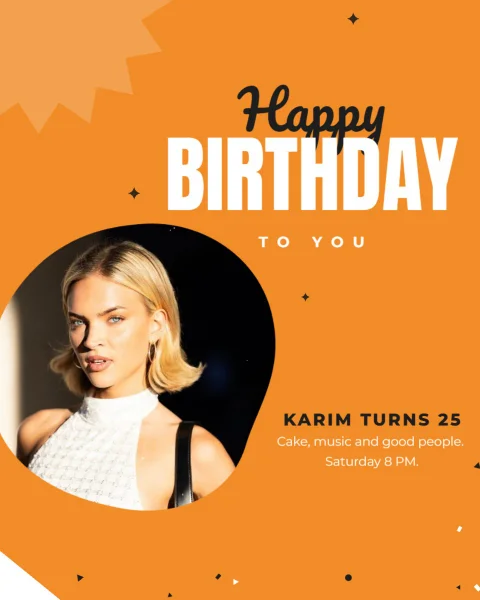
Orange Hexagon Birthday Post
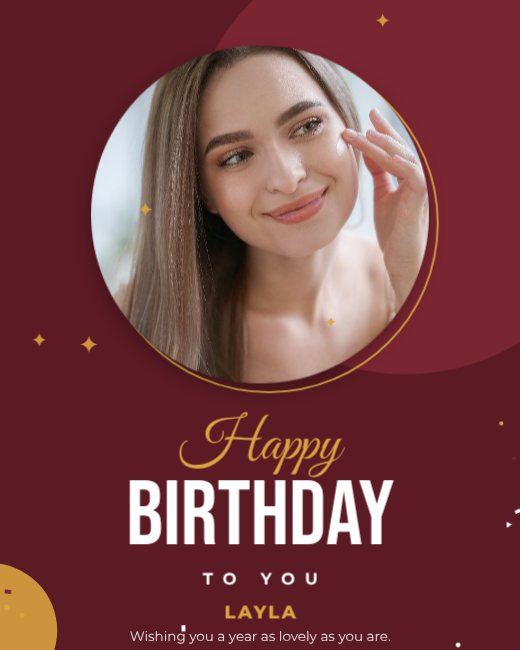
Maroon Gold Birthday Post
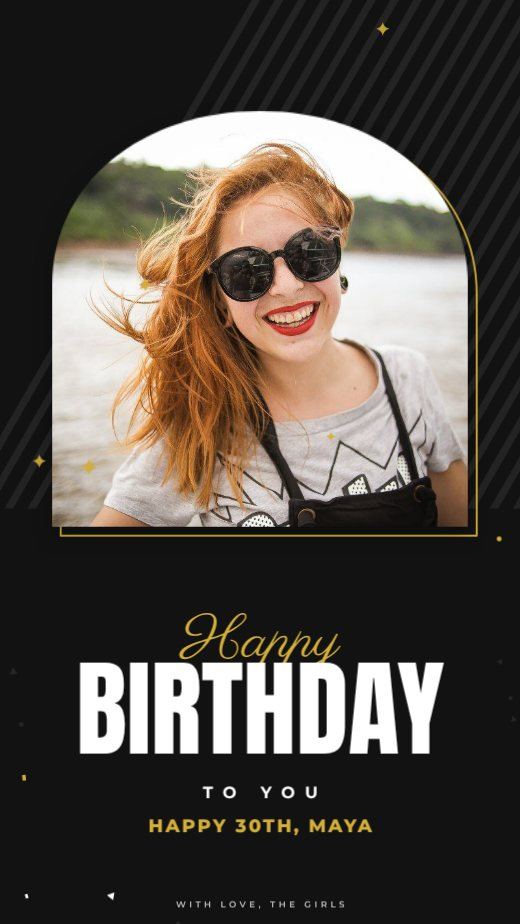
Black Gold Birthday Story
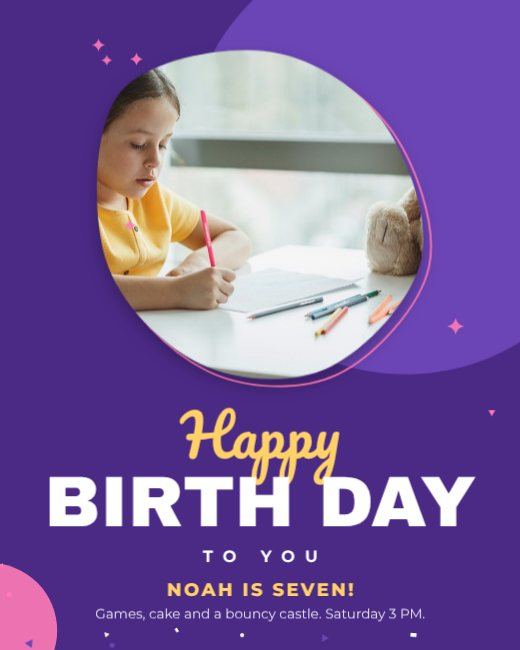
Purple Blob Birthday Post
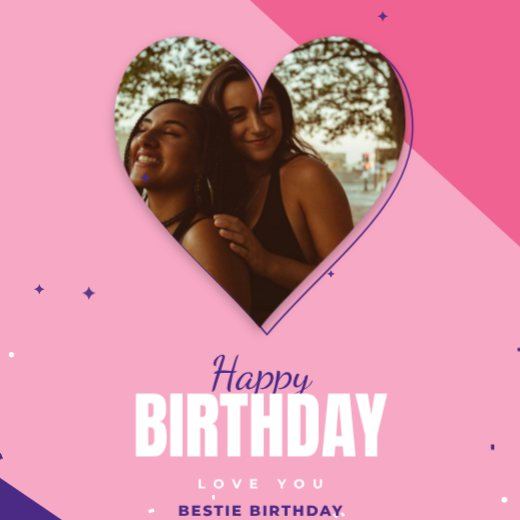
Pink Heart Birthday Post
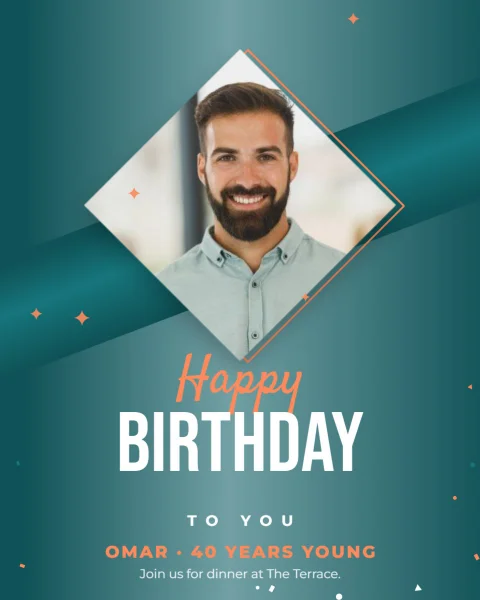
Teal Diamond Birthday Post
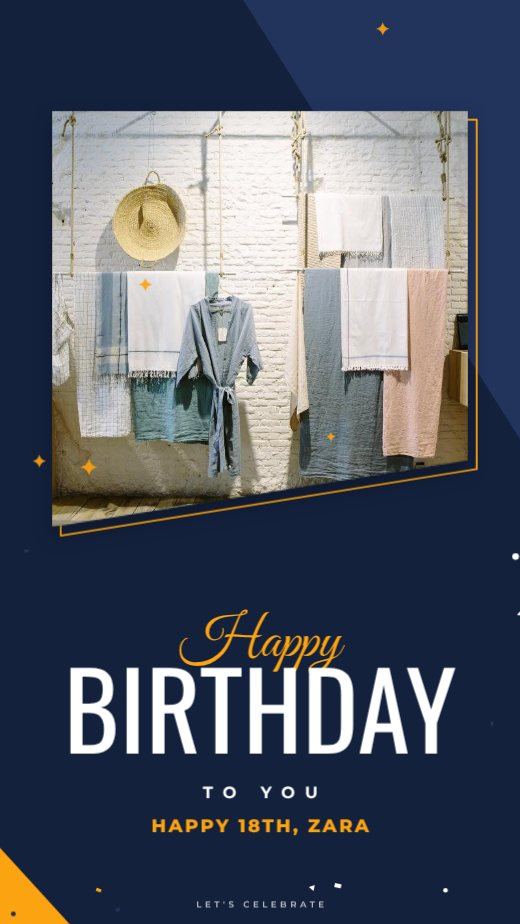
Navy Slant Birthday Story
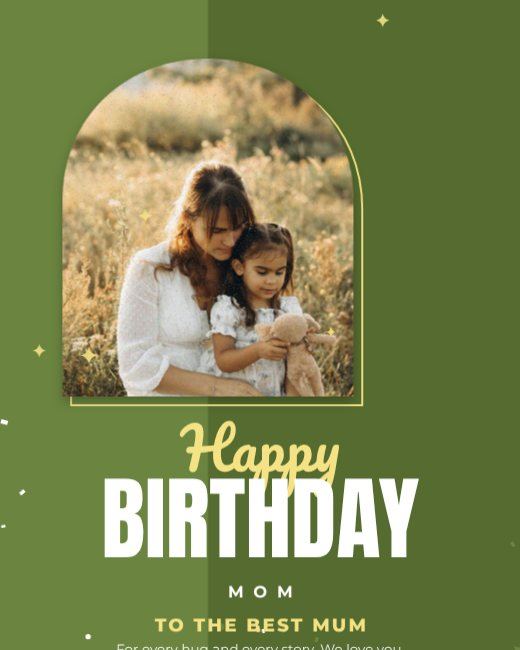
Olive Arch Birthday Post
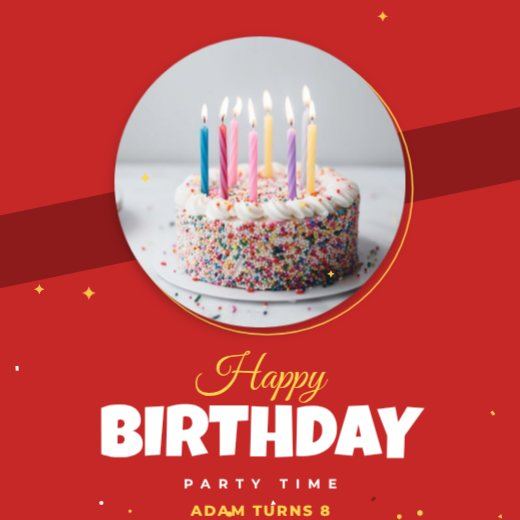
Red Circle Birthday Post
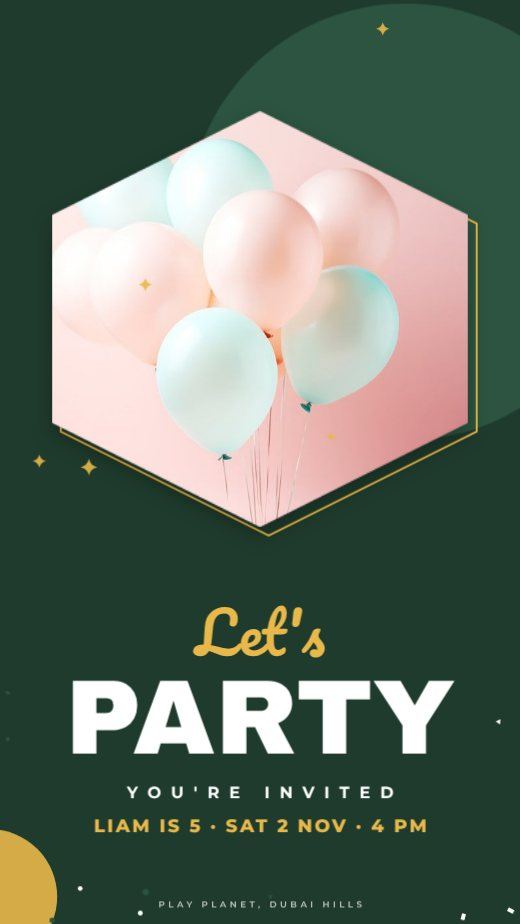
Forest Hexagon Kids Party Story

Noir Circle 50th Birthday Post
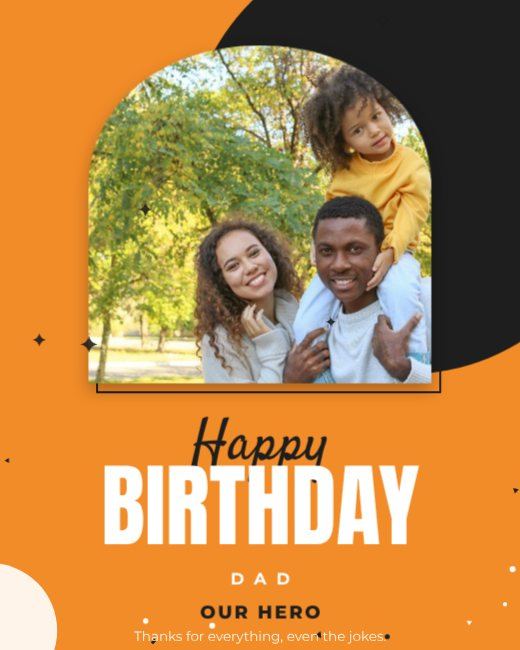
Orange Arch Dad Birthday Post
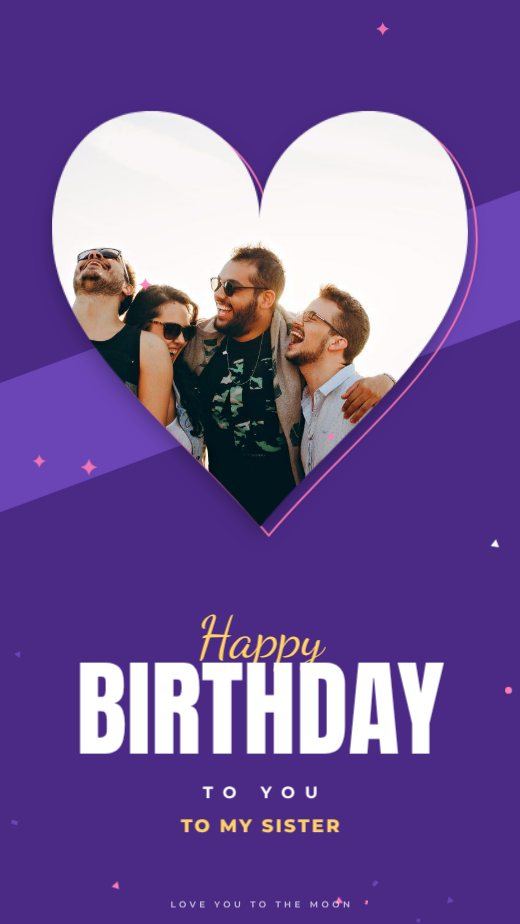
Purple Heart Sister Birthday Story
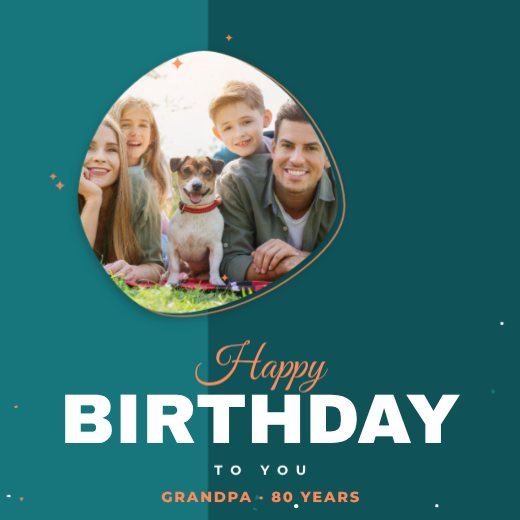
Teal Blob Birthday Square
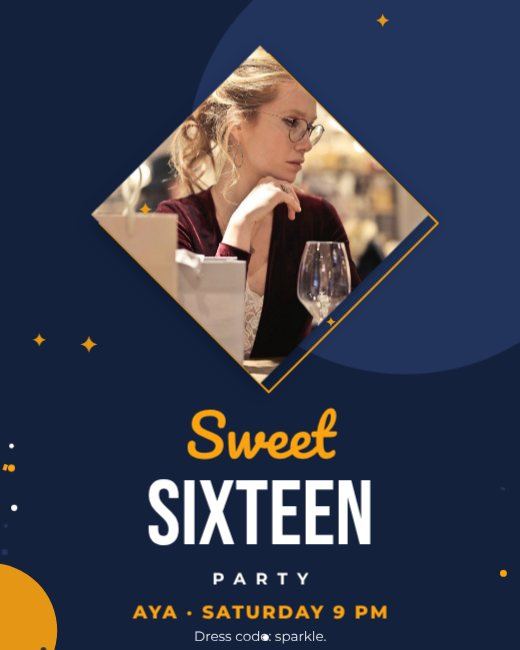
Navy Diamond Sweet 16 Post
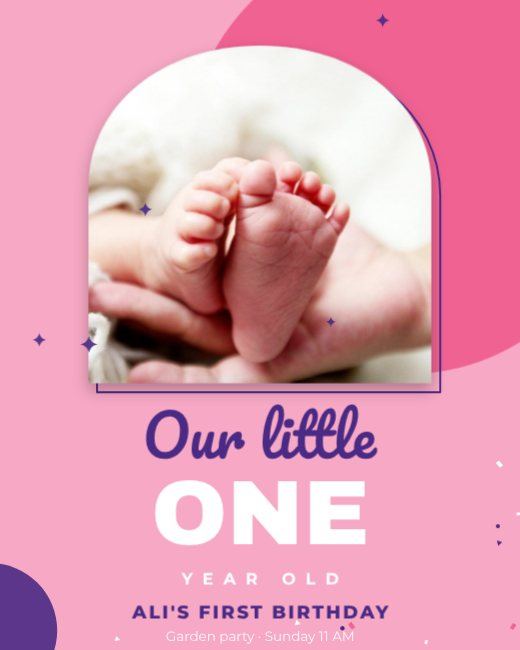
Pink Arch First Birthday Post
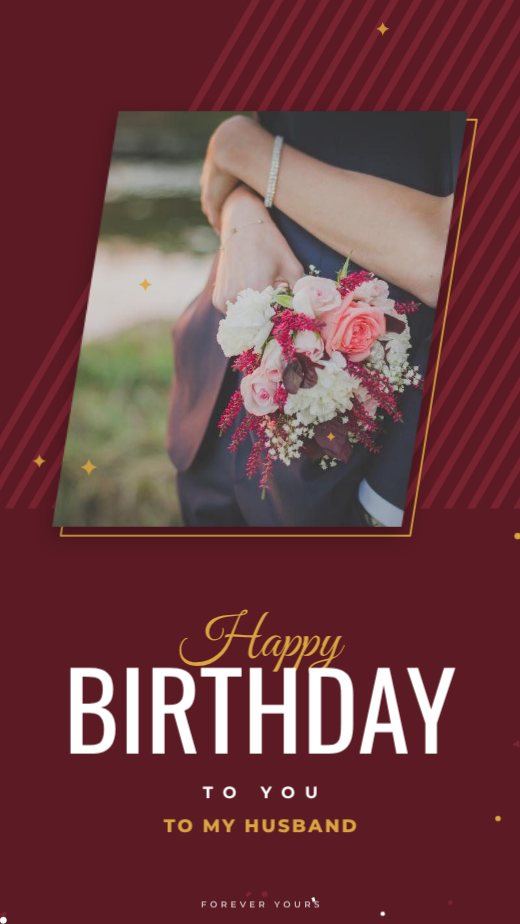
Maroon Slant Husband Birthday Story
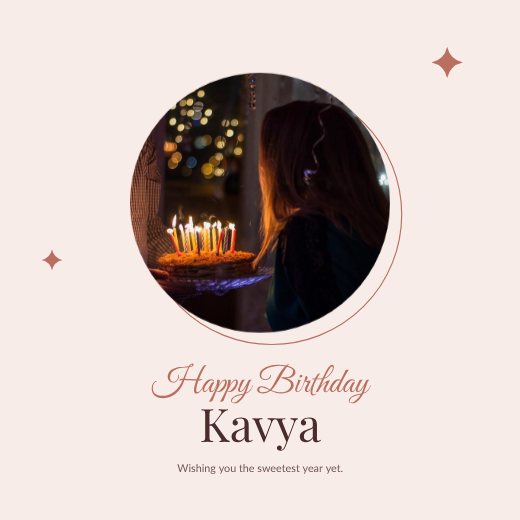
Circle Photo Frame Birthday
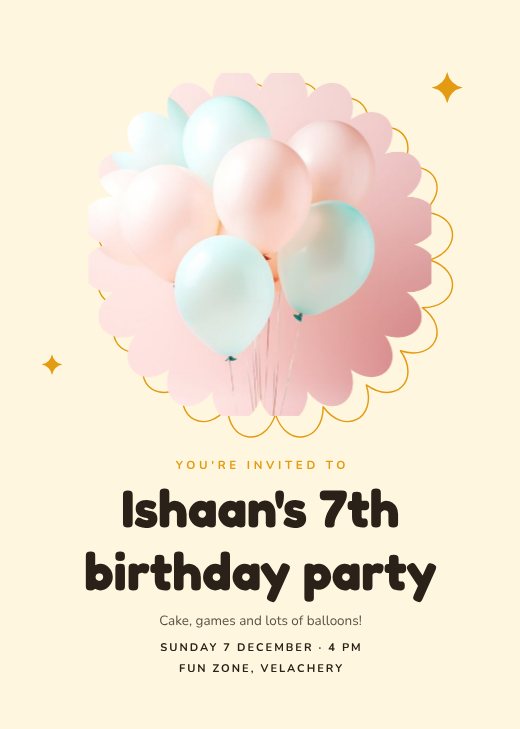
Balloon Birthday Party Invitation
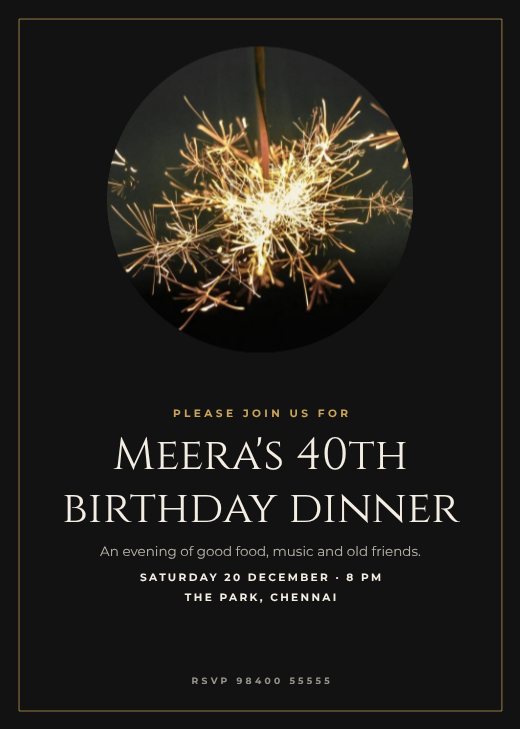
Elegant Gold Birthday Invitation
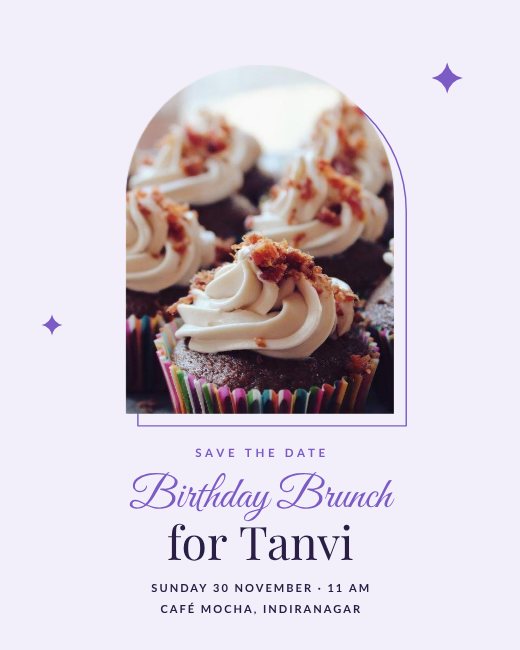
Pastel Birthday Invitation Post
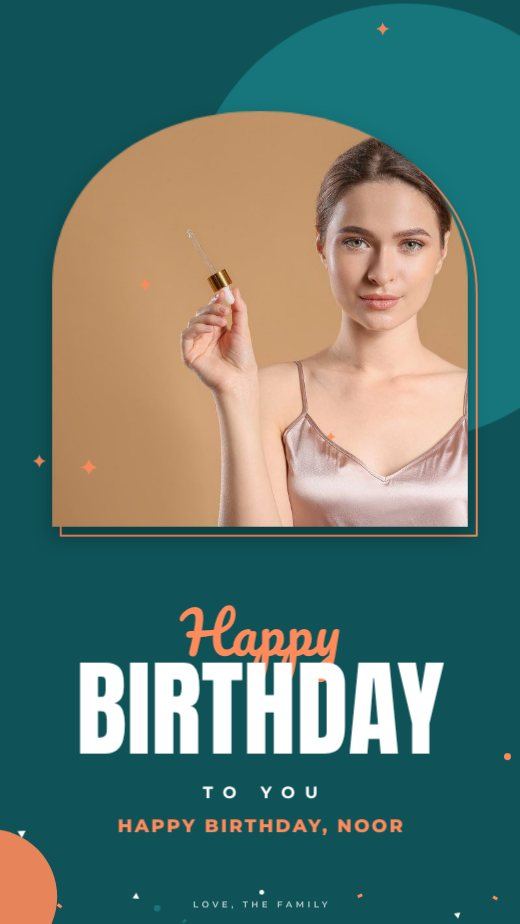
Teal Arch Birthday Story
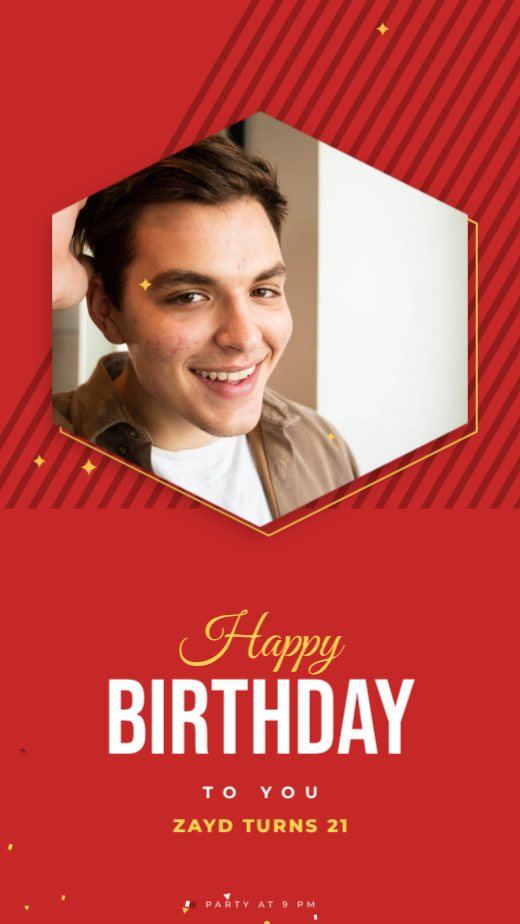
Red Hexagon Birthday Story
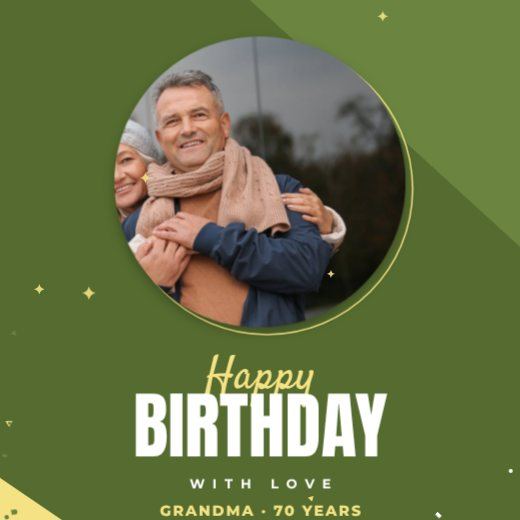
Olive Circle Birthday Square
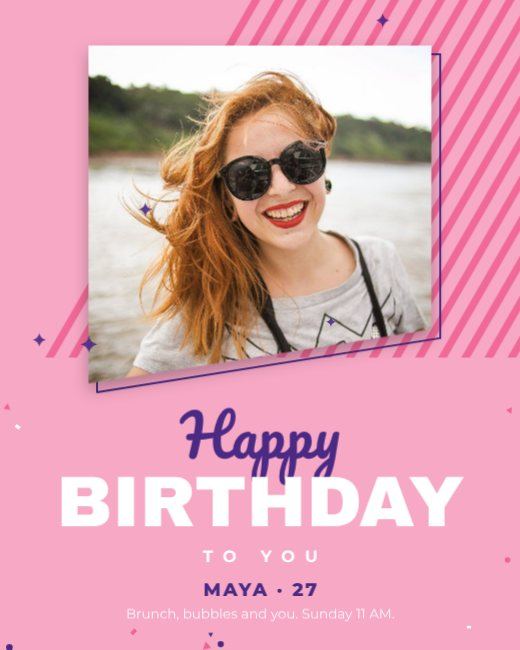
Pink Slant Birthday Post
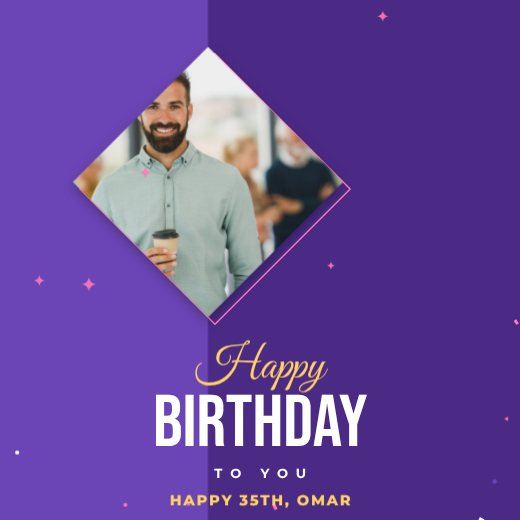
Purple Diamond Birthday Square
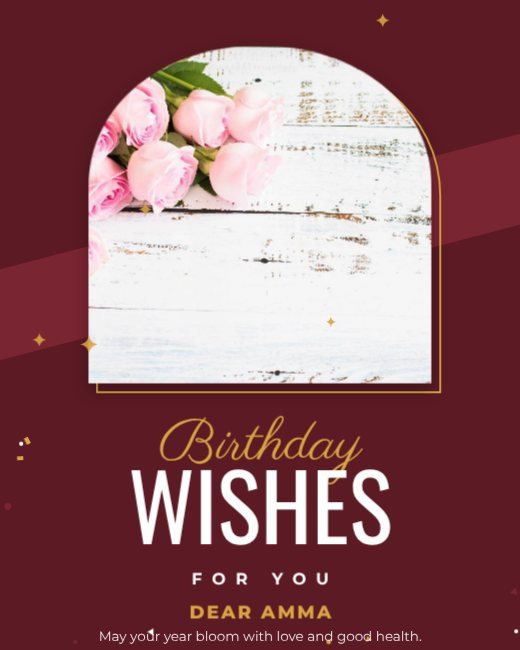
Maroon Arch Birthday Wishes Post
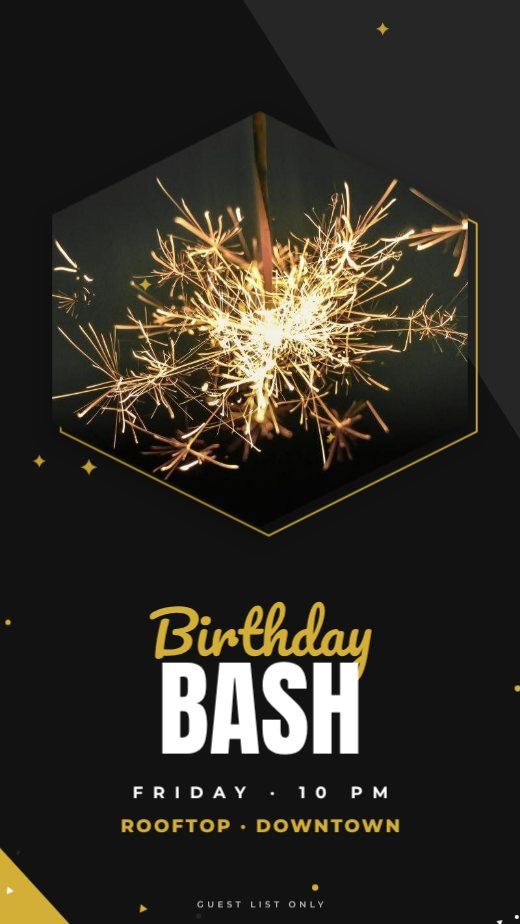
Noir Hexagon Birthday Party Story
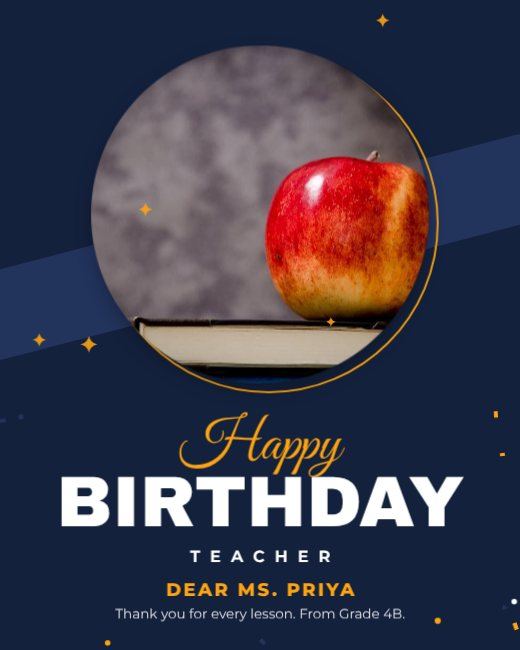
Navy Circle Birthday Post
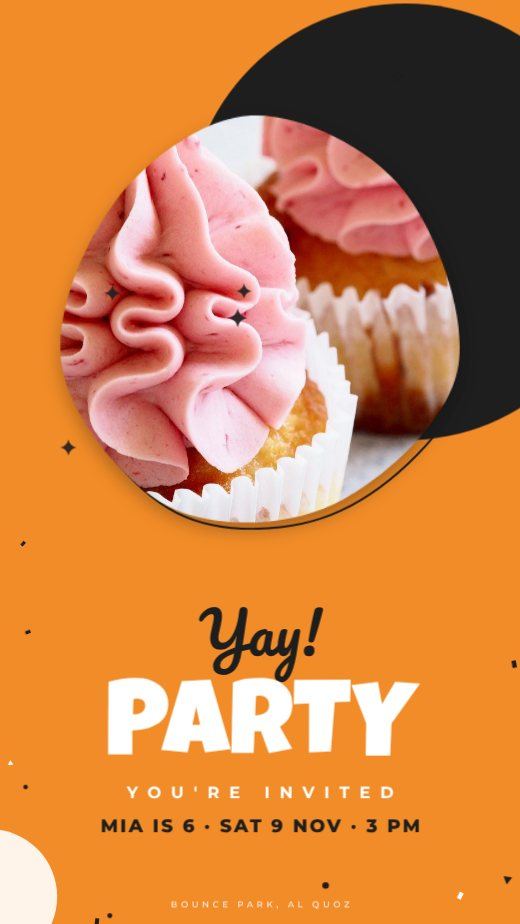
Orange Blob Kids Birthday Story
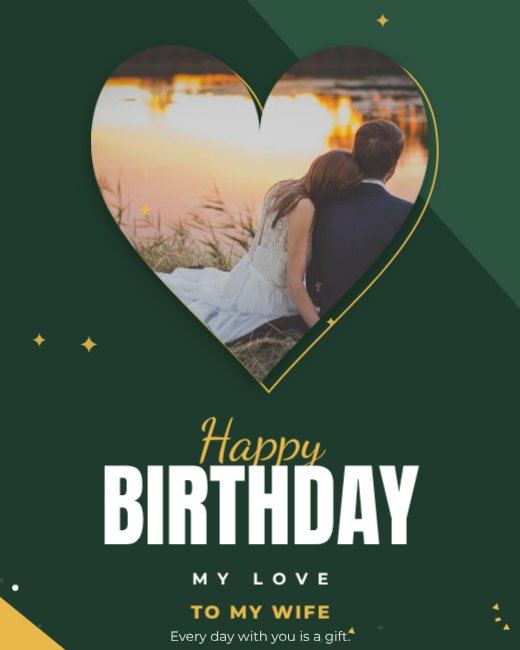
Forest Heart Birthday Post
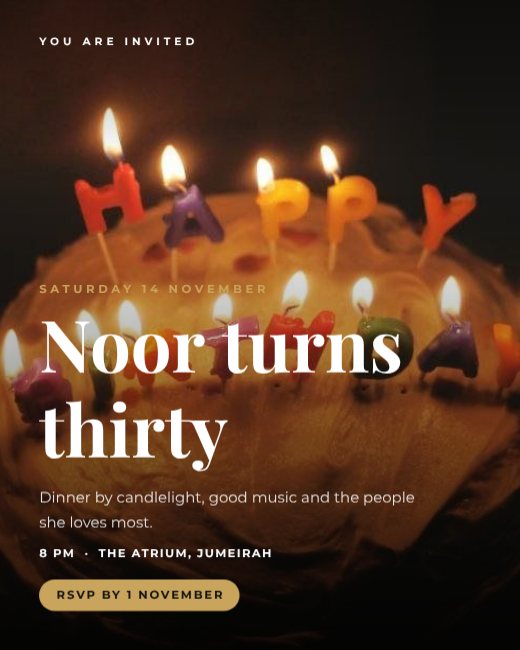
Candlelight Birthday Dinner Invitation
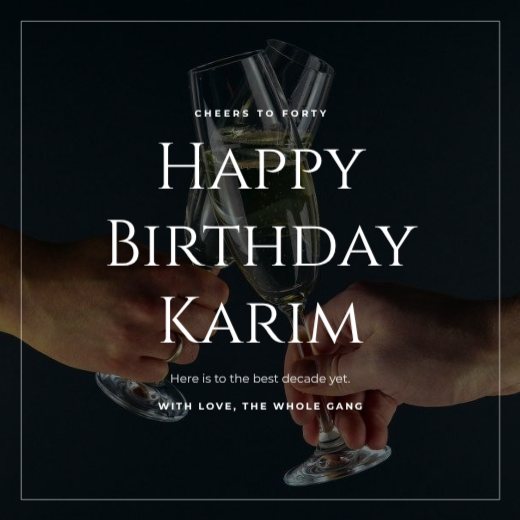
Champagne Toast Birthday Post
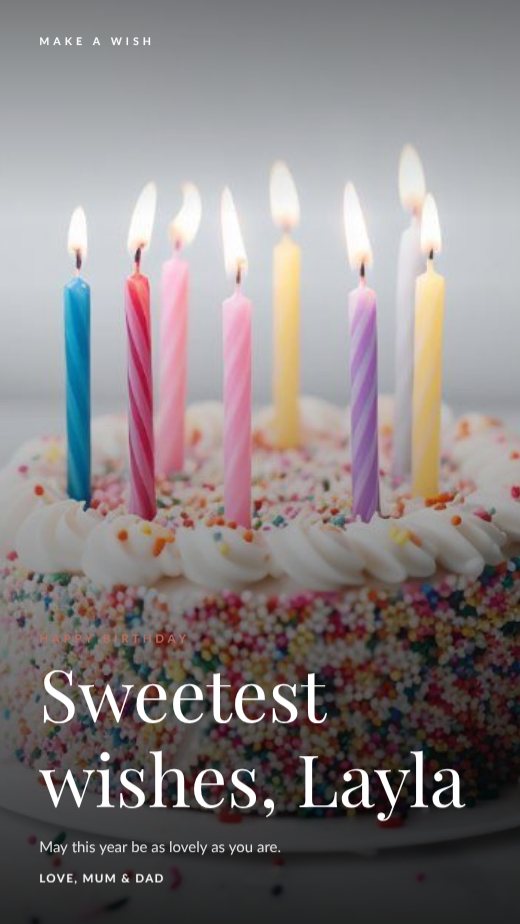
Birthday Cake Wish Story
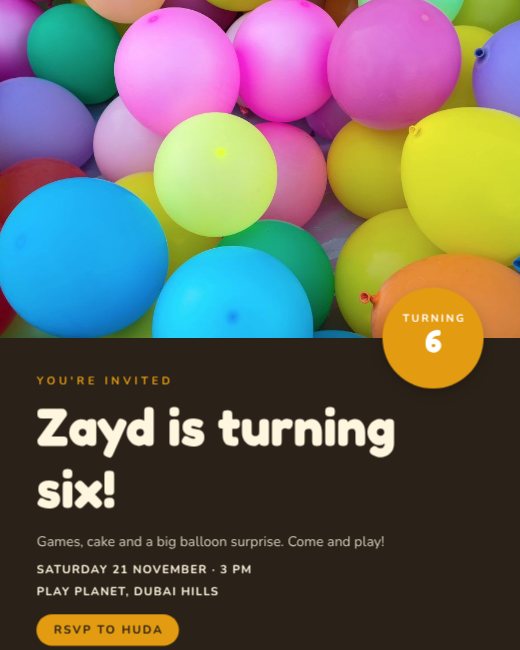
Balloons Kids Party Invitation
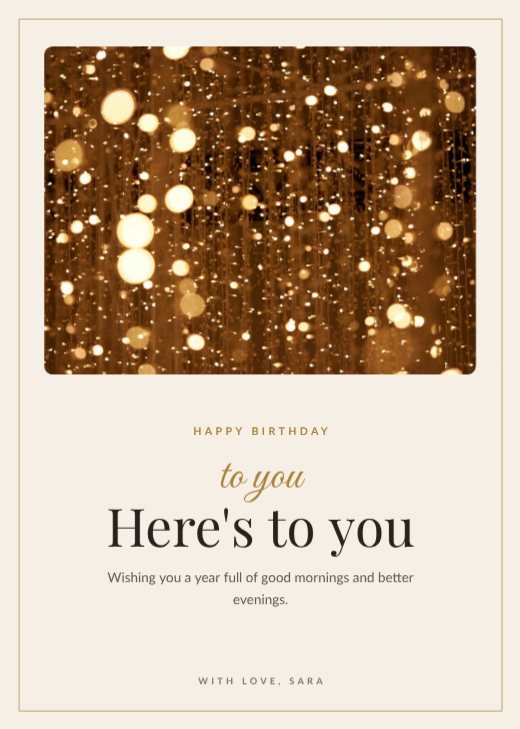
Gold Confetti Birthday Card
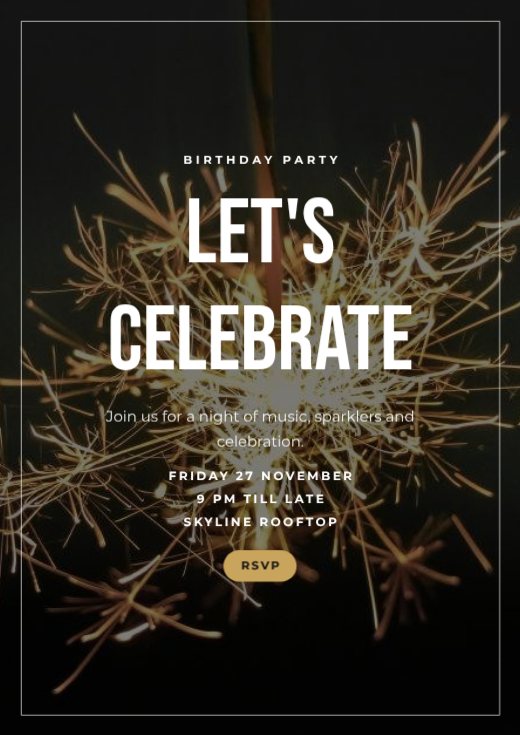
Sparkler Birthday Party Poster
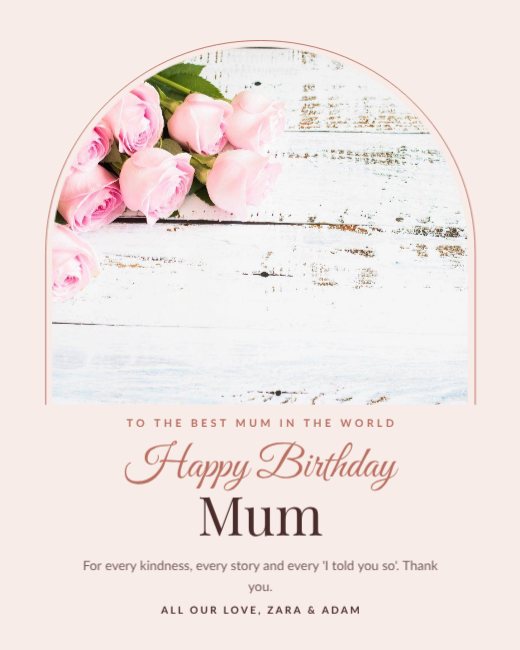
Flower Bouquet Birthday Mum
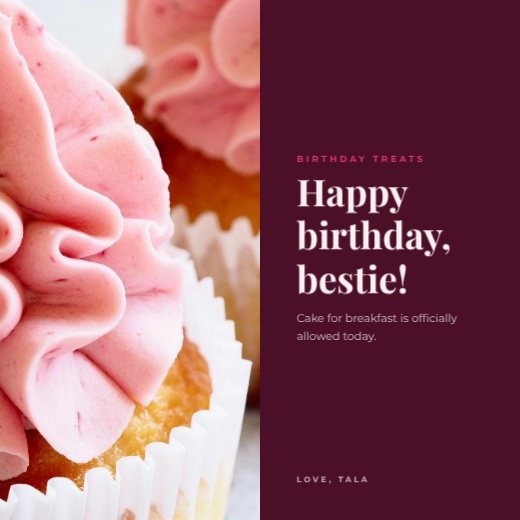
Cupcakes Birthday Social Post
How to make a birthday wish poster for free
- 1
Pick a template
Browse the birthday wish poster designs below and open the one you like.
- 2
Make it yours
Click any text to change it, swap the photos for your own, and adjust colours and fonts.
- 3
Download or share
Download a print-ready PDF, or a PNG / JPG for WhatsApp, Instagram and email.
Tips for a great birthday wish poster
- 1
Pick a theme and commit
Superheroes, princesses, football, neon, garden party — a clear theme makes the invitation fun and helps guests plan costumes and gifts.
- 2
Big age number
For kids and milestone birthdays, the age is the hero. Make the number large and colourful.
- 3
Add a photo
A photo of the birthday person makes the invitation personal and makes guests smile. Drop it into any photo frame on the template.
- 4
Mention the end time
Parents of young guests appreciate knowing when to pick up. Write “3–6 pm” rather than just “3 pm”.
- 5
Reuse it as a thank-you
After the party, duplicate the design, swap in a party photo and send it as a thank-you message.
What to put on your birthday wish poster
- Whose birthday it is and the age, if it’s a milestone
- Date, time and place
- Theme or dress code
- RSVP name and number
Before you download
- Check the date, start and end time.
- Add the full address or a map link.
- Download PNG for crisp text, JPG for photo-heavy posts.
- Write the caption and add the link before you post, so the design and caption work together.
Common birthday wish poster sizes
| Format | Size | Best for |
|---|---|---|
| 5 × 7 in | 127 × 178 mm | Printed cards |
| A6 | 105 × 148 mm | Small party cards |
| Story | 1080 × 1920 px | WhatsApp and Instagram |
| Square | 1080 × 1080 px | Group chats |
Frequently asked questions
Is the birthday wish poster template really free?+
Yes. Every template, the editor and all download formats are free, with no watermark. A free account lets you save your designs and come back later.
Can I print my birthday wish poster?+
Yes. Download “PDF (print)” — it includes 3 mm bleed and crop marks and can be exported in CMYK, which is what print shops ask for.
Can I add my own photos and logo?+
Yes. Upload them from your computer or phone and drop them into any photo frame, or place them anywhere on the design.
Can I change the size?+
Yes. Use Resize to switch between A4, A5, US Letter, Instagram post, story and custom sizes in one click.