Free graphic editor templates
Looking for a graphic editor that looks professionally designed? Start from one of our 40 free graphic editor templates. Each one is laid out by a designer, so the spacing, fonts and colours already work together — you only change what matters to you.
Everything happens in your browser on a computer, tablet or phone. Click any text to edit it, upload your own photos and logo, and try different colours in one click. Nothing to install and no design experience needed.
When it’s ready, download a print-ready PDF with bleed for a print shop, or a PNG / JPG to share on WhatsApp, Instagram, Facebook and LinkedIn. Every template and every download is free, with no watermark.
Free graphic editor templates
Holographic 18th Birthday Story
Hiring Graphic Designer Post
Collage Design Style Poster
Risograph Design Style Poster
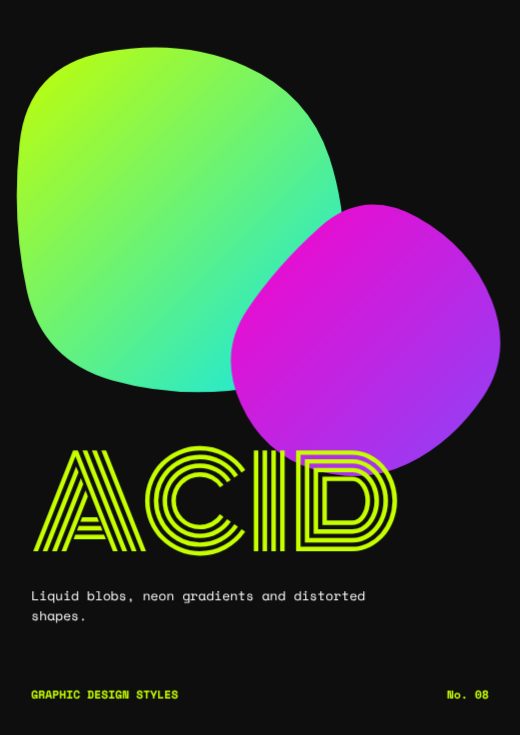
Acid Design Style Poster
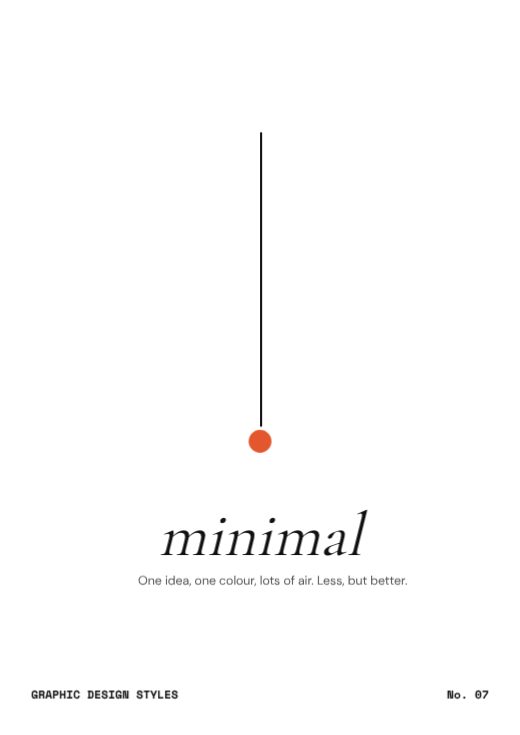
Minimal Design Style Poster
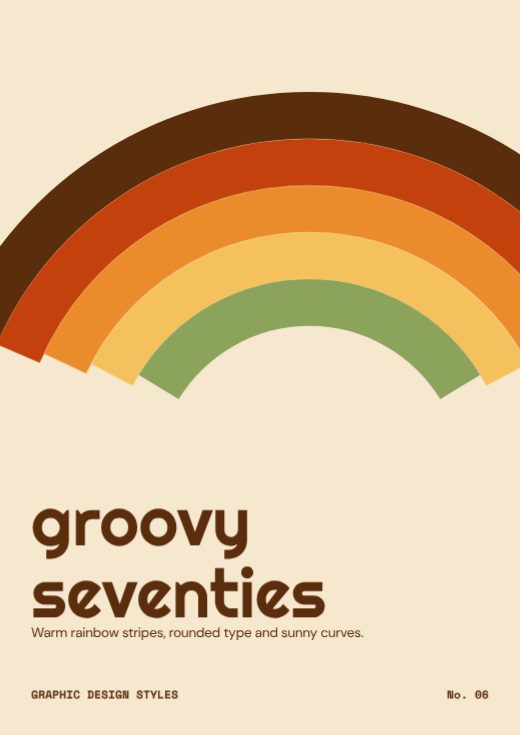
Retro 70s Design Style Poster
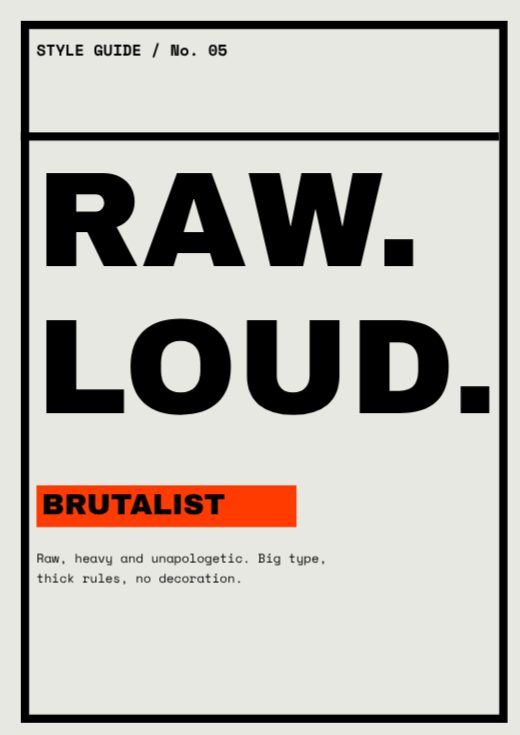
Brutalist Design Style Poster
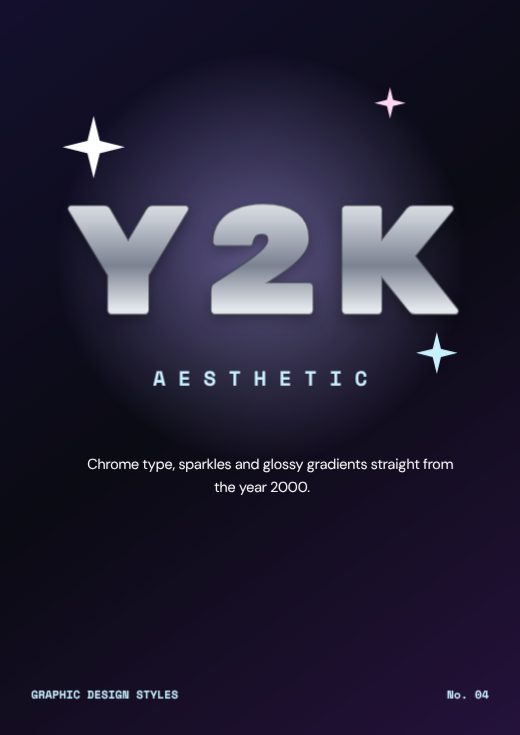
Y2K Design Style Poster
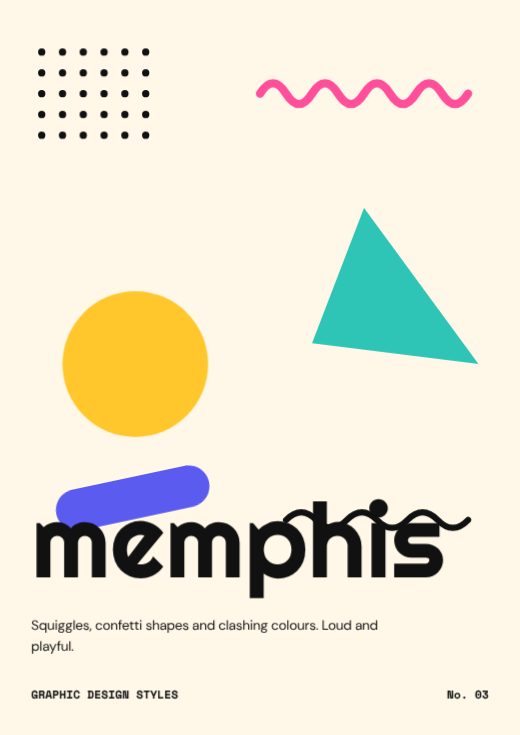
Memphis Design Style Poster
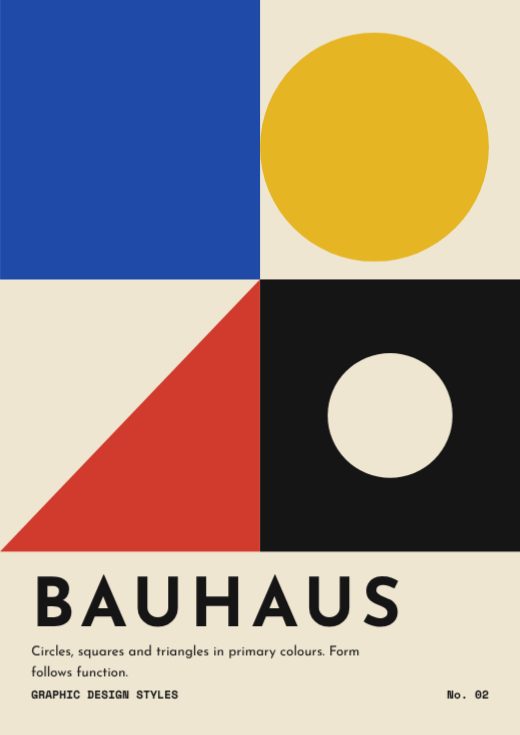
Bauhaus Design Style Poster
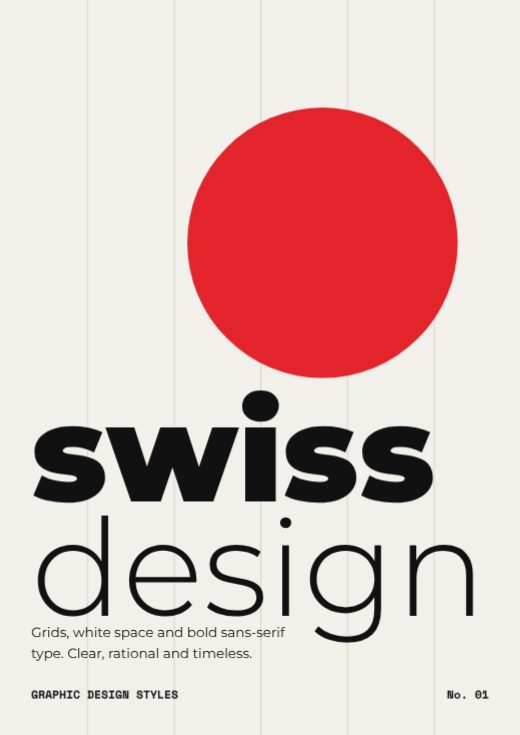
Swiss Design Style Poster
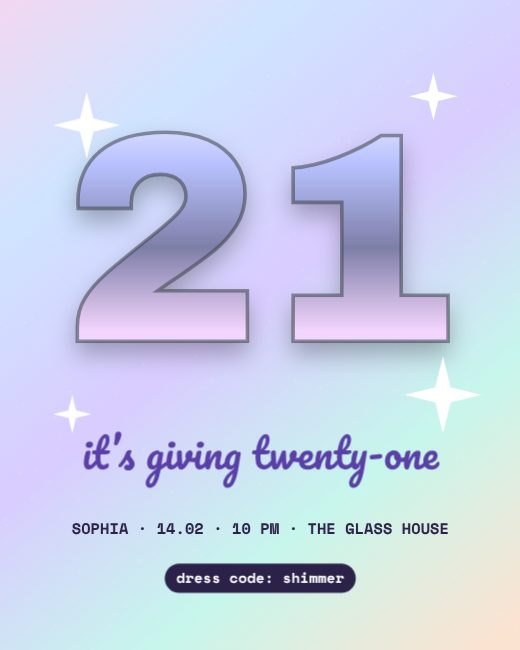
Holographic Glam Twenty First Post
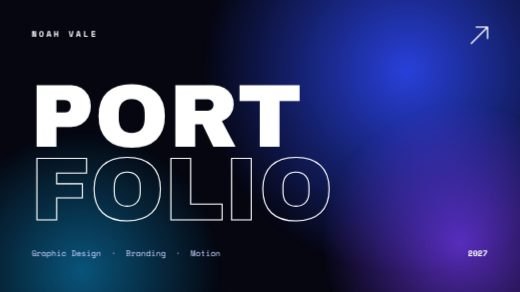
Midnight Gradient Design Portfolio Deck
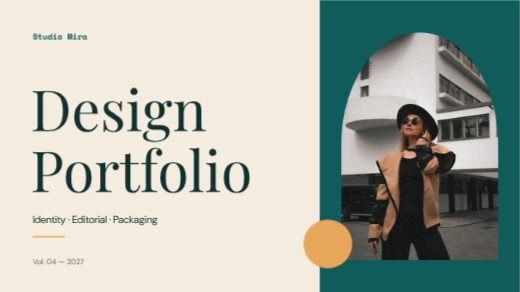
Teal And Cream Studio Portfolio Deck
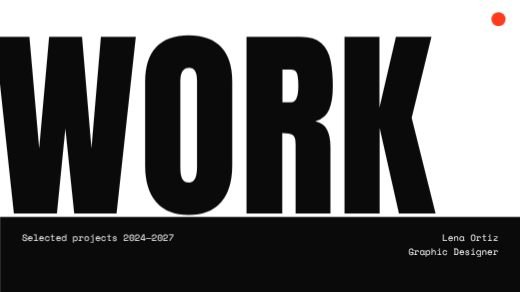
Mono Bold Work Portfolio Deck
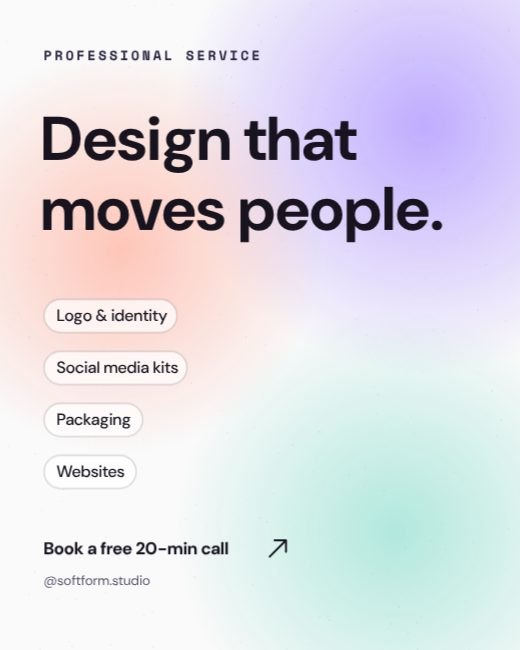
Soft Organic Gradient Design Services
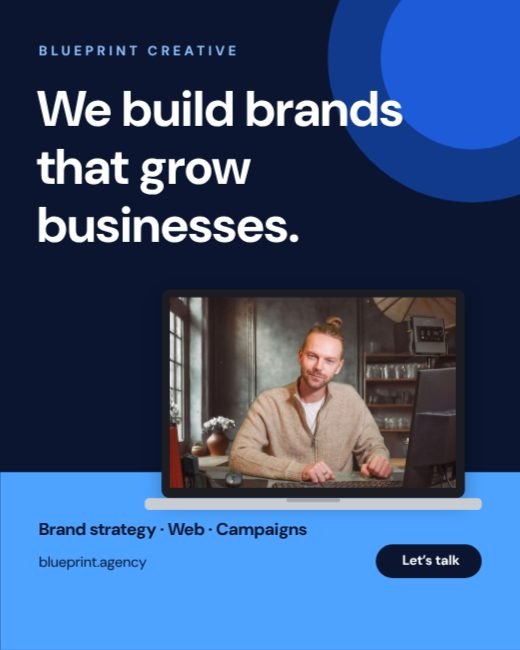
Corporate Blue Design Agency Post
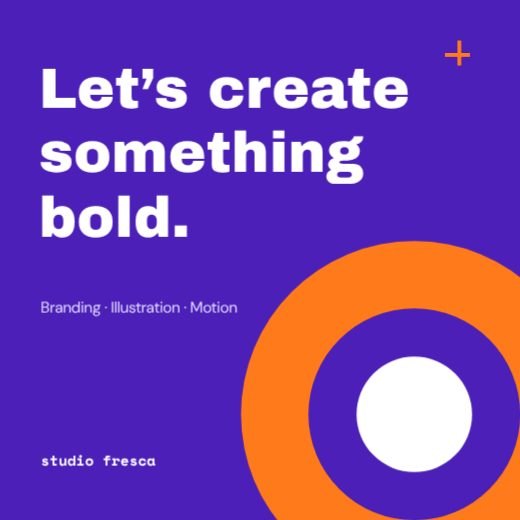
Purple Orange Bold Studio Post
Geometric Blue Agency Facebook Post
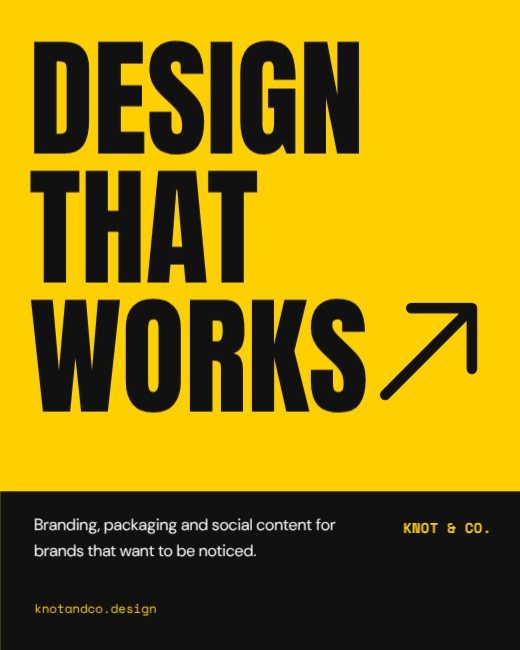
Yellow Black Design Agency Post
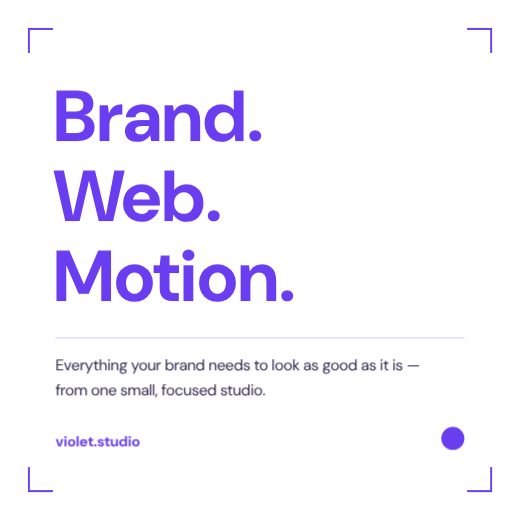
Minimal Purple Studio Services Post
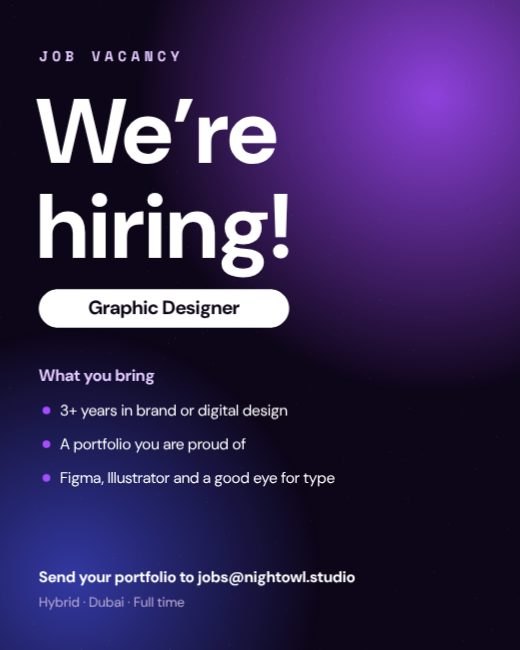
Gradient We Are Hiring Designer Post
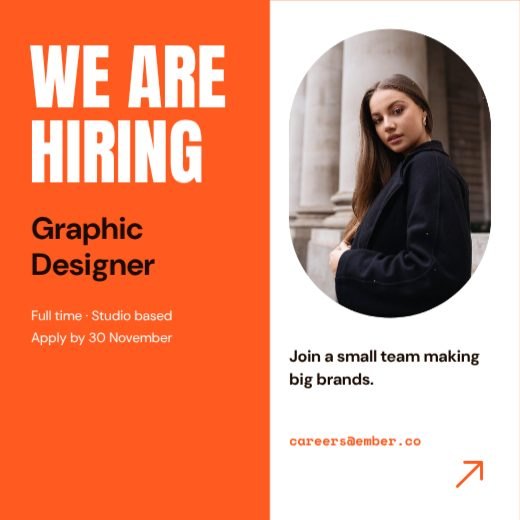
Orange Hiring Graphic Designer Post
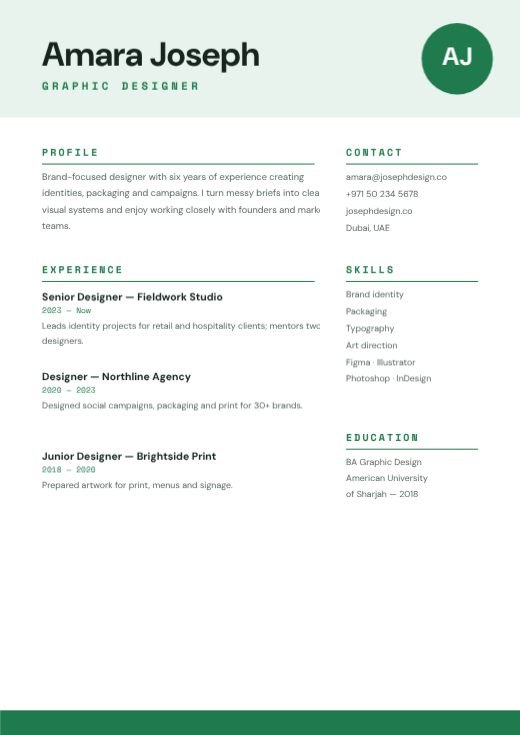
Green Simple Graphic Designer Resume
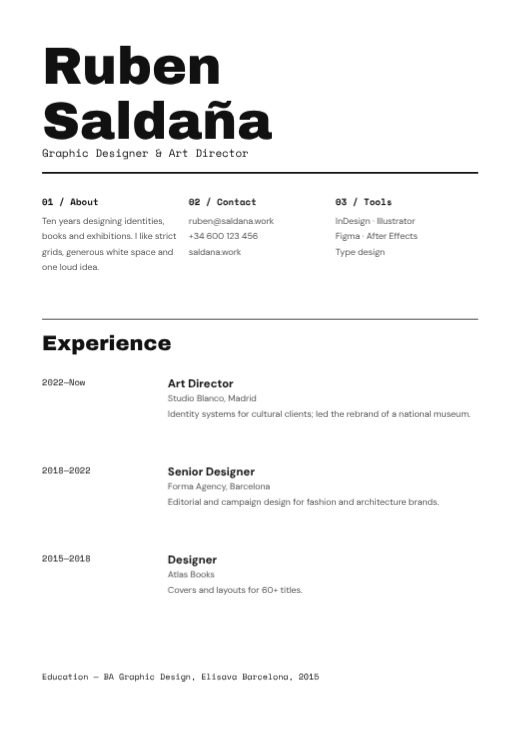
Monochrome Minimal Designer CV
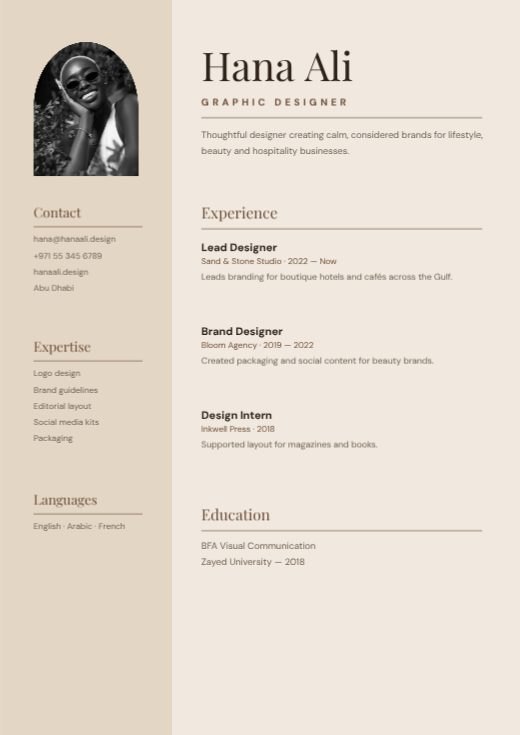
Beige Clean Lines Designer Resume
Cream Minimal Designer Logo
Black And Gold Monogram Logo
Violet Geometric Studio Logo
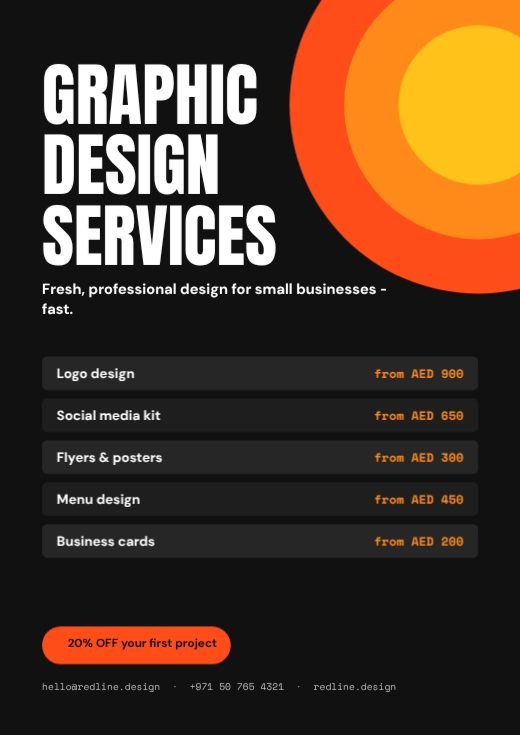
Bold Design Services Promotion Flyer
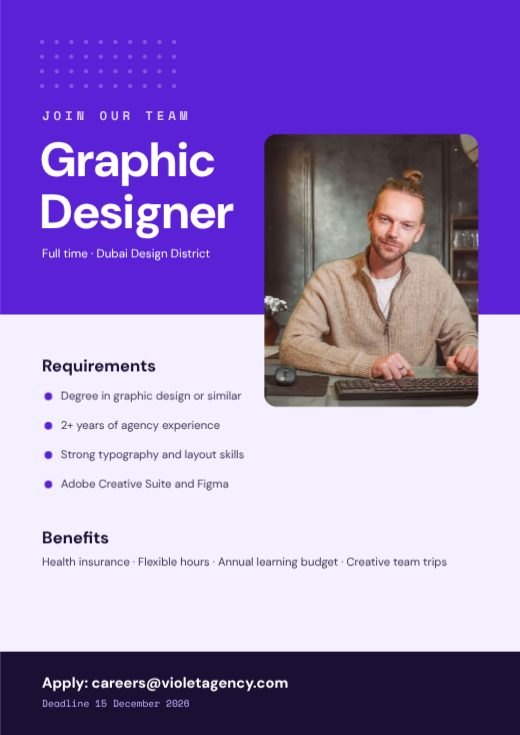
Purple Graphic Designer Job Flyer
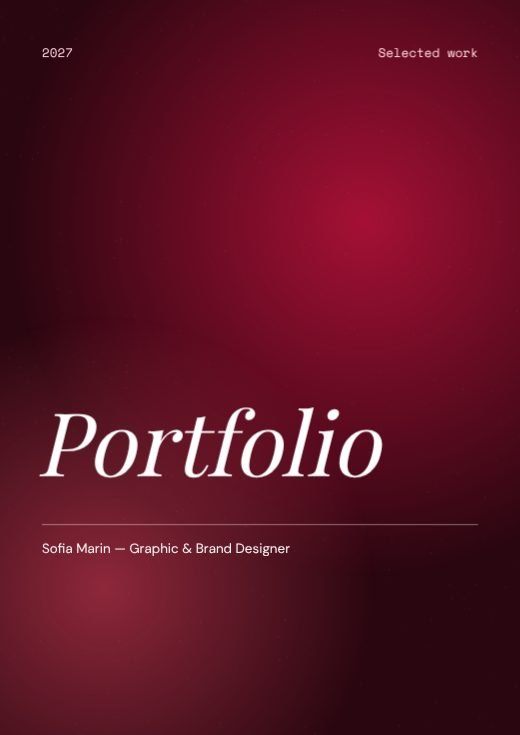
Maroon Gradient Portfolio Cover
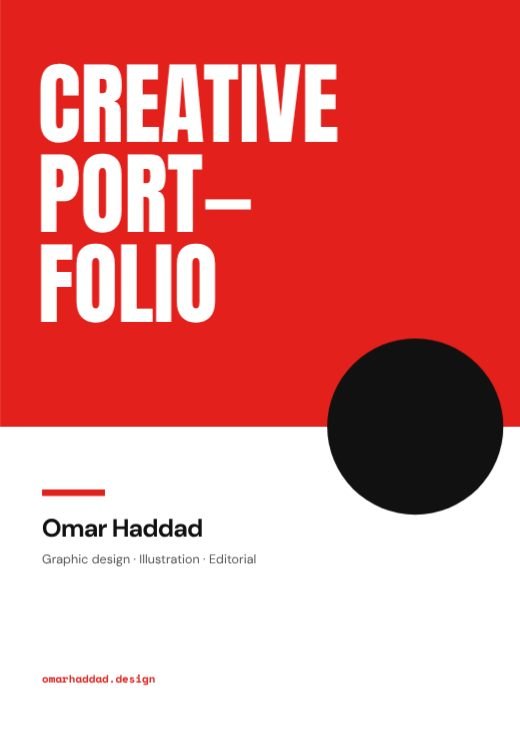
Red Creative Portfolio Cover Document
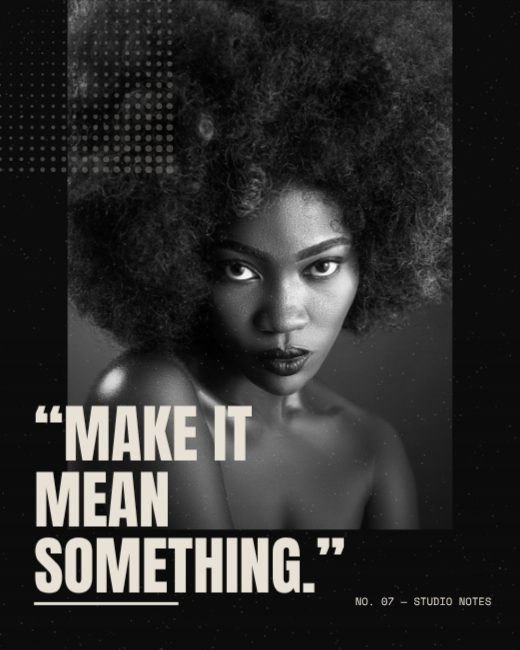
Grunge Portrait Quote Poster
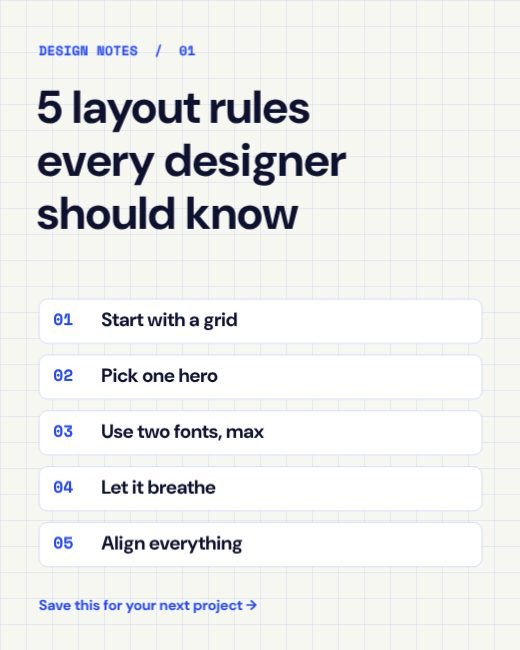
Grid Paper Layout Tips Post
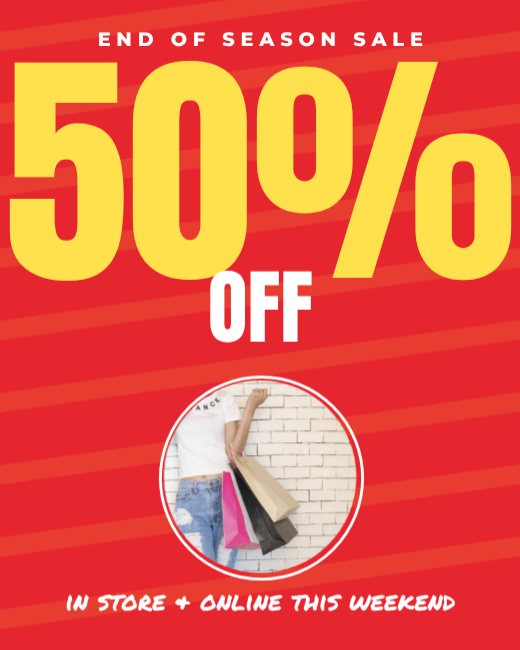
Big Percent Fashion Sale
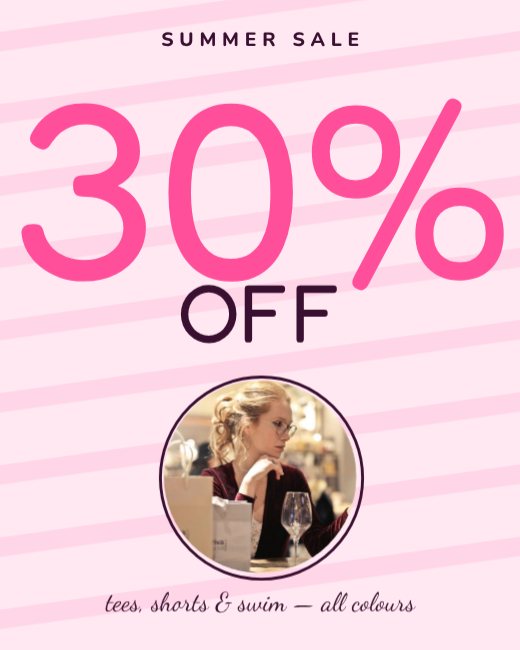
Pastel Summer Sale Typographic
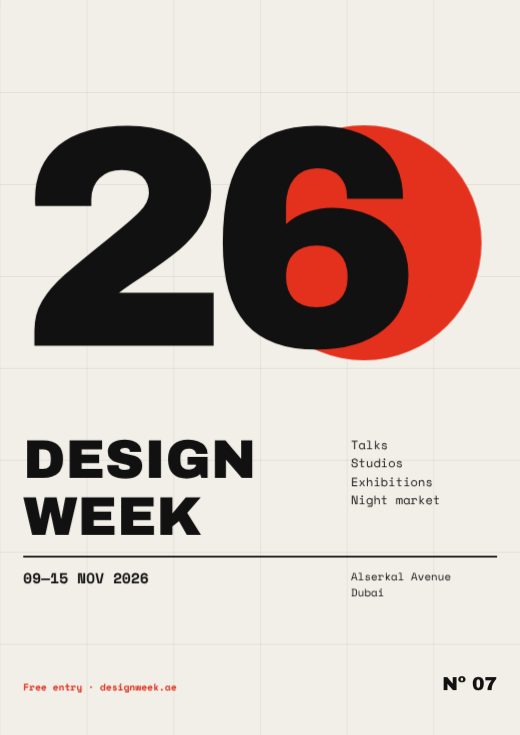
Swiss Grid Design Week Poster
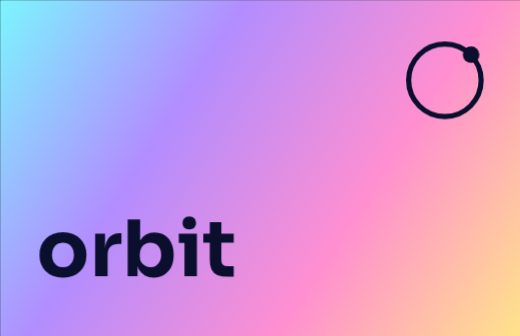
Holographic Tech Founder Card
How to make a graphic editor for free
- 1
Pick a template
Browse the graphic editor designs below and open the one you like.
- 2
Make it yours
Click any text to change it, swap the photos for your own, and adjust colours and fonts.
- 3
Download or share
Download a print-ready PDF, or a PNG / JPG for WhatsApp, Instagram and email.
Tips for a great graphic editor
- 1
Start from a template
A professional layout already has the spacing, hierarchy and font pairing worked out — you just change the words and photos.
- 2
Two fonts, three colours
One font for headings, one for text, and a small colour palette keeps any design clean.
- 3
Align everything
Line up text and images on the same edges. Alignment is the quickest way to make a design look professional.
- 4
Use your brand kit
Save your logo, colours and fonts once and apply them to any template in one click.
- 5
Export for where it goes
PDF with bleed for printing, PNG for sharp text on screens, JPG for photos.
What to put on your graphic editor
- A clear headline
- The key details people need
- One call to action
- Your logo and contact details
Before you download
- Read every word aloud once — names, dates, phone numbers and prices are where typos hide.
- Keep text at least 3 mm inside the edge so nothing is cut off when it is trimmed.
- Download “PDF (print)” with bleed and crop marks for a print shop, or PNG for screens.
- Check photos look sharp at 100% zoom; blurry images look worse on paper.
Common graphic editor sizes
| Format | Size | Best for |
|---|---|---|
| A4 | 210 × 297 mm | |
| Instagram portrait | 1080 × 1350 px | Social |
| Story | 1080 × 1920 px | Stories and status |
| Presentation | 1920 × 1080 px | Screens |
Popular graphic editor styles
Frequently asked questions
Is the graphic editor template really free?+
Yes. Every template, the editor and all download formats are free, with no watermark. A free account lets you save your designs and come back later.
Can I print my graphic editor?+
Yes. Download “PDF (print)” — it includes 3 mm bleed and crop marks and can be exported in CMYK, which is what print shops ask for.
Can I add my own photos and logo?+
Yes. Upload them from your computer or phone and drop them into any photo frame, or place them anywhere on the design.
Can I change the size?+
Yes. Use Resize to switch between A4, A5, US Letter, Instagram post, story and custom sizes in one click.