Graduation templates
Celebrate the class of the year with designs for graduation parties, announcements and congratulations. Add the graduate’s photo, name, school and year.
Schools and universities can use the posters and certificates for ceremonies, and families can share the posts on Instagram and WhatsApp.
Free graduation design templates
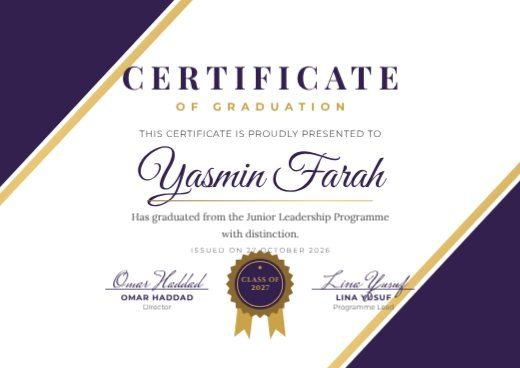
Purple Diagonal Graduation Certificate
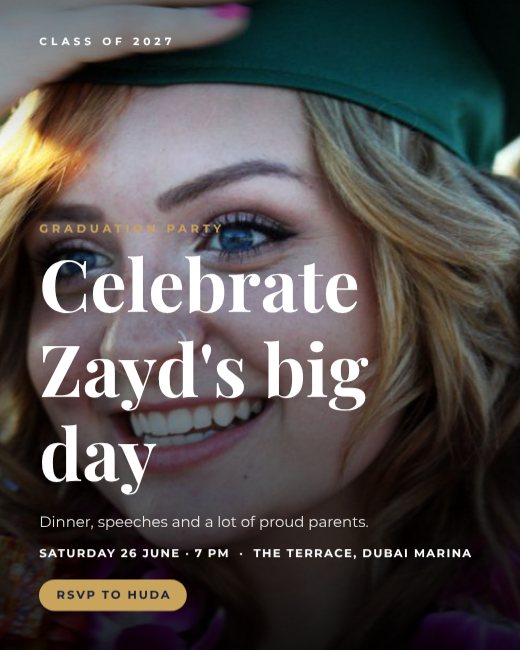
Graduation Party Photo Invitation
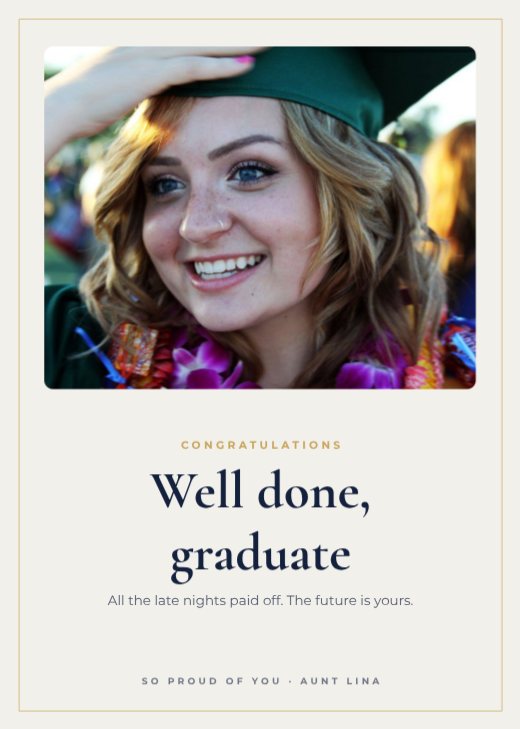
Graduate Congratulations Card

Class of 2027 Gold Announcement
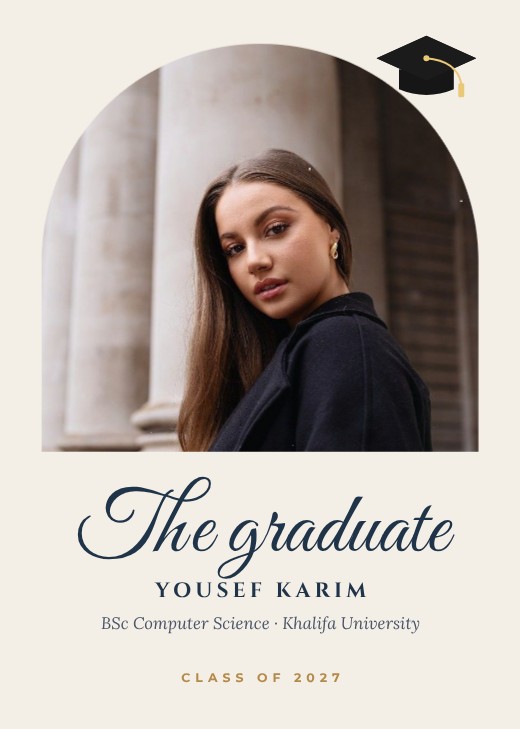
Graduate Photo Announcement Card
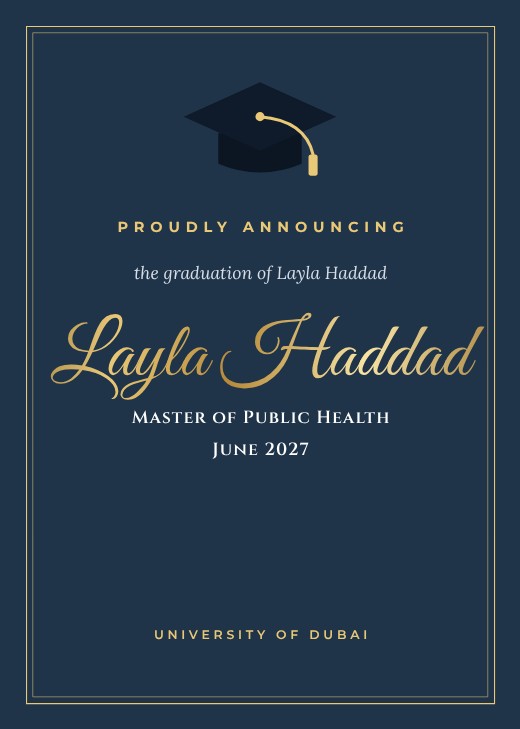
Navy Cap Graduation Announcement

Graduation Story Announcement
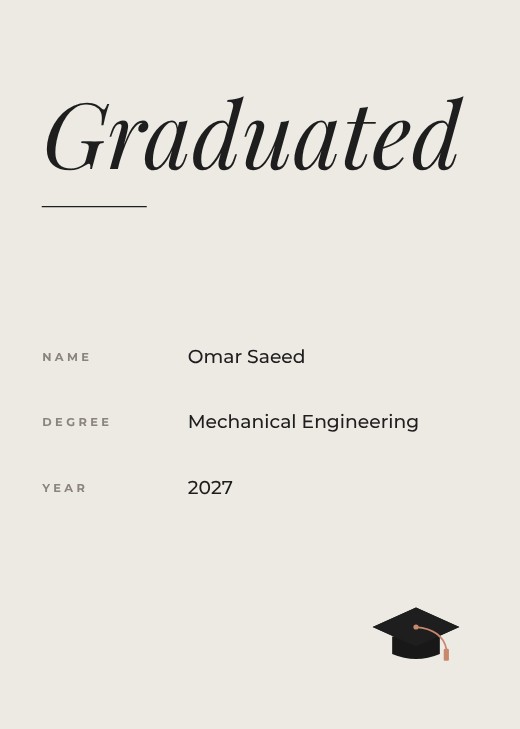
Minimal Graduate Announcement
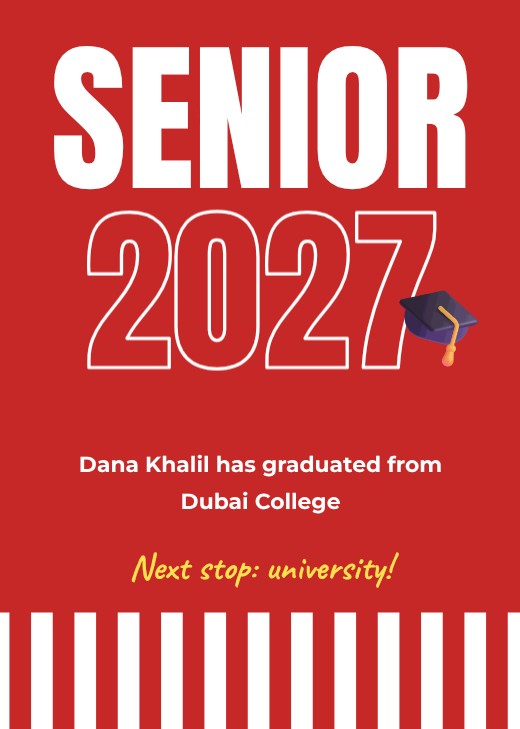
High School Graduation Announcement
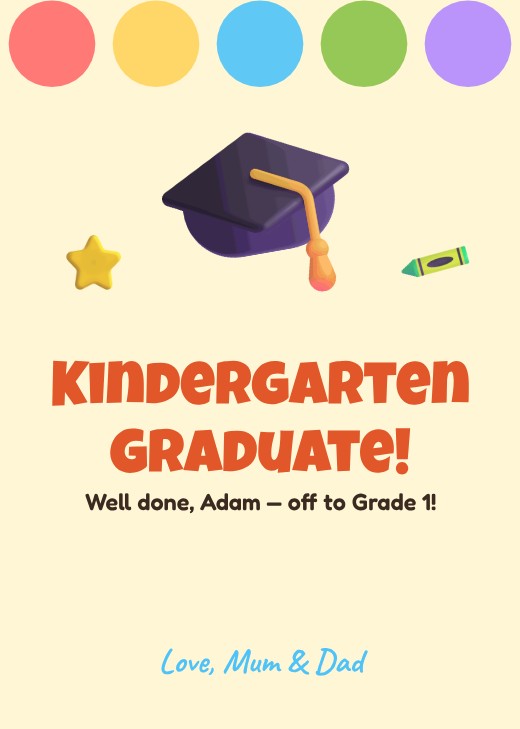
Kindergarten Graduation Card

PhD Graduation Announcement
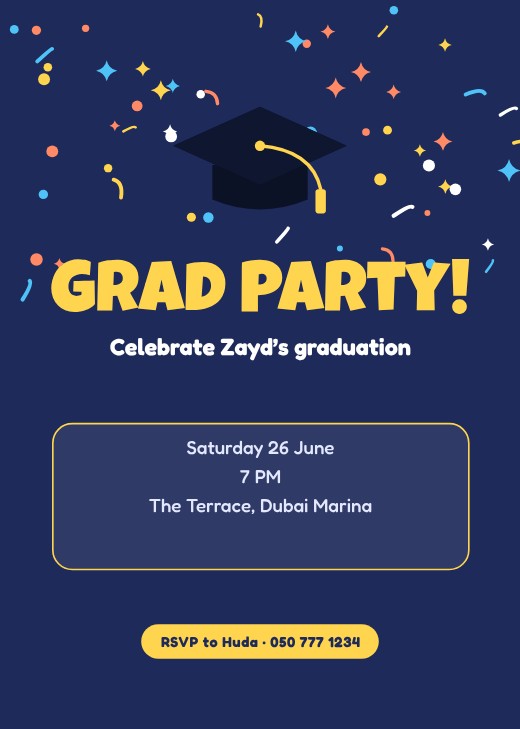
Confetti Cap Grad Party Invitation
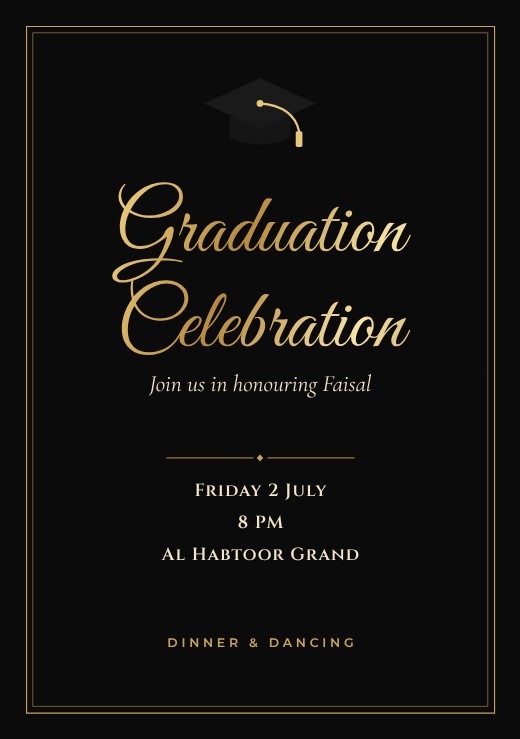
Black and Gold Grad Party Invitation
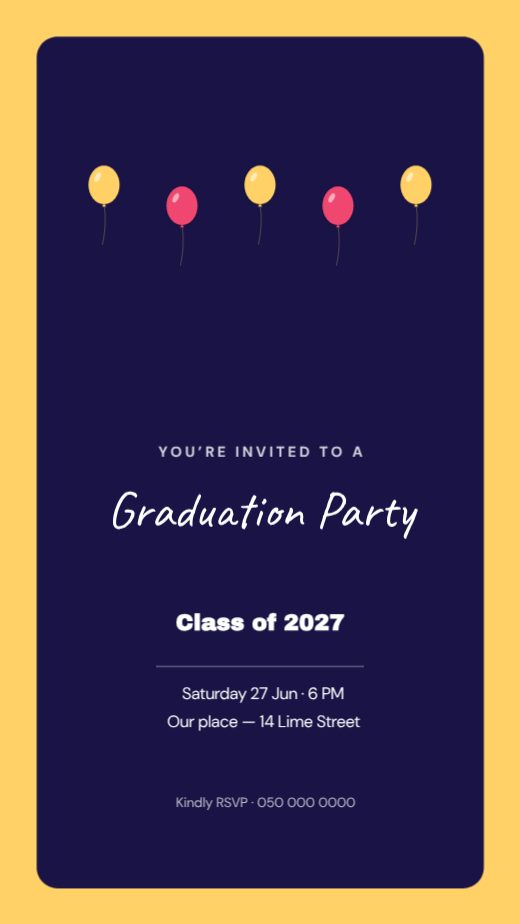
Graduation Party Invitation Story

Graduation Party Invitation
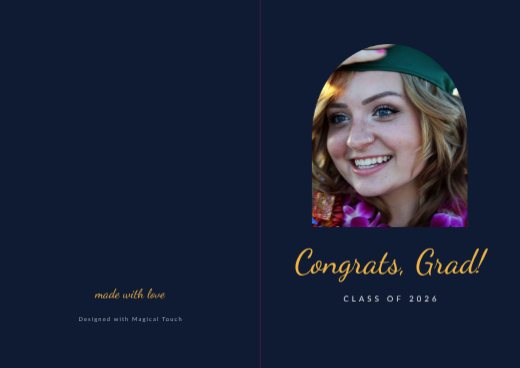
Graduation Congrats Folded Card
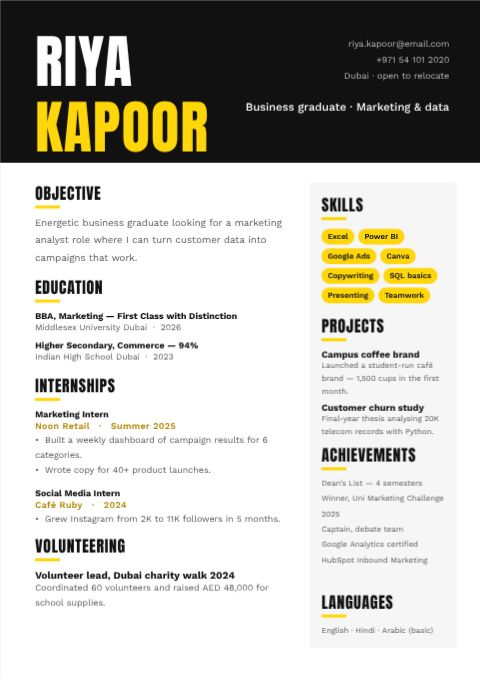
Bold Fresher Resume
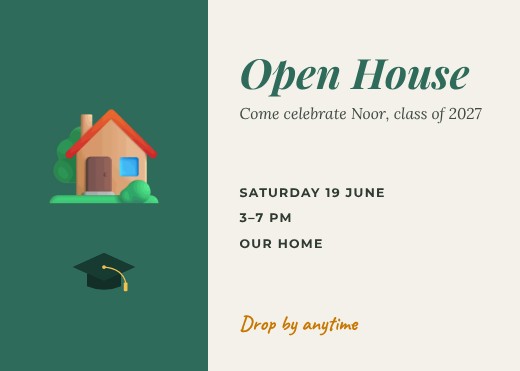
Graduation Open House Invitation
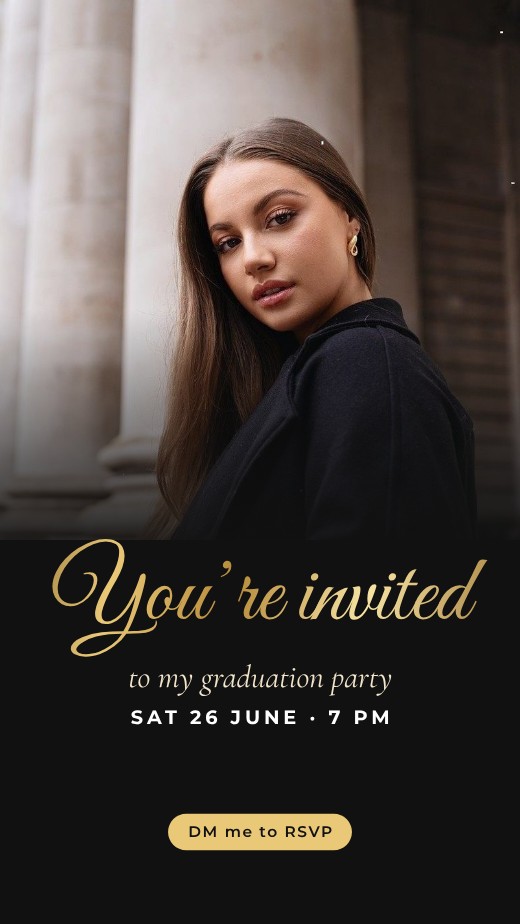
Grad Party Story
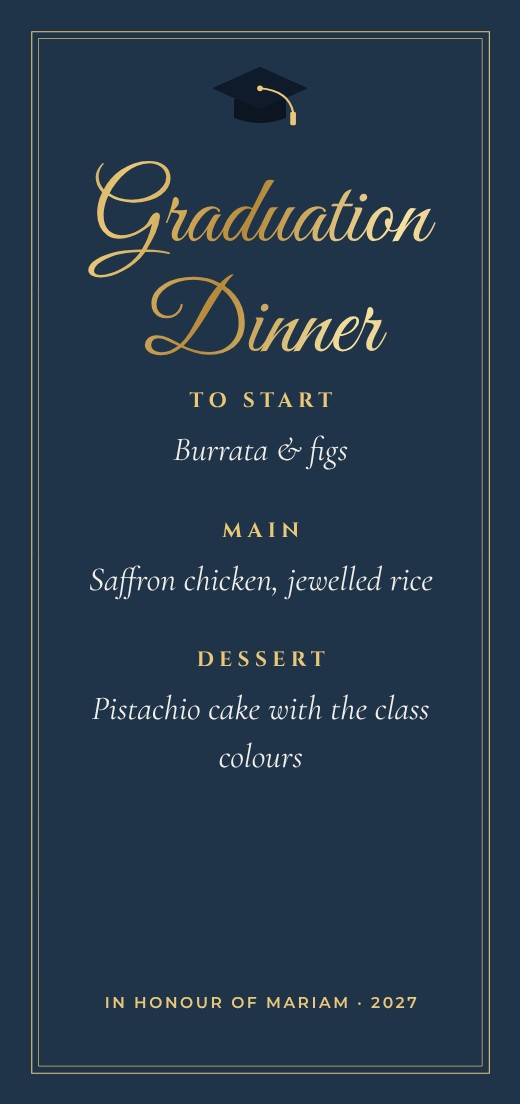
Graduation Dinner Menu
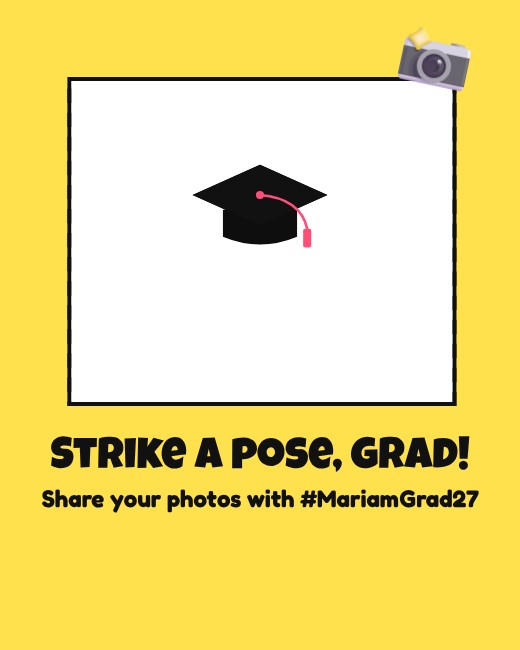
Grad Photo Booth Sign
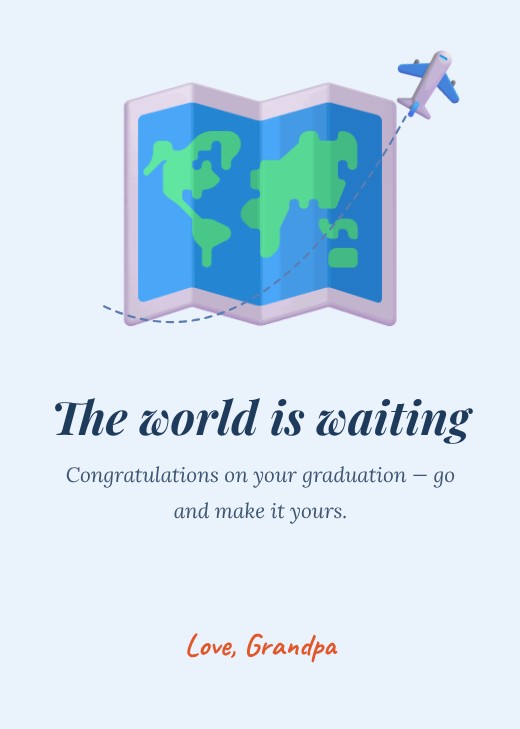
Oh the Places Card
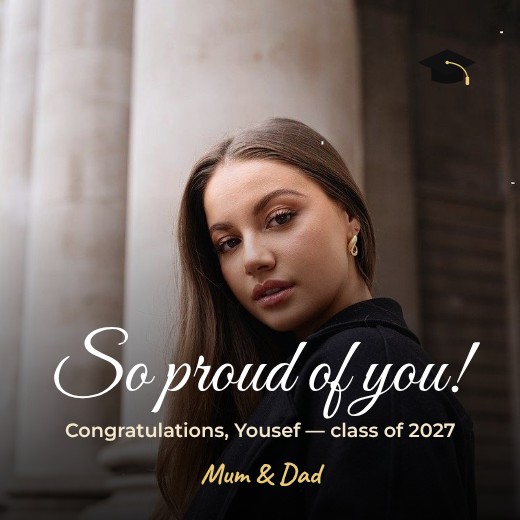
Proud Parents Graduation Post
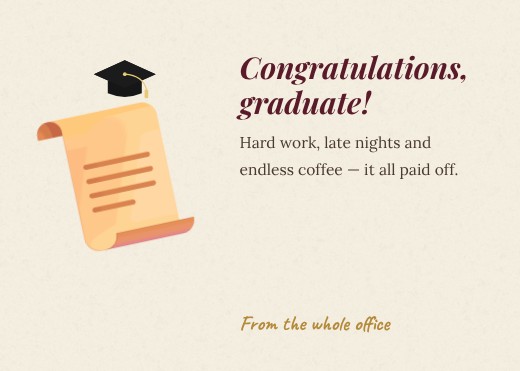
Diploma Scroll Congratulations Card

Teacher Congratulations Students Post

Graduation Cap Card
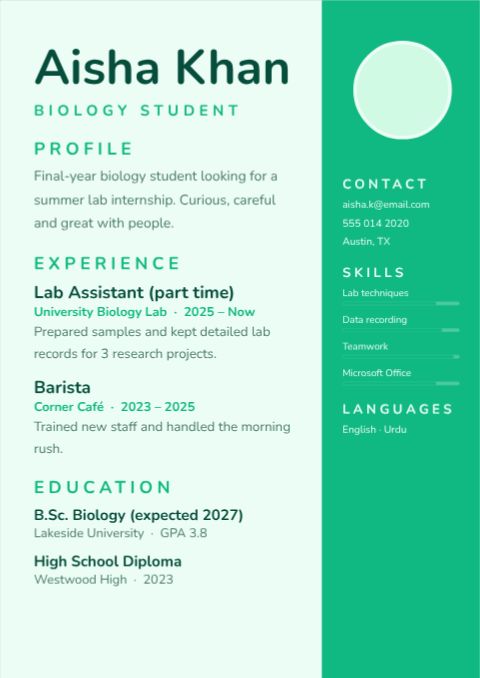
Student First Resume
How to make a graduation design for free
- 1
Pick a template
Browse the graduation design designs below and open the one you like.
- 2
Make it yours
Click any text to change it, swap the photos for your own, and adjust colours and fonts.
- 3
Download or share
Download a print-ready PDF, or a PNG / JPG for WhatsApp, Instagram and email.
Popular uses
- Graduation party invitations
- Announcement posts
- Congratulations cards
- School ceremony posters
Tips for a great graduation design
- 1
Start early
Festive posts that go out a few days before the occasion get more reach than posts on the day itself, when everyone posts at once.
- 2
Use traditional colours with care
Each festival has colours people recognise. Use them as accents and keep text readable on top.
- 3
Make it yours
Add your logo, family name or a photo so your greeting stands out in a crowded feed or chat.
- 4
One design, every format
Resize the same greeting for a post, a story, a WhatsApp status and a printed card in one click.
- 5
Plan sale messages
For shops, prepare a teaser, a launch post and a “last day” reminder with the same design.
What to put on your graduation design
- The greeting or festival name, large
- Your name, family name or company logo
- For businesses: the offer or opening hours during the holiday
- Optional: a short wish or blessing
Before you download
- Check the festival date and spelling of greetings.
- Look at it at phone size — if you can’t read the headline at a glance, make it bigger.
- Download PNG for crisp text, JPG for photo-heavy posts.
- Write the caption and add the link before you post, so the design and caption work together.
Common graduation design sizes
| Format | Size | Best for |
|---|---|---|
| Square | 1080 × 1080 px | Instagram, Facebook, WhatsApp |
| Story | 1080 × 1920 px | Stories and status |
| Portrait | 1080 × 1350 px | Instagram feed |
| A5 card | 148 × 210 mm | Printed greetings |
Popular graduation design styles
Frequently asked questions
Is it really free?+
Yes. Every template, the editor and every download format are free, with no watermark. A free account lets you save designs and come back to them.
Can I print it?+
Yes. Download “PDF (print)” with 3 mm bleed and crop marks — CMYK is available too, which is what print shops ask for. Or download PNG / JPG for WhatsApp and social media.
Can I change the size?+
Yes. Resize any design to A4, A5, US Letter, Instagram post, story or a custom size in one click.