Free graduation invitation templates
Looking for a graduation invitation that looks professionally designed? Start from one of our 25 free graduation invitation templates. Each one is laid out by a designer, so the spacing, fonts and colours already work together — you only change what matters to you.
Everything happens in your browser on a computer, tablet or phone. Click any text to edit it, upload your own photos and logo, and try different colours in one click. Nothing to install and no design experience needed.
When it’s ready, download a print-ready PDF with bleed for a print shop, or a PNG / JPG to share on WhatsApp, Instagram, Facebook and LinkedIn. Every template and every download is free, with no watermark.
Free graduation invitation templates
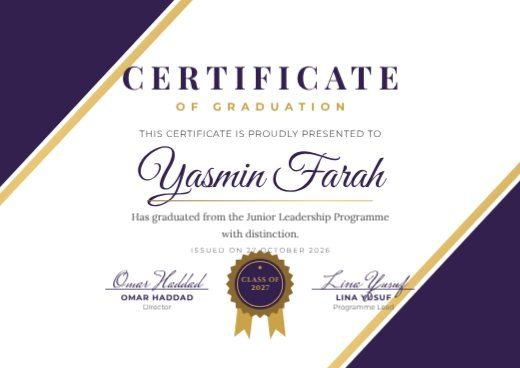
Purple Diagonal Graduation Certificate
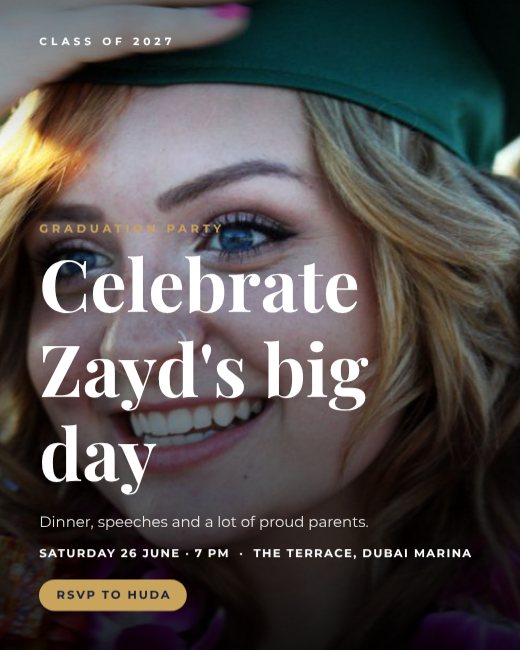
Graduation Party Photo Invitation
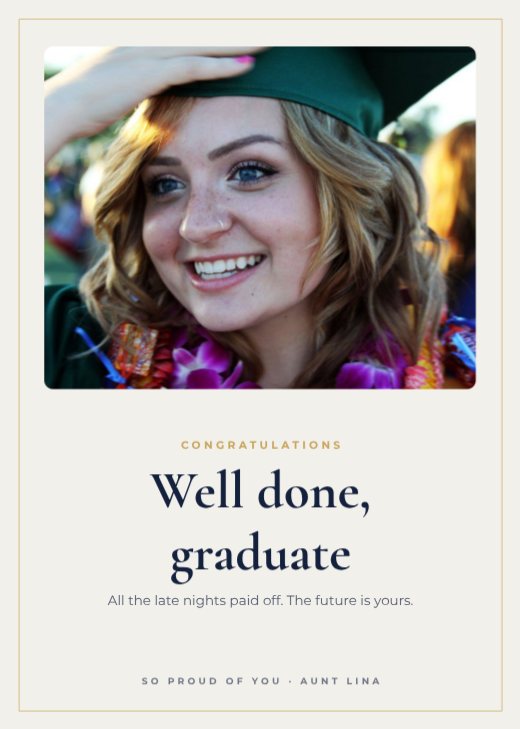
Graduate Congratulations Card

Class of 2027 Gold Announcement
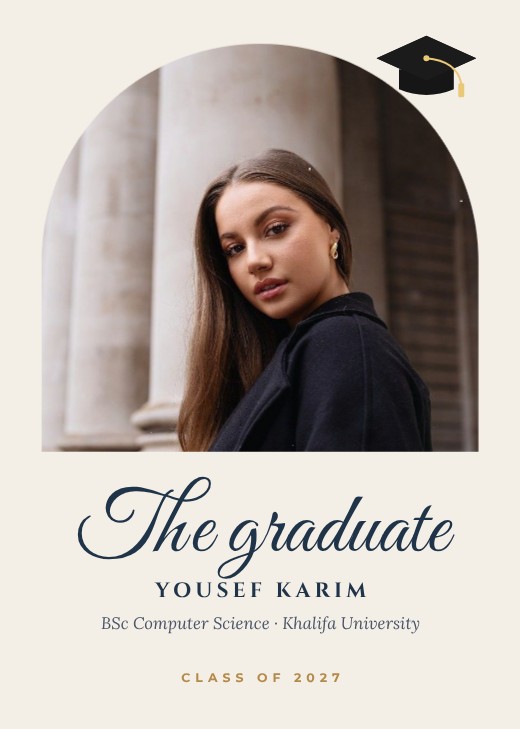
Graduate Photo Announcement Card
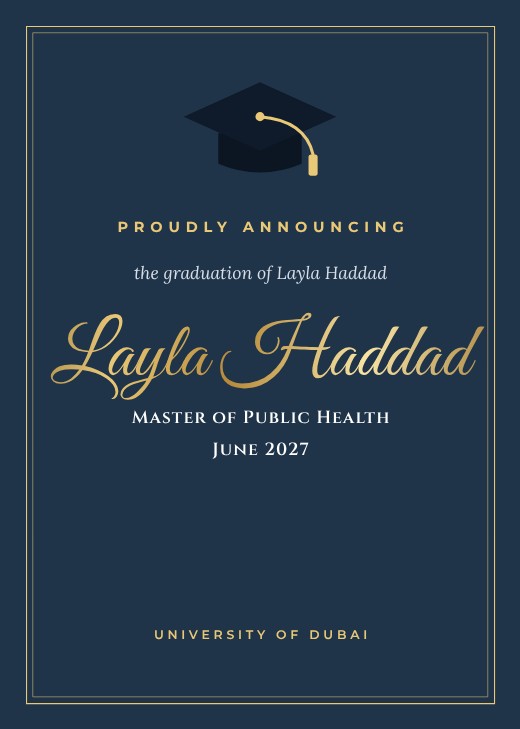
Navy Cap Graduation Announcement

Graduation Story Announcement

Minimal Graduate Announcement

High School Graduation Announcement
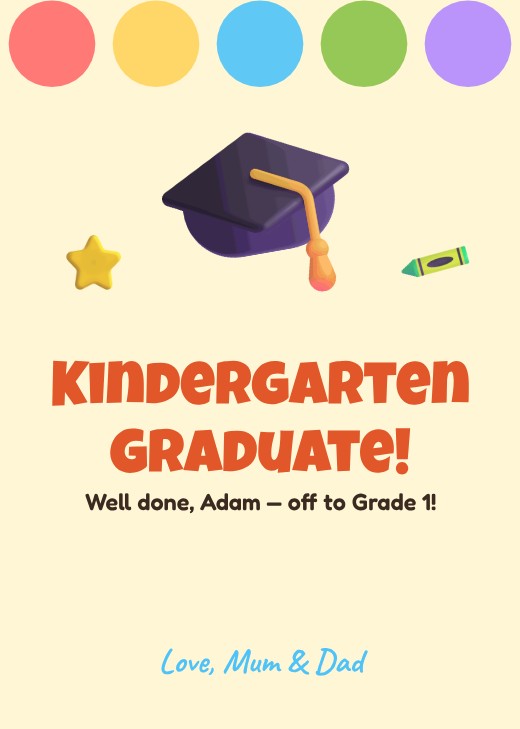
Kindergarten Graduation Card

PhD Graduation Announcement

Confetti Cap Grad Party Invitation

Black and Gold Grad Party Invitation

Graduation Party Invitation Story

Graduation Party Invitation
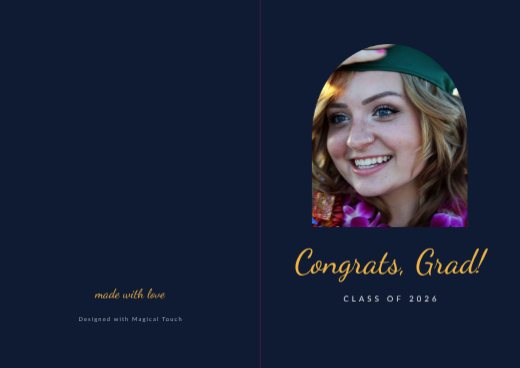
Graduation Congrats Folded Card
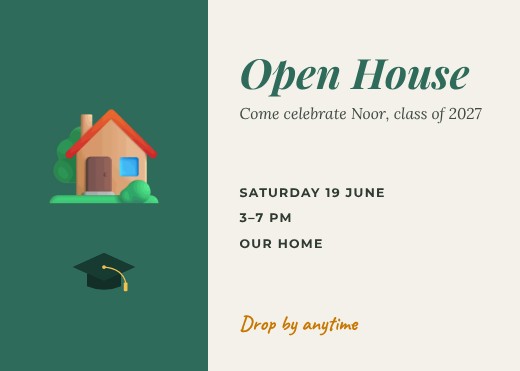
Graduation Open House Invitation
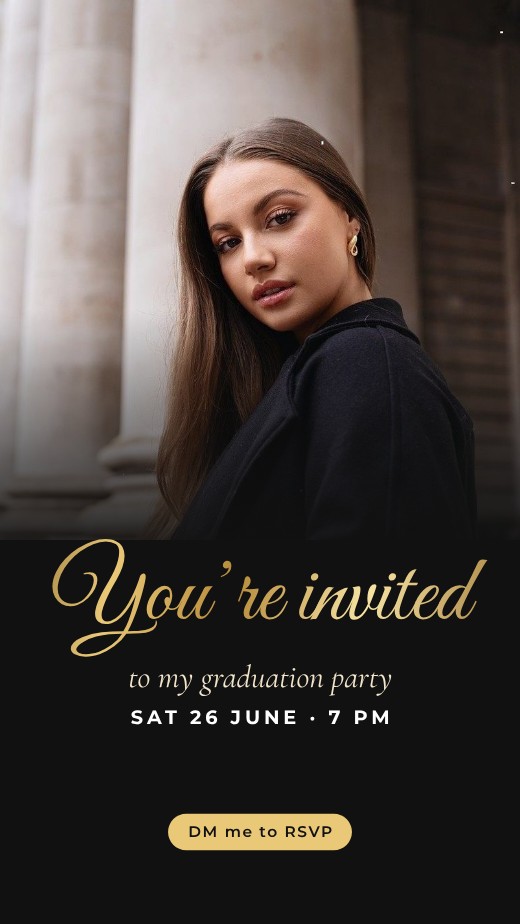
Grad Party Story
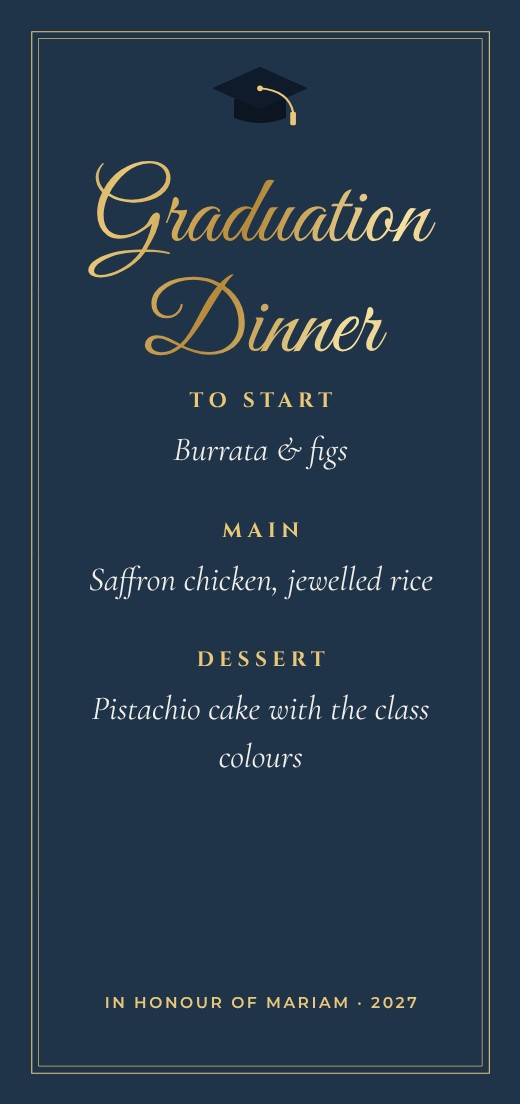
Graduation Dinner Menu
Grad Photo Booth Sign
Oh the Places Card
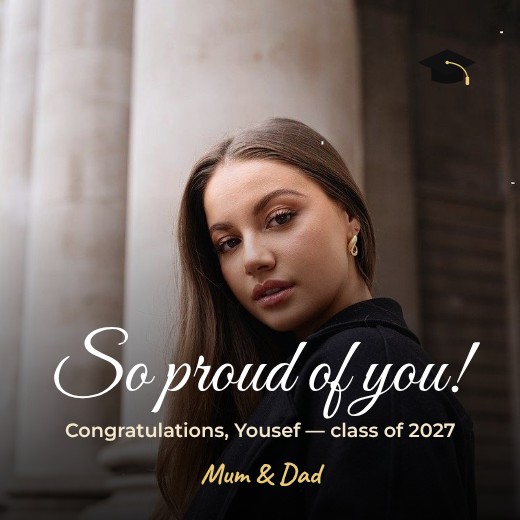
Proud Parents Graduation Post
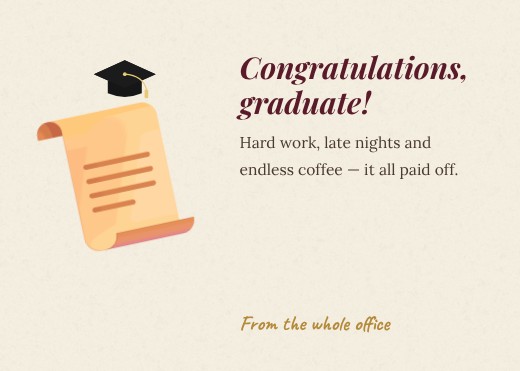
Diploma Scroll Congratulations Card

Teacher Congratulations Students Post

Graduation Cap Card
How to make a graduation invitation for free
- 1
Pick a template
Browse the graduation invitation designs below and open the one you like.
- 2
Make it yours
Click any text to change it, swap the photos for your own, and adjust colours and fonts.
- 3
Download or share
Download a print-ready PDF, or a PNG / JPG for WhatsApp, Instagram and email.
Tips for a great graduation invitation
- 1
Set the mood first
Colours and fonts tell guests what kind of event it is before they read a word — soft pastels for a baby shower, gold and serif type for a formal dinner, bright colours for a kids’ party.
- 2
Make the date impossible to miss
The date and time are what guests look for again later. Give them their own line, slightly larger than the details around them.
- 3
Write the address in full
Include the building name, area and city. For WhatsApp invites, add a map link or a QR code to a location pin.
- 4
Keep the RSVP simple
One phone number or one link. Asking people to reply “by 10 March” gets more answers than an open request.
- 5
Send it digitally and print a few
Download a PNG to share on WhatsApp and Instagram, and a PDF to print cards for older relatives and VIP guests.
What to put on your graduation invitation
- Who is hosting and what the occasion is
- The date, start time and full address
- Dress code or theme, if there is one
- How to RSVP and by when
Before you download
- Check the spelling of every name — twice.
- Confirm the day of the week matches the date.
- Download “PDF (print)” with bleed and crop marks for a print shop, or PNG for screens.
- Check photos look sharp at 100% zoom; blurry images look worse on paper.
Common graduation invitation sizes
| Format | Size | Best for |
|---|---|---|
| 5 × 7 in | 127 × 178 mm | Classic printed invitation |
| A5 | 148 × 210 mm | Printed cards |
| Story | 1080 × 1920 px | WhatsApp and Instagram |
| Square | 1080 × 1080 px | Group chats and posts |
Popular graduation invitation styles
Frequently asked questions
Is the graduation invitation template really free?+
Yes. Every template, the editor and all download formats are free, with no watermark. A free account lets you save your designs and come back later.
Can I print my graduation invitation?+
Yes. Download “PDF (print)” — it includes 3 mm bleed and crop marks and can be exported in CMYK, which is what print shops ask for.
Can I add my own photos and logo?+
Yes. Upload them from your computer or phone and drop them into any photo frame, or place them anywhere on the design.
Can I change the size?+
Yes. Use Resize to switch between A4, A5, US Letter, Instagram post, story and custom sizes in one click.