Print-ready PDF & CMYK export — free
Print shops reject files without bleed or in the wrong colour mode. Magical Touch exports exactly what they need: a PDF with bleed and crop marks, converted to CMYK with an embedded press profile.
Turn on Print preview to see how colours will look on paper before you send the file.
What you get — free
Bleed & crop marks
3 mm bleed and trim marks on every print export.
True CMYK
Converted with the Coated FOGRA39 profile, embedded in the PDF / TIFF.
Vector PDF
Sharp text and shapes at any size.
Print preview
Soft-proof colours on screen before you print.
Free print design templates
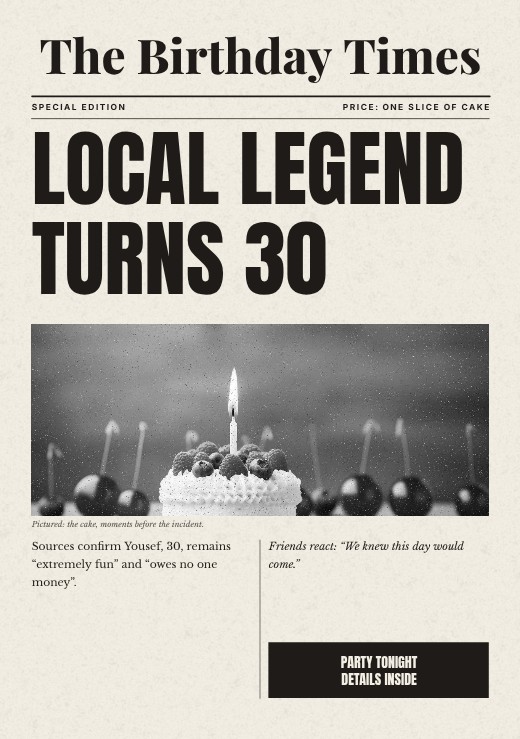
Birthday Times Newspaper Print
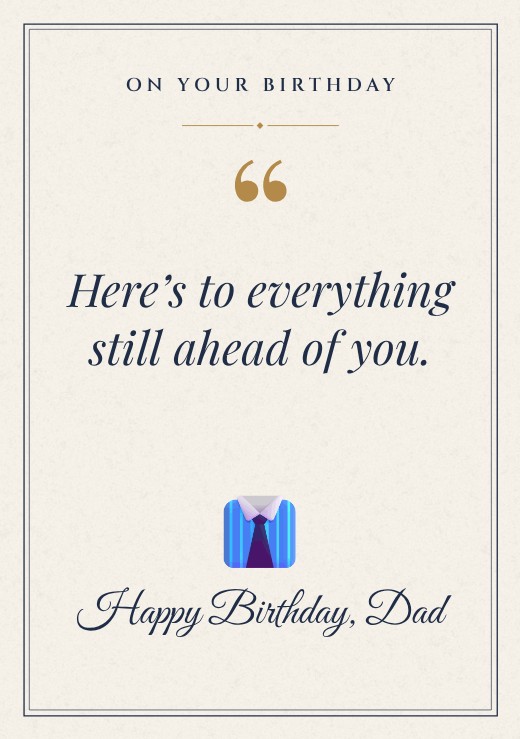
Classic Quote Dad Birthday Print

Founder Magazine Cover
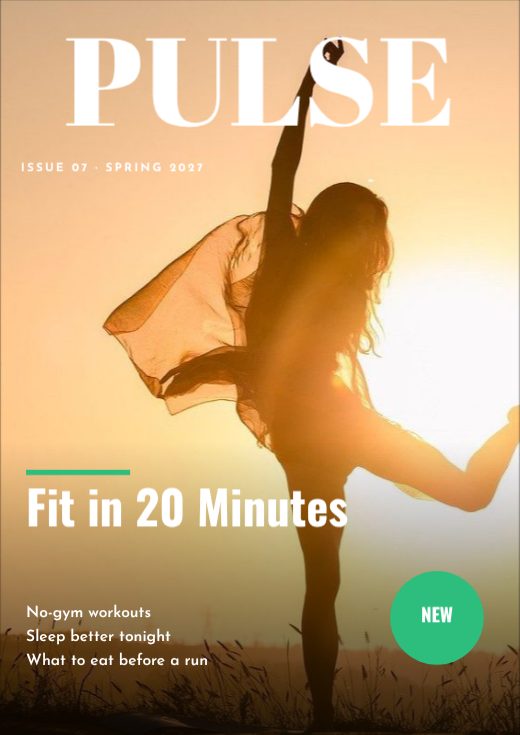
Pulse Magazine Cover

Wander Magazine Cover

Taste Magazine Cover

Homebody Magazine Cover

Atelier Magazine Cover
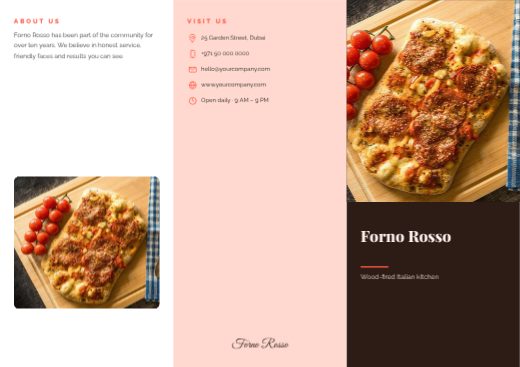
Forno Rosso Tri-fold Brochure
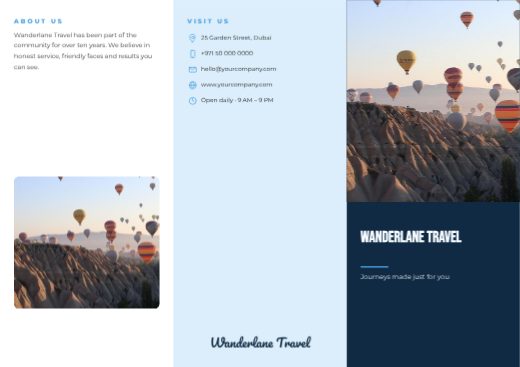
Wanderlane Travel Tri-fold Brochure
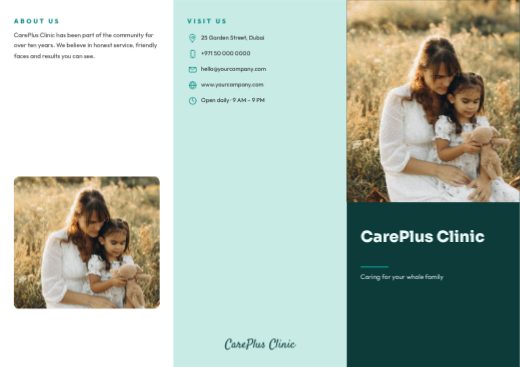
CarePlus Clinic Tri-fold Brochure
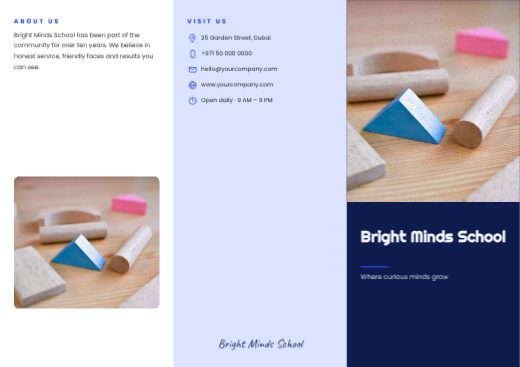
Bright Minds School Tri-fold Brochure
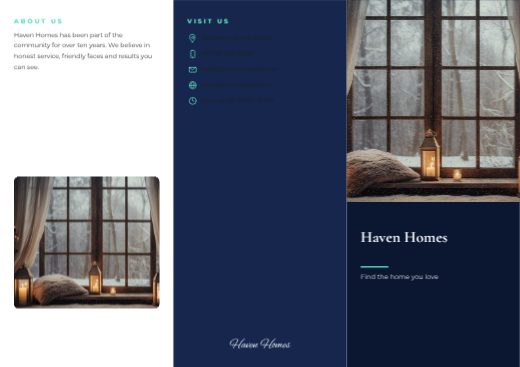
Haven Homes Tri-fold Brochure
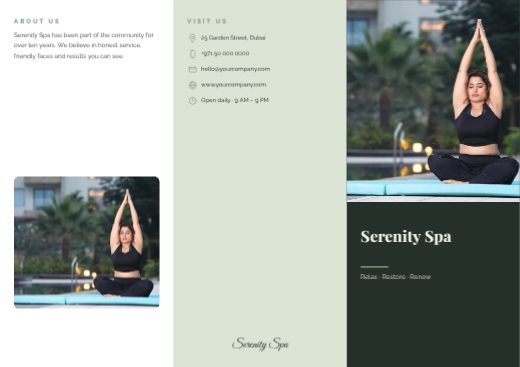
Serenity Spa Tri-fold Brochure
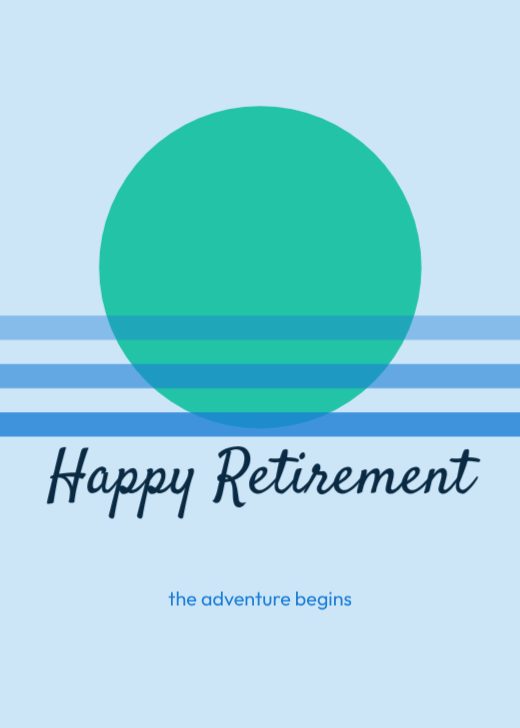
Happy Retirement Card
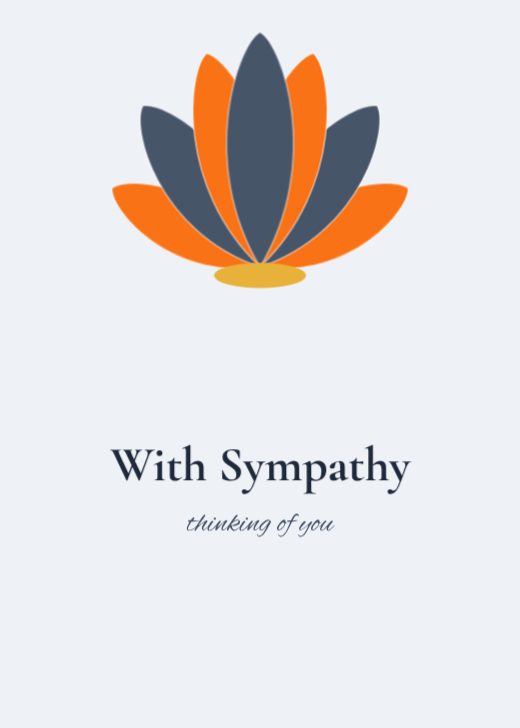
With Sympathy Card

Get Well Soon Card

Congratulations Card

Happy New Year Card

Merry Christmas Card

Happy Diwali Card

Eid Mubarak Card

Thank You Card

Be My Valentine Card

Family Reunion Card

Boy or Girl? Card
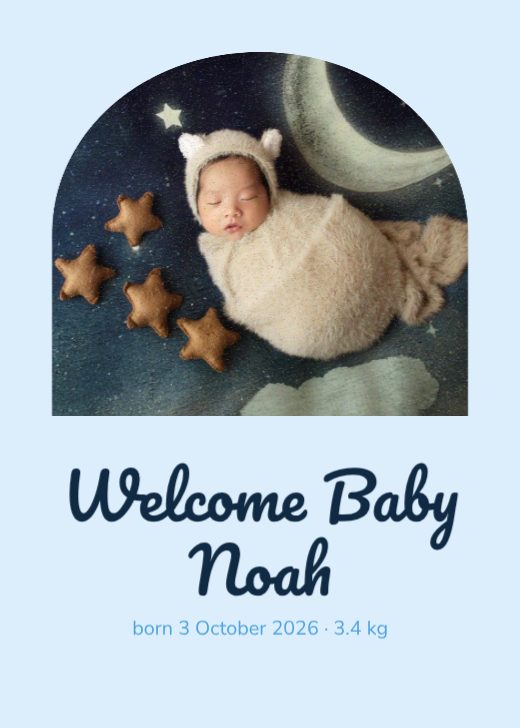
Welcome Baby Noah Card
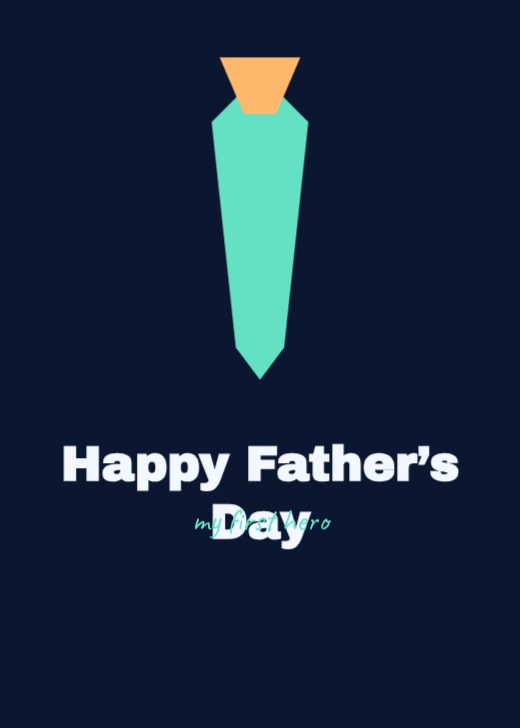
Happy Father’s Day Card
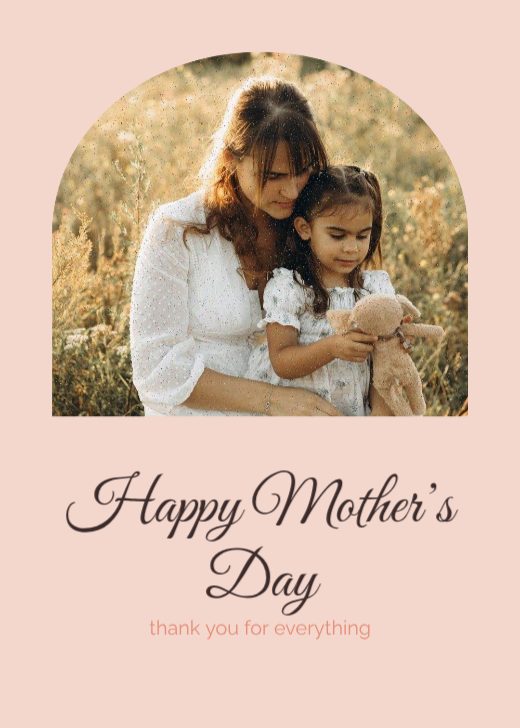
Happy Mother’s Day Card

Happy Anniversary Card

Dubai Skyline Mini Poster

Grow Slow Plant Mini Poster
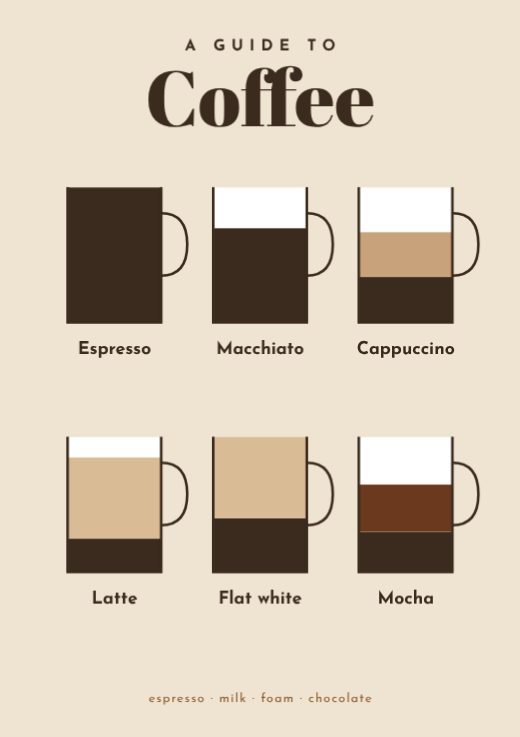
Coffee Guide Mini Poster
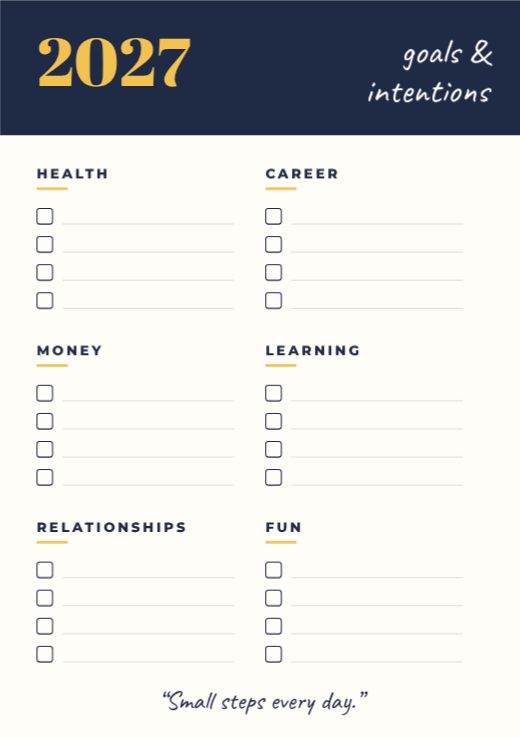
2027 Goals Planner Mini Poster
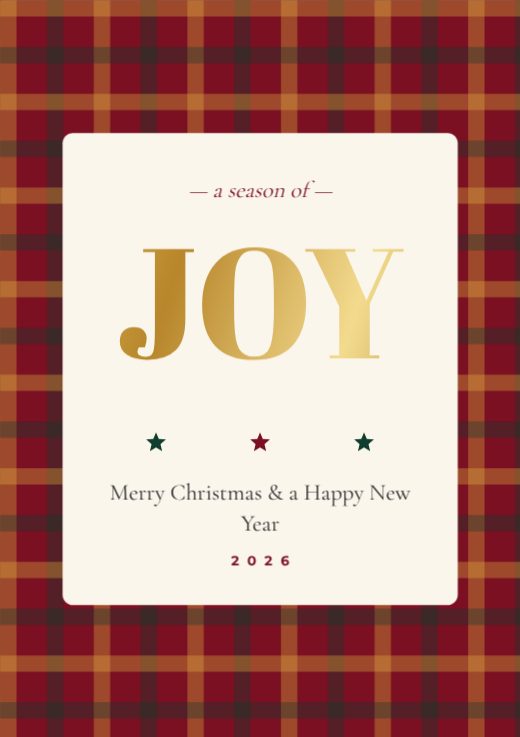
Joy Tartan Christmas Mini Poster
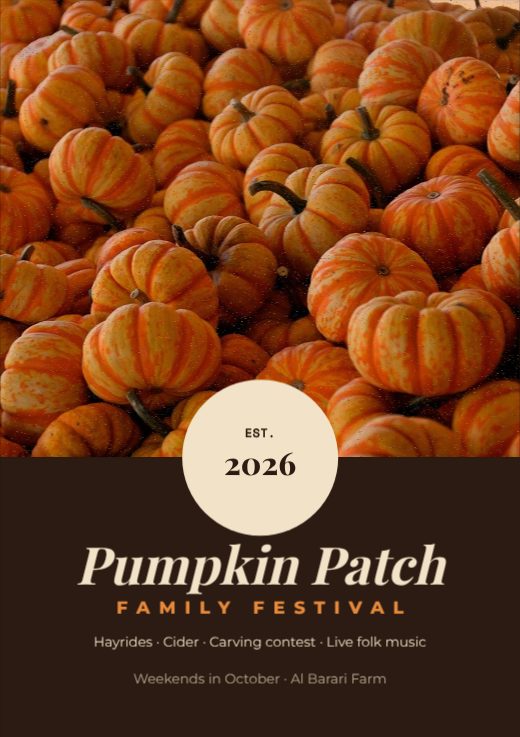
Pumpkin Patch Festival Mini Poster
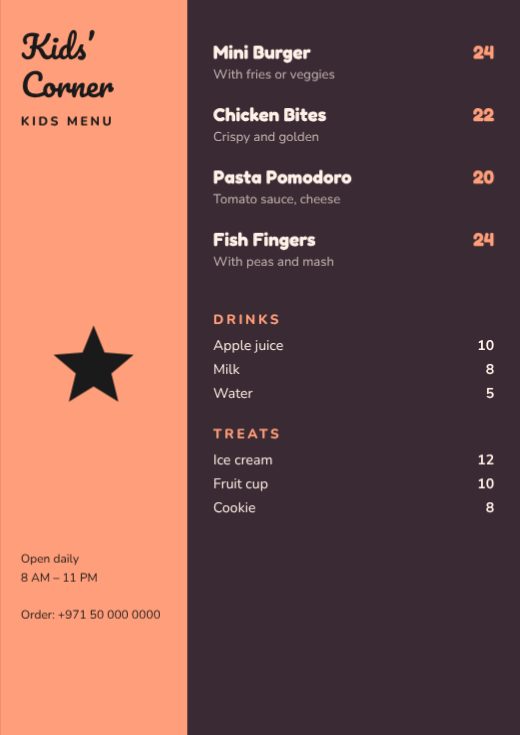
Kids’ Corner Kids Menu
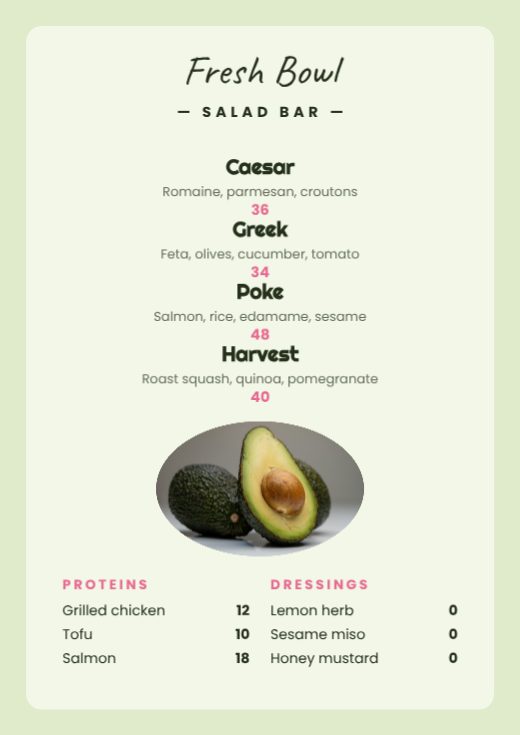
Fresh Bowl Salad Bar Menu
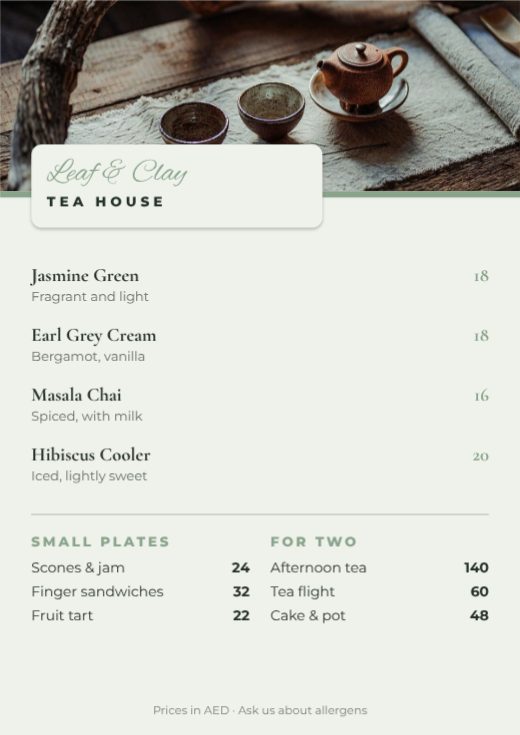
Leaf & Clay Tea House Menu
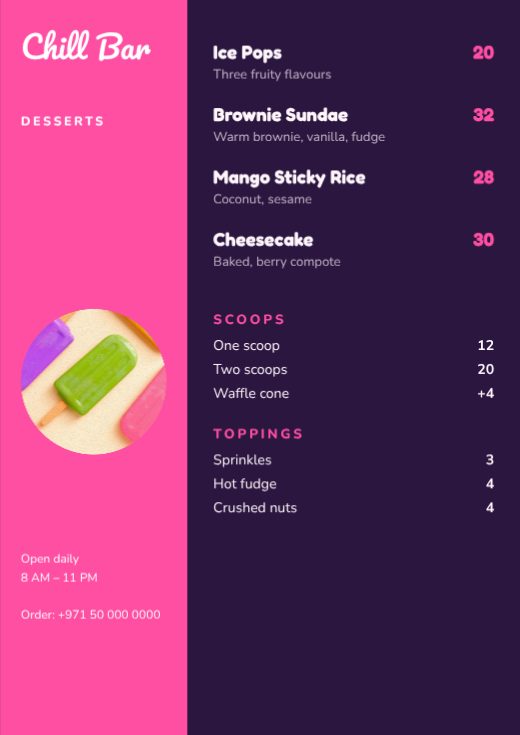
Chill Bar Desserts Menu
How to make a print design for free
- 1
Pick a template
Browse the print design designs below and open the one you like.
- 2
Make it yours
Click any text to change it, swap the photos for your own, and adjust colours and fonts.
- 3
Download or share
Download a print-ready PDF, or a PNG / JPG for WhatsApp, Instagram and email.
Popular uses
- Flyers and brochures
- Business cards
- Posters and roll-ups
- Certificates and invitations
Frequently asked questions
What is bleed?+
Extra artwork (3 mm) beyond the trim line, so no white edge shows after cutting.
Why CMYK?+
Printers use cyan, magenta, yellow and black ink. Converting first avoids colour surprises.