Free brochure & company profile maker
Tell your company’s story with a professional multi-page brochure or deck. Edit each page, keep your brand colours consistent and export one tidy PDF.
Free brochure templates
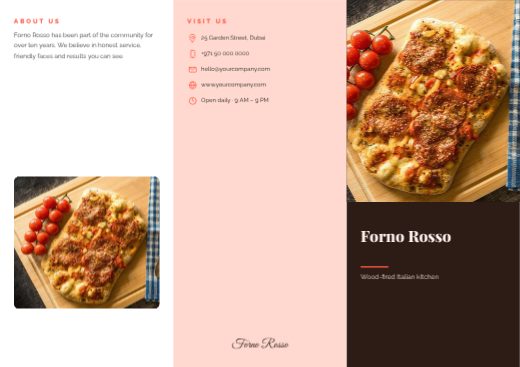
Forno Rosso Tri-fold Brochure
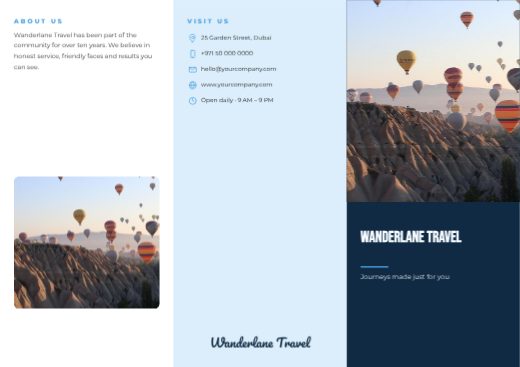
Wanderlane Travel Tri-fold Brochure
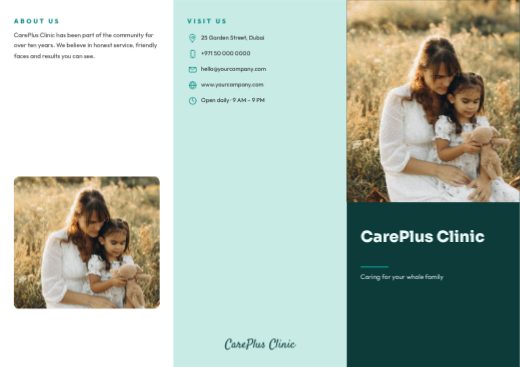
CarePlus Clinic Tri-fold Brochure
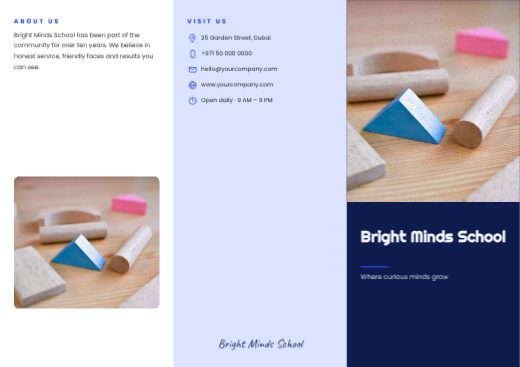
Bright Minds School Tri-fold Brochure
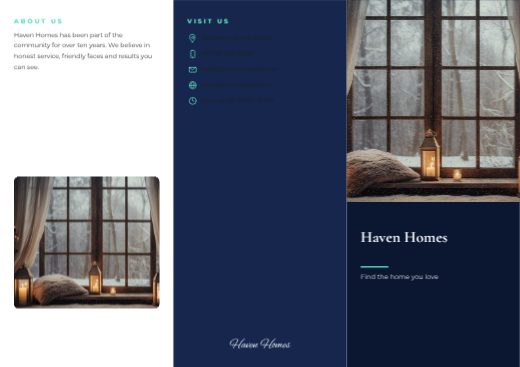
Haven Homes Tri-fold Brochure
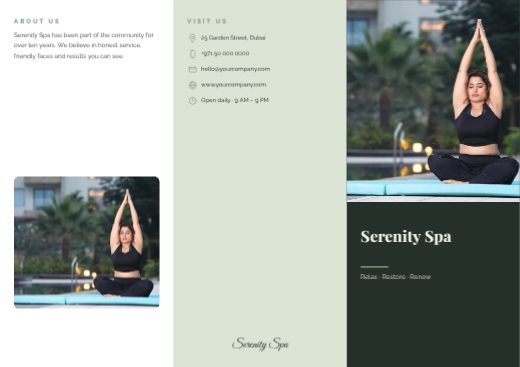
Serenity Spa Tri-fold Brochure
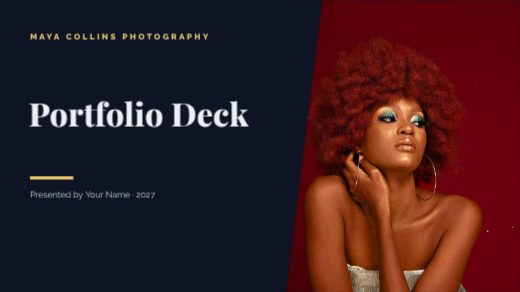
Portfolio Deck Presentation
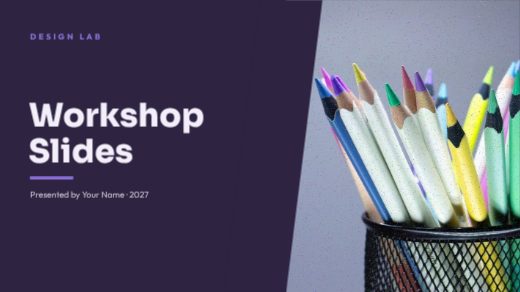
Workshop Slides Presentation
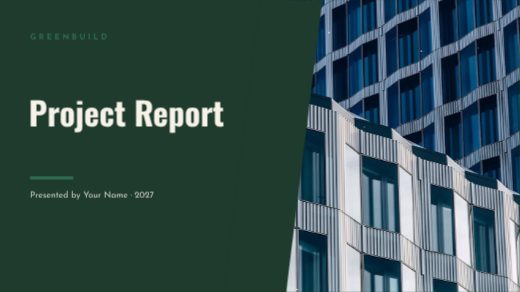
Project Report Presentation
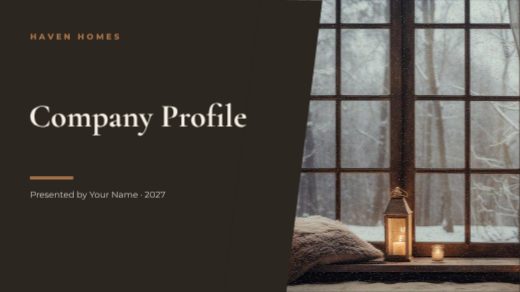
Company Profile Presentation

Marketing Plan Presentation

Startup Pitch Deck Presentation

Real Estate Agent LinkedIn Banner

Teacher & Tutor LinkedIn Banner

Fitness Coach LinkedIn Banner

Photographer LinkedIn Banner

Architect LinkedIn Banner

HR Consultant LinkedIn Banner

Data Analyst LinkedIn Banner

Marketing Lead LinkedIn Banner

Software Engineer LinkedIn Banner

Brand Designer LinkedIn Banner
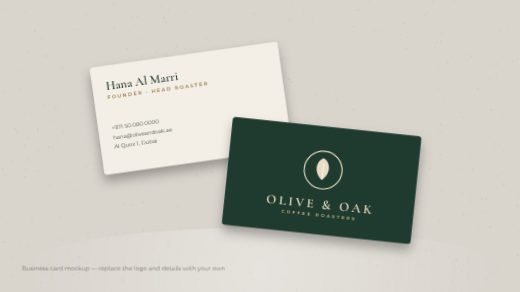
Olive & Oak Business Card Mockup
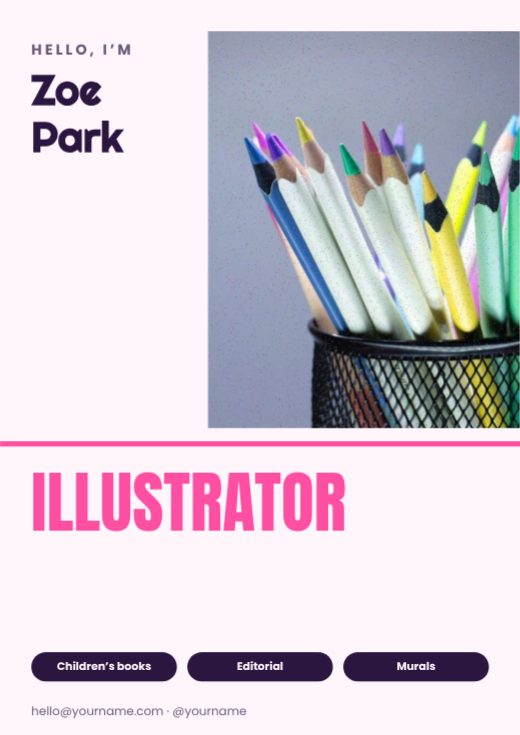
Illustrator Personal Brand Poster
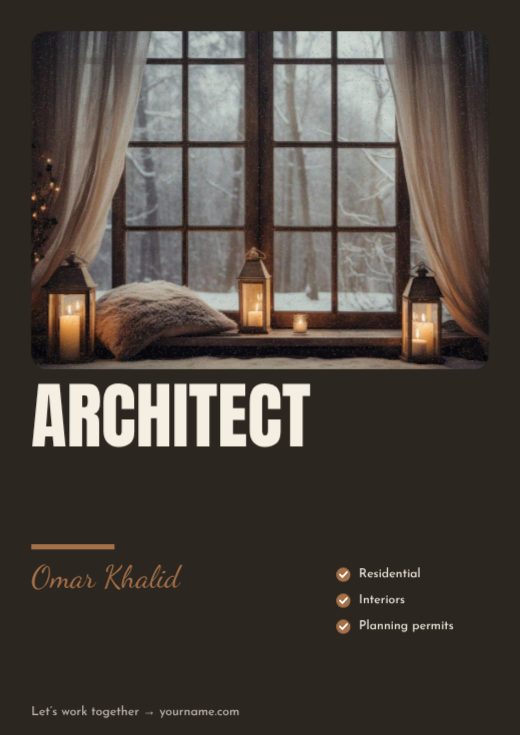
Architect Personal Brand Poster

Life Coach Personal Brand Poster
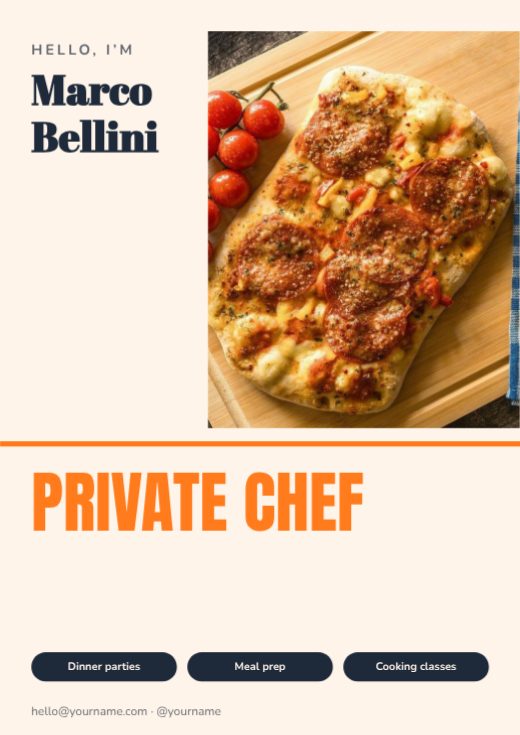
Private Chef Personal Brand Poster

DJ & Producer Personal Brand Poster

Makeup Artist Personal Brand Poster

Web Developer Personal Brand Poster

UI / UX Designer Personal Brand Poster
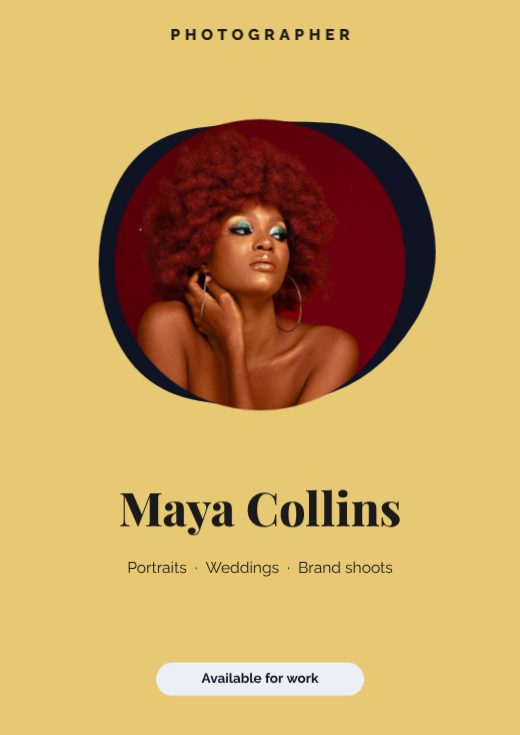
Photographer Personal Brand Poster
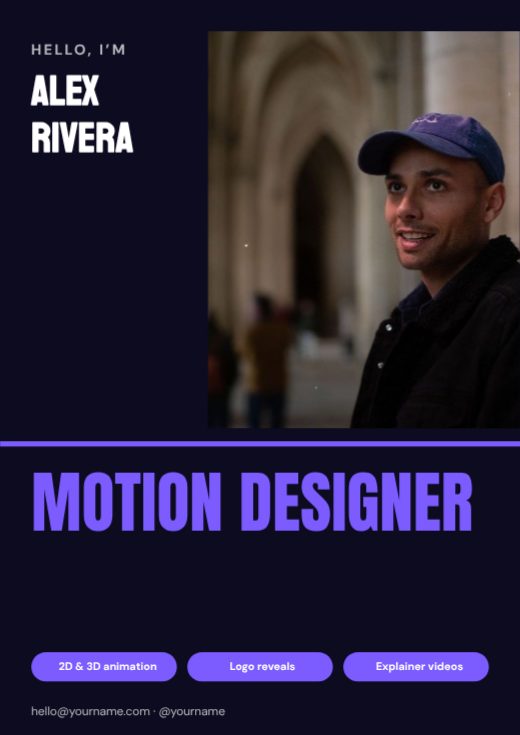
Motion Designer Personal Brand Poster

Deckled Paper Ocean Birthday Story

Sunflower Deckled Photo Birthday Post
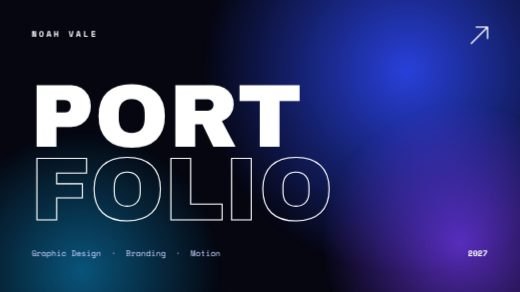
Midnight Gradient Design Portfolio Deck

Teal And Cream Studio Portfolio Deck
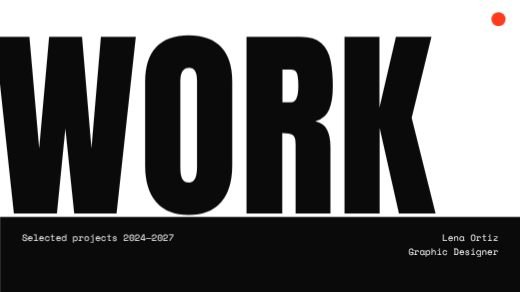
Mono Bold Work Portfolio Deck

Primary Shapes Creative Portfolio Deck
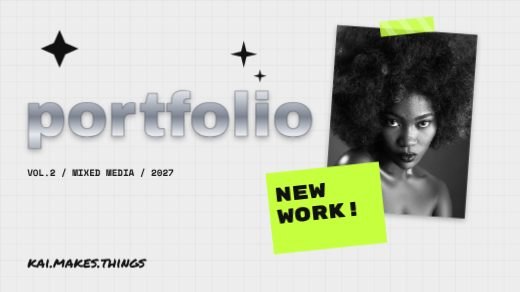
Y2K Mixed Media Portfolio Deck
How to make a brochure for free
- 1
Pick a template
Browse the brochure designs below and open the one you like.
- 2
Make it yours
Click any text to change it, swap the photos for your own, and adjust colours and fonts.
- 3
Download or share
Download a print-ready PDF, or a PNG / JPG for WhatsApp, Instagram and email.
Popular uses
- Company profiles
- Sales presentations
- Design portfolios
- Product catalogues
- Pitch decks
Frequently asked questions
Can I add or remove pages?+
Yes — use the Pages panel to duplicate, add, reorder or delete pages.
Can I present it?+
Yes. Download a PDF and present it full-screen, or export the pages as images.