Free banner maker
Banners appear everywhere — the top of your website, your Facebook and LinkedIn covers, email headers and the roll-up stand at your next event. These templates cover each format at the right size.
Change the headline, colours and images, then download a sharp PNG for screens or a print-ready PDF for large-format printing.
Free banner templates
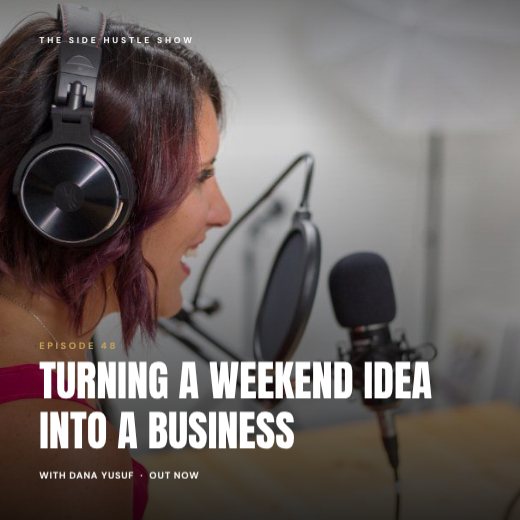
Podcast Episode Cover
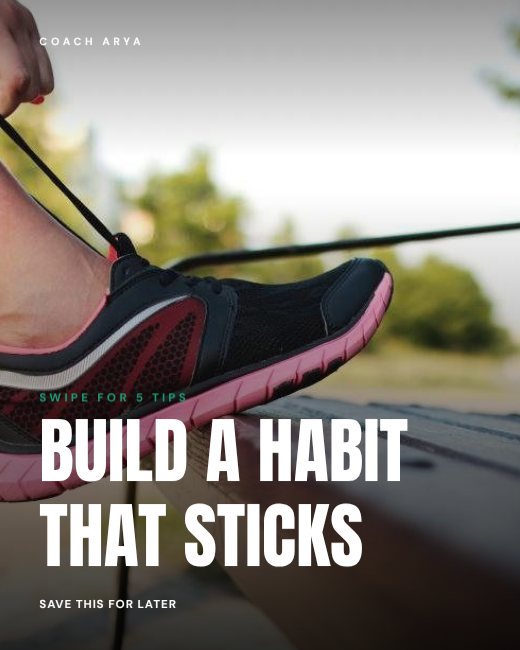
Fitness Tips Carousel Cover
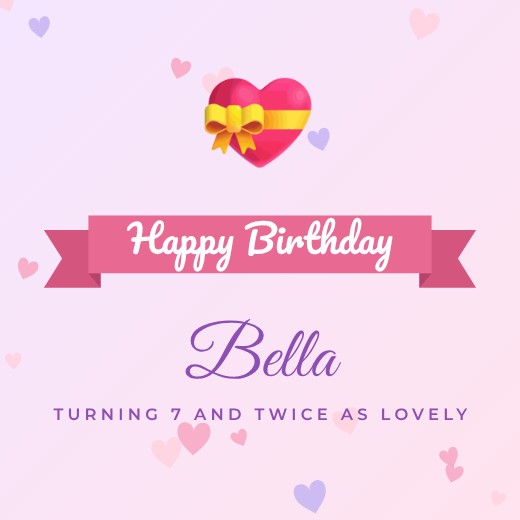
Pastel Hearts Ribbon Banner Post
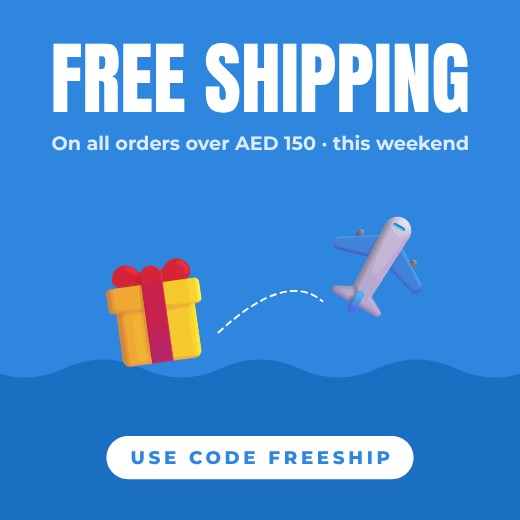
Free Shipping Banner Post

Founder Magazine Cover
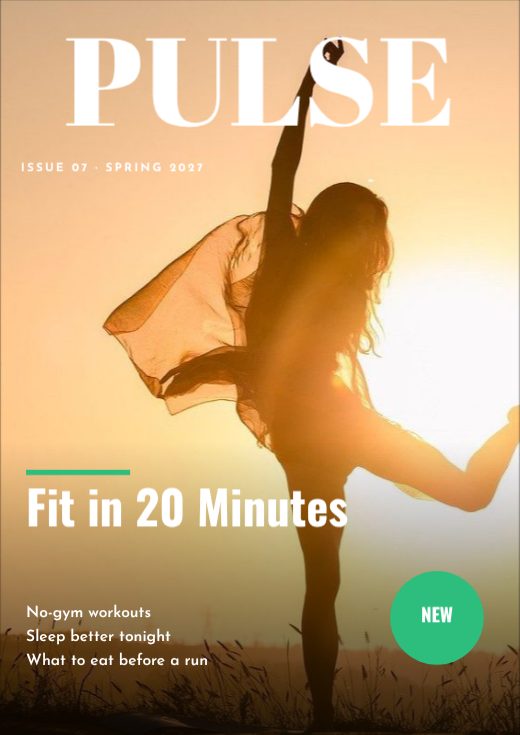
Pulse Magazine Cover
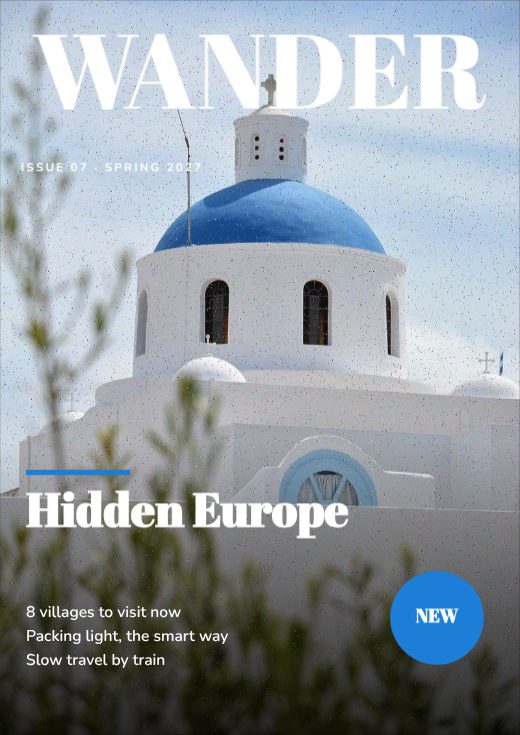
Wander Magazine Cover
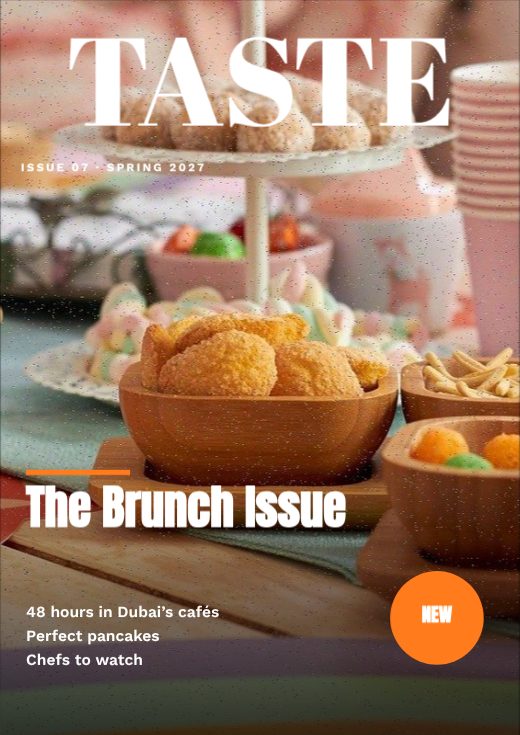
Taste Magazine Cover
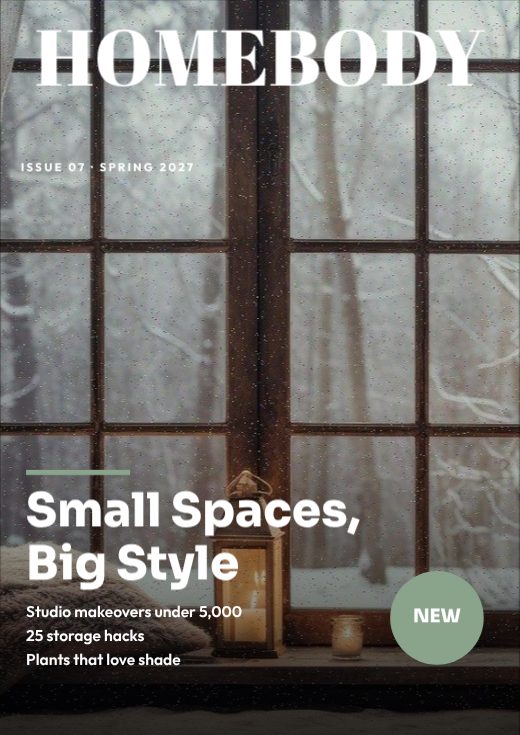
Homebody Magazine Cover
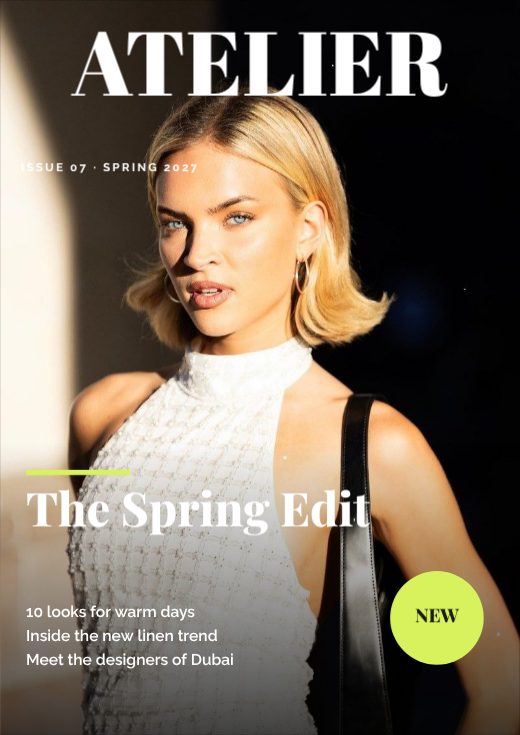
Atelier Magazine Cover
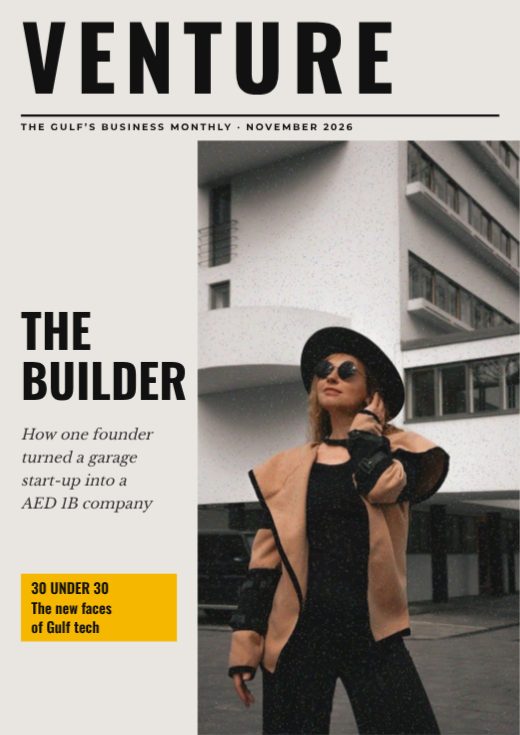
Venture Business Magazine Cover
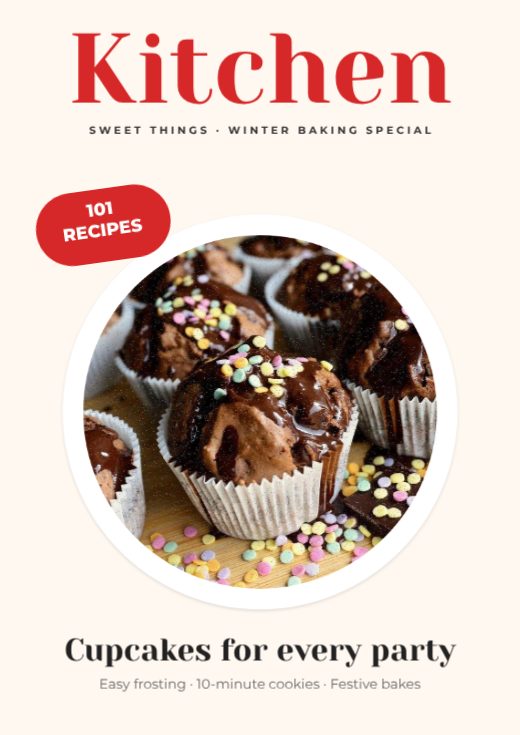
Kitchen Baking Magazine Cover
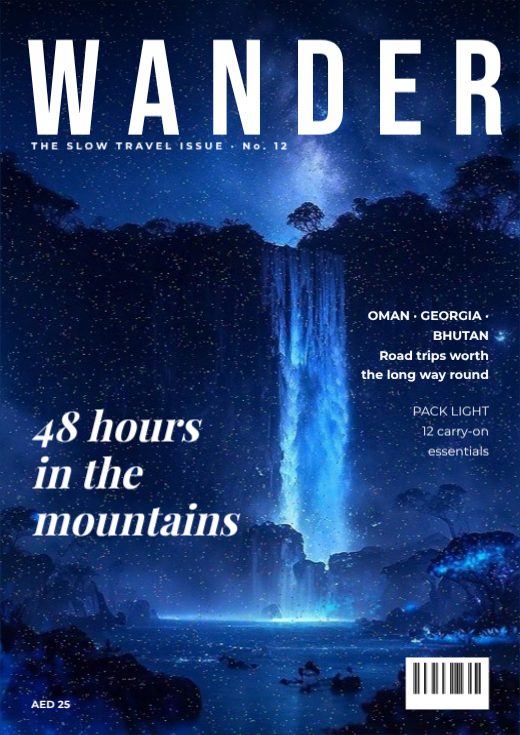
Wander Travel Magazine Cover

Real Estate Agent LinkedIn Banner

Teacher & Tutor LinkedIn Banner

Fitness Coach LinkedIn Banner

Photographer LinkedIn Banner
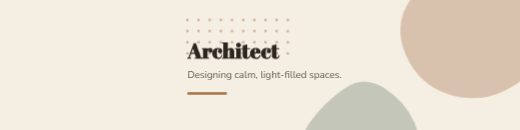
Architect LinkedIn Banner

HR Consultant LinkedIn Banner

Data Analyst LinkedIn Banner

Marketing Lead LinkedIn Banner

Software Engineer LinkedIn Banner

Brand Designer LinkedIn Banner
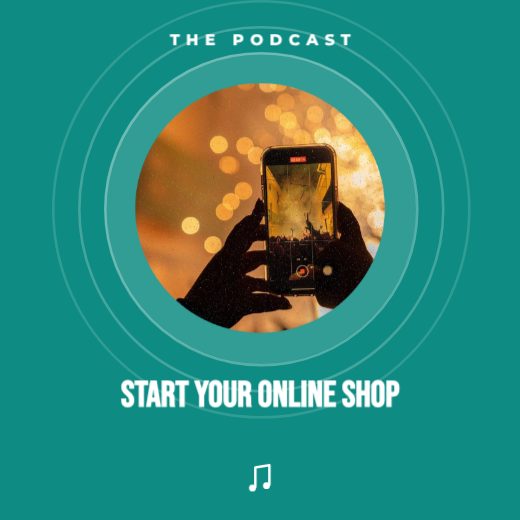
Start Your Online Shop Podcast Cover
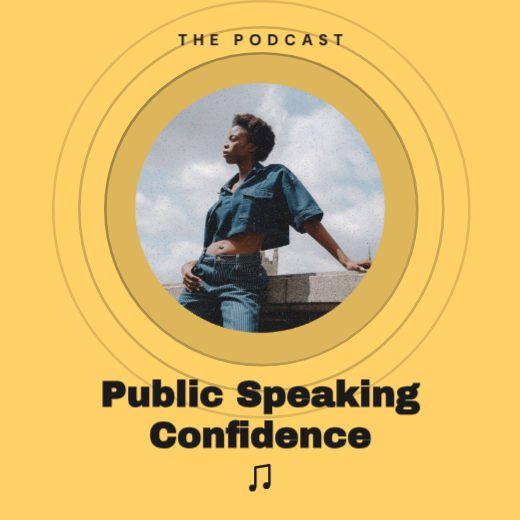
Public Speaking Confidence Podcast Cover
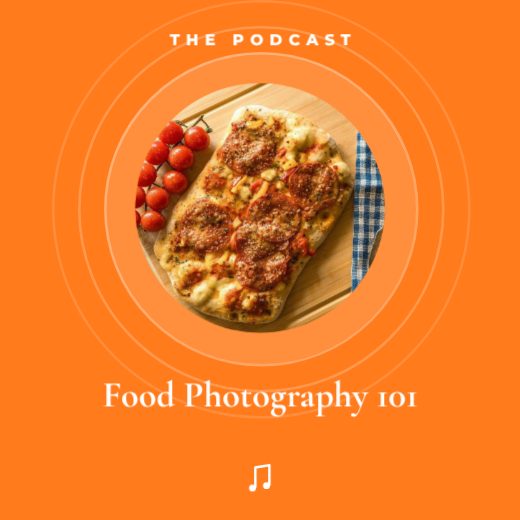
Food Photography 101 Podcast Cover

AI Tools for Small Teams Podcast Cover
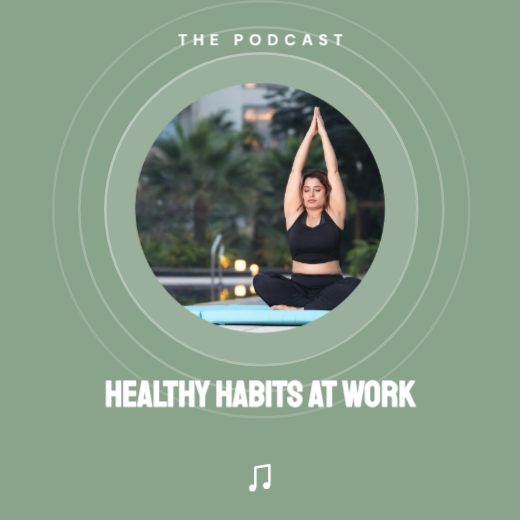
Healthy Habits at Work Podcast Cover
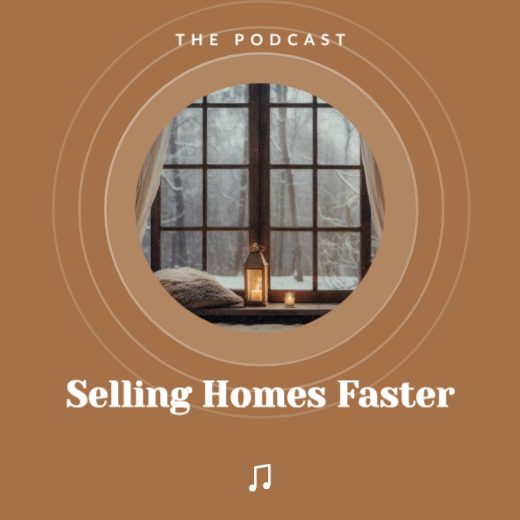
Selling Homes Faster Podcast Cover
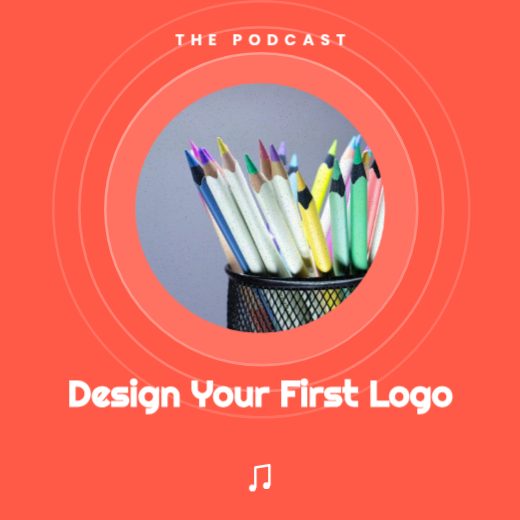
Design Your First Logo Podcast Cover
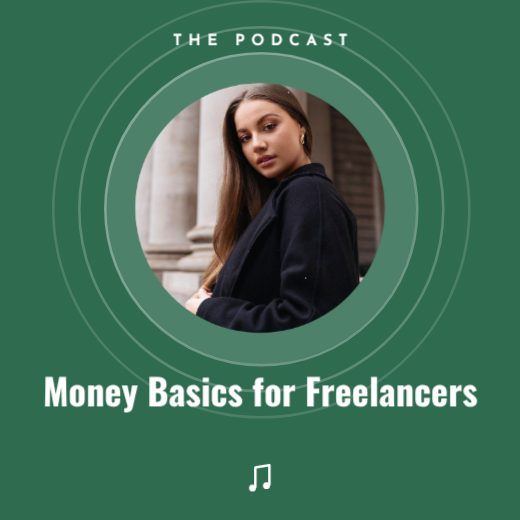
Money Basics for Freelancers Podcast Cover
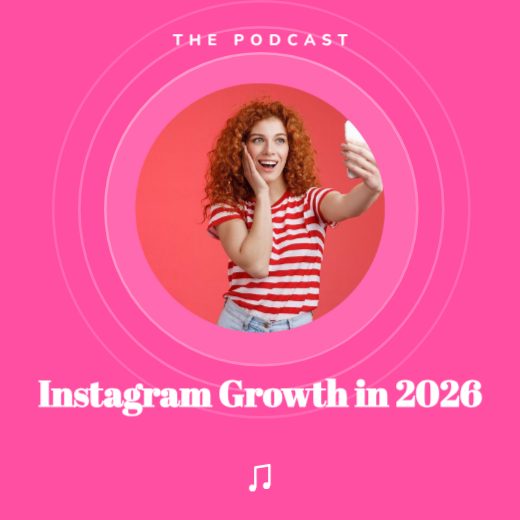
Instagram Growth in 2026 Podcast Cover
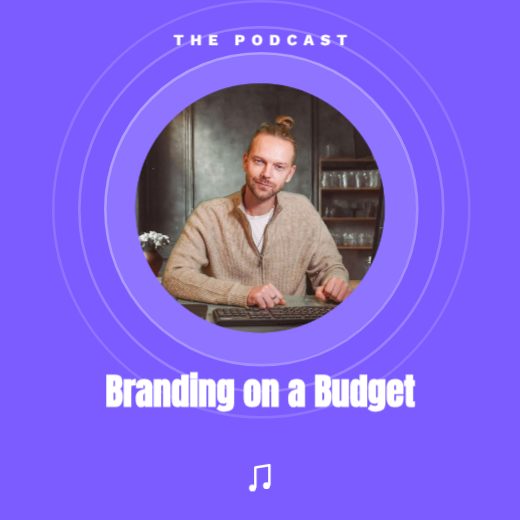
Branding on a Budget Podcast Cover
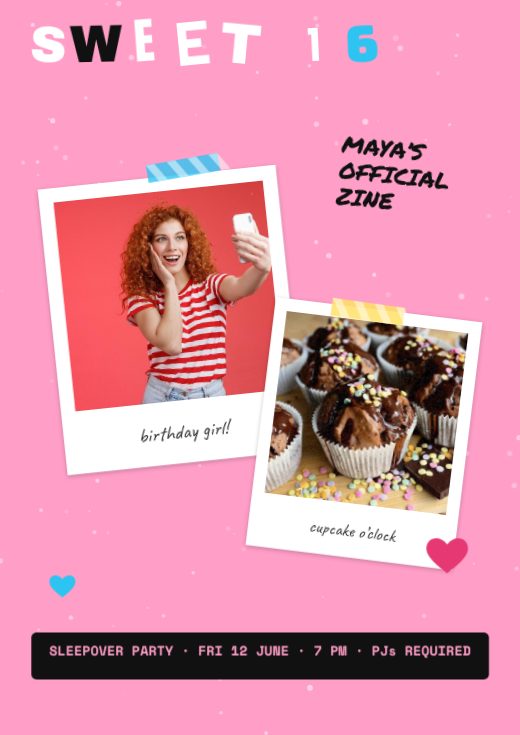
Sweet 16 Zine Birthday Cover

Golden 50 Birthday Magazine Cover
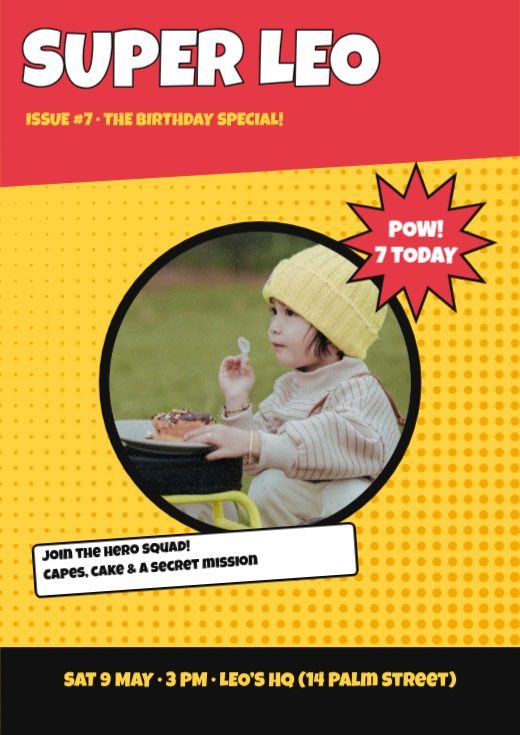
Superhero Comic Birthday Magazine
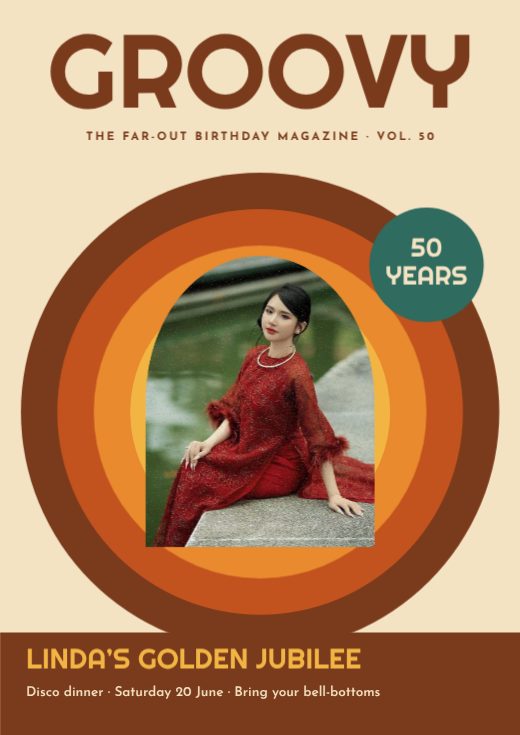
Groovy 70s Birthday Magazine Cover
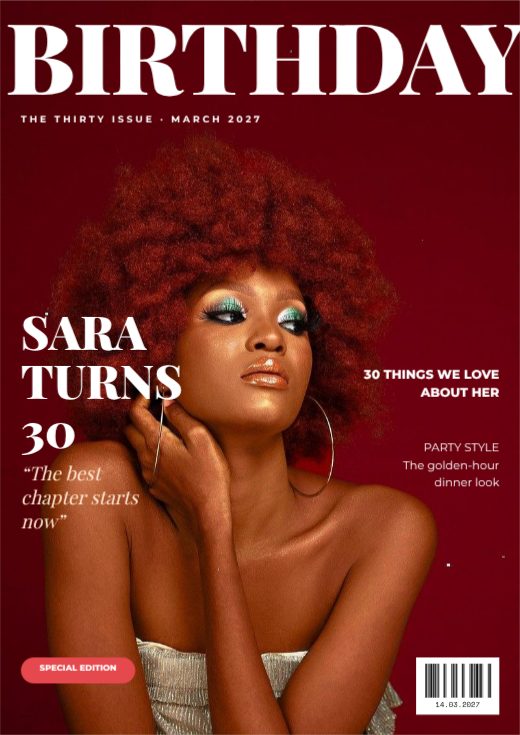
Birthday Editorial Magazine Cover
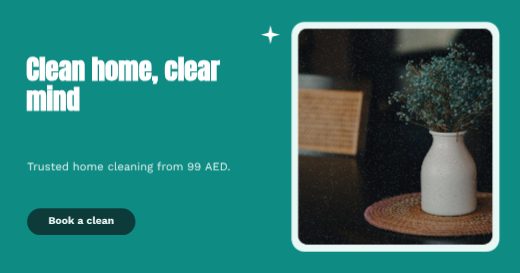
Cleaning Facebook Banner
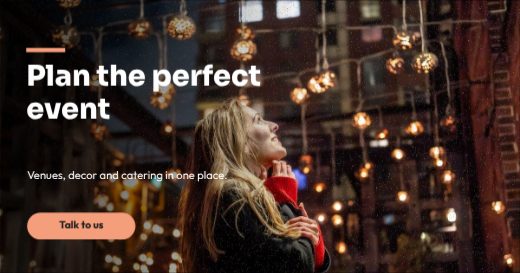
Events Facebook Banner
How to make a banner for free
- 1
Pick a template
Browse the banner designs below and open the one you like.
- 2
Make it yours
Click any text to change it, swap the photos for your own, and adjust colours and fonts.
- 3
Download or share
Download a print-ready PDF, or a PNG / JPG for WhatsApp, Instagram and email.
Popular uses
- Website headers
- Facebook and LinkedIn covers
- Email headers
- Event and roll-up banners
Tips for a great banner
- 1
Design for distance
A poster is read from across a room or street. Test it by zooming out until it is the size of a stamp on your screen — if the title is still readable, it works.
- 2
Use one strong image
One large photo or illustration beats a collage. It gives the eye a single place to land before it moves to the words.
- 3
High contrast wins
Dark text on a light background, or light text on a dark one. Avoid putting text straight onto busy parts of a photo; add a soft shape behind it instead.
- 4
Limit your fonts
Two fonts are plenty — one with character for the title and one simple font for details.
- 5
Print at 300 DPI
Our print templates are built at full resolution, so A3 and A4 posters stay sharp. Choose PDF (print) when you download.
What to put on your banner
- A short, bold title readable from five metres away
- Date, time and venue in one line
- Ticket price or “free entry”
- Website, QR code or booking number
Before you download
- Read every word aloud once — names, dates, phone numbers and prices are where typos hide.
- Keep text at least 3 mm inside the edge so nothing is cut off when it is trimmed.
- Download “PDF (print)” with bleed and crop marks for a print shop, or PNG for screens.
- Check photos look sharp at 100% zoom; blurry images look worse on paper.
Common banner sizes
| Format | Size | Best for |
|---|---|---|
| A3 | 297 × 420 mm | Shop windows and events |
| A4 | 210 × 297 mm | Notice boards, offices |
| A2 | 420 × 594 mm | Large wall posters |
| Story | 1080 × 1920 px | Instagram and WhatsApp status |
Frequently asked questions
Is it really free?+
Yes. Every template, the editor and every download format are free, with no watermark. A free account lets you save designs and come back to them.
Can I make a custom size?+
Yes — set any width and height, or resize a template to the size you need.
Can I print it?+
Yes. Download “PDF (print)” with 3 mm bleed and crop marks — CMYK is available too, which is what print shops ask for. Or download PNG / JPG for WhatsApp and social media.