Free business flyer templates
Looking for a business flyer that looks professionally designed? Start from one of our 60+ free business flyer templates. Each one is laid out by a designer, so the spacing, fonts and colours already work together — you only change what matters to you.
Everything happens in your browser on a computer, tablet or phone. Click any text to edit it, upload your own photos and logo, and try different colours in one click. Nothing to install and no design experience needed.
When it’s ready, download a print-ready PDF with bleed for a print shop, or a PNG / JPG to share on WhatsApp, Instagram, Facebook and LinkedIn. Every template and every download is free, with no watermark.
Free business flyer templates
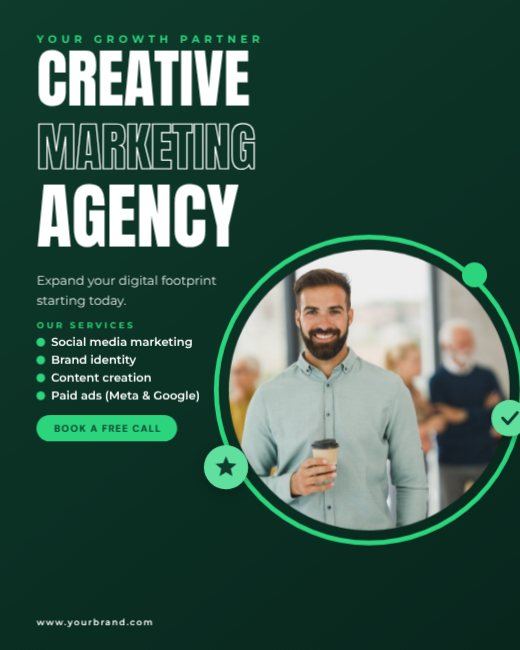
Green Creative Marketing Agency Post
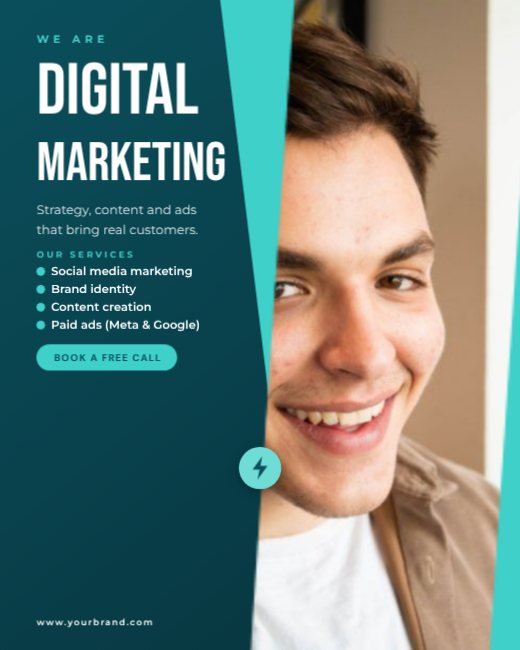
Teal Digital Agency Post
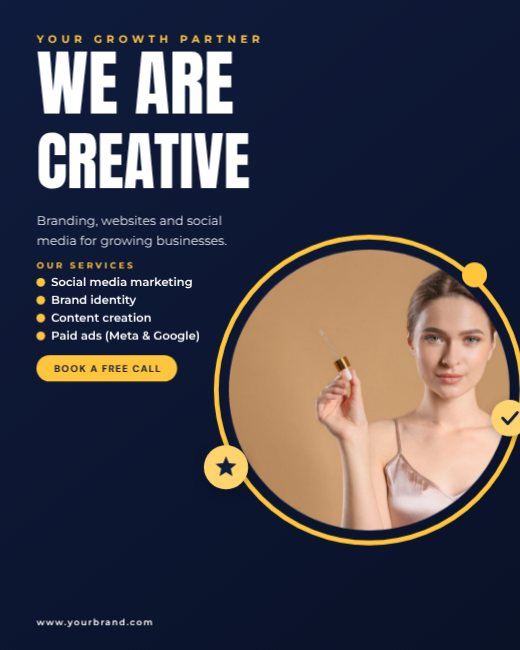
Navy We Are Creative Post

Red Marketing Expert Post
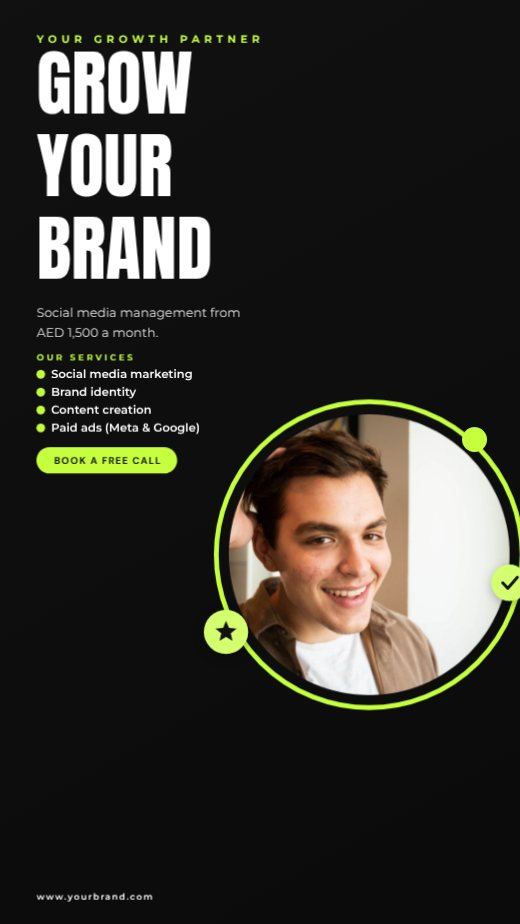
Black Neon Agency Story

Purple Social Media Agency Post
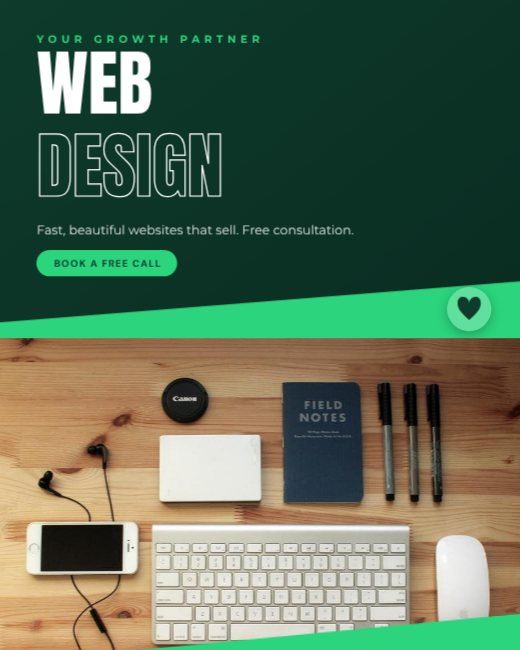
Green Web Design Agency Post
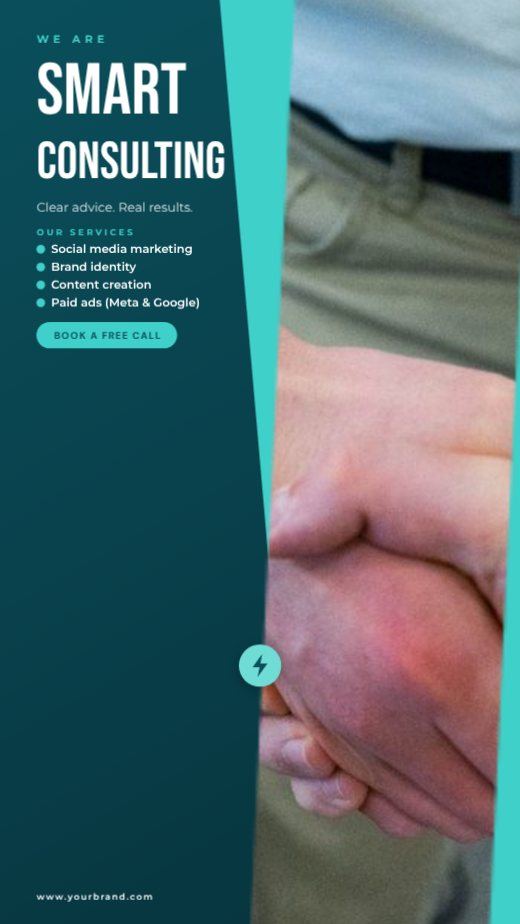
Teal Consulting Agency Story

Navy Business Growth Story
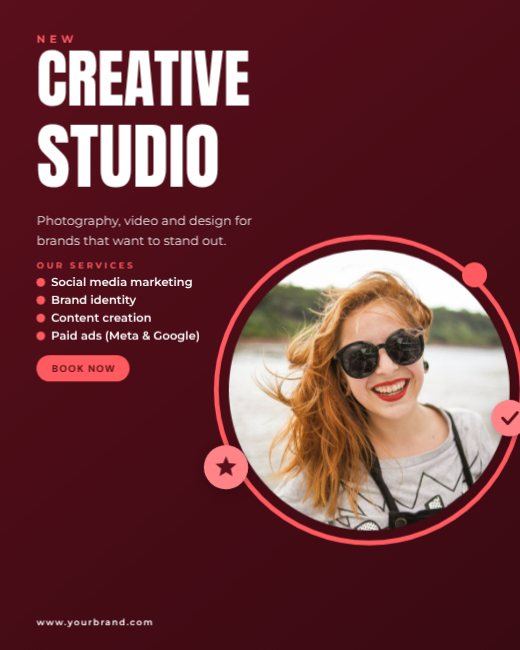
Red Creative Studio Post
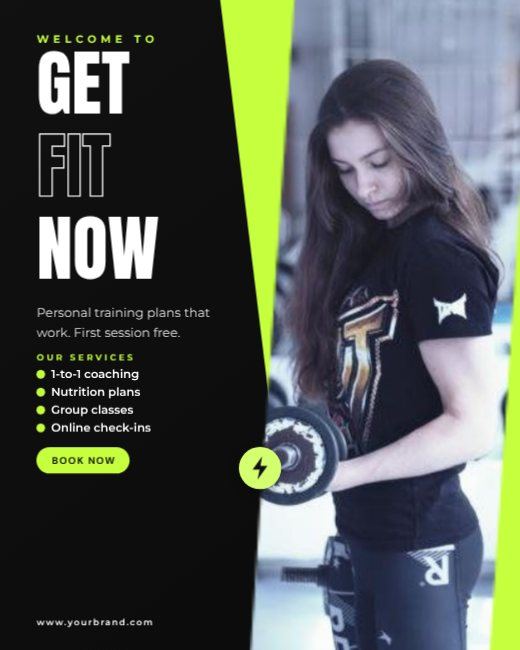
Black Fitness Coach Post
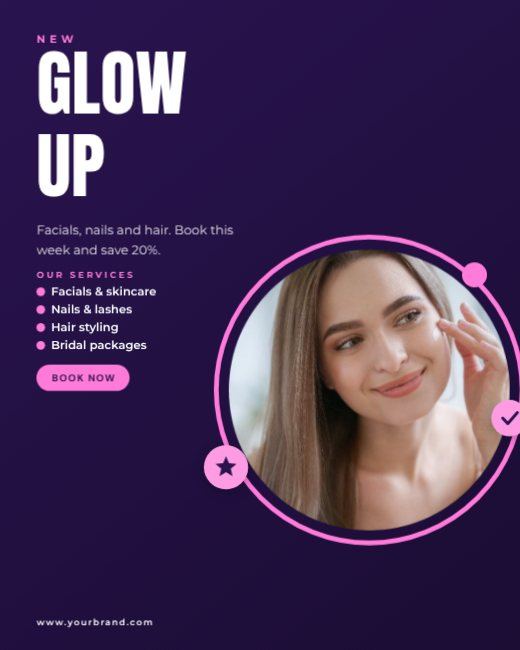
Purple Beauty Salon Post

Business Networking Night

Business Seminar Flyer

Real Estate Agent Business Post
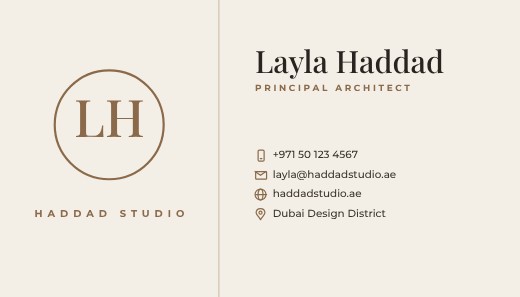
Minimal Monogram Business Card
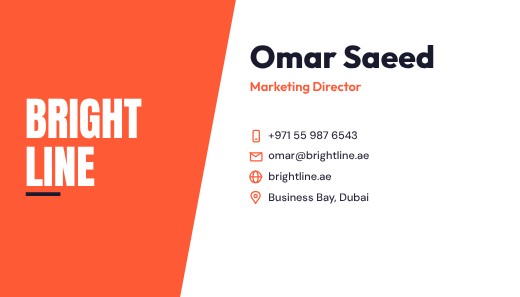
Bold Split Colour Business Card

Gold Luxury Real Estate Card
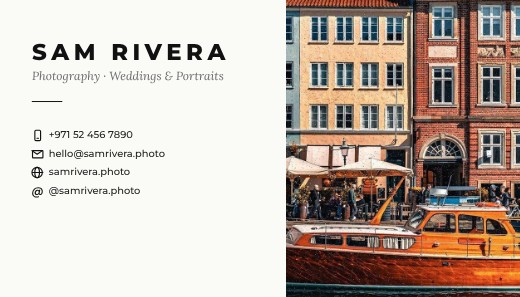
Photographer Split Business Card
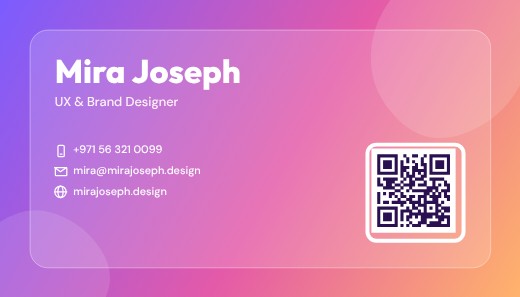
Creative Gradient Business Card

Law Firm Classic Business Card

Networking Evening Invitation
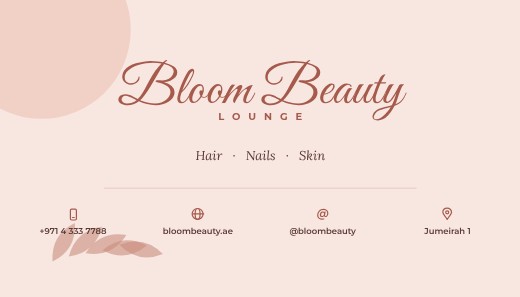
Beauty Salon Business Card

Tech Startup Business Card
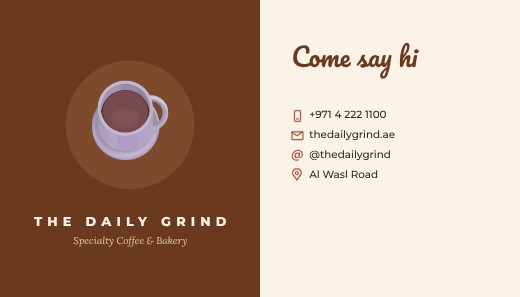
Coffee Shop Business Card
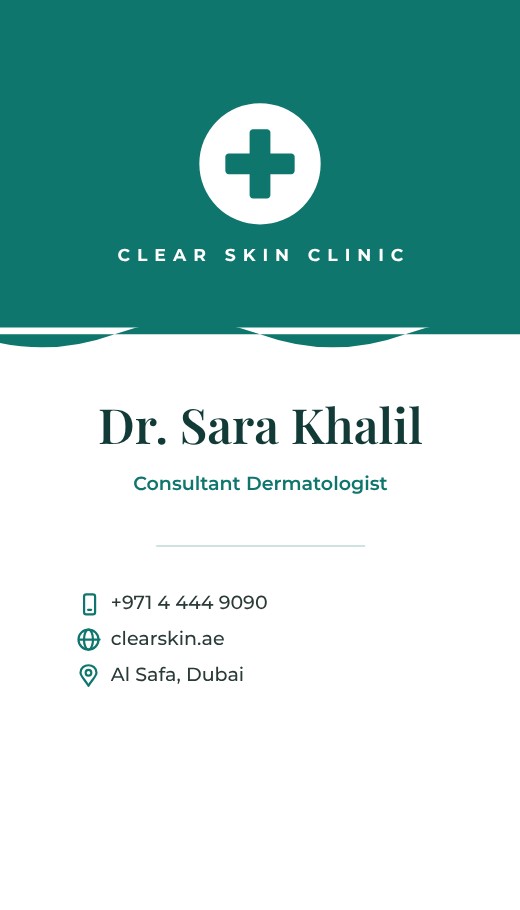
Vertical Clinic Business Card
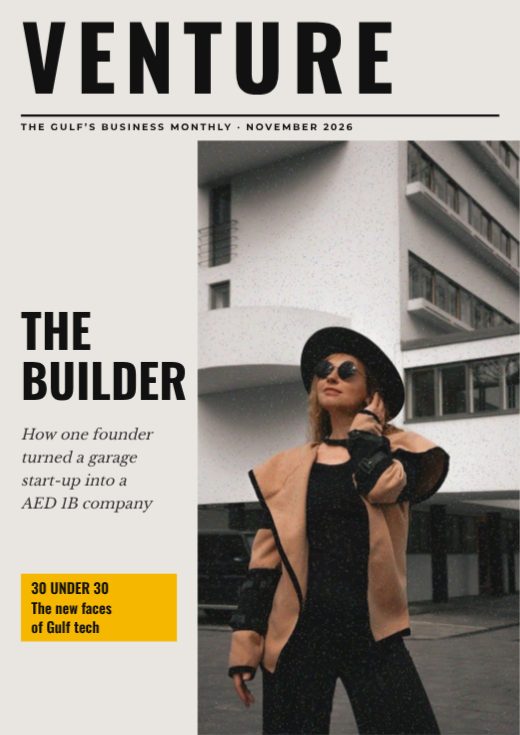
Venture Business Magazine Cover
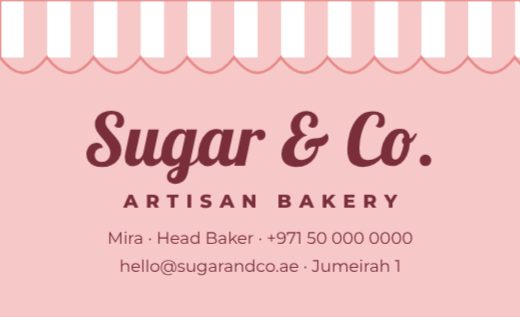
Bakery Awning Business Card
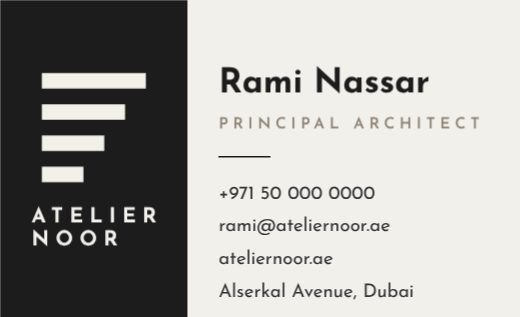
Architect Business Card
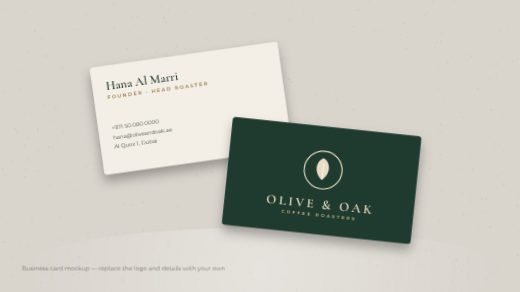
Olive & Oak Business Card Mockup
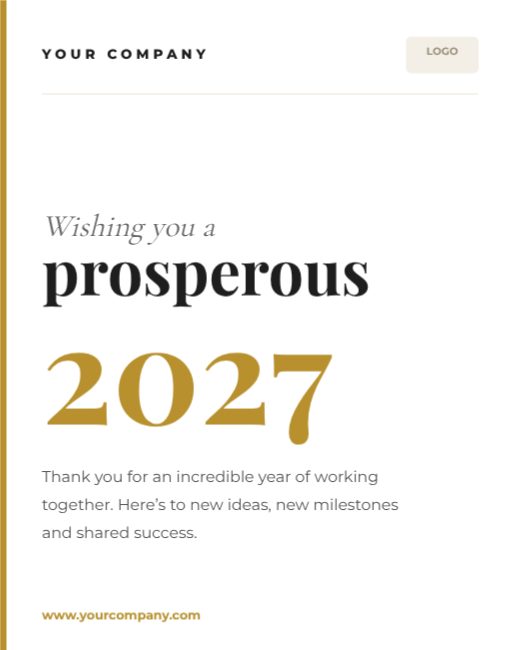
Prosperous 2027 Corporate Greeting
Dental Clinic Split Card

Accountant Navy Split Card

Interior Studio Split Card
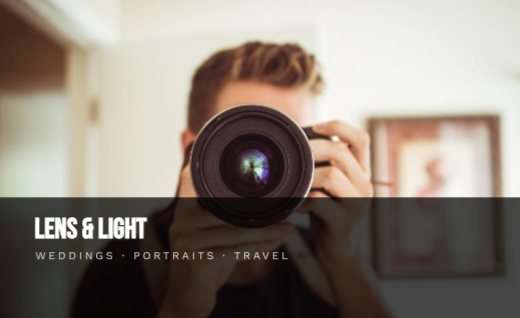
Photographer Photo Card

Real Estate Agent Photo Card

Restaurant Photo Card

Black Marble Jeweller Card

Emerald Law Firm Card
Burgundy Wedding Planner Card
How to make a business flyer for free
- 1
Pick a template
Browse the business flyer designs below and open the one you like.
- 2
Make it yours
Click any text to change it, swap the photos for your own, and adjust colours and fonts.
- 3
Download or share
Download a print-ready PDF, or a PNG / JPG for WhatsApp, Instagram and email.
Tips for a great business flyer
- 1
One message, not five
People decide in about three seconds whether a flyer is for them. Lead with the single most important thing — the discount, the event, the opening — and let everything else support it.
- 2
Big, then medium, then small
Use three text sizes at most: a large headline, a medium sub-line and small details. When everything is the same size, nothing stands out.
- 3
Leave breathing room
Empty space is not wasted space. Margins and gaps between blocks make a flyer look professional and easier to read from a distance.
- 4
Add a QR code
A QR code that opens your menu, map or booking page turns a piece of paper into a visit. Keep it at least 2 cm wide so phones can scan it.
- 5
Match the photo to the audience
A real photo of your shop, food or team usually works better than a generic stock image, because people recognise you when they arrive.
What to put on your business flyer
- A headline that says the offer or event in under eight words
- The date, time and place — or the opening hours
- One clear next step: call, scan, visit or book
- Your logo and contact details at the bottom
Before you download
- Read every word aloud once — names, dates, phone numbers and prices are where typos hide.
- Keep text at least 3 mm inside the edge so nothing is cut off when it is trimmed.
- Download “PDF (print)” with bleed and crop marks for a print shop, or PNG for screens.
- Check photos look sharp at 100% zoom; blurry images look worse on paper.
Common business flyer sizes
| Format | Size | Best for |
|---|---|---|
| A5 | 148 × 210 mm | Hand-outs, counters, door drops |
| A4 | 210 × 297 mm | Notice boards and windows |
| US Letter | 8.5 × 11 in | North America |
| Instagram post | 1080 × 1350 px | Sharing the flyer online |
Popular business flyer styles
Frequently asked questions
Is the business flyer template really free?+
Yes. Every template, the editor and all download formats are free, with no watermark. A free account lets you save your designs and come back later.
Can I print my business flyer?+
Yes. Download “PDF (print)” — it includes 3 mm bleed and crop marks and can be exported in CMYK, which is what print shops ask for.
Can I add my own photos and logo?+
Yes. Upload them from your computer or phone and drop them into any photo frame, or place them anywhere on the design.
Can I change the size?+
Yes. Use Resize to switch between A4, A5, US Letter, Instagram post, story and custom sizes in one click.